
무료 온라인 AI 사진 편집기
텍스트 프롬프트로 온라인에서 AI 사진 편집. 얼굴을 유지하면서 피부 보정, 의상 교체, 배경 변경을 몇 초 만에 완성하세요.
AI Photo Editing Examples & One-Click Prompts
전후 비교 카드를 클릭하면 해당 AI 화보 또는 AI 사진 편집 프롬프트가 상단 작업 공간에 바로 입력됩니다.
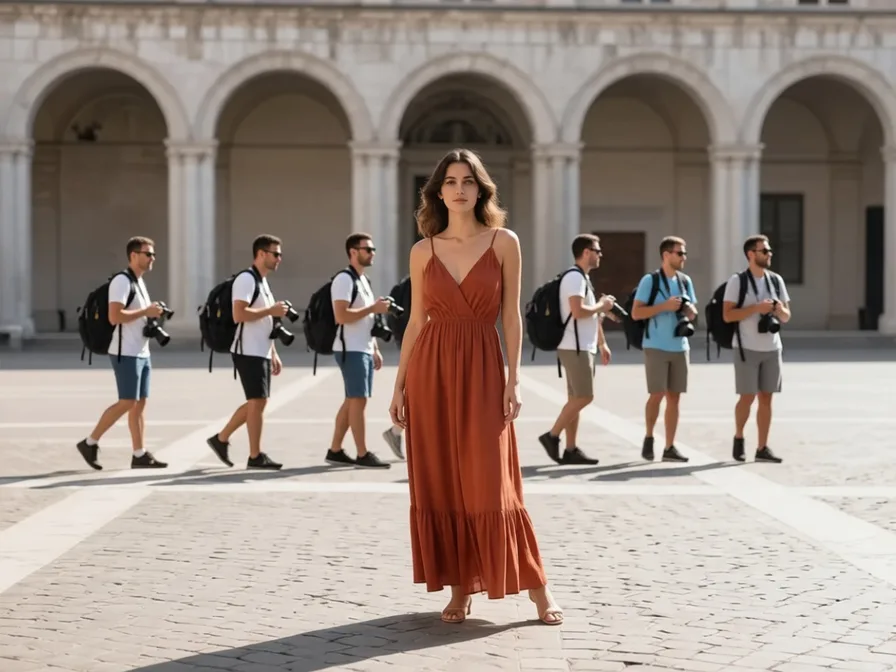
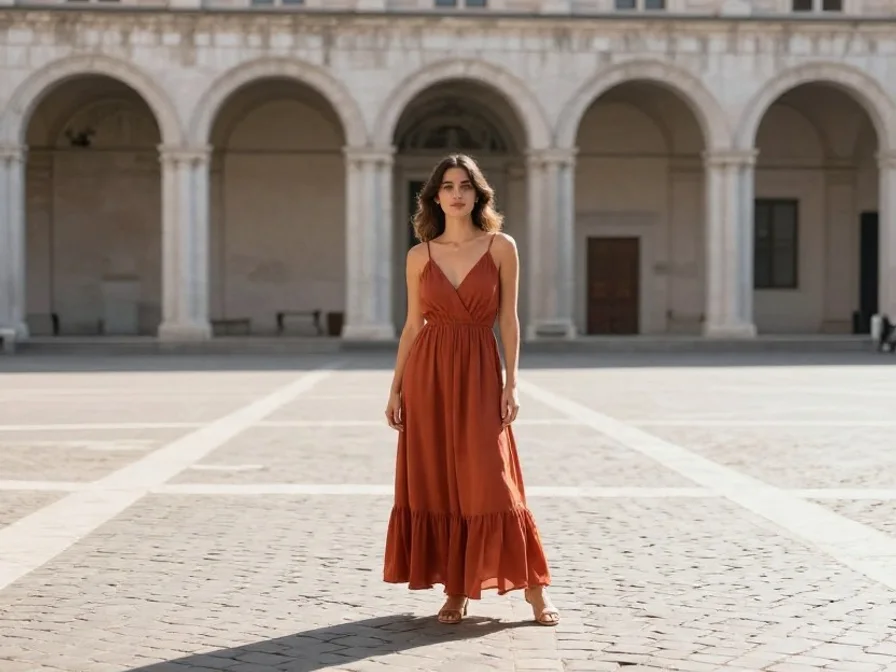
Remove Tourists & Photobombers
Clean Scene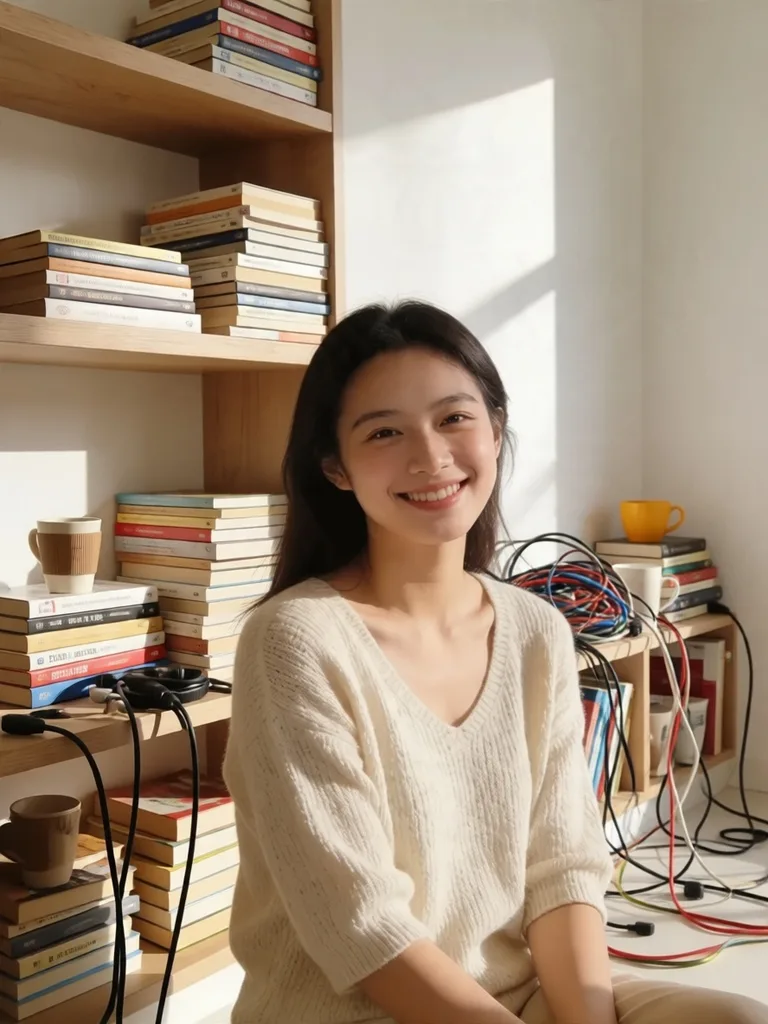
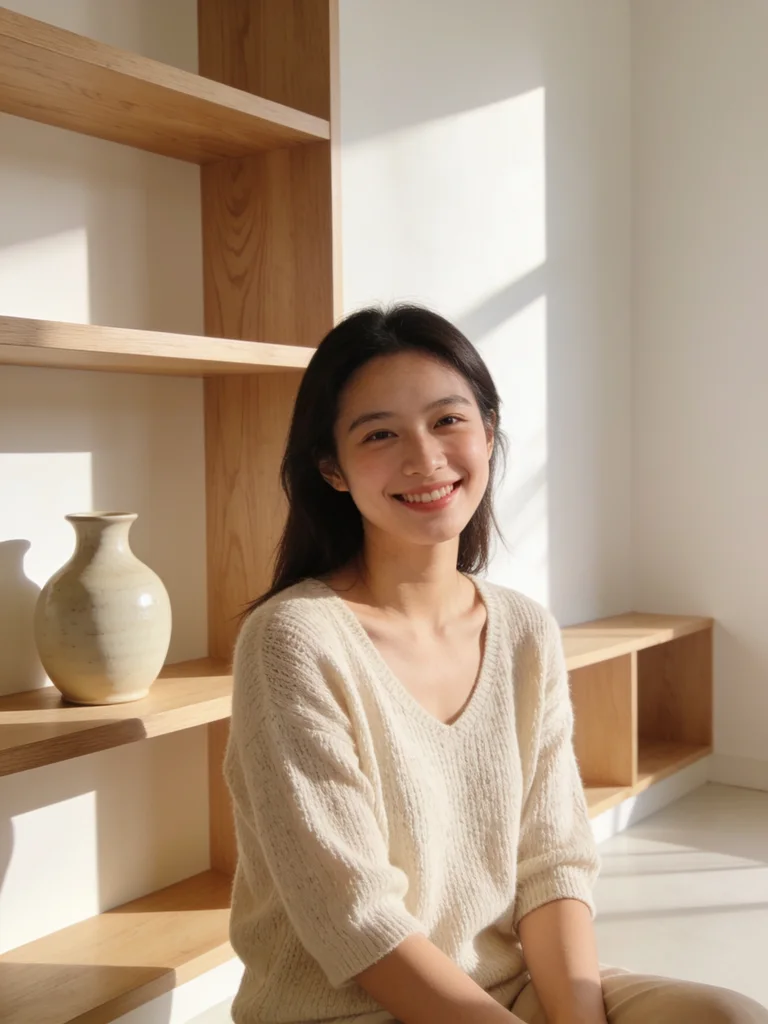
Clean Room Clutter Behind Subject
Declutter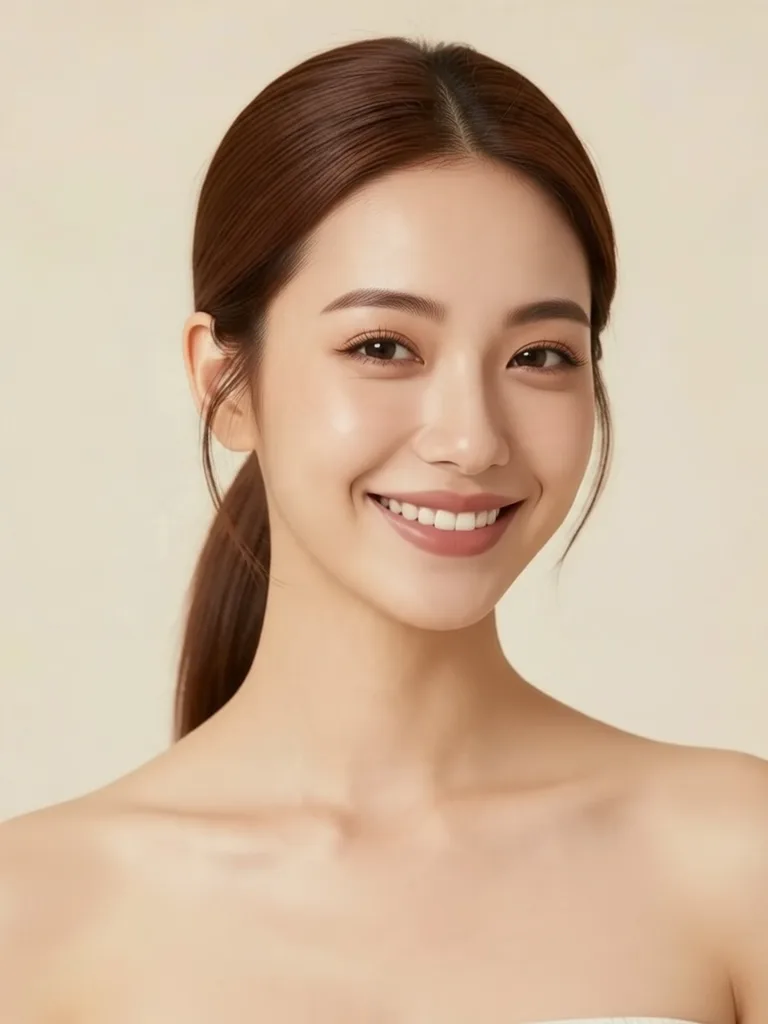
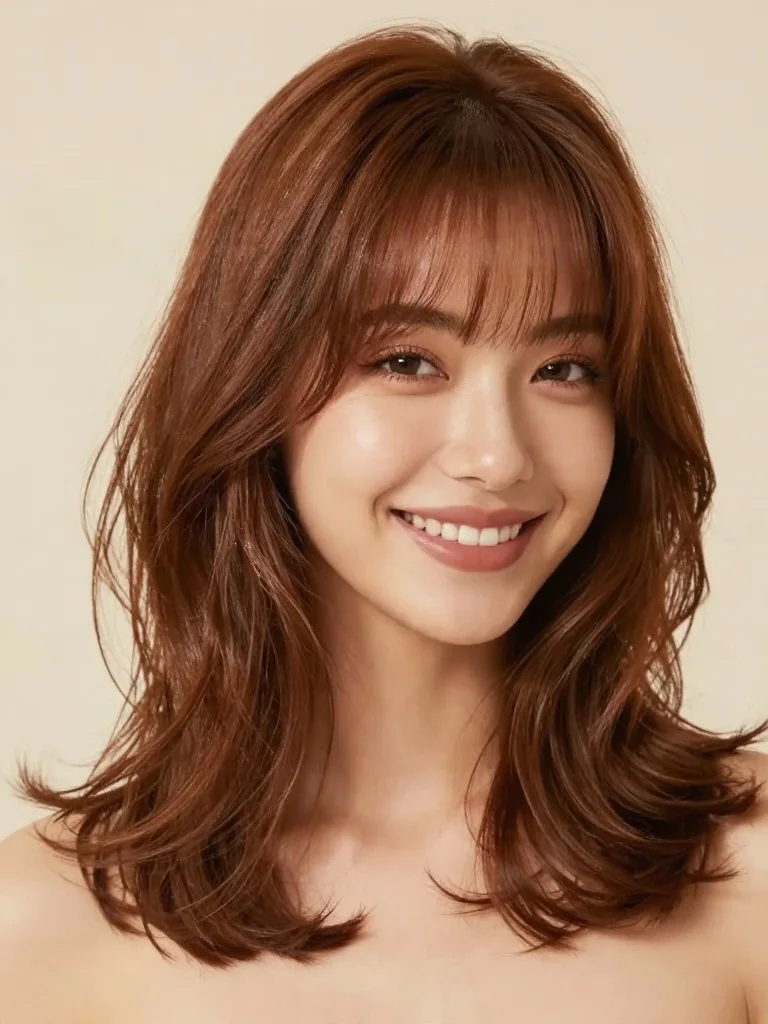
Virtual Salon Hairstyle Try-On
Hairstyle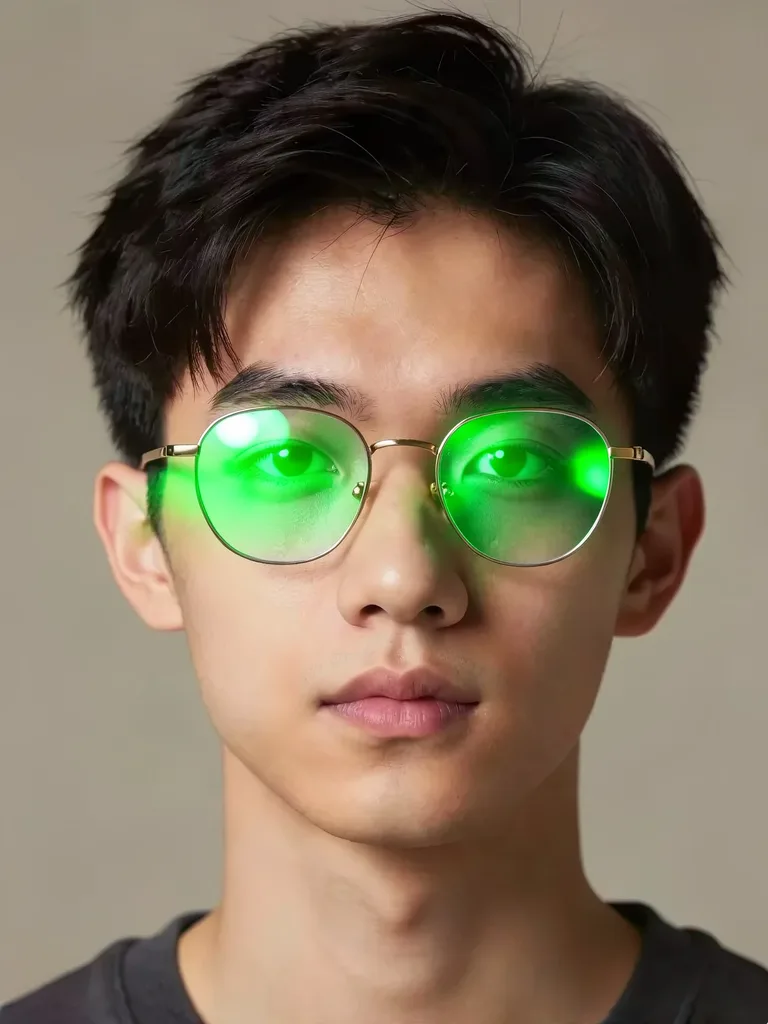
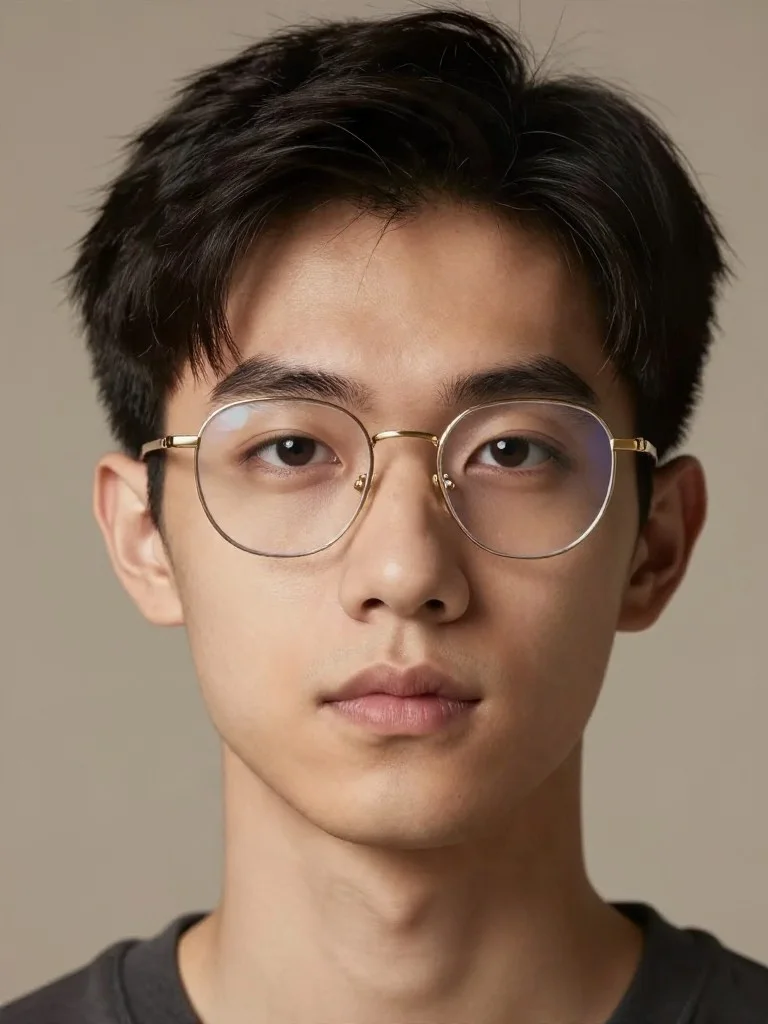
Remove Eyeglass Glare or Frames
Anti-Glare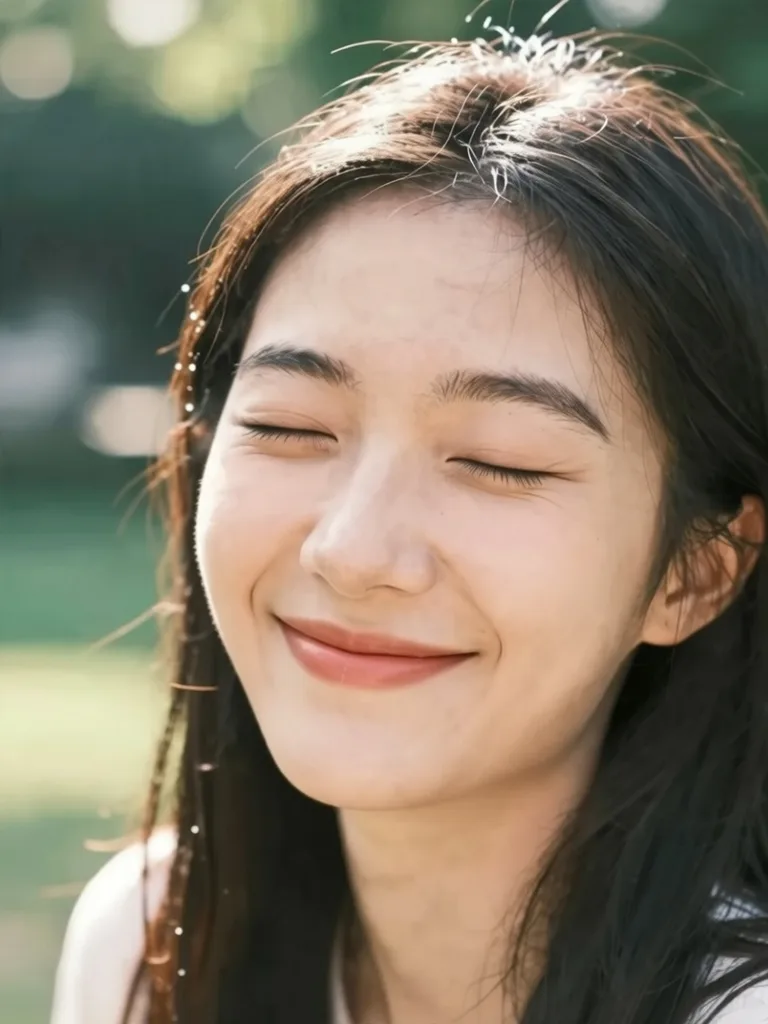
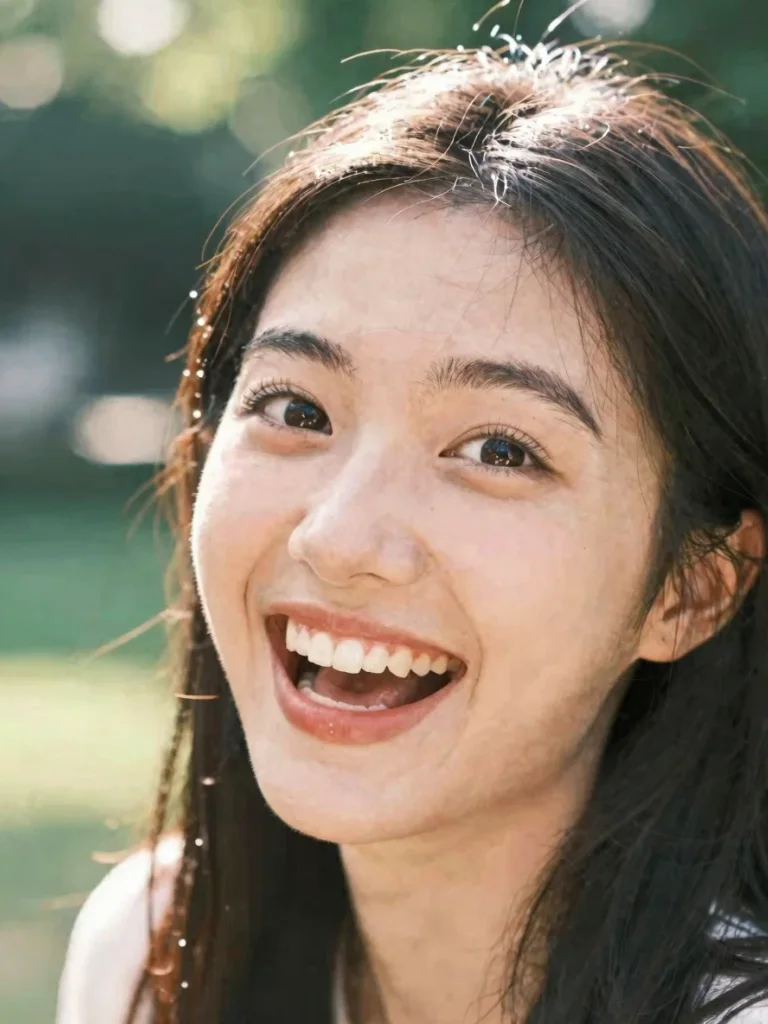
Fix Closed Eyes in Portrait
Open Eyes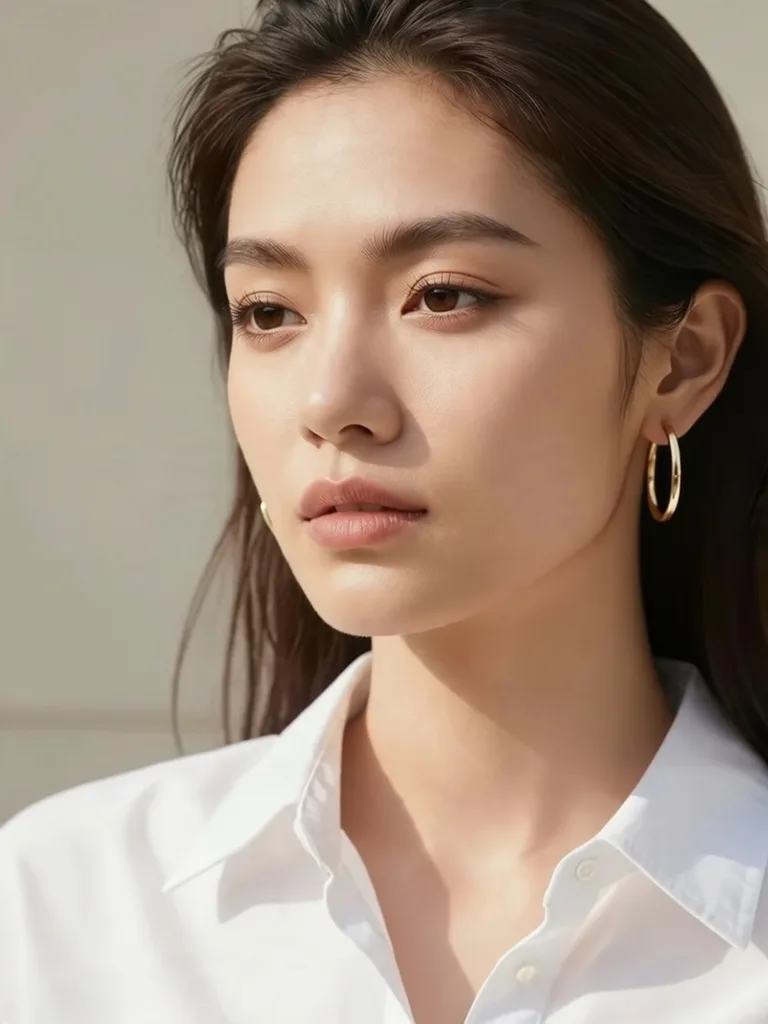
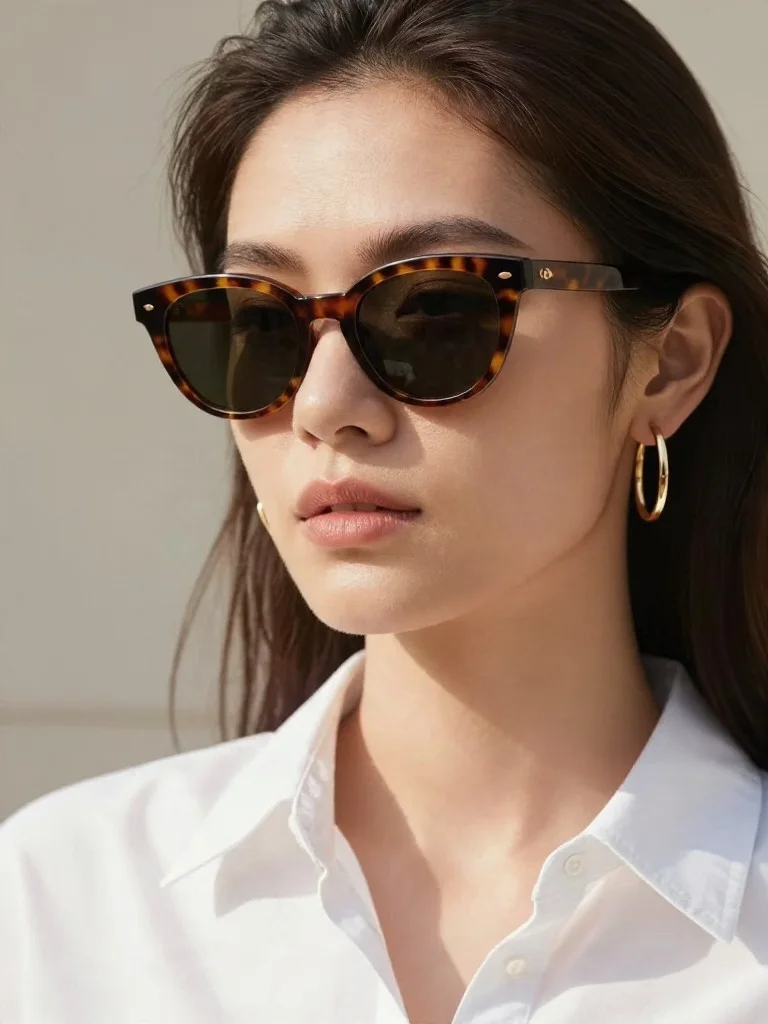
Virtual Eyewear & Jewelry Try-On
Accessories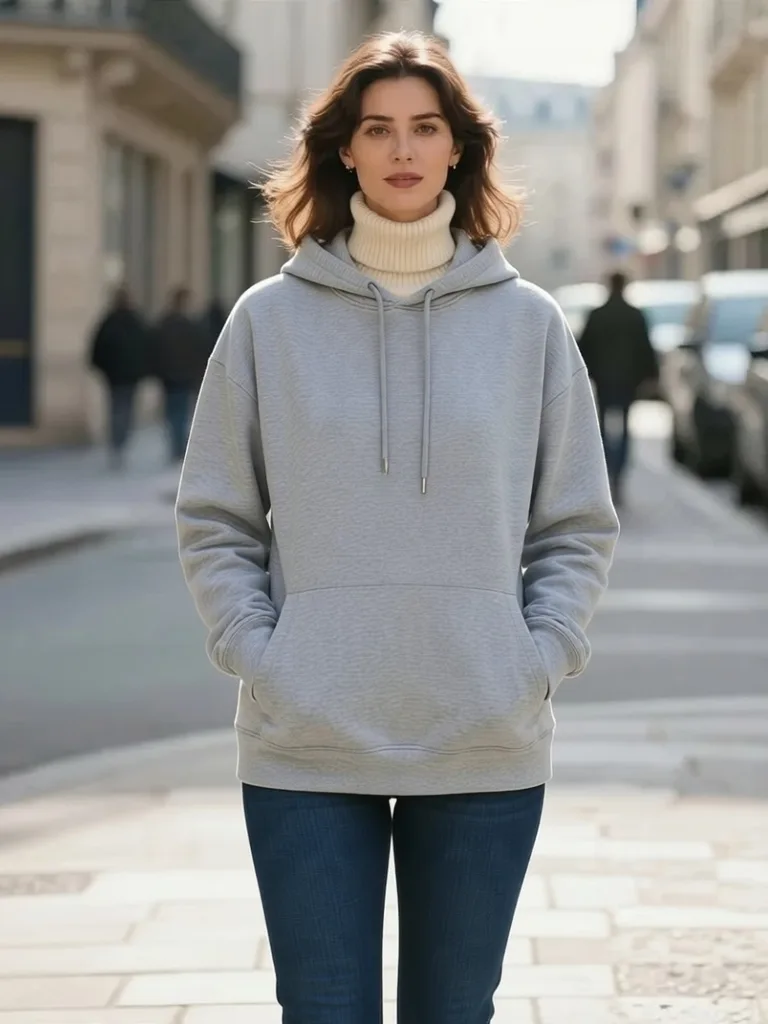
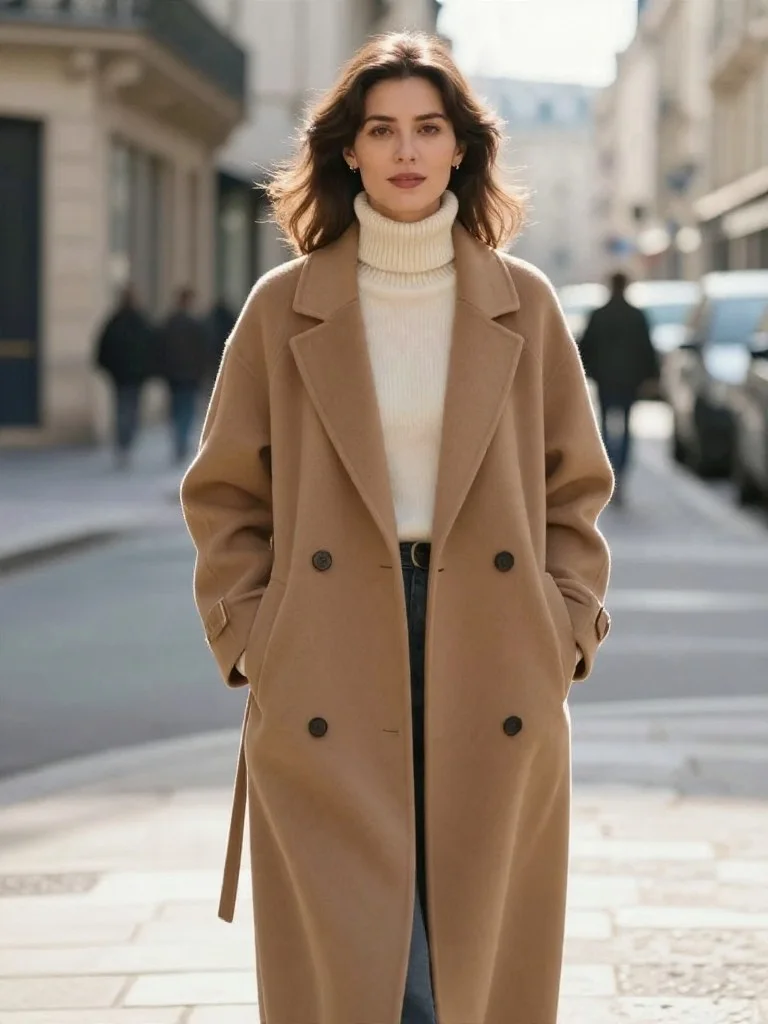
AI Virtual Outfit Swap
Outfit Swap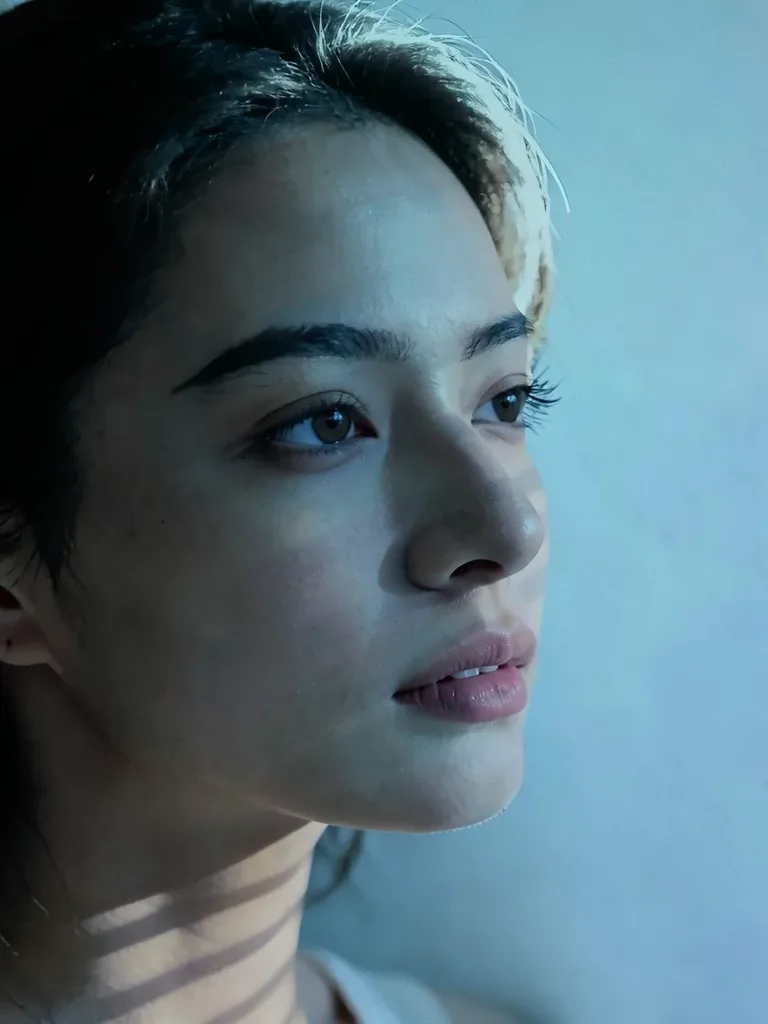
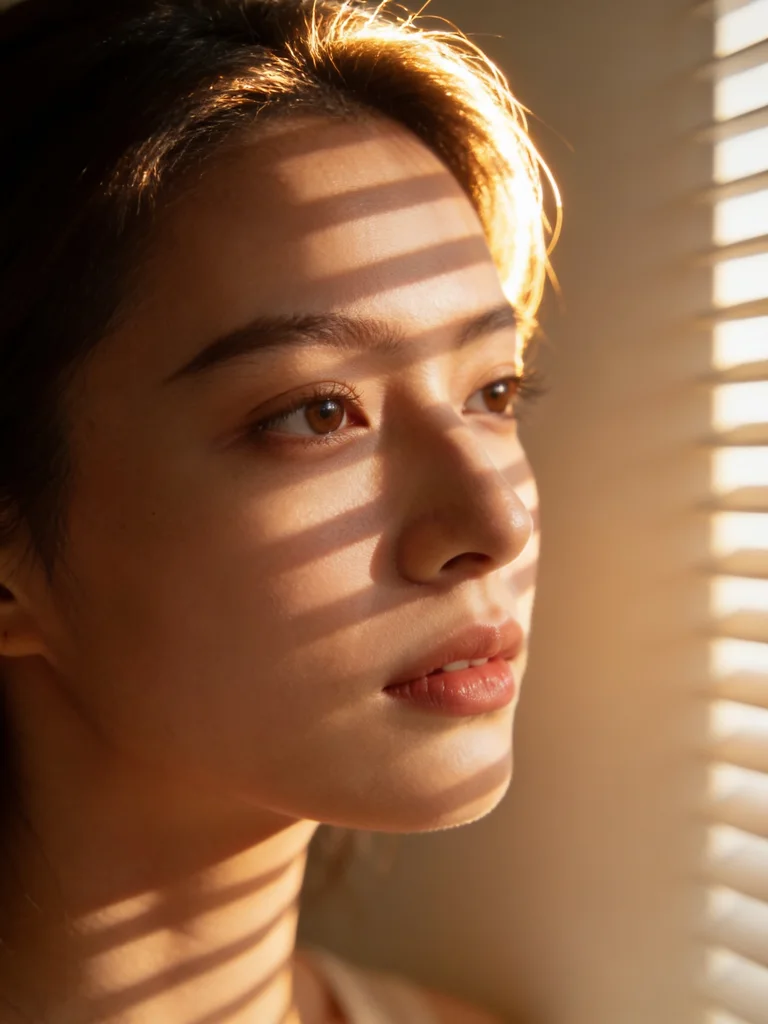
Studio & Golden-Hour Relighting
Relight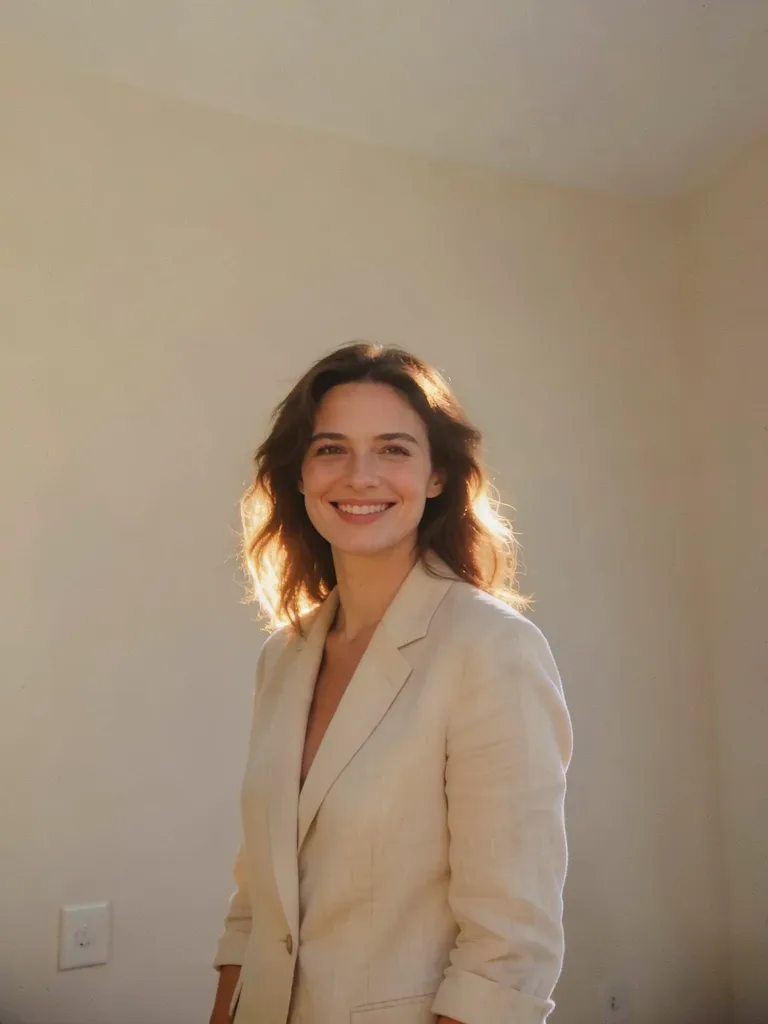
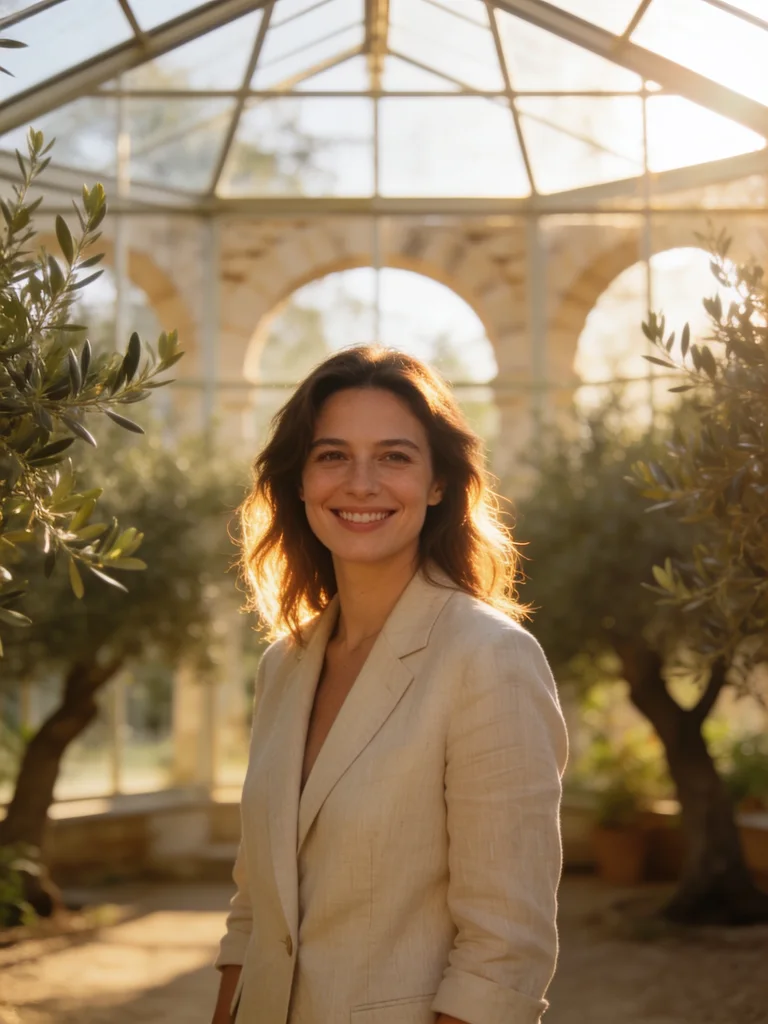
Seamless Scene & Background Swap
Background Swap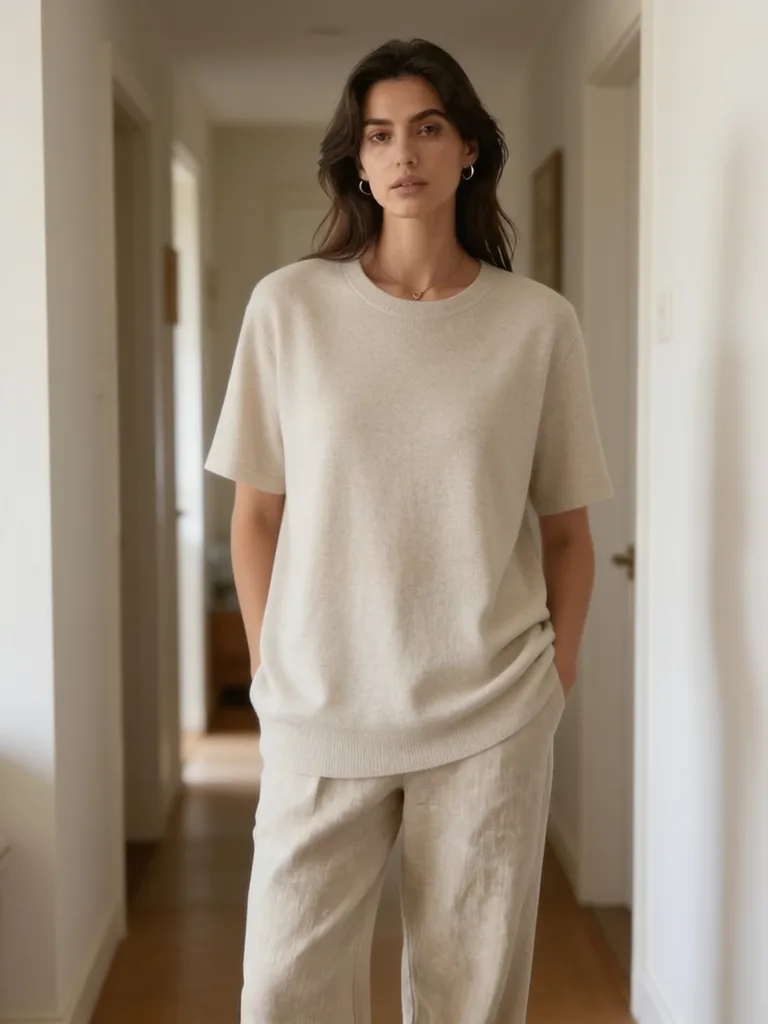
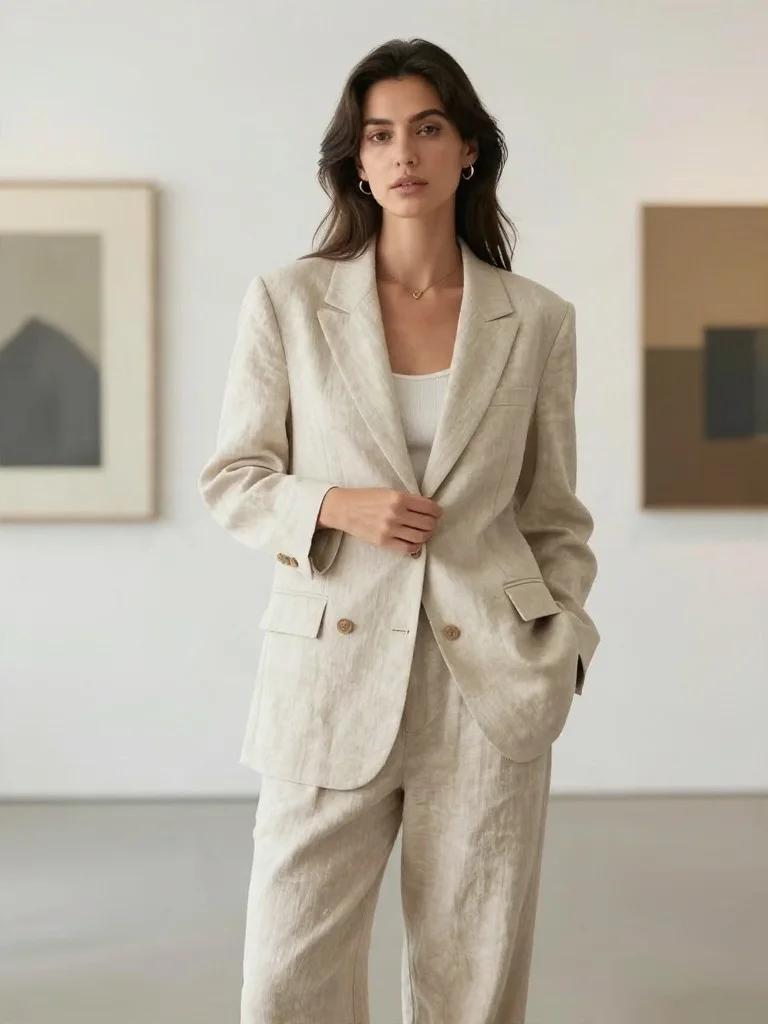
Relaxed Editorial Pose Adjustment
Pose Edit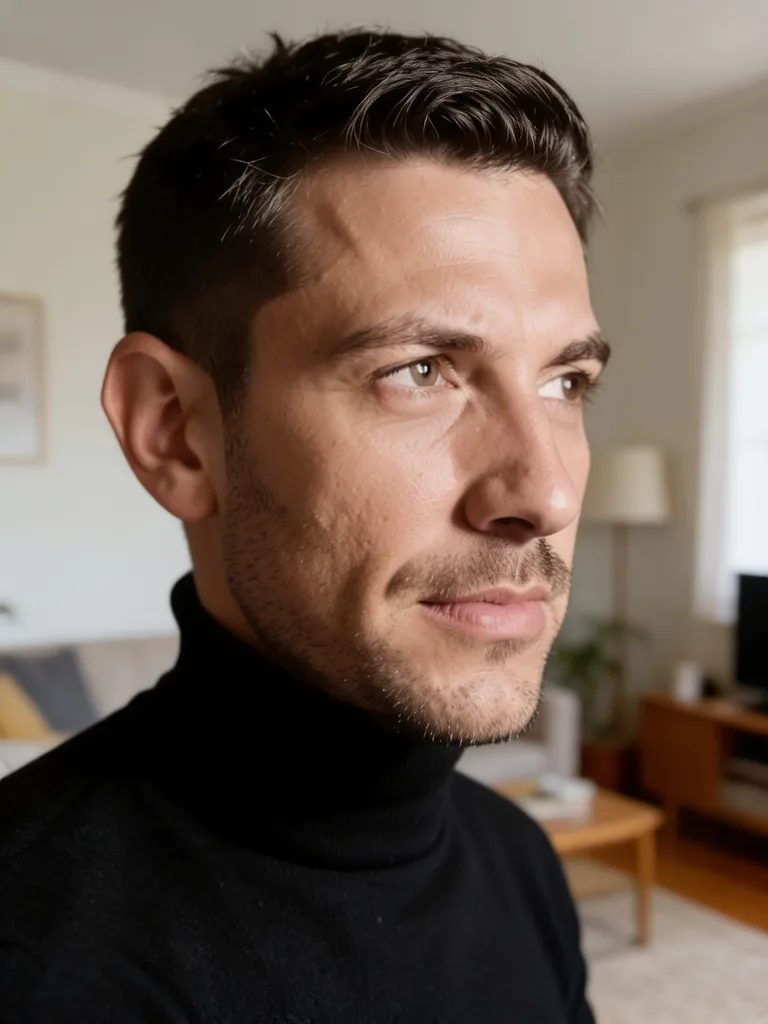
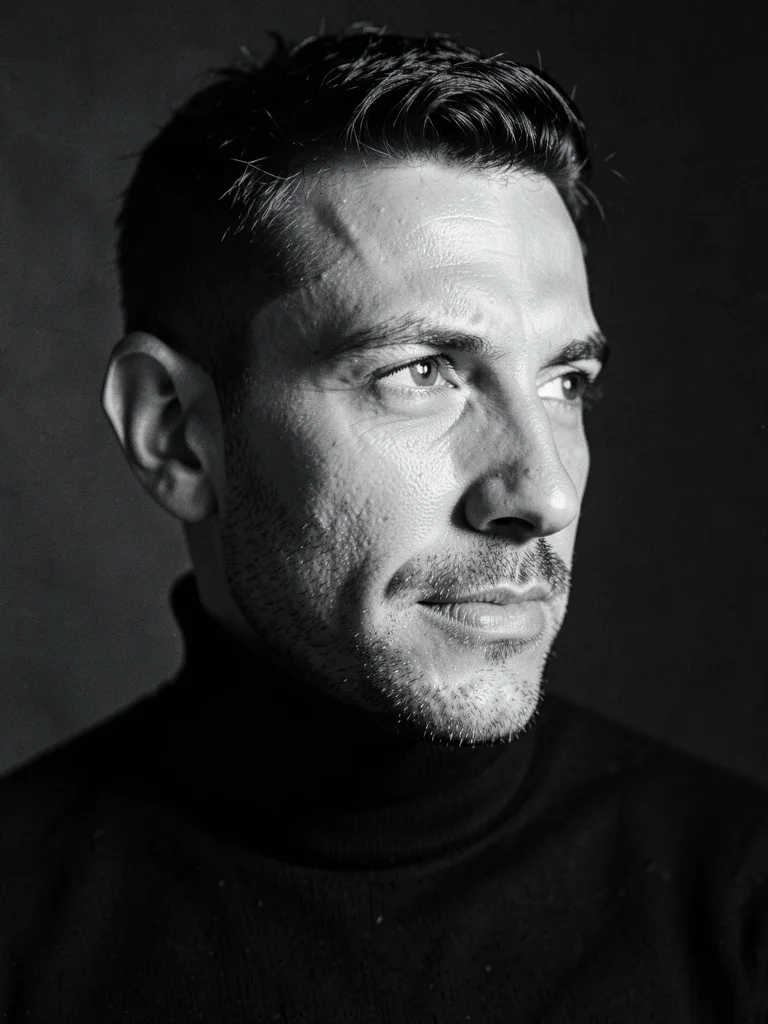
Leica Silver-Gelatin Monochrome
B&W Fine Art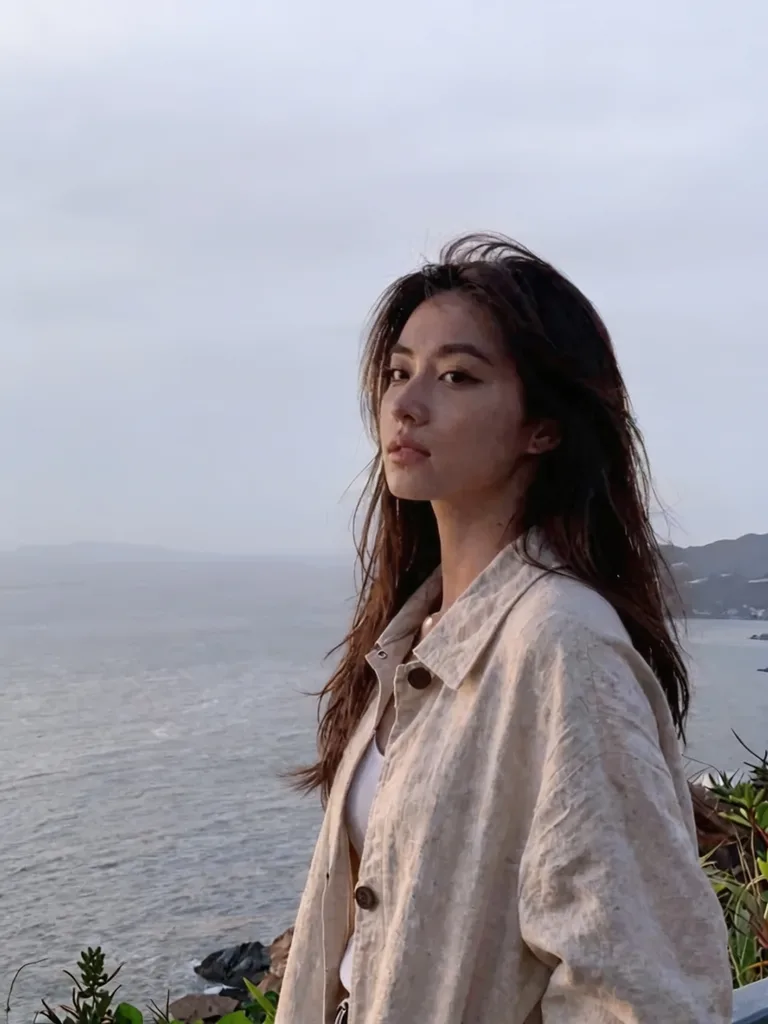
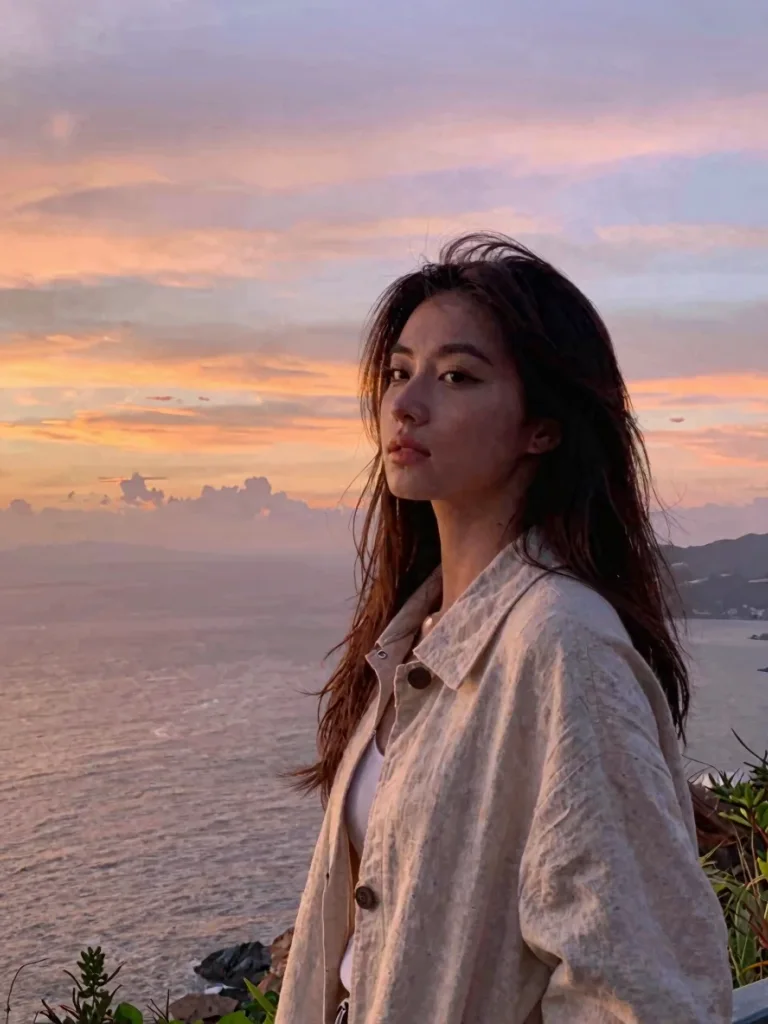
Overcast Sky to Golden Twilight
Sky Replace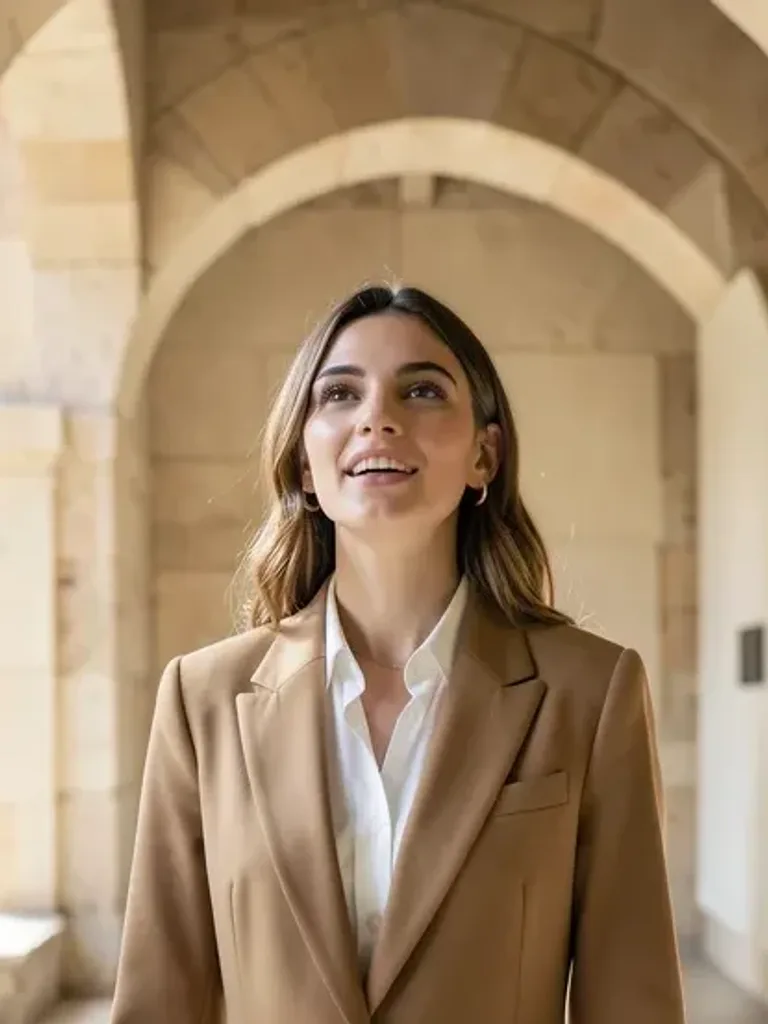
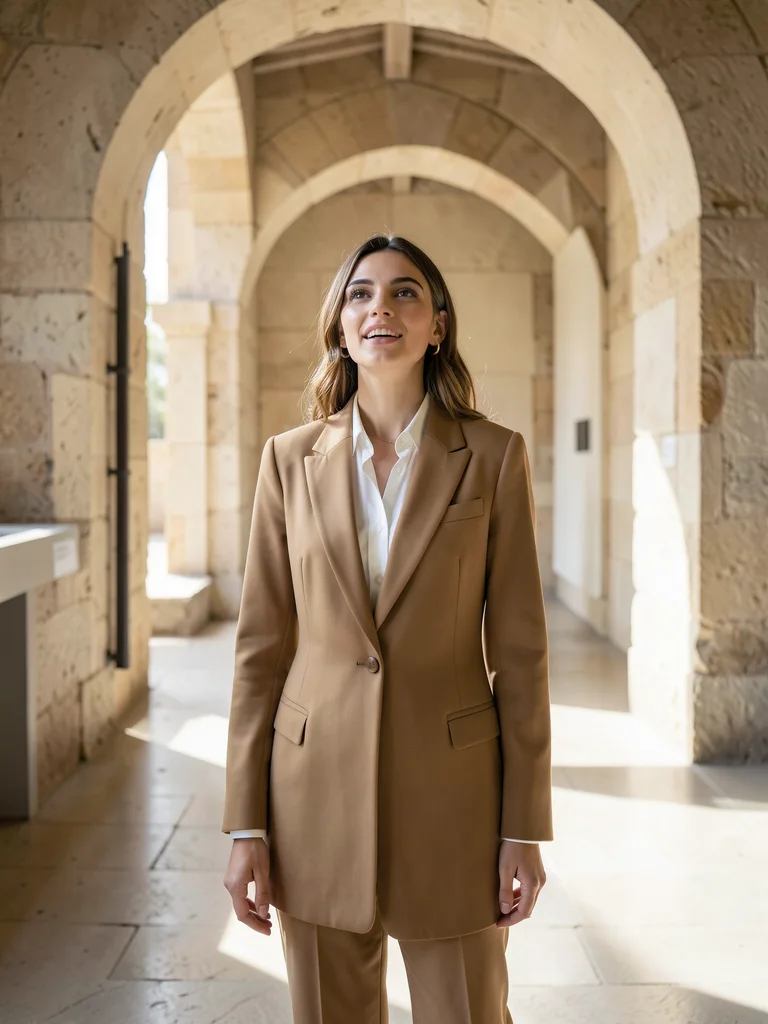
AI Outpaint Cropped Selfie to Full Frame
ReframeEdit Photos with Natural Text Prompts — No Layers or Masks
Traditional photo editing software forces you to spend hours drawing lasso masks, cloning blemishes, and adjusting curves by hand. The Beautyface Free AI Photo Editor replaces complex layer workflows with conversational text instructions. Upload 1 to 5 photos, describe the exact change you want—such as "change jacket to a tailored charcoal blazer, keep facial features identical, add warm window rim lighting"—and render a realistic edit in seconds.
Looking to generate full multi-outfit studio sessions from a selfie? Visit our AI Photoshoot Generator or explore AI Photoshoot Ideas & Templates.
Core AI Photo Editing Capabilities
- Micro-Pore Skin Retouching & Relighting: Smooth harsh shadows, remove temporary blemishes, and recover natural skin texture without the plastic "beauty filter" look.
- AI Outfit & Hairstyle Swaps: Try business attire, evening gowns, casual streetwear, or new hairstyles and hair colors while keeping your face and posture intact.
- Clean Background Replacement & Object Removal: Remove photobombers, tourists, or messy room clutter and replace them with studio backdrops, cafés, or outdoor scenery.
- Old Photo Restoration & Colorization: Repair creases, scratches, and motion blur in vintage family photographs and colorize black-and-white prints with realistic skin tones.
Why Use Our Online AI Photo Editor Instead of Mobile Filter Apps?
Most mobile filter apps overwrite your facial bone structure with a generic template. Beautyface uses identity-locked reference conditioning and automatic aspect-ratio snapping (Auto mode) so your edited photo keeps your exact framing, proportions, and natural expression at up to 4K resolution.