
Beautyface — AI Photo Editor for Stunning Portraits
Beautyface is an online AI photo editor and AI photoshoot generator web application. Upload 1–5 reference selfies to create studio-quality portraits, professional LinkedIn headshots, wedding & holiday photoshoots, and artistic styles right in your browser.
Start from a Ready-Made Prompt
Click any before-and-after card to load its AI photoshoot or AI photo editor prompt right into the workspace above.
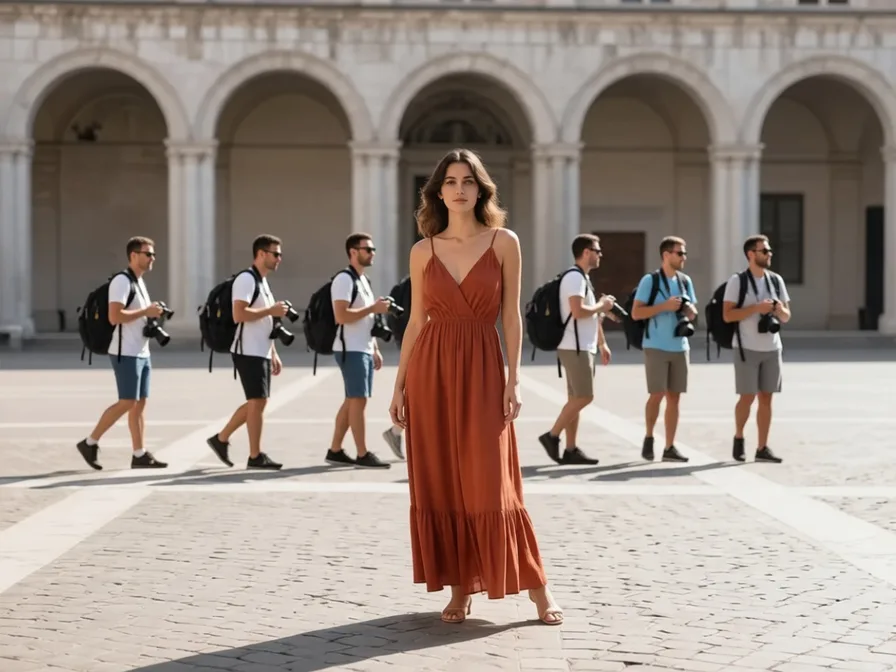
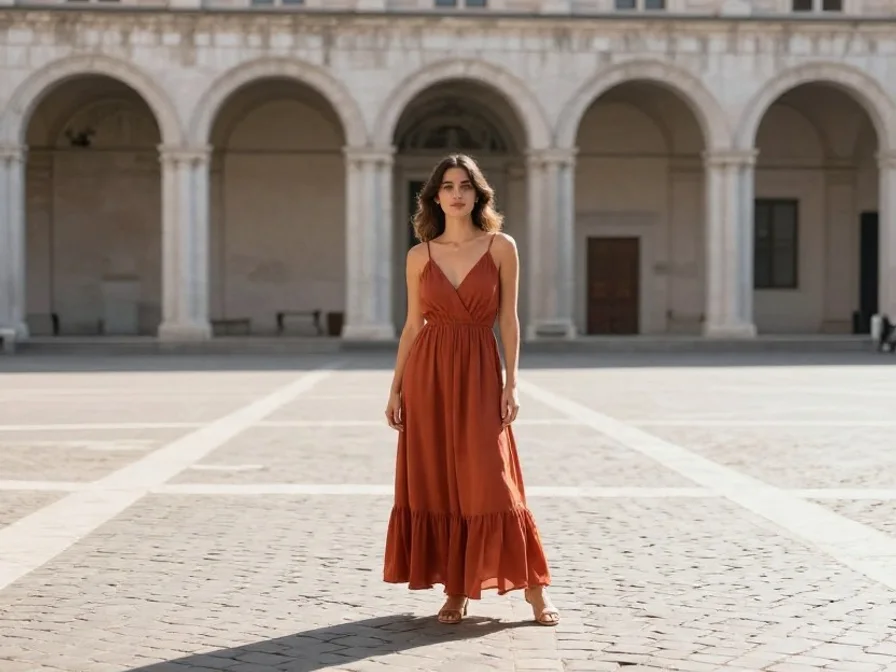
Remove Tourists & Photobombers
Clean Scene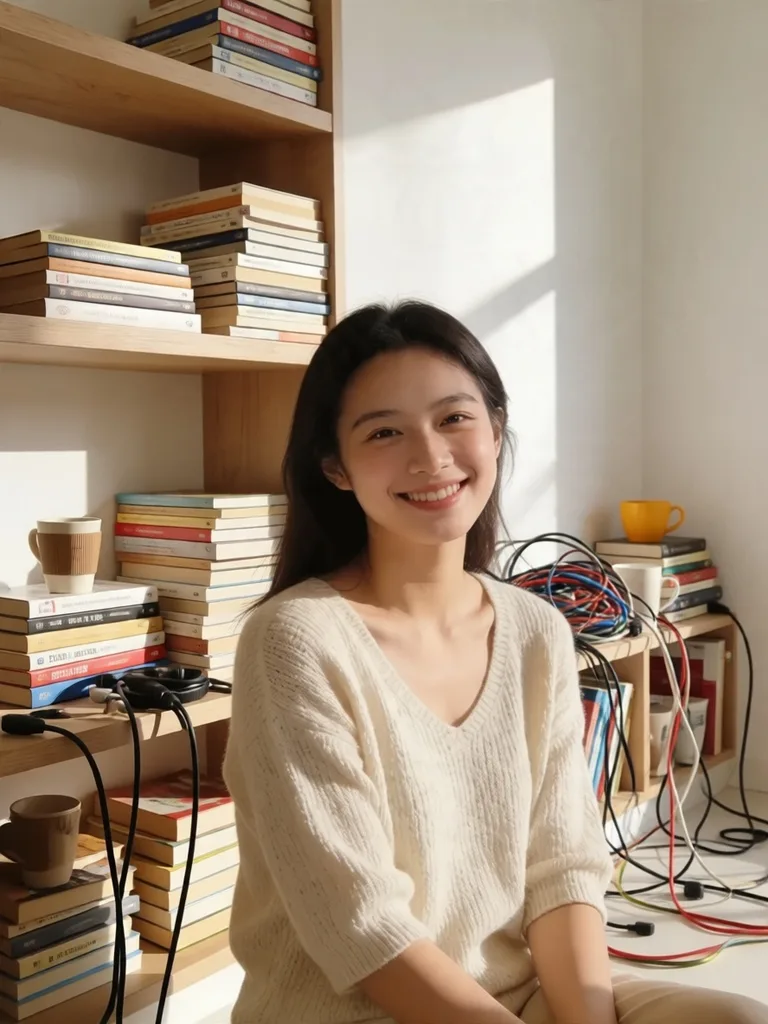
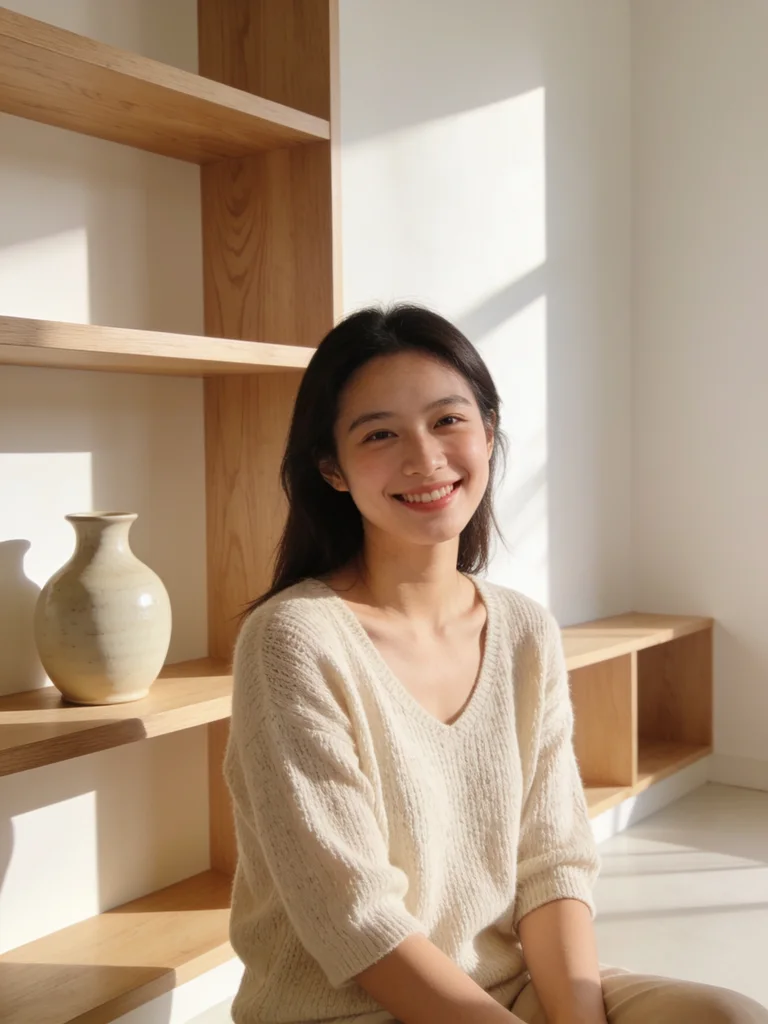
Clean Room Clutter Behind Subject
Declutter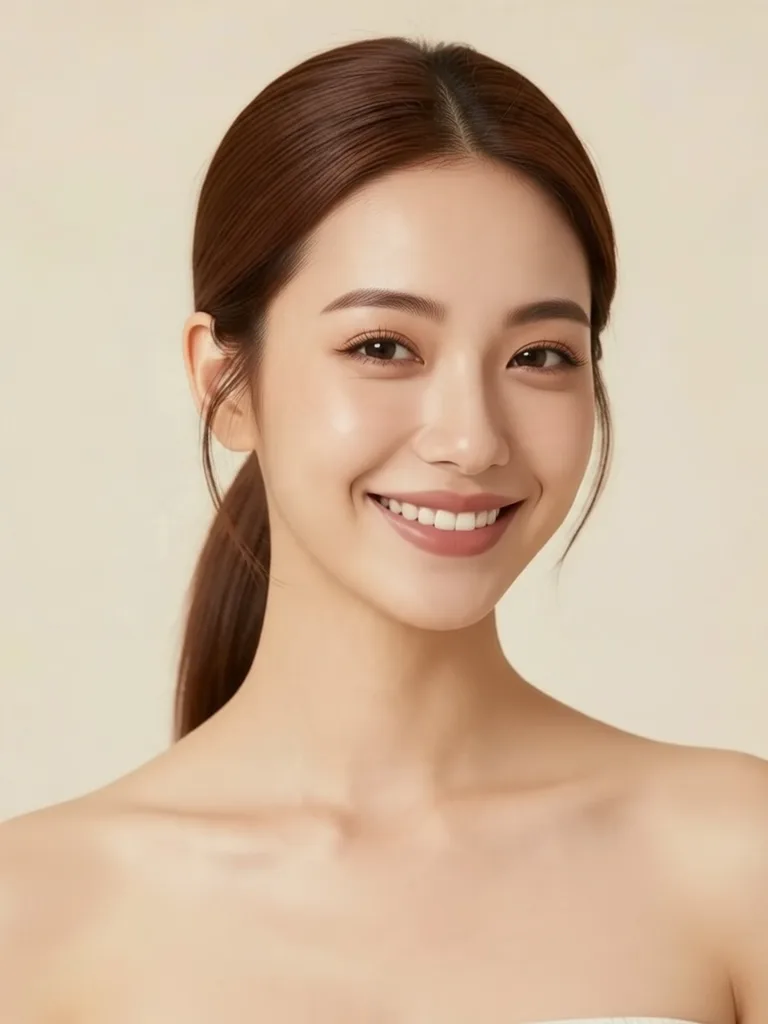
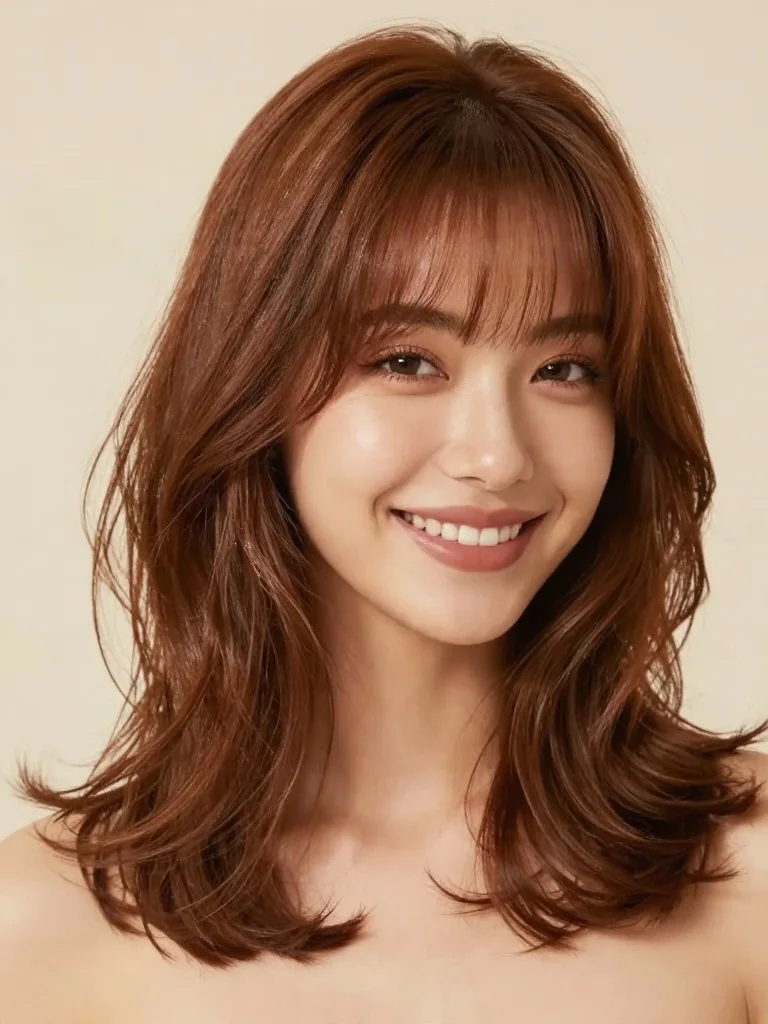
Virtual Salon Hairstyle Try-On
Hairstyle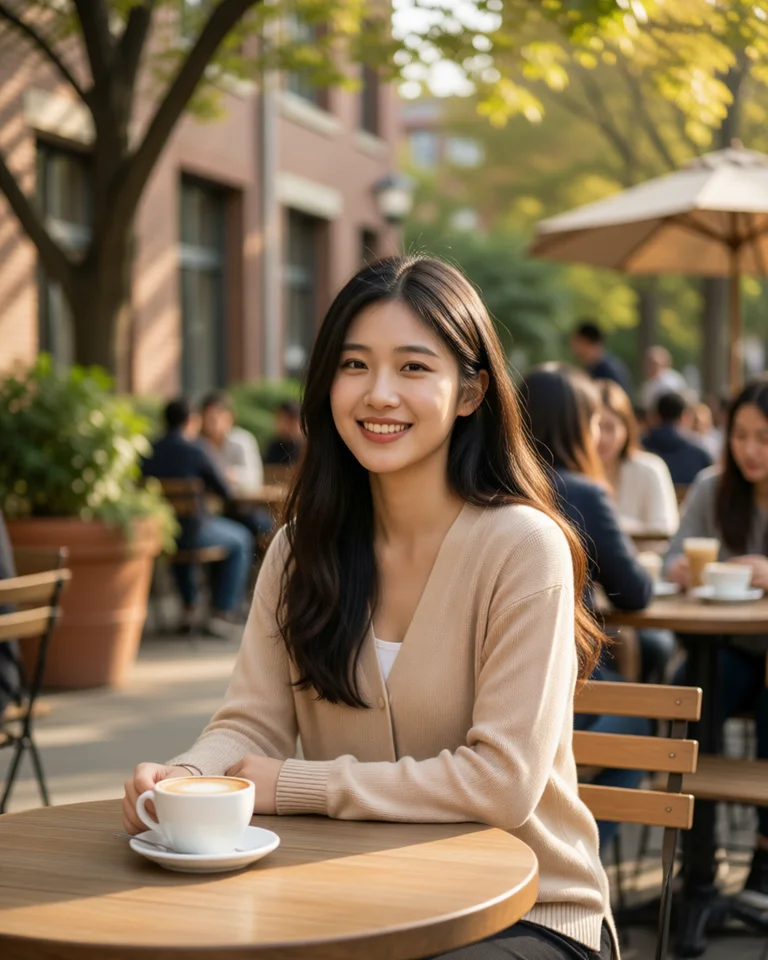
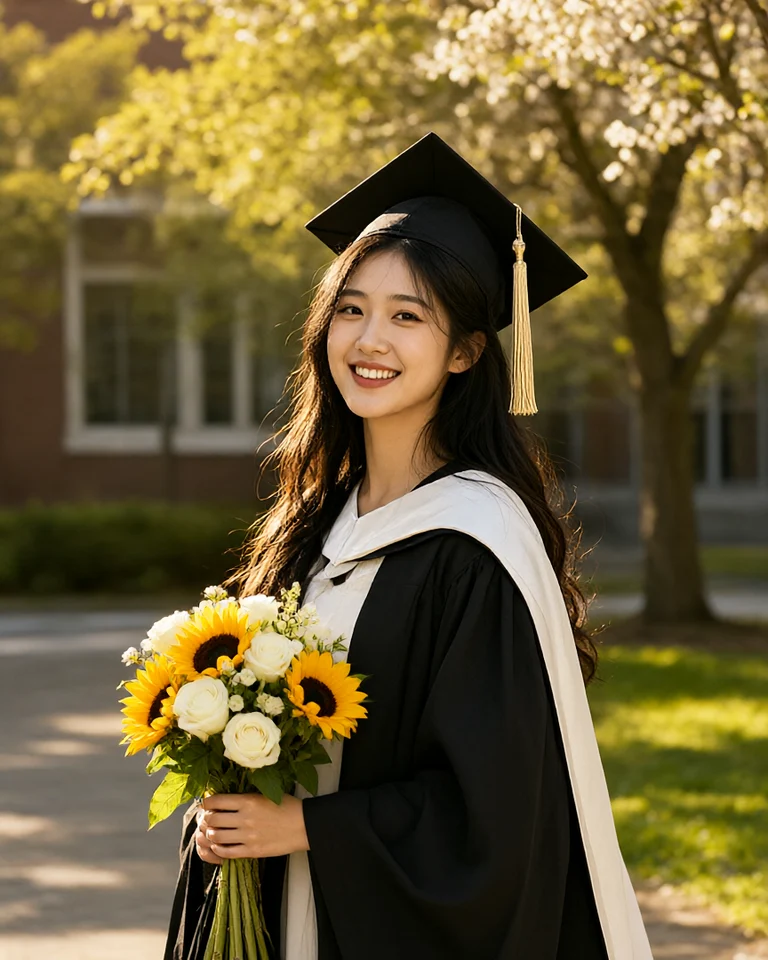
Campus Blossom & Sunflower Bouquet
Graduation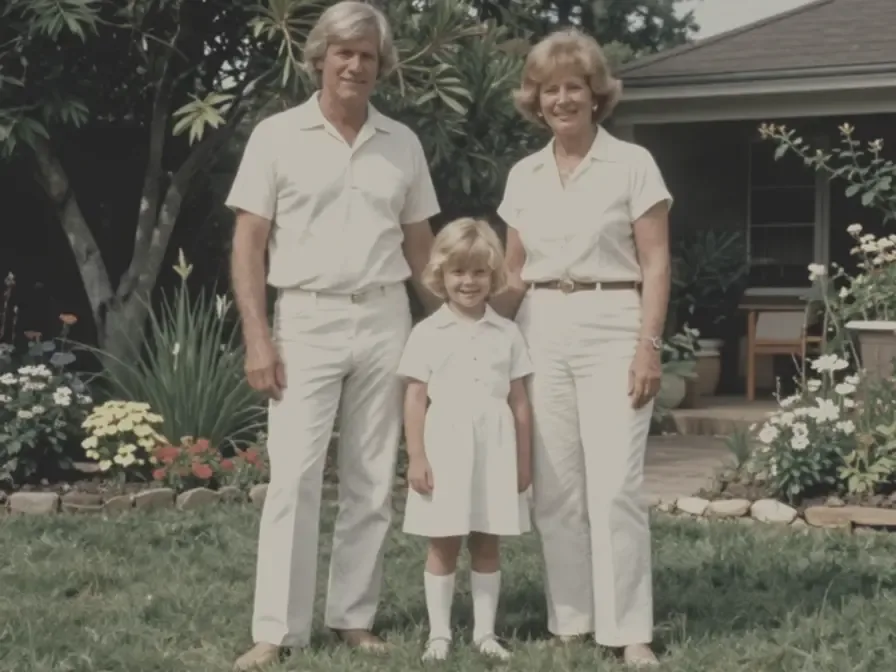
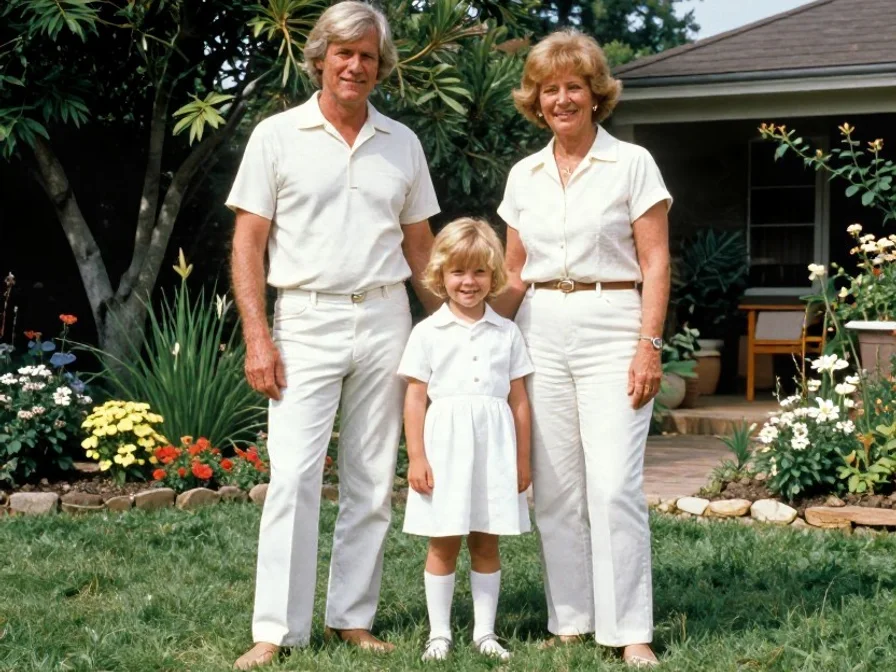
Revive Yellowed & Faded 70s Print
De-Yellow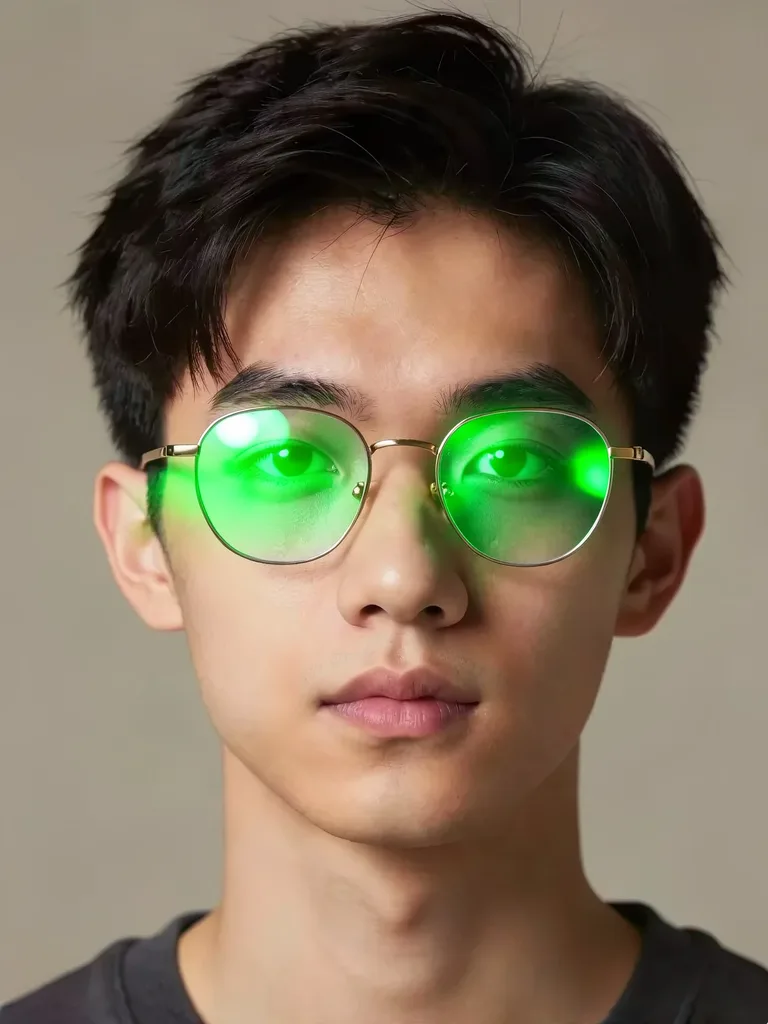
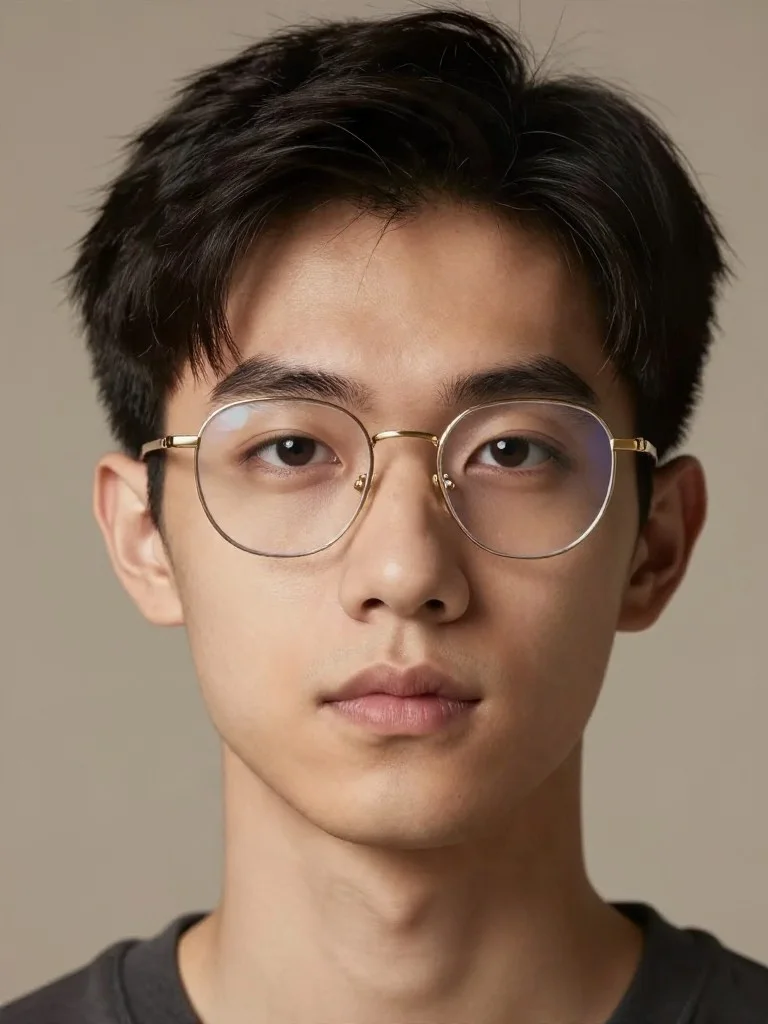
Remove Eyeglass Glare or Frames
Anti-Glare
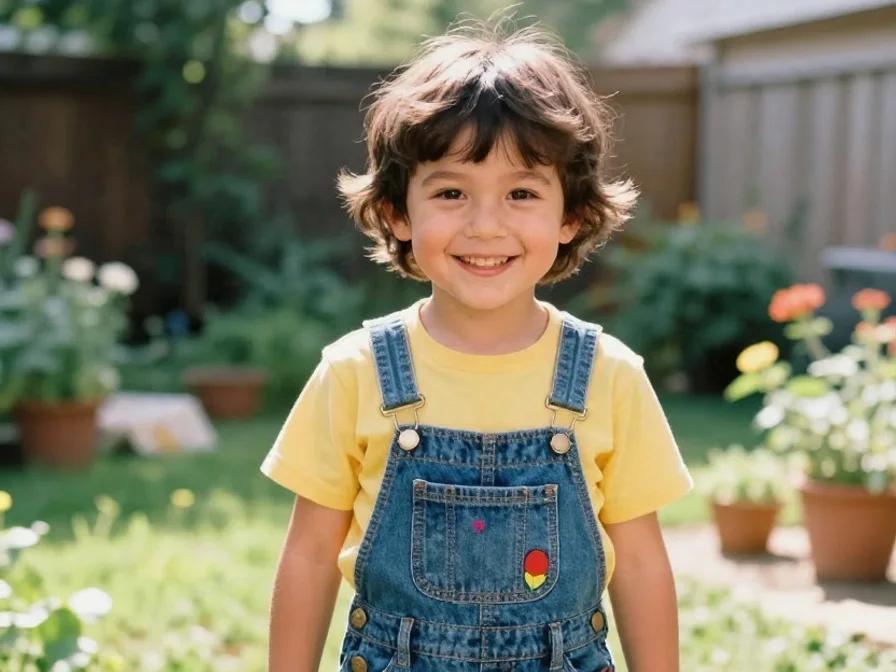
Denoise & Clarify 90s Childhood Photo
Childhood
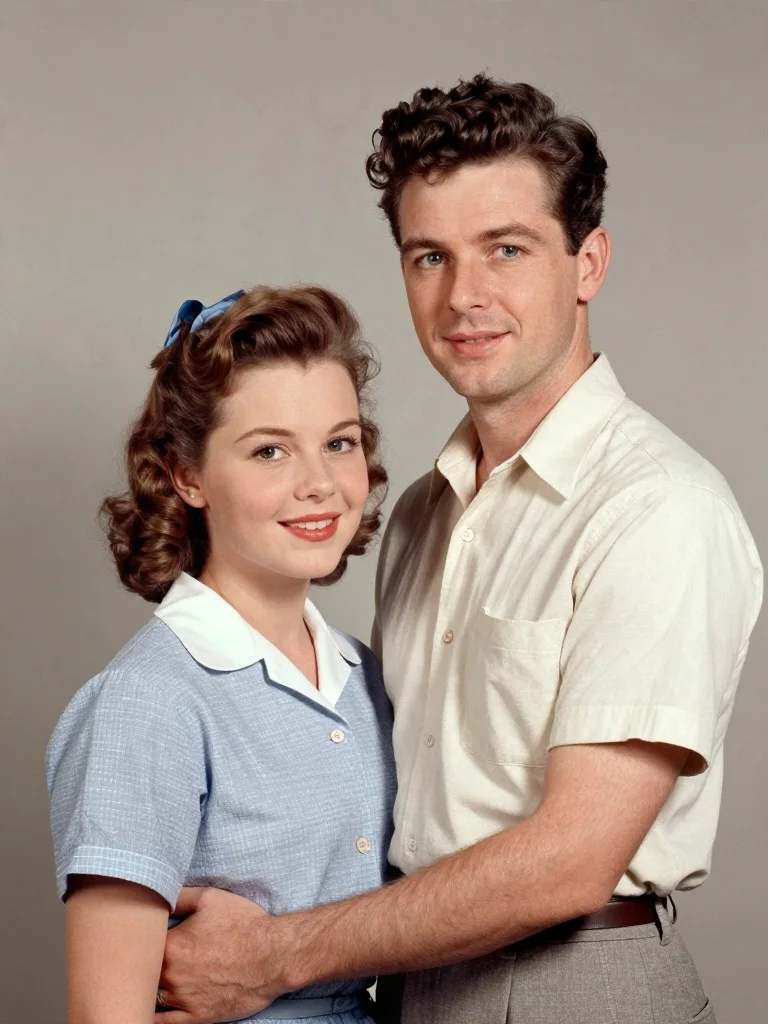
Restore Scratched & Torn Family Photo
Scratch Repair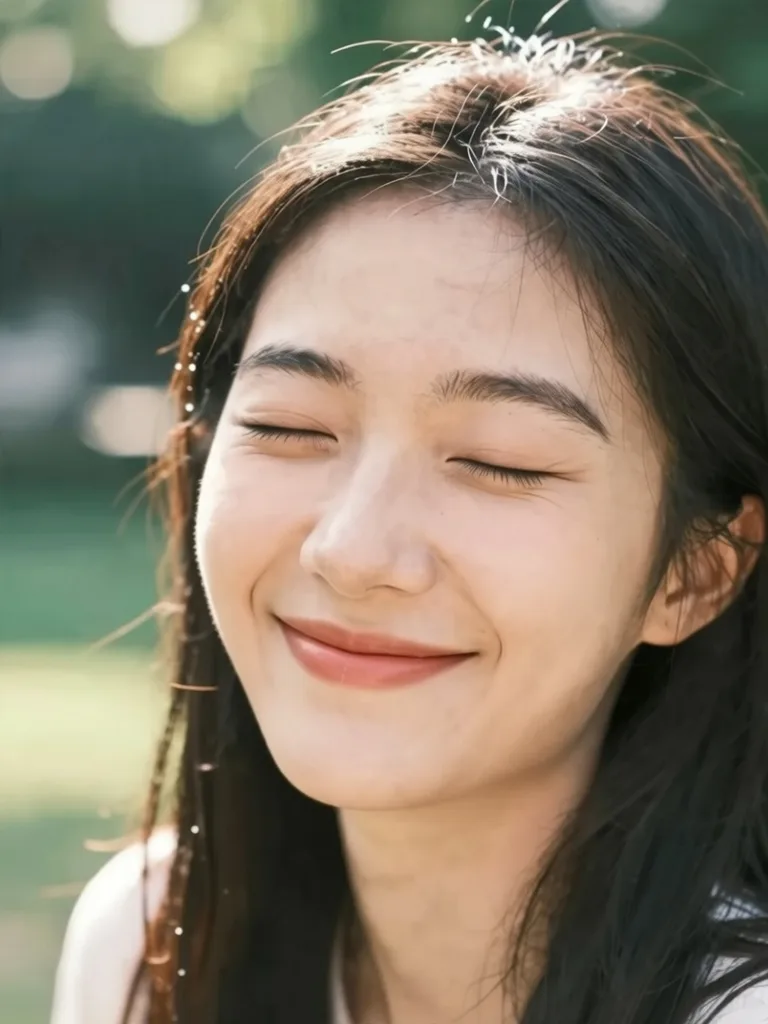
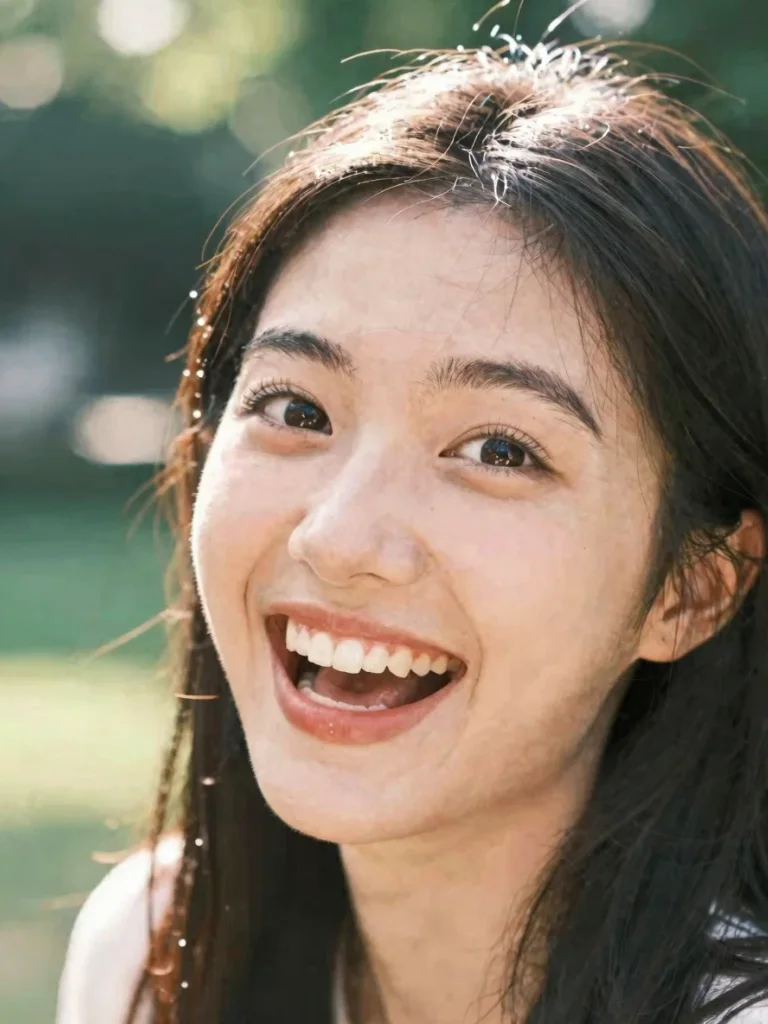
Fix Closed Eyes in Portrait
Open Eyes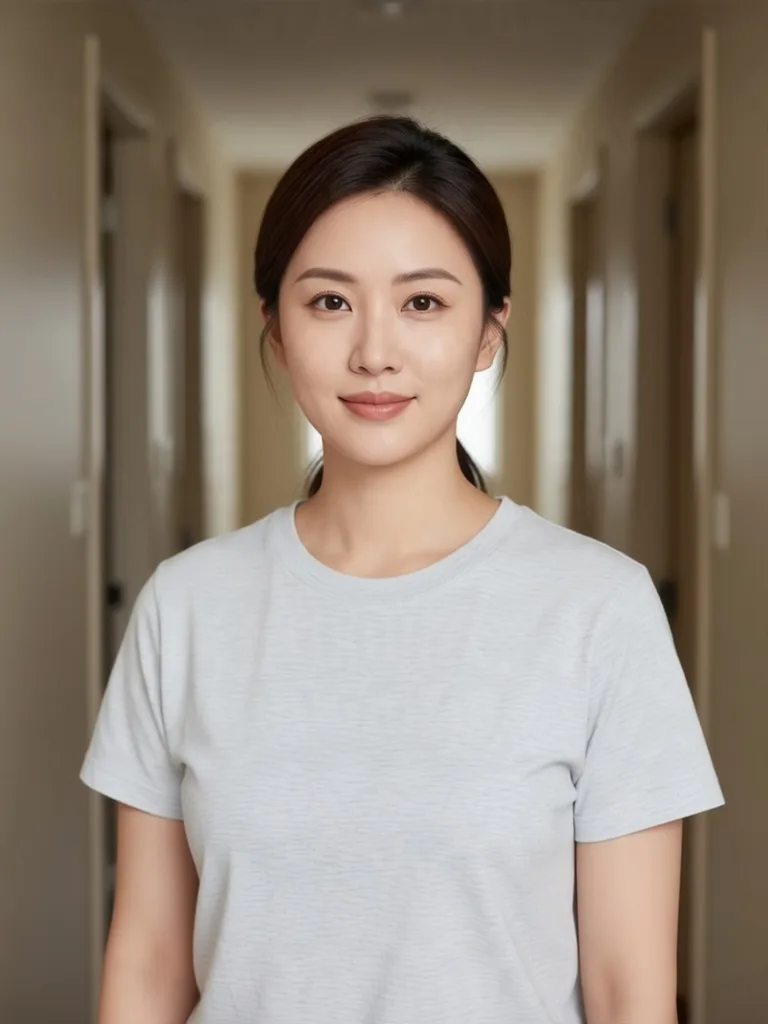
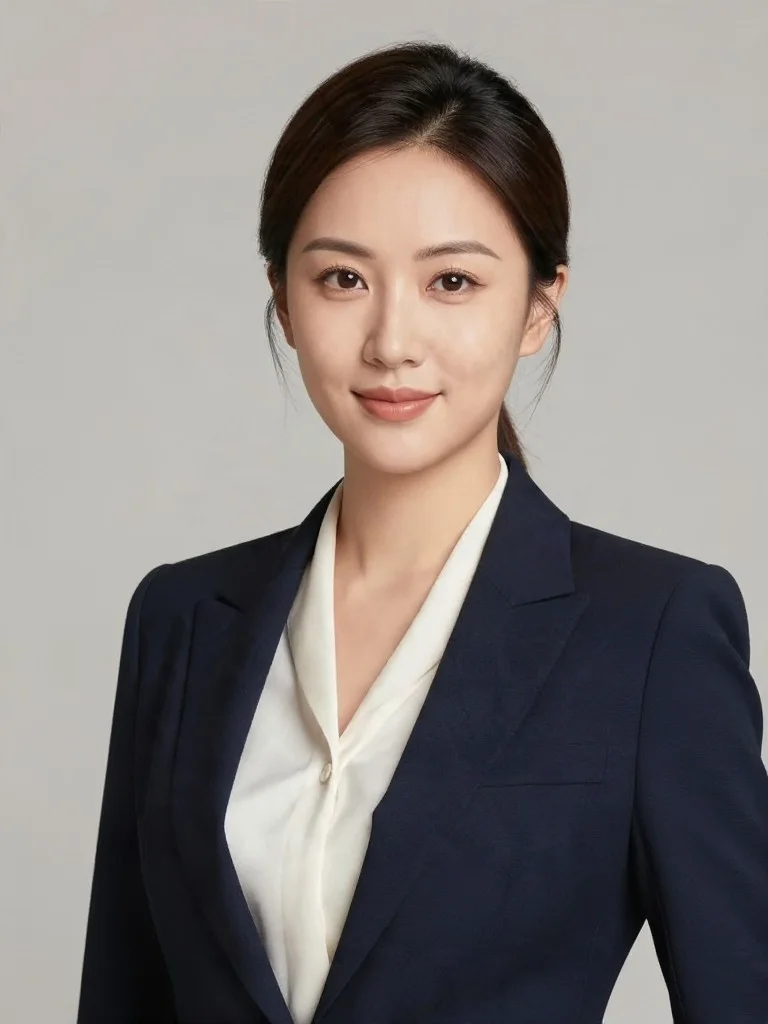
Executive Studio Headshot
Corporate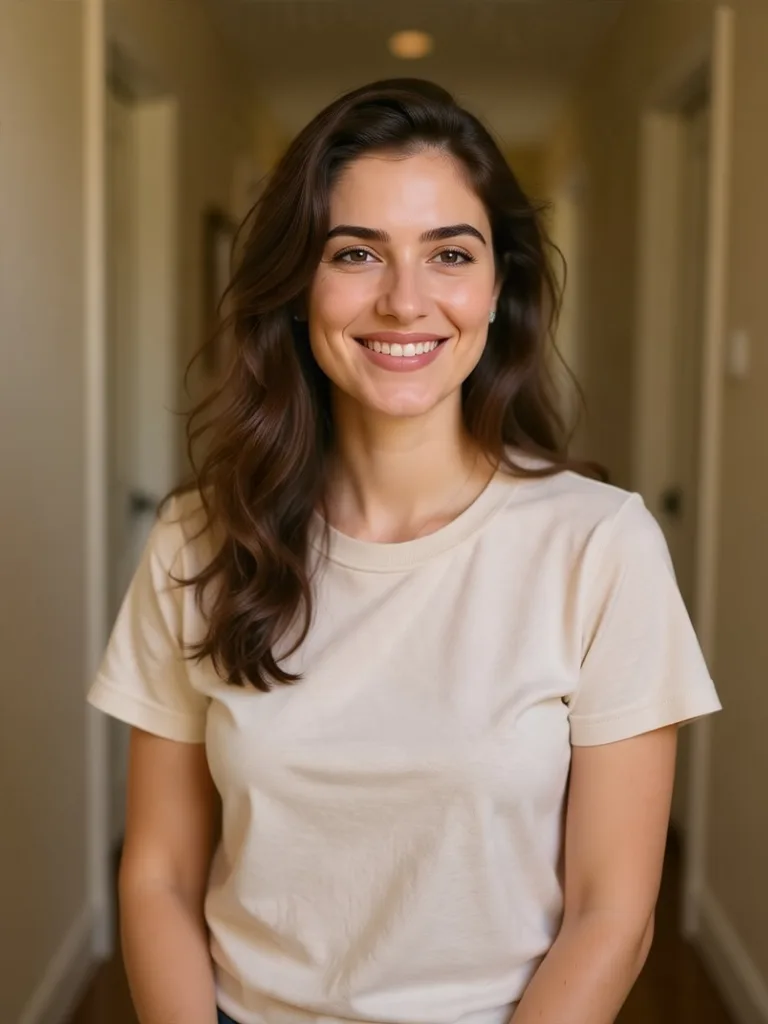
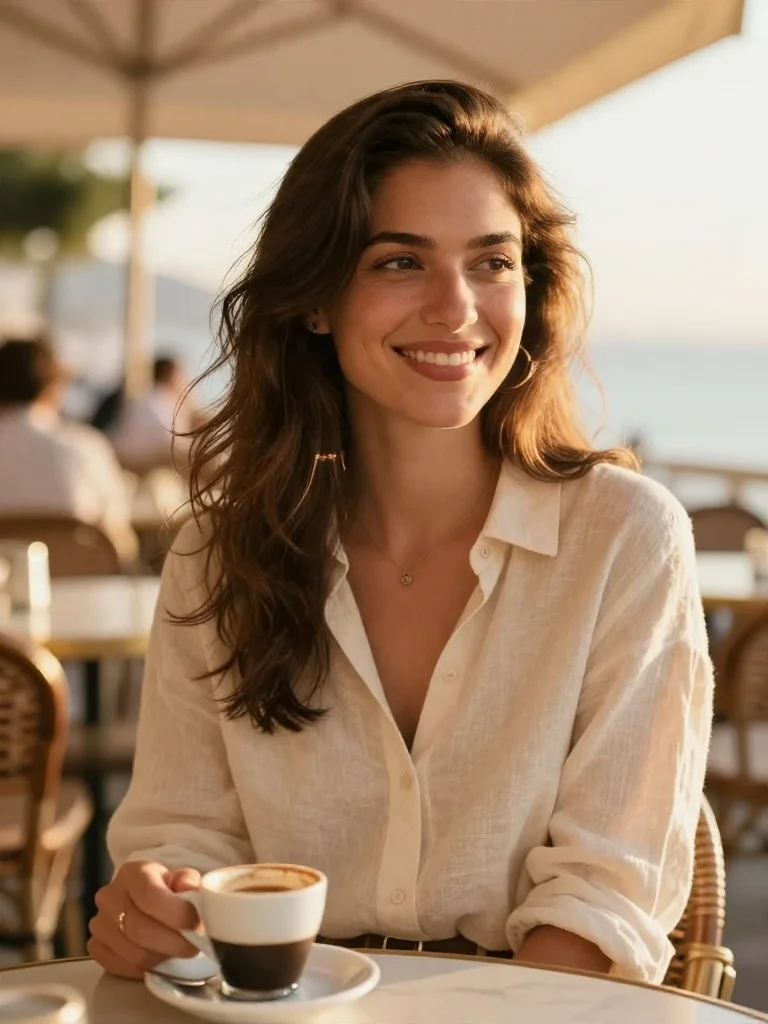
Golden-Hour Dating Profile Photo
Dating Profile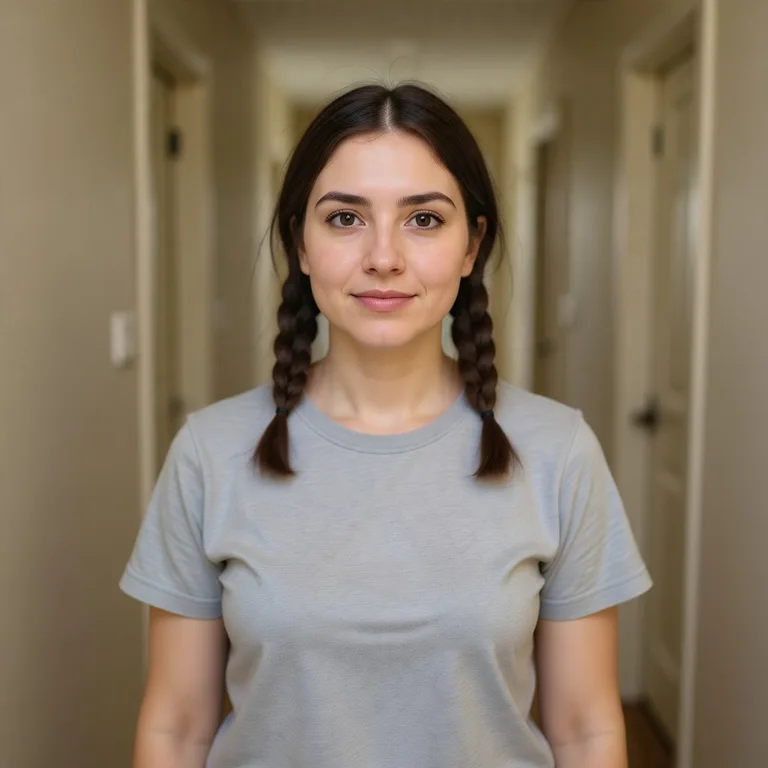
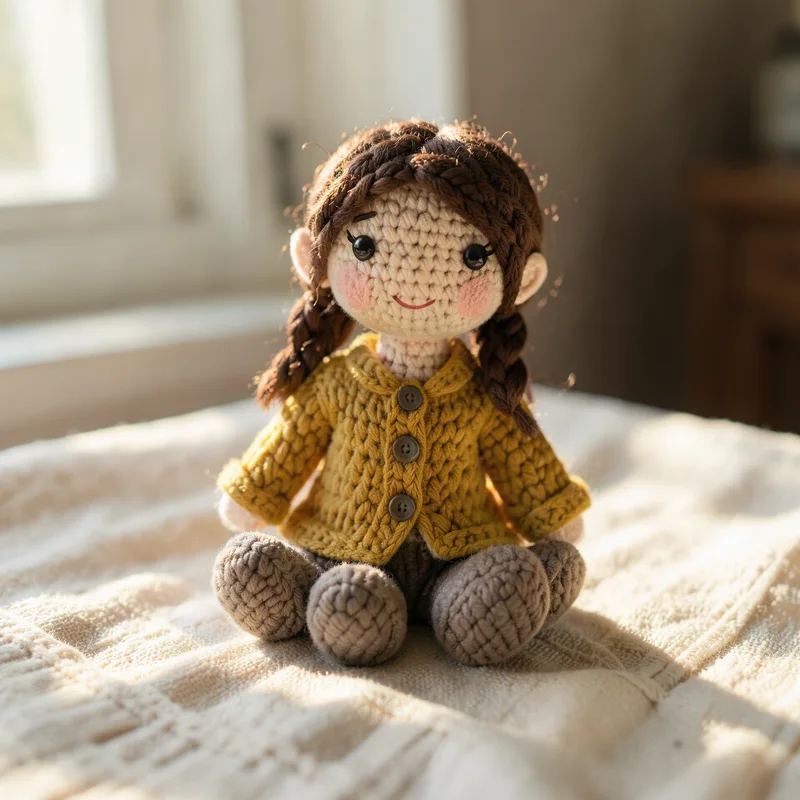
Handmade Amigurumi Crochet Doll
Plush Art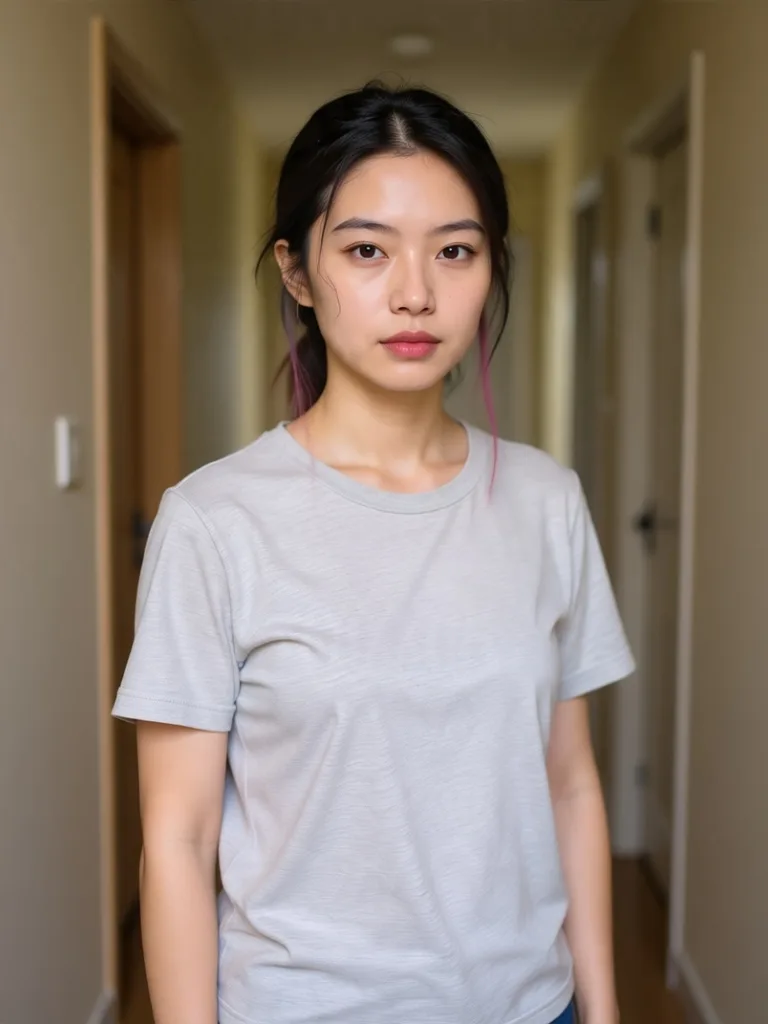
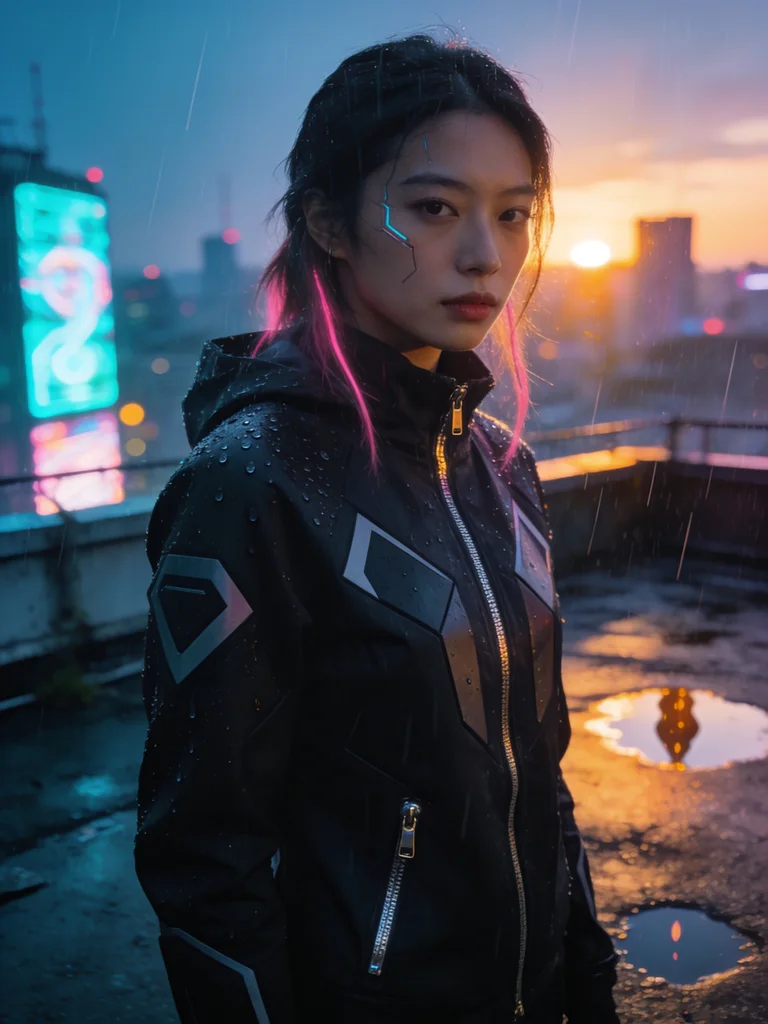
Neo-Tokyo Neon Sci-Fi Portrait
Cyberpunk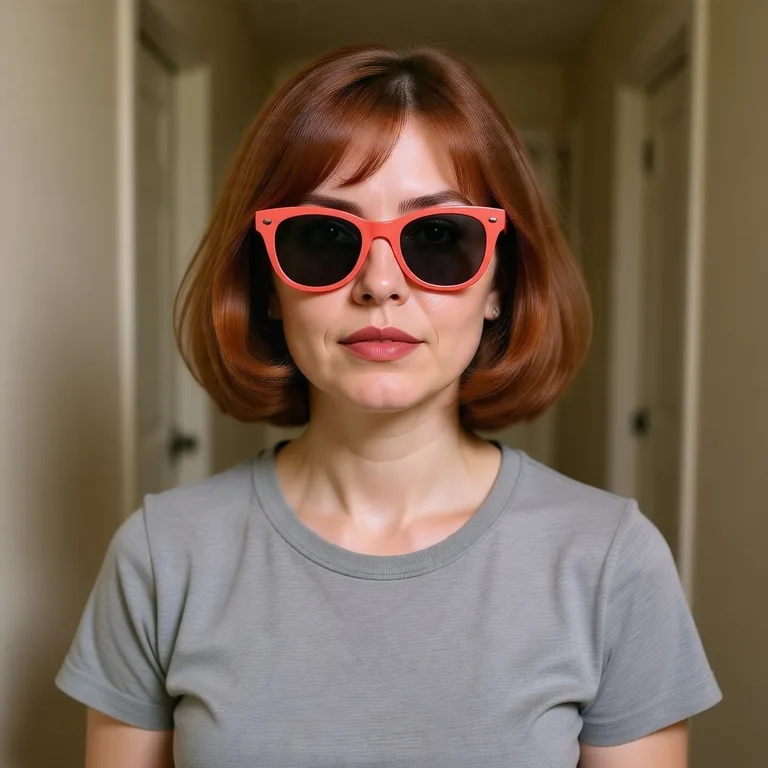
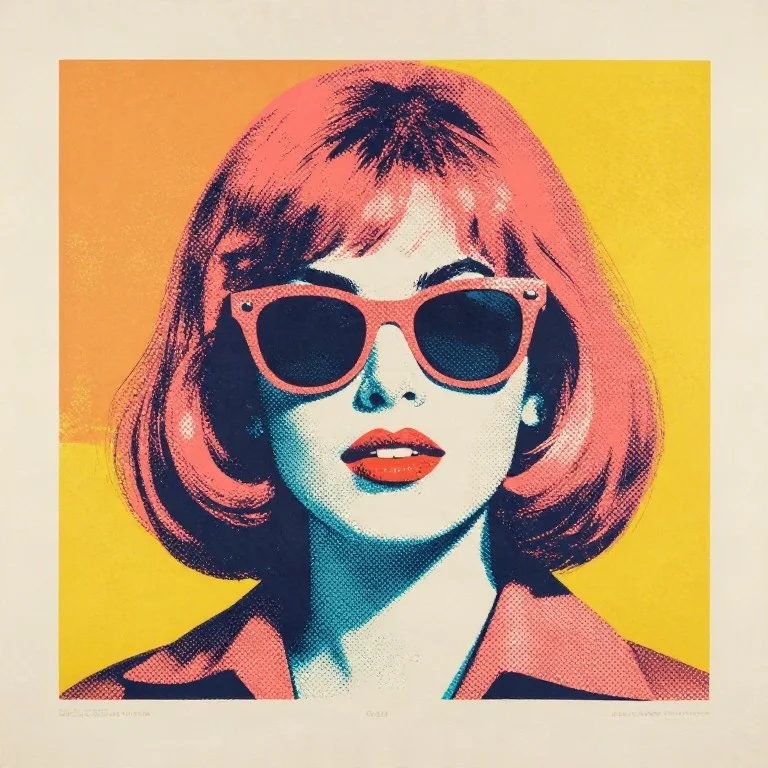
60s Silkscreen Pop Art Portrait
Pop Art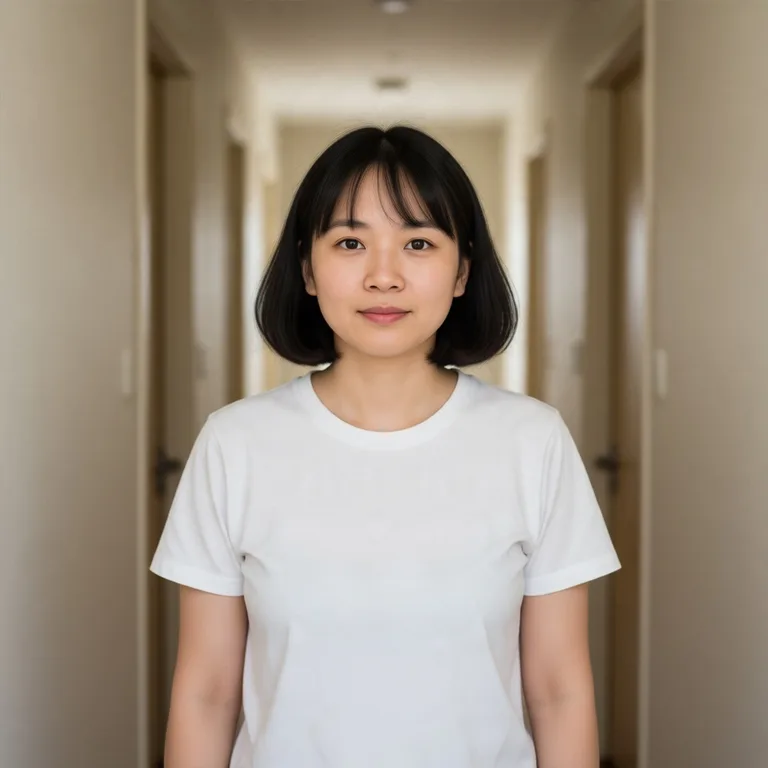
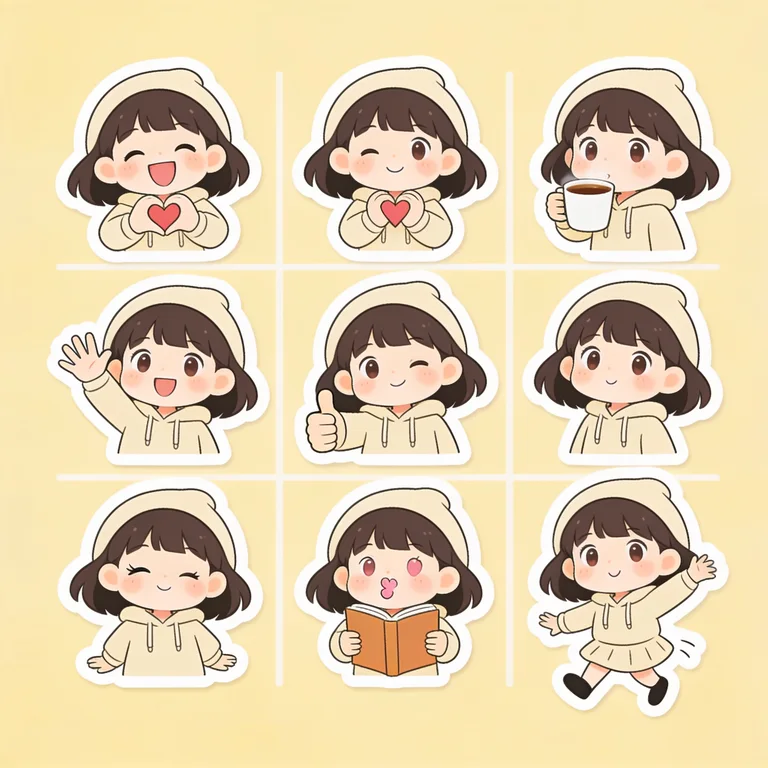
9-Grid Chibi Expression Sticker Sheet
Chibi Stickers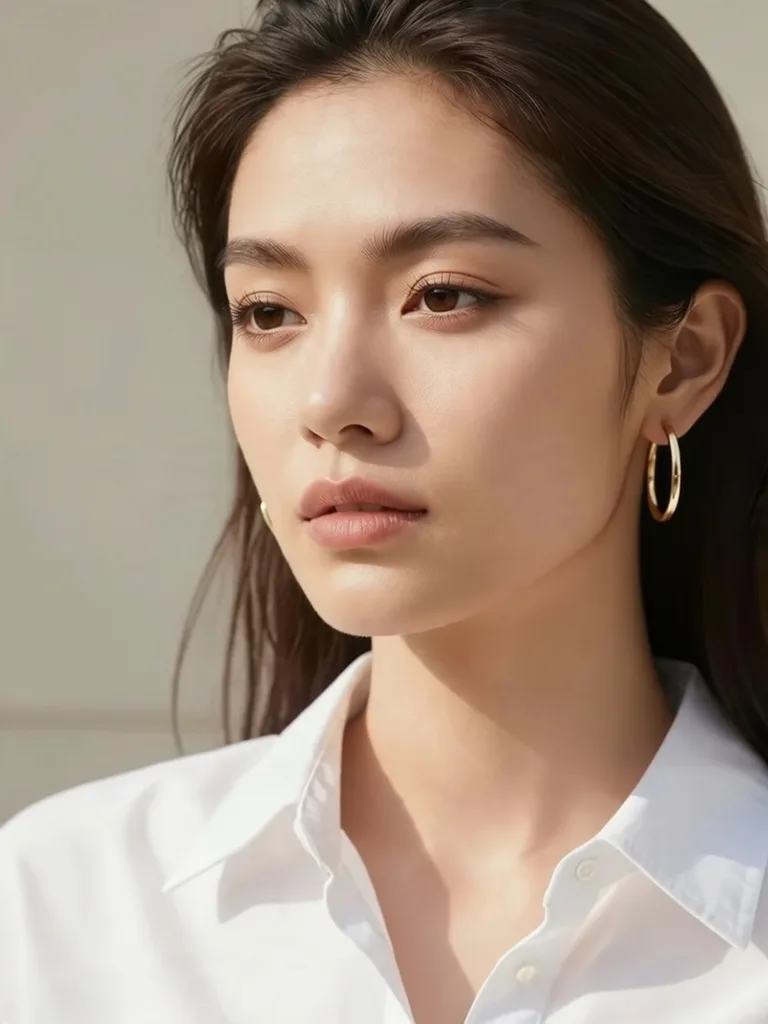
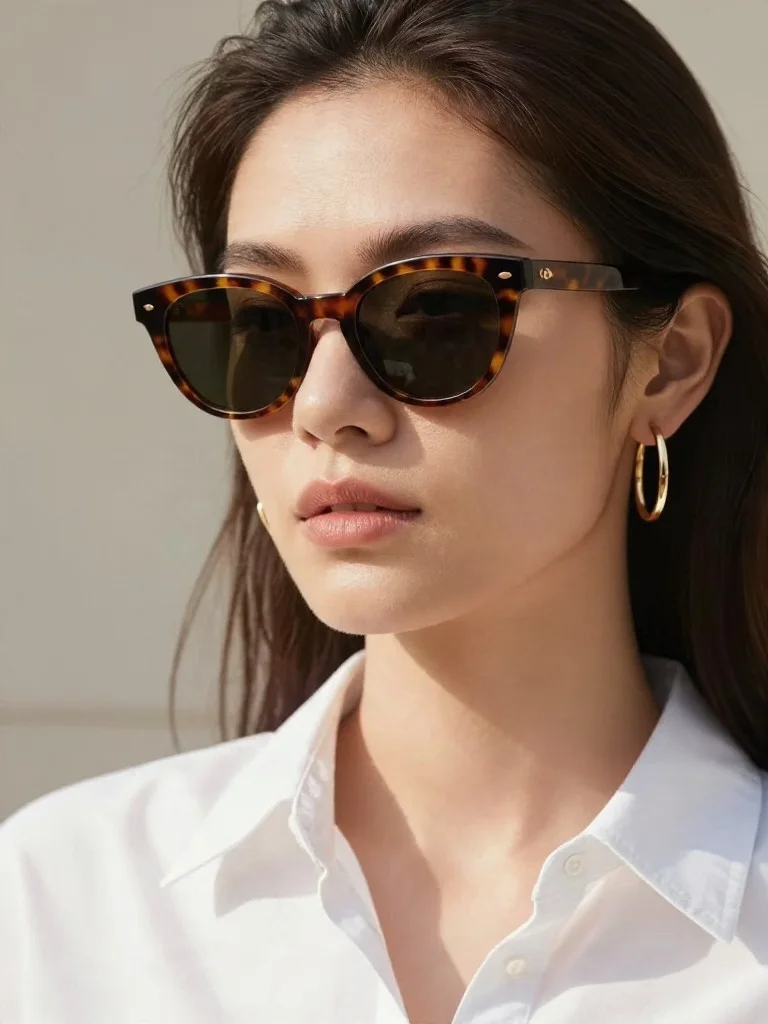
Virtual Eyewear & Jewelry Try-On
Accessories
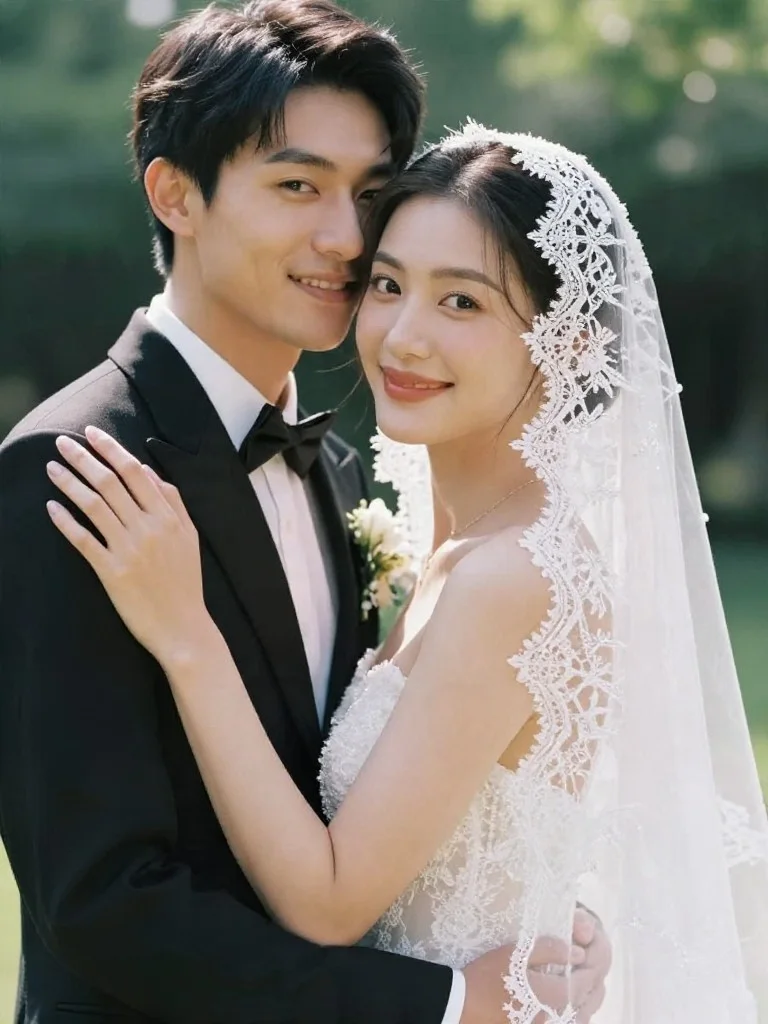
Deblur Vintage Wedding Portrait
Deblur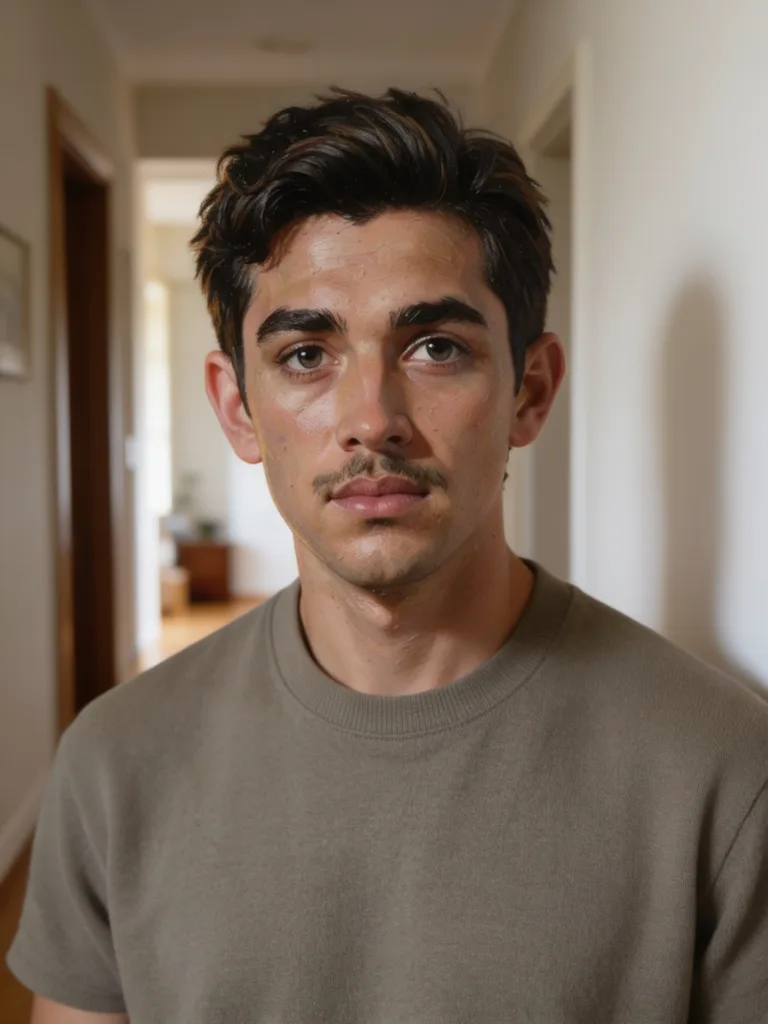
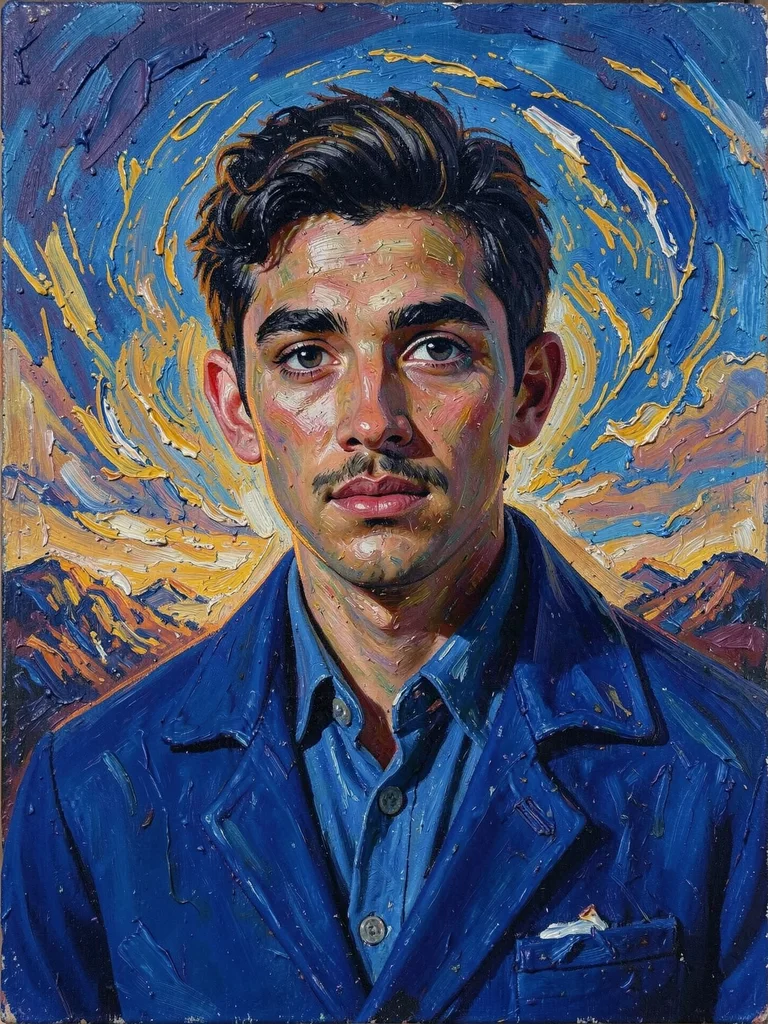
Swirling Post-Impressionist Impasto
Impasto Oil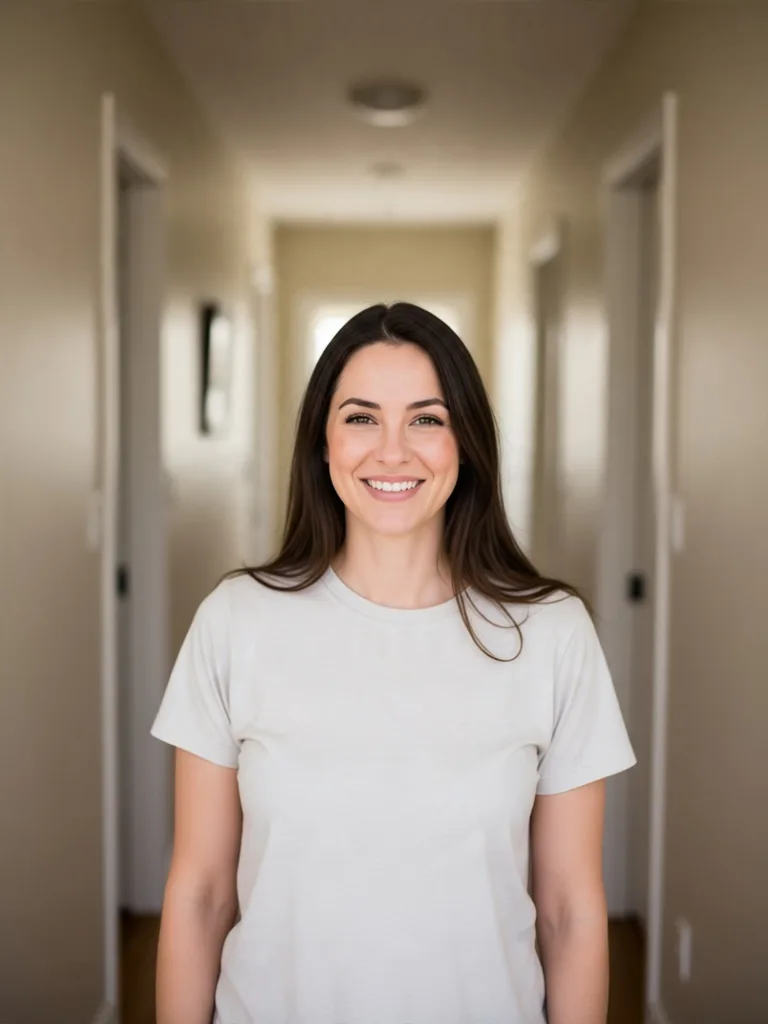
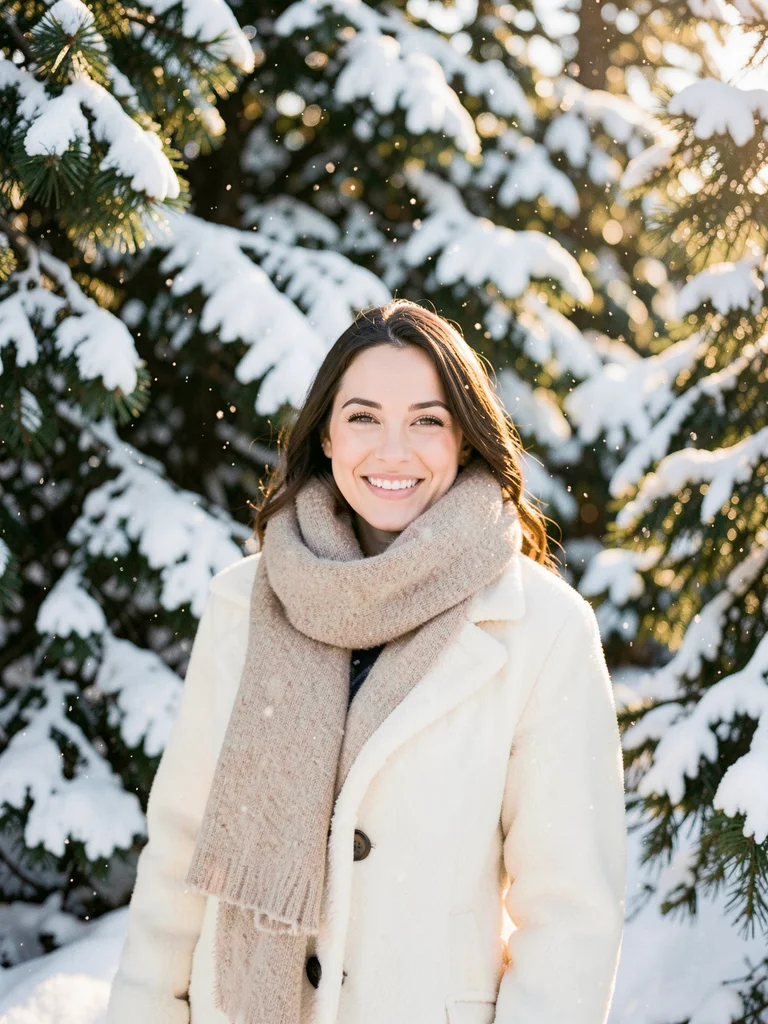
Sunlit Alpine Winter Snow Shoot
Winter Snow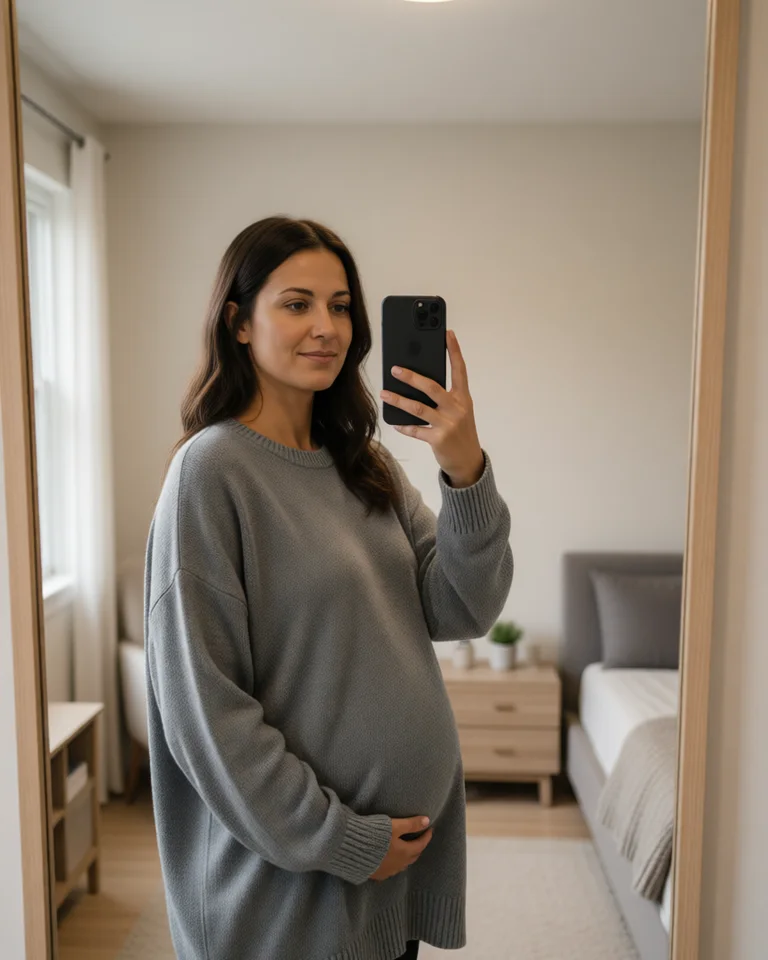
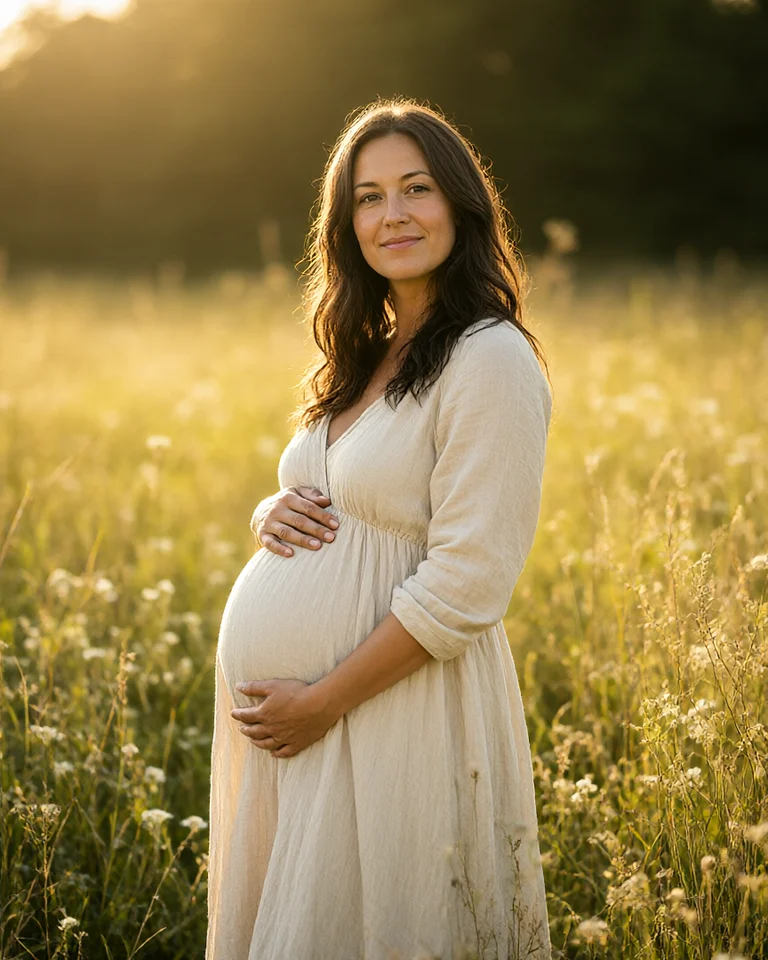
Golden Hour Meadow Maternity Shoot
Maternity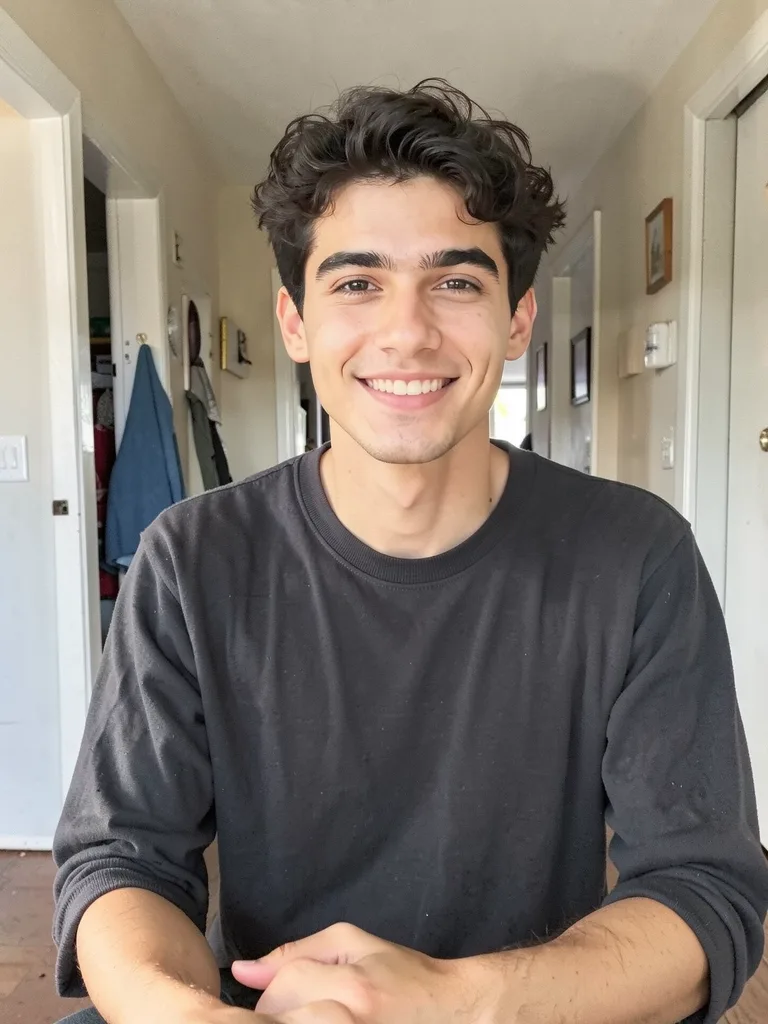
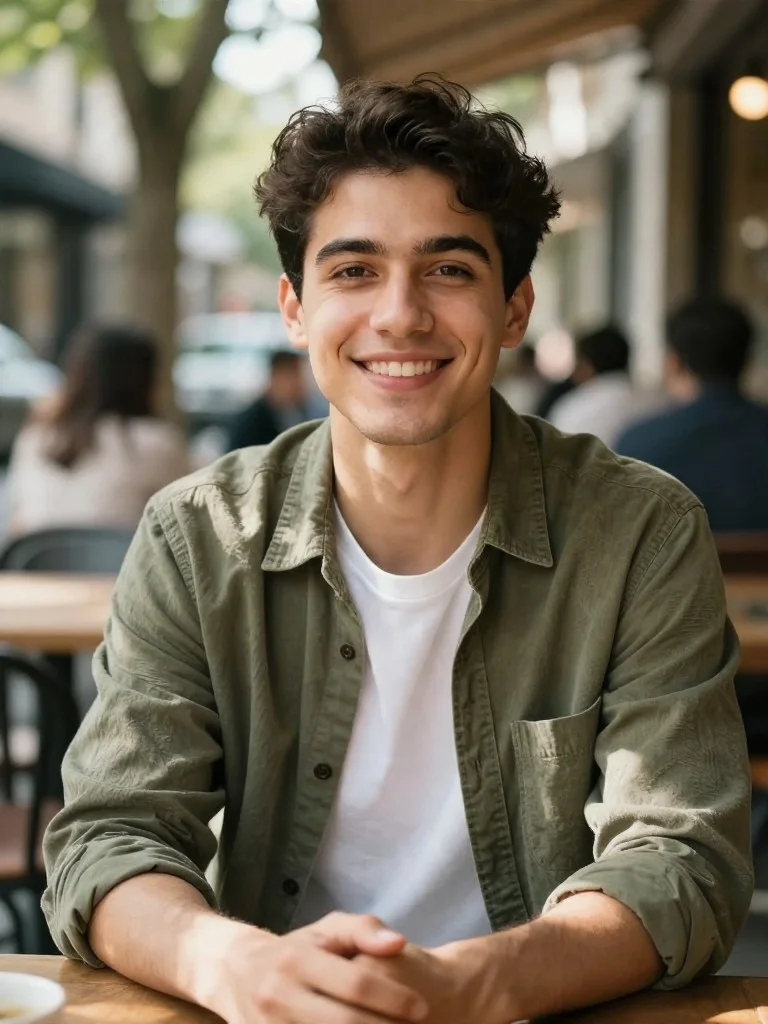
Weekend Bistro Candid Profile
Lifestyle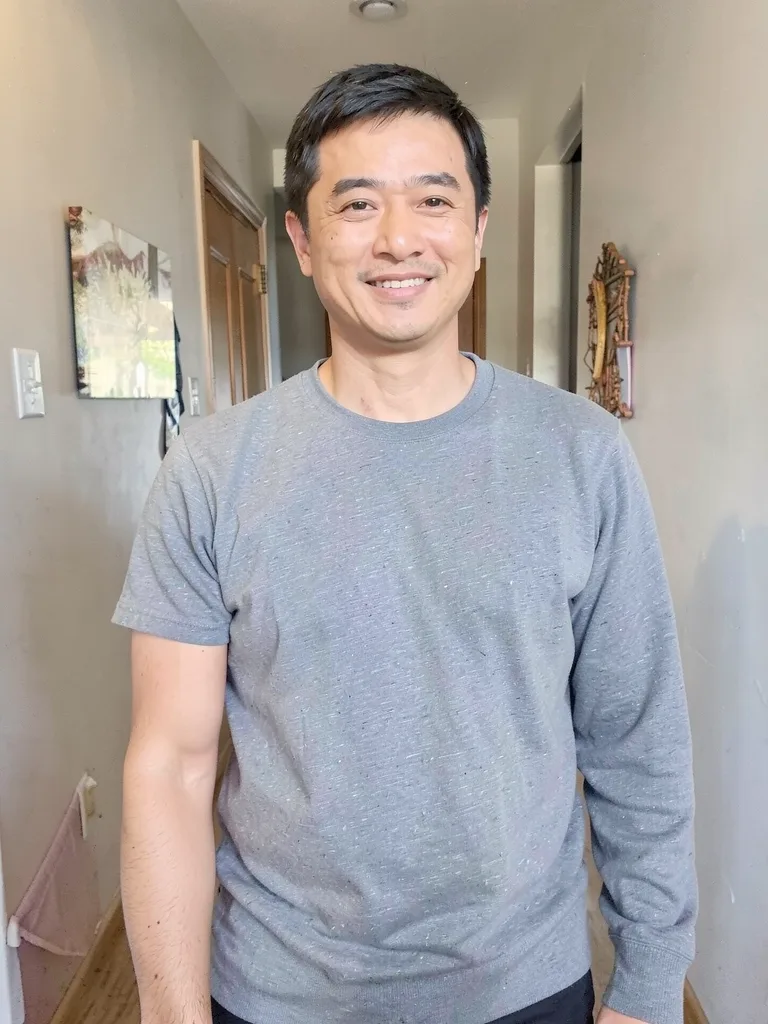
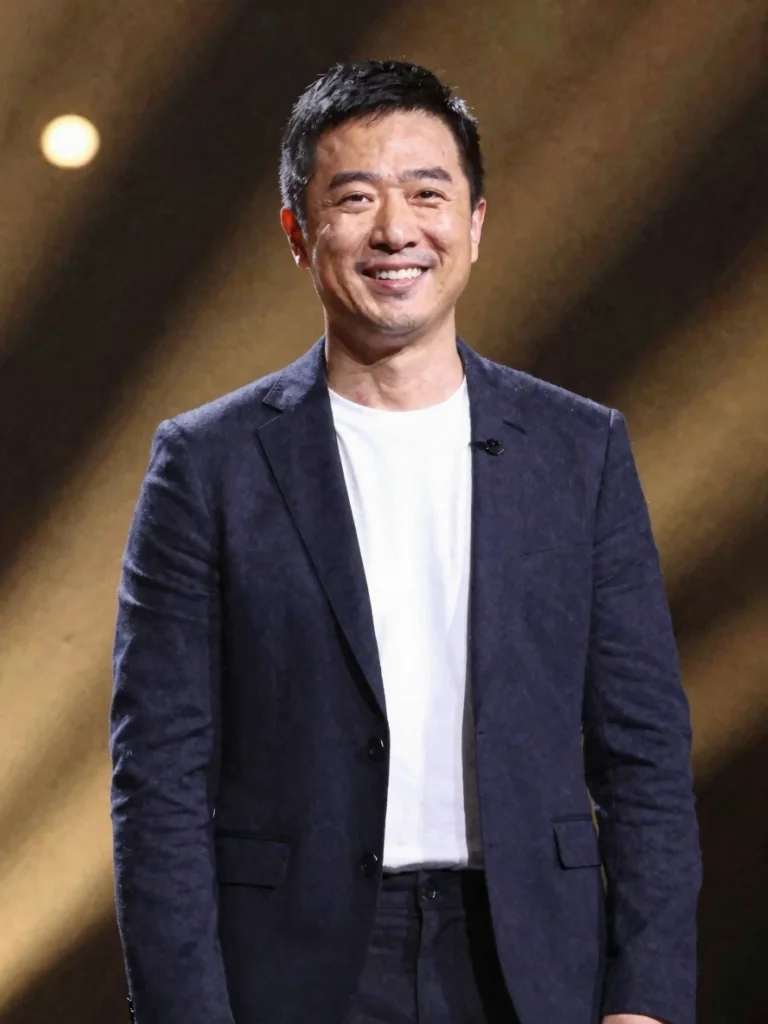
Keynote Speaker & Thought Leader
Speaker Bio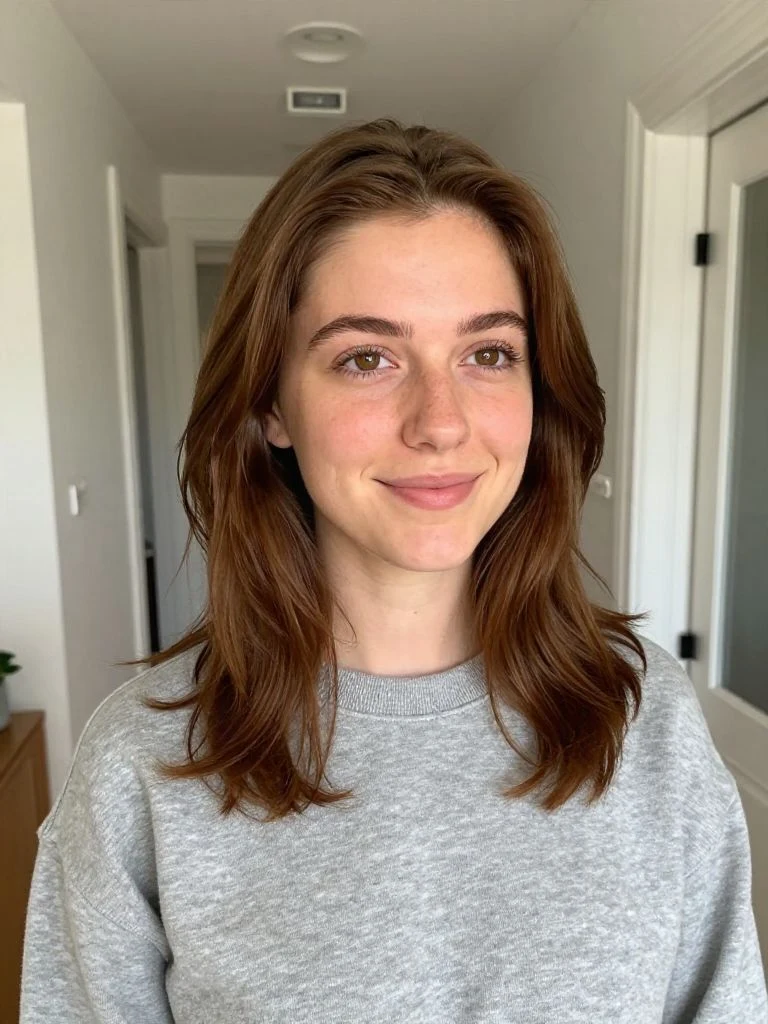
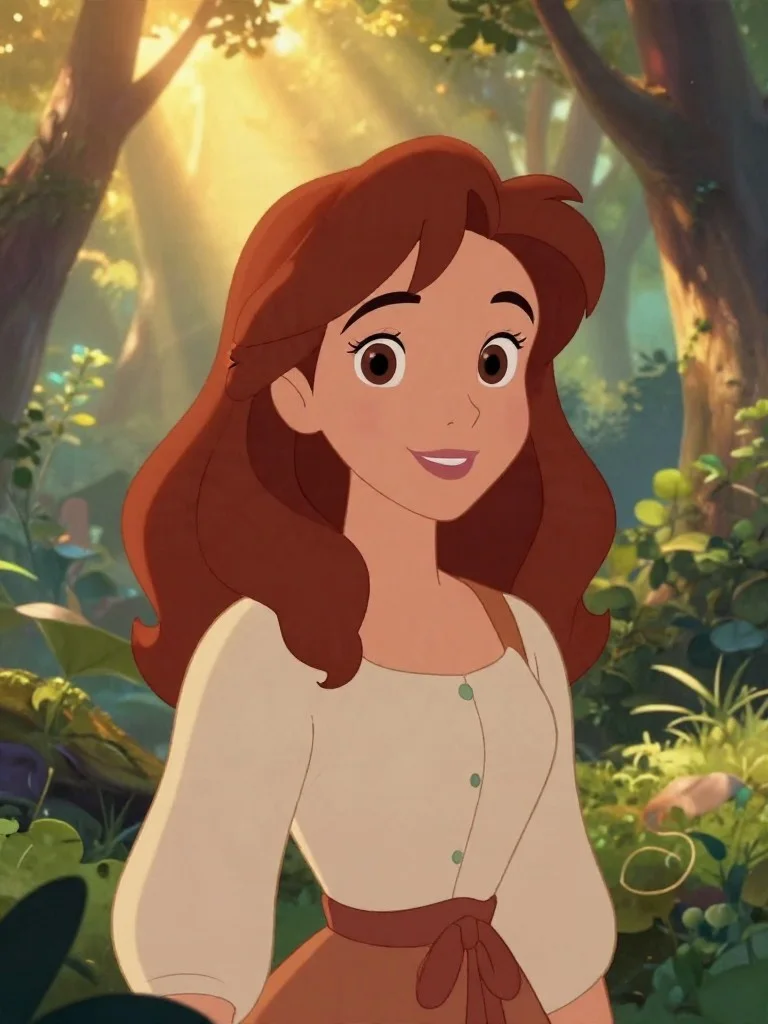
Storyteller Fairytale Animation
Fairytale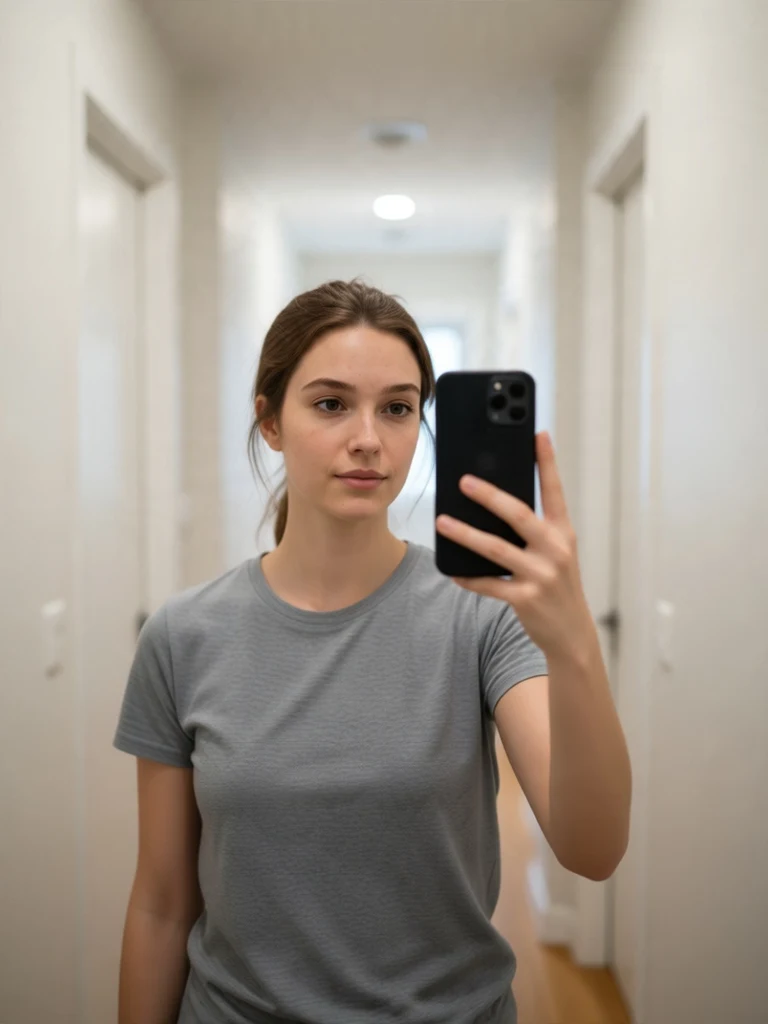
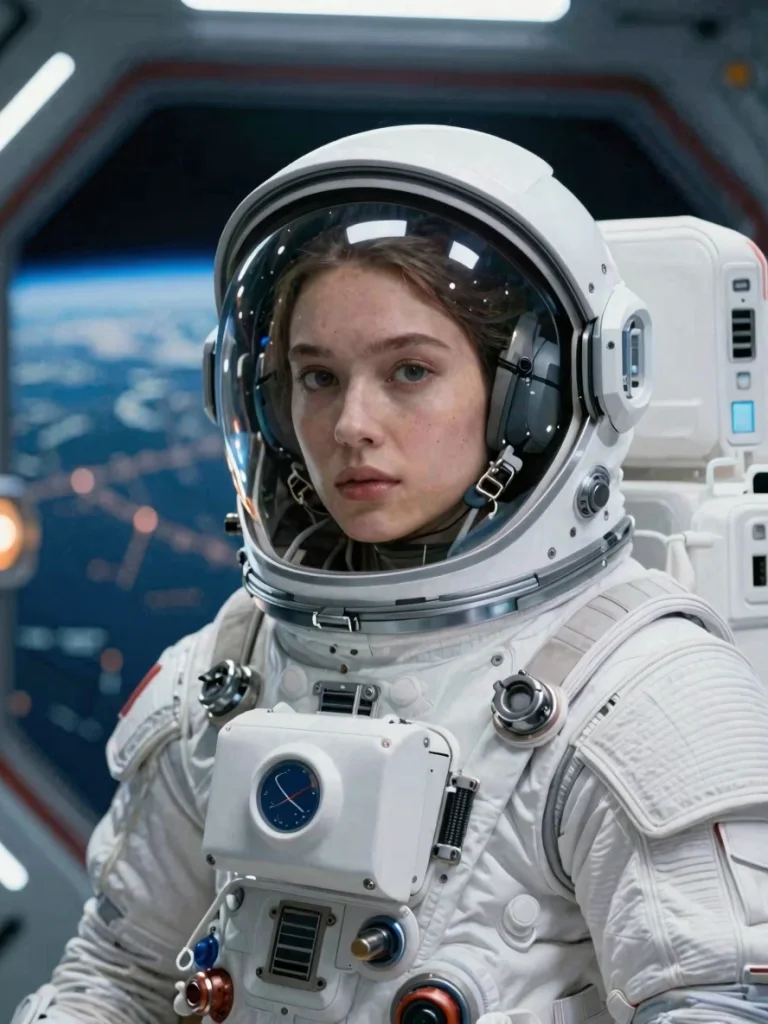
Cinematic Orbital Astronaut Portrait
Sci-Fi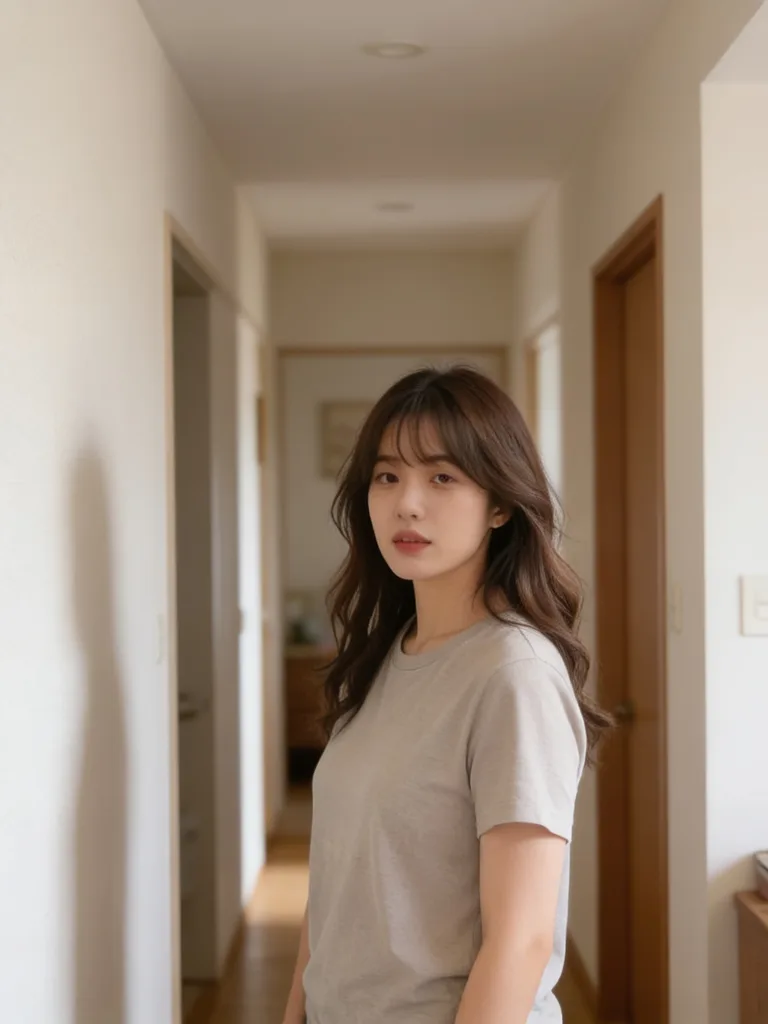
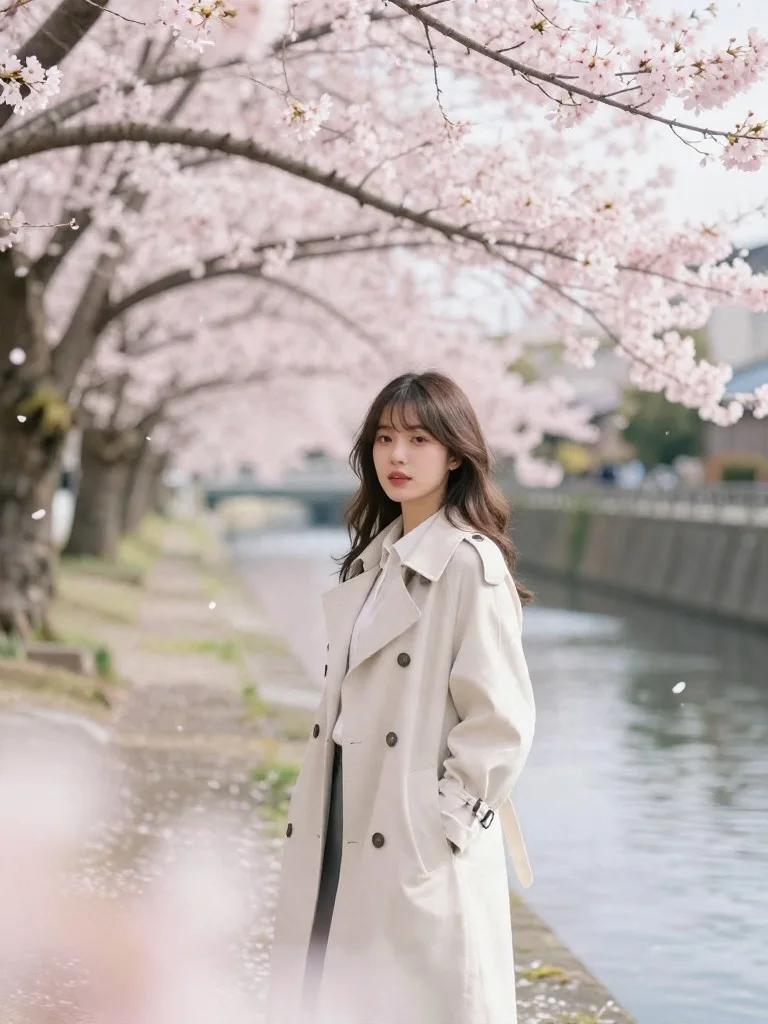
Spring Cherry Blossom Avenue
Spring Sakura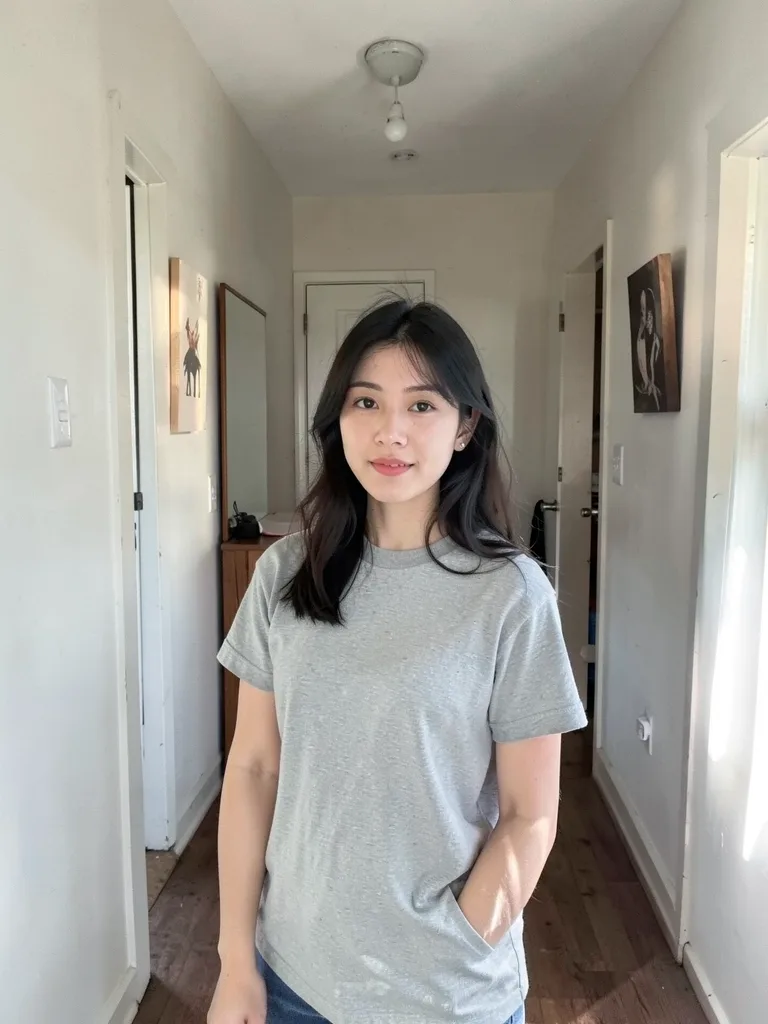
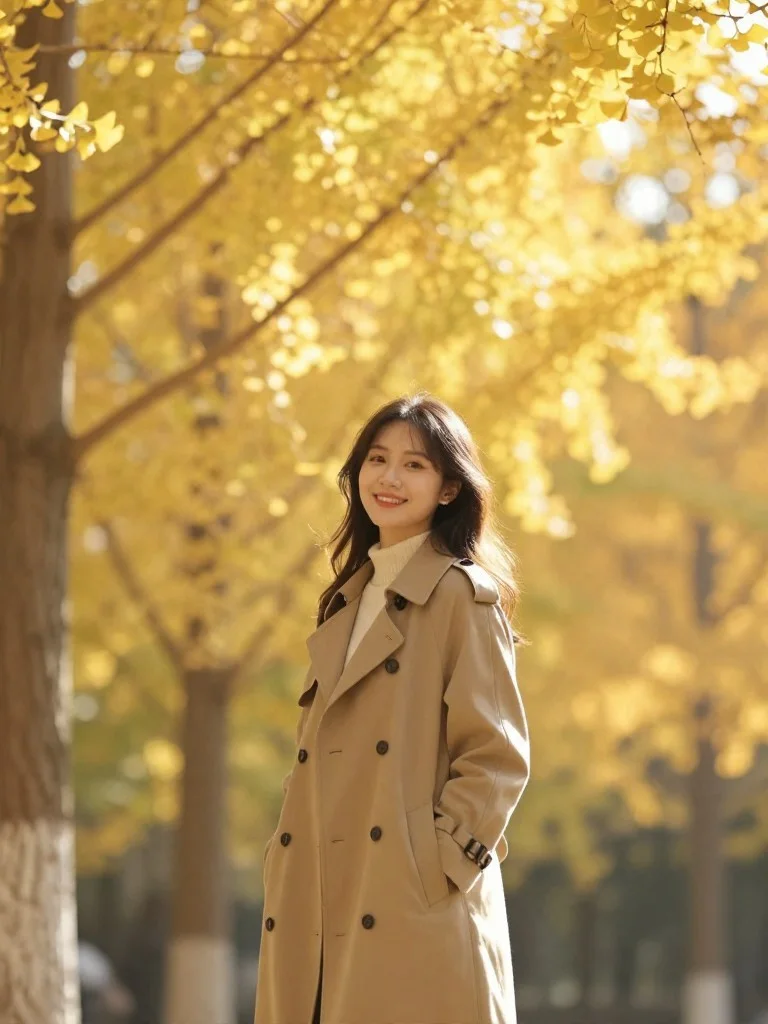
Golden Autumn Gingko Avenue Shoot
Autumn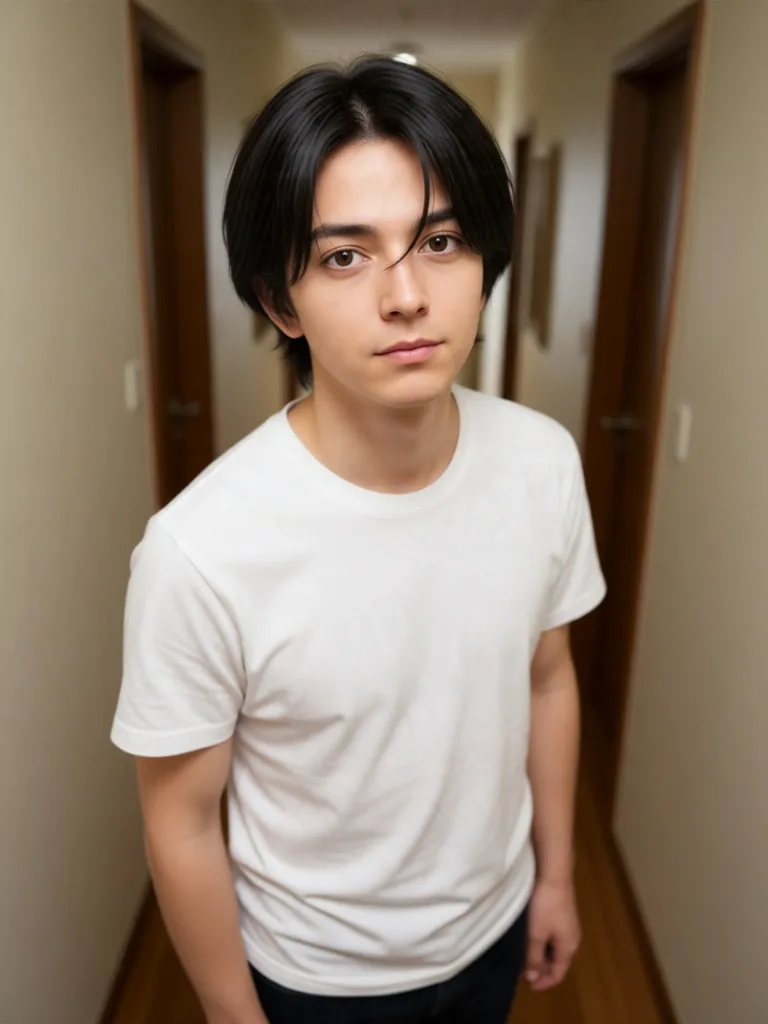
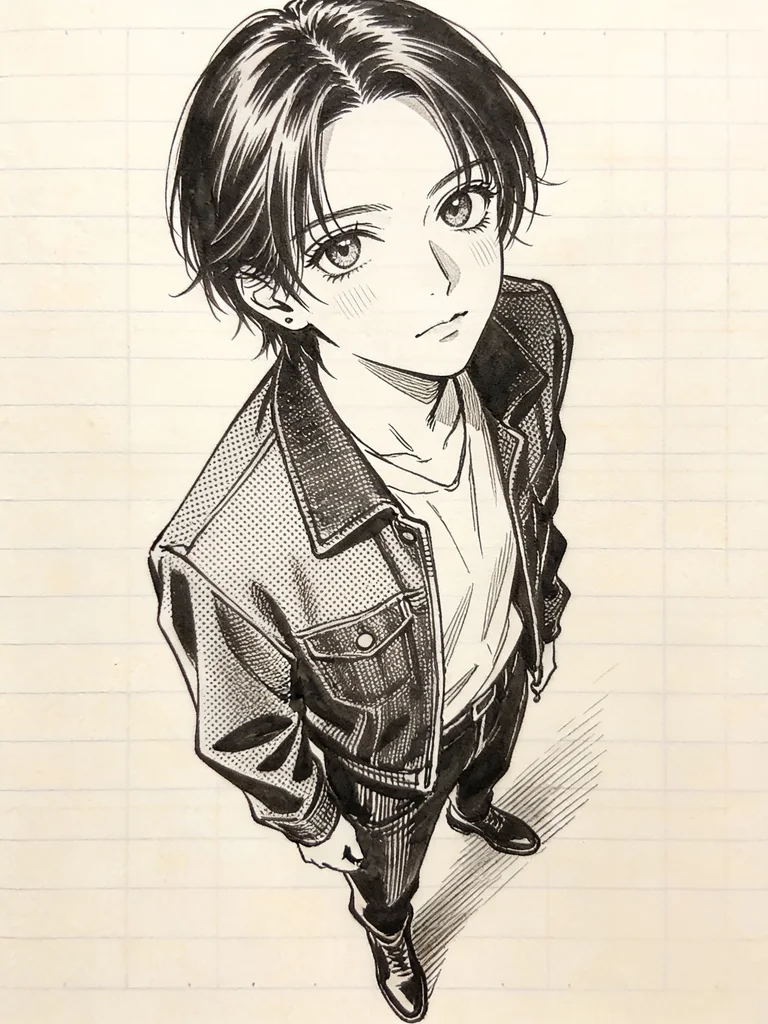
Crisp Screentone Manga Illustration
Manga Ink
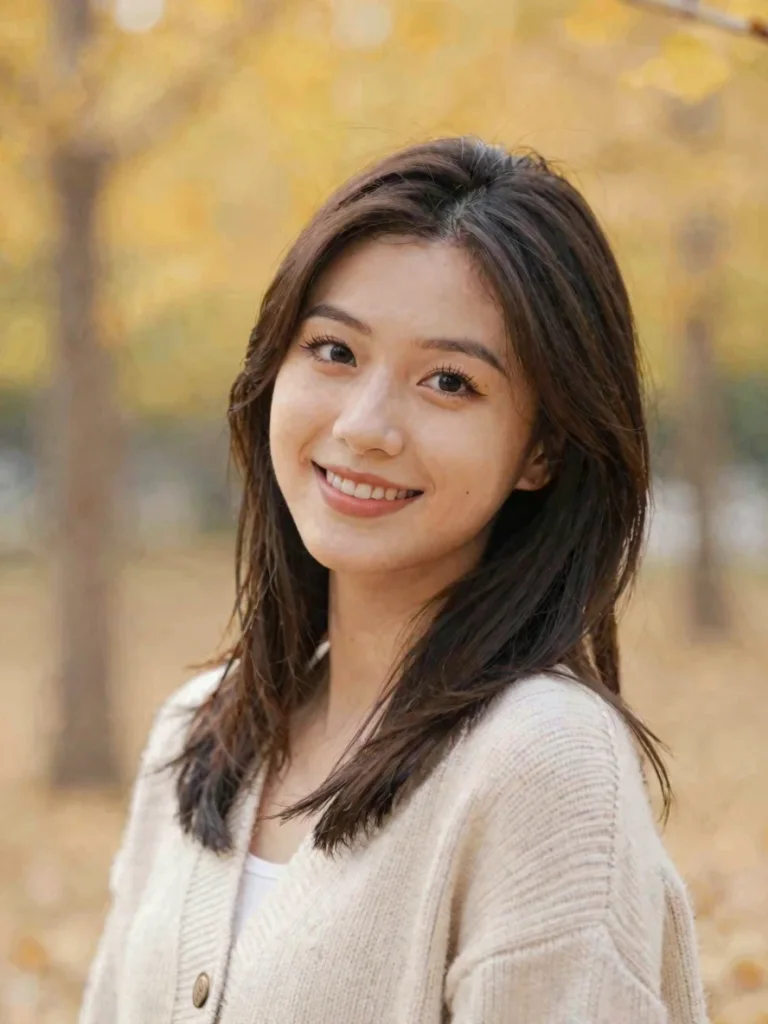
Rescue Missed-Focus Portrait
Focus Rescue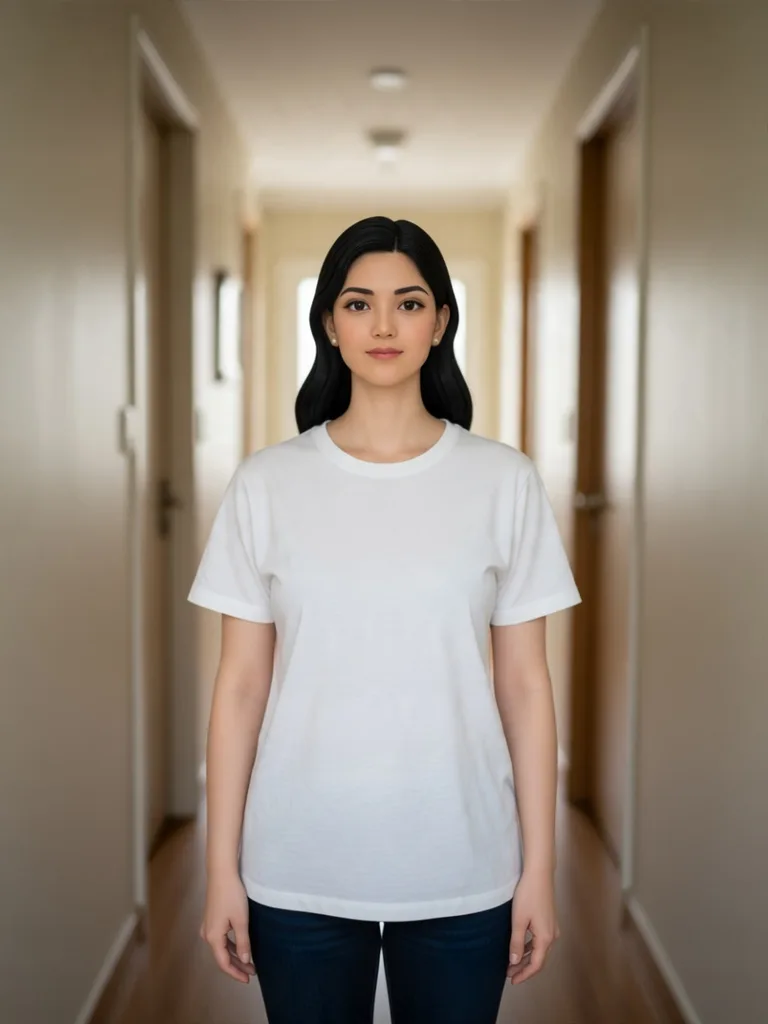
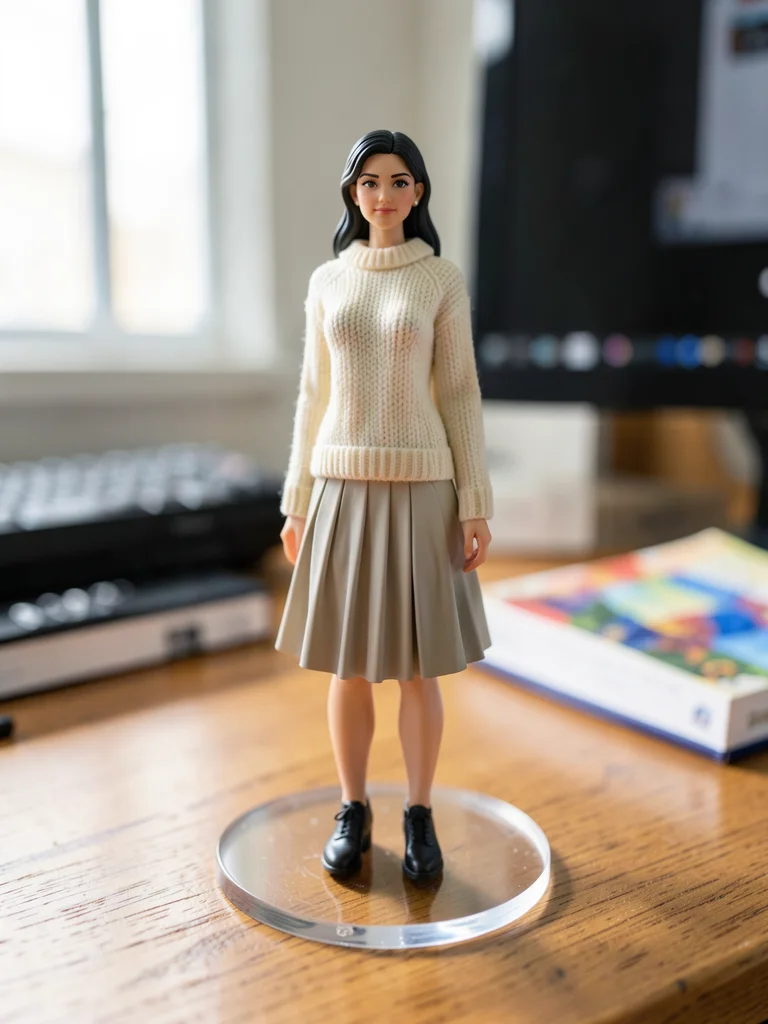
Collectible Desk Figurine
3D Figurine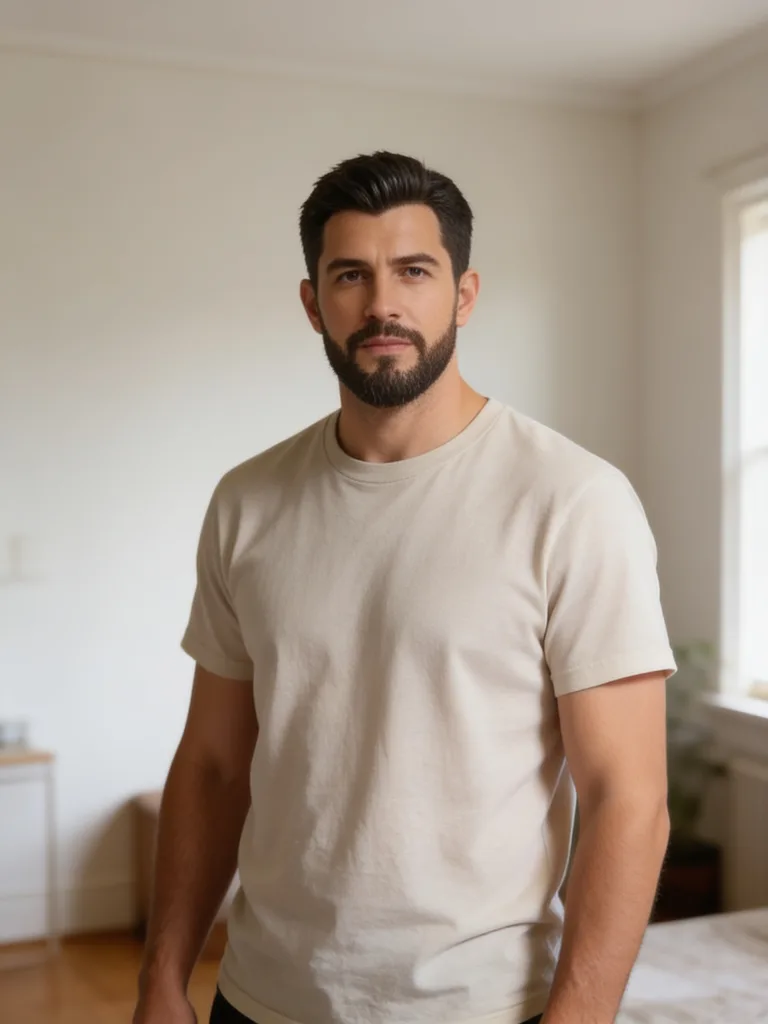
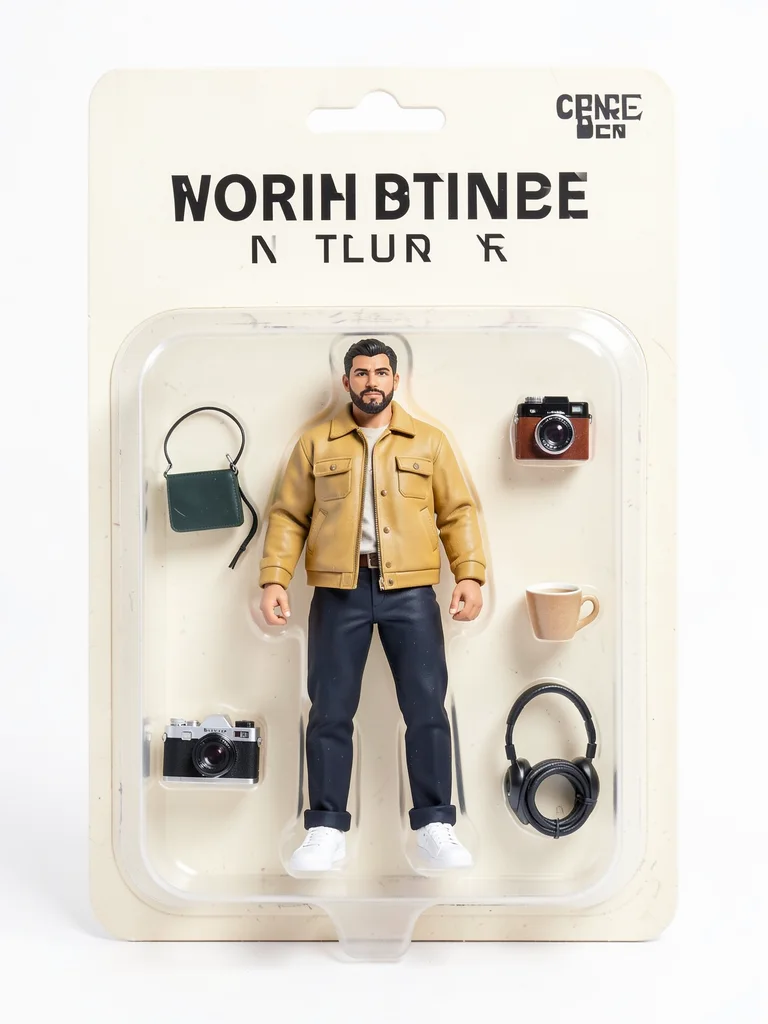
Blister-Pack Action Figure
Toy Box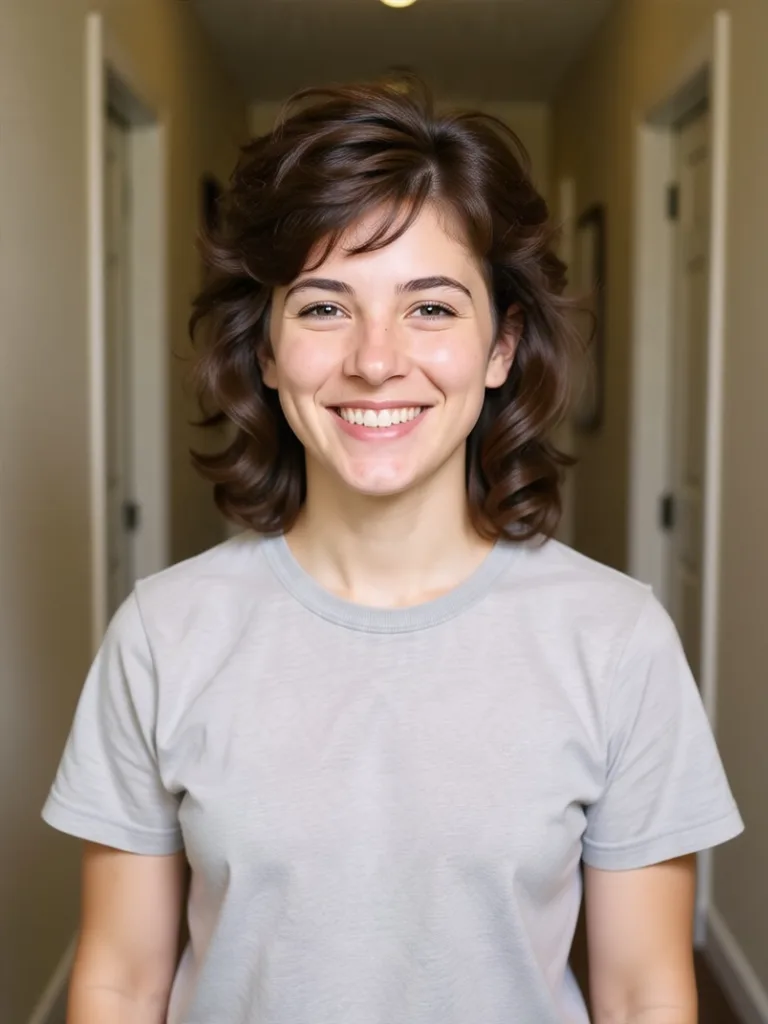
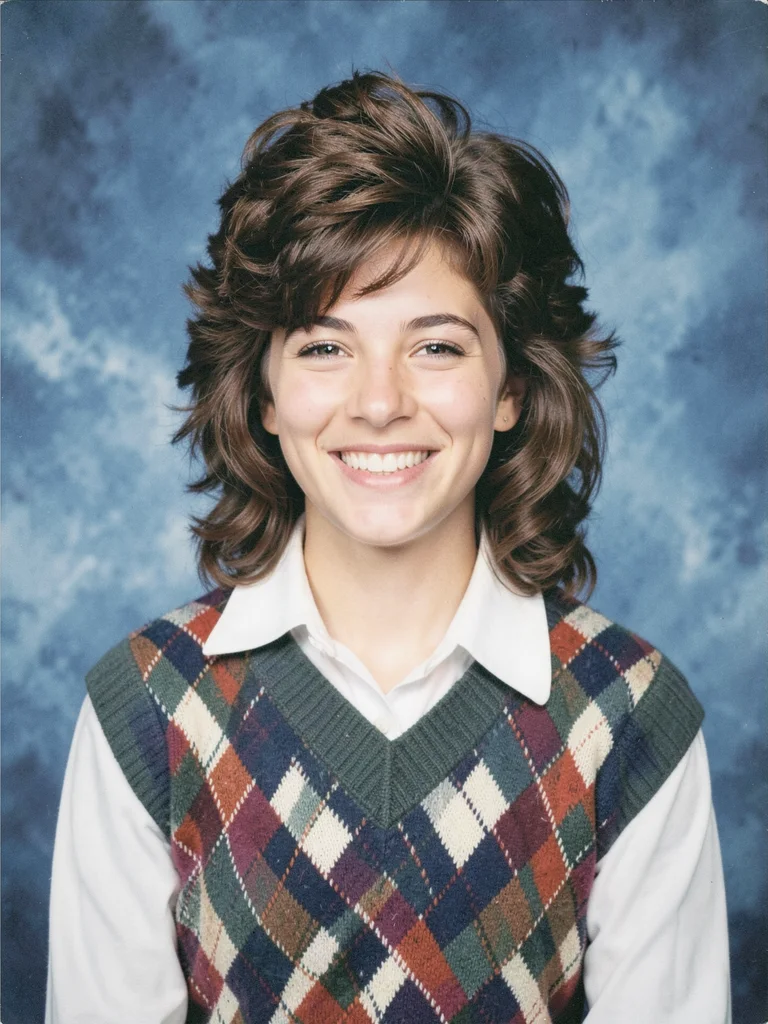
90s High School Yearbook
90s Retro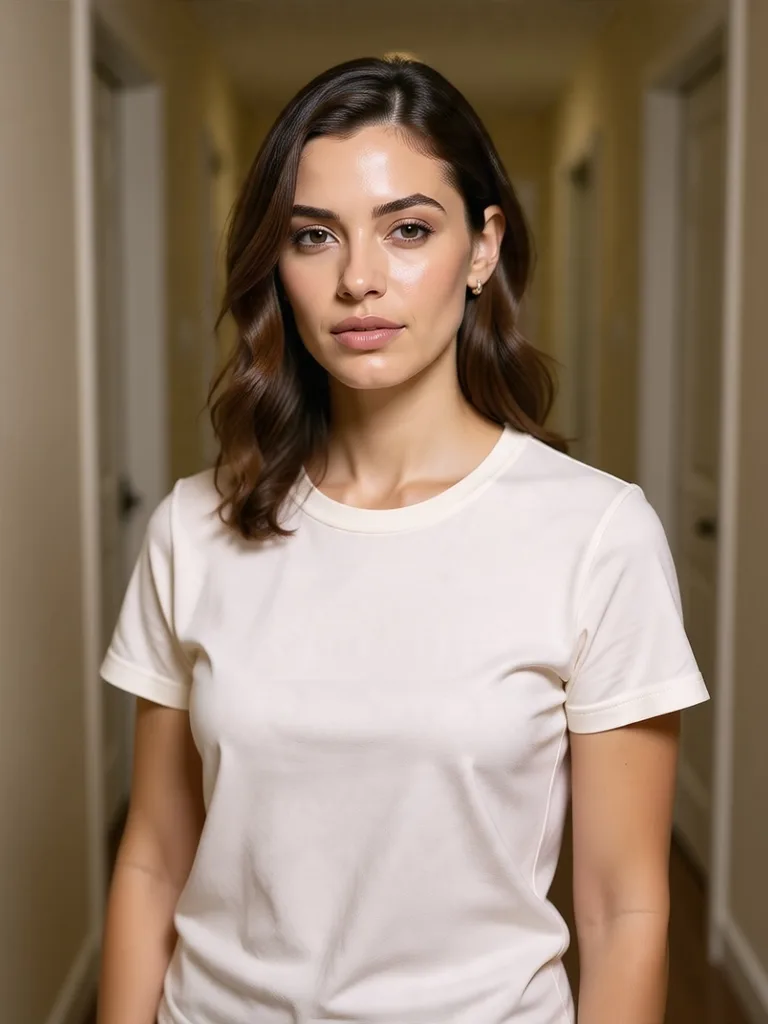
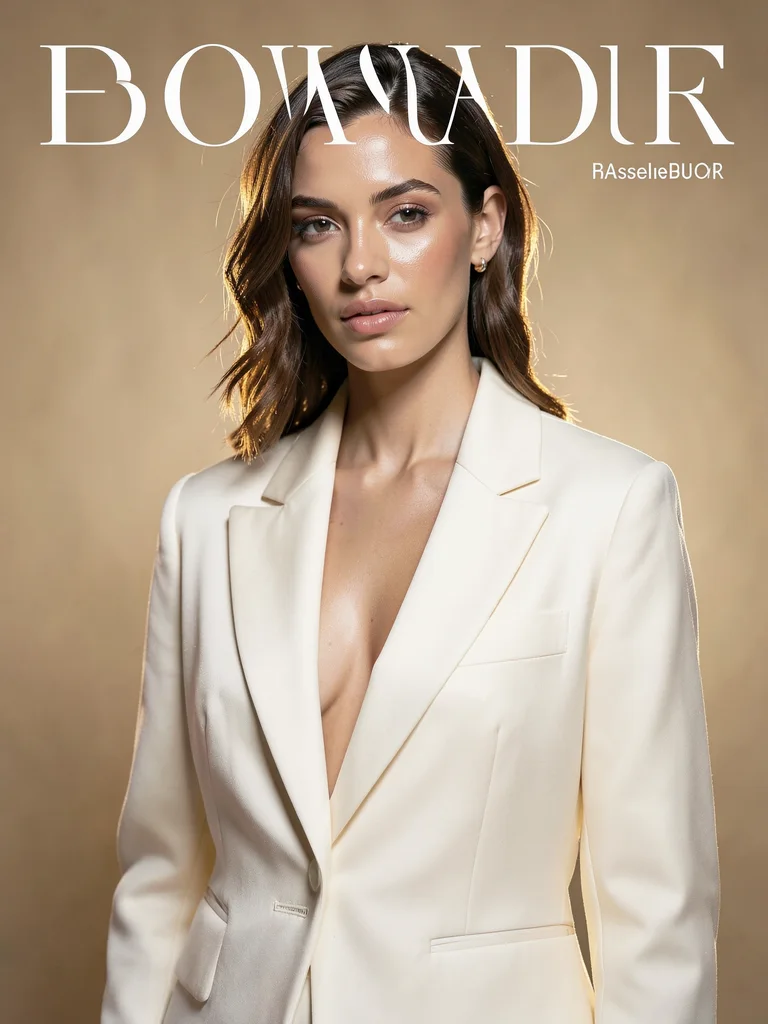
High-Fashion Editorial Cover
Editorial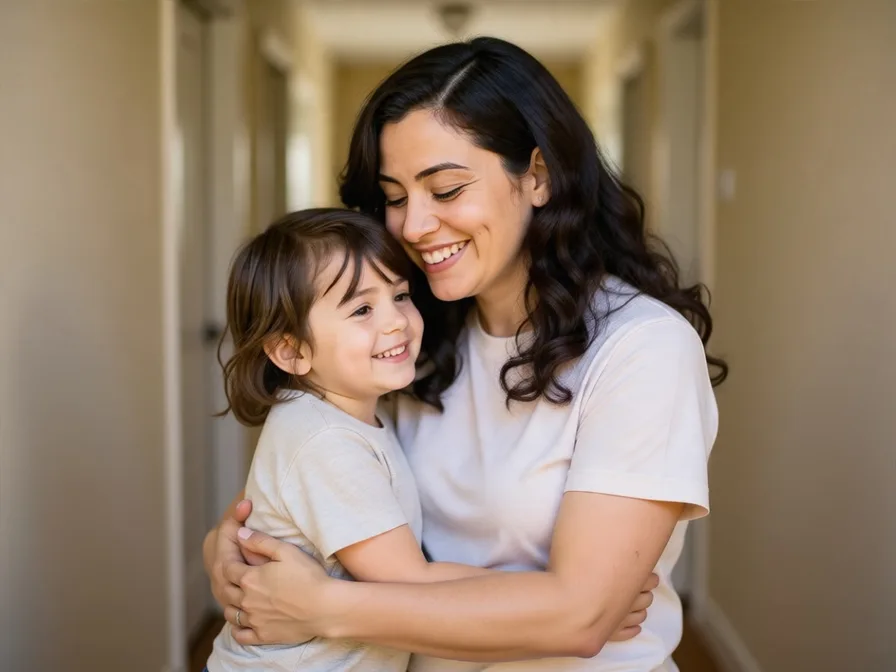
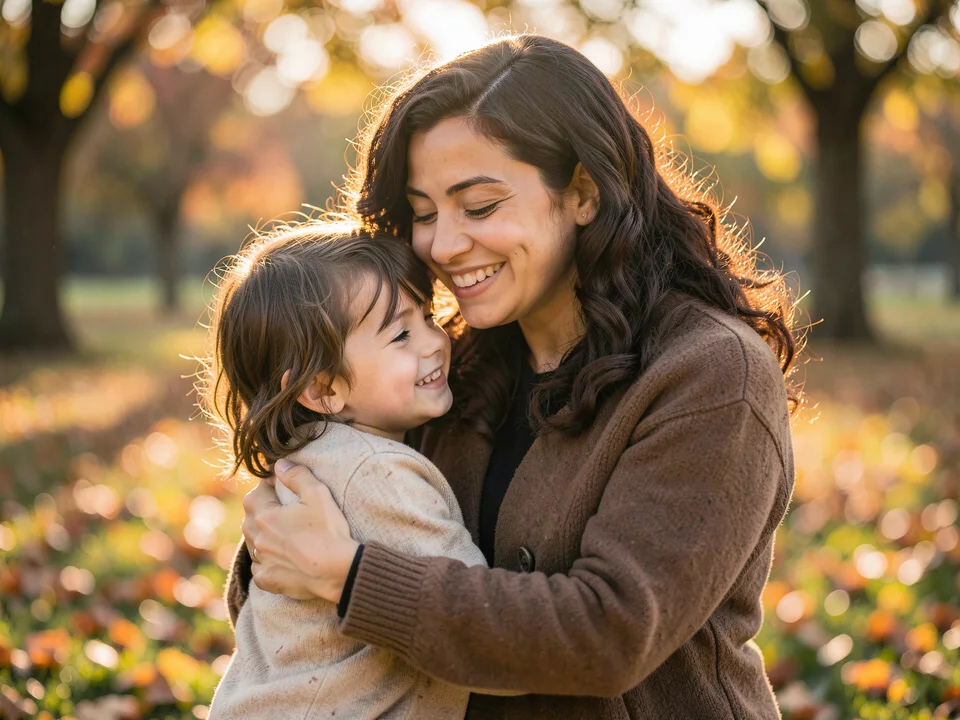
Reunion With Younger Self
Emotional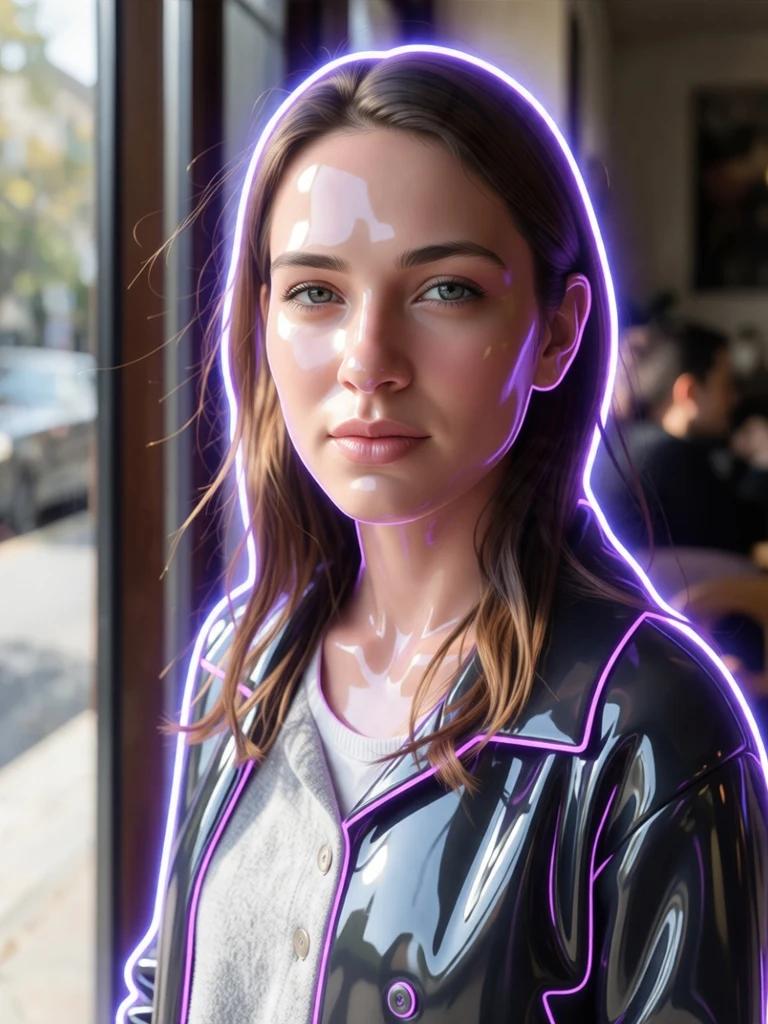
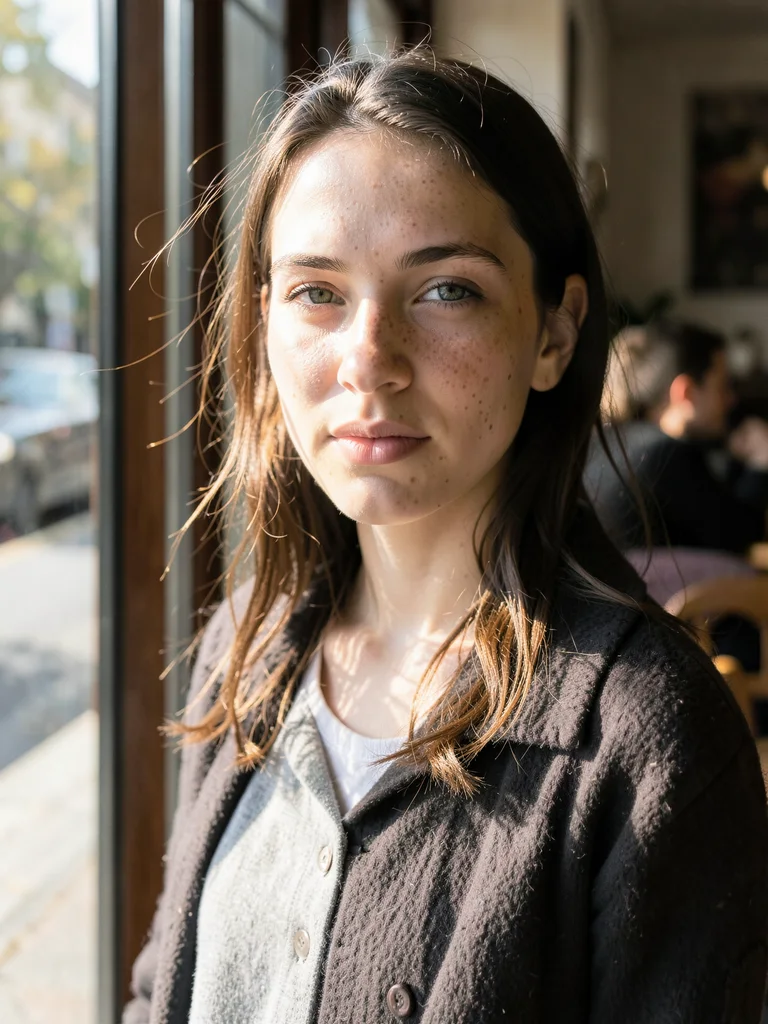
AI Portrait to Real Camera Photo
De-Plasticize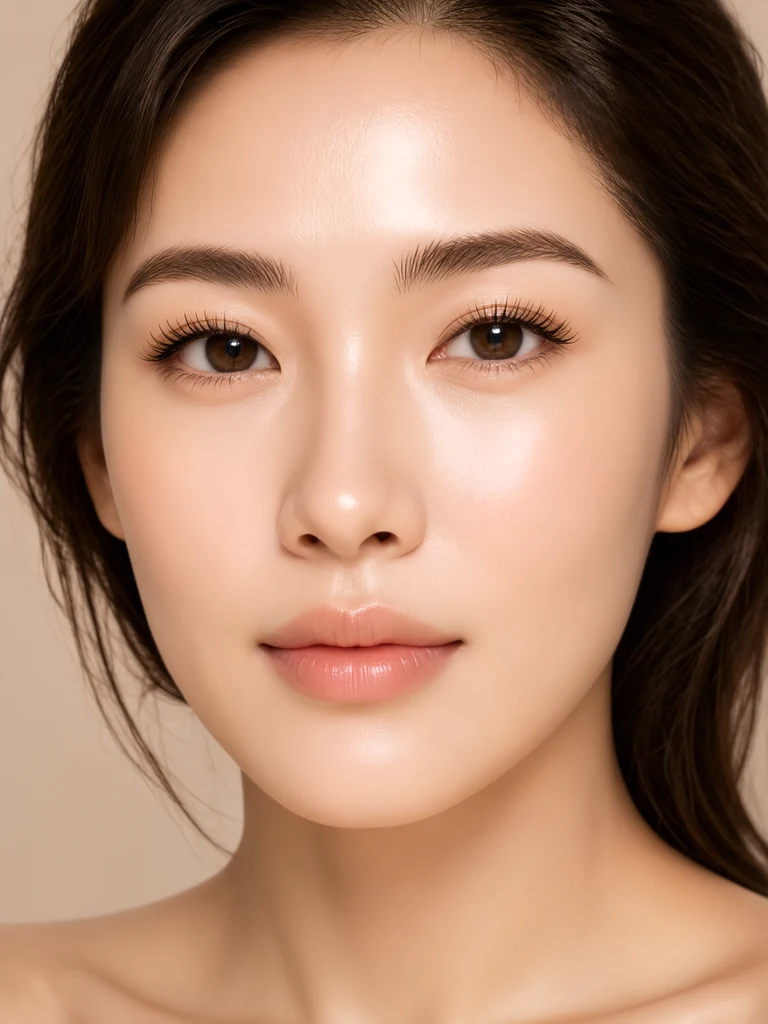
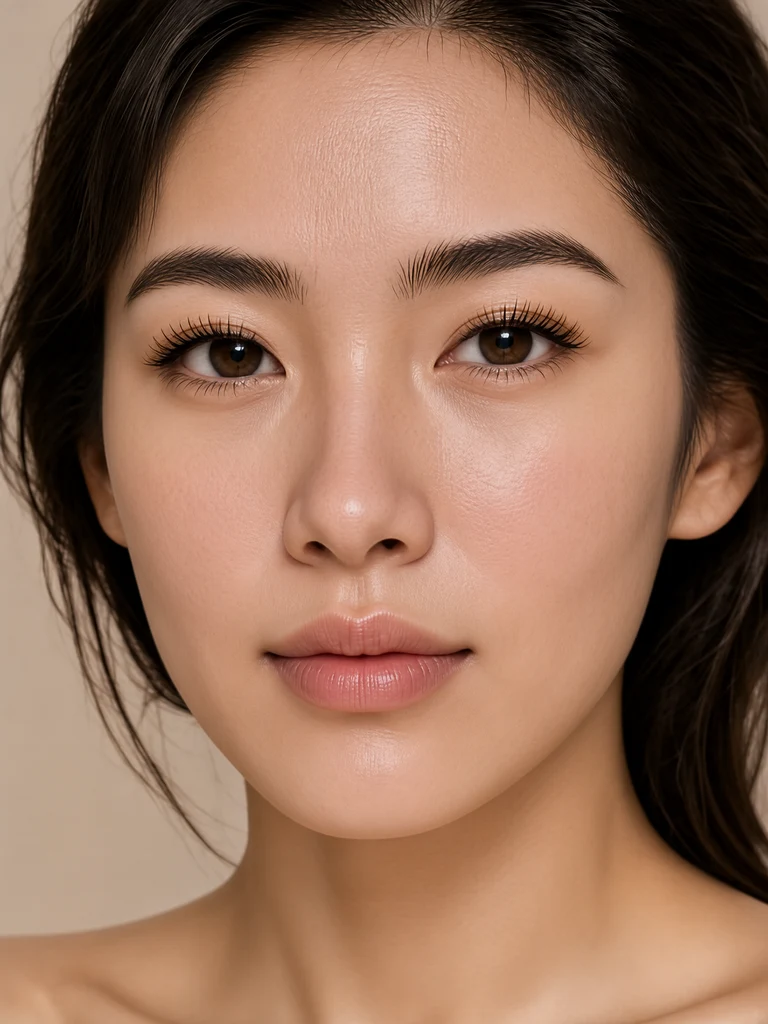
Micro-Pore Skin Texture Recovery
Skin Realism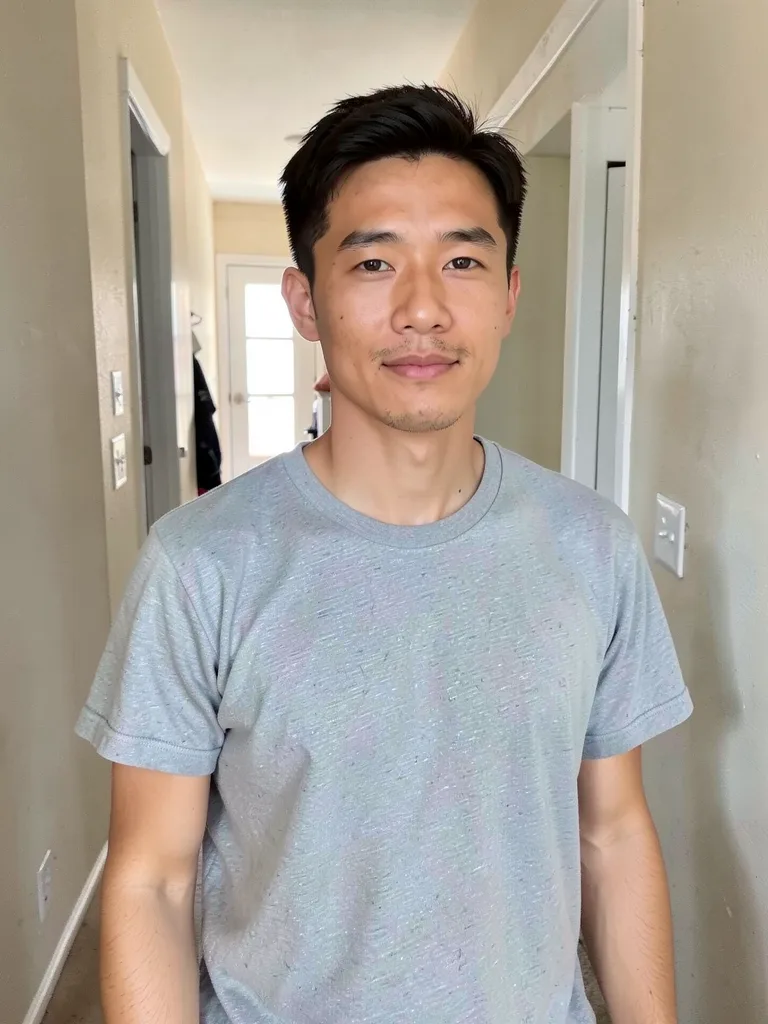
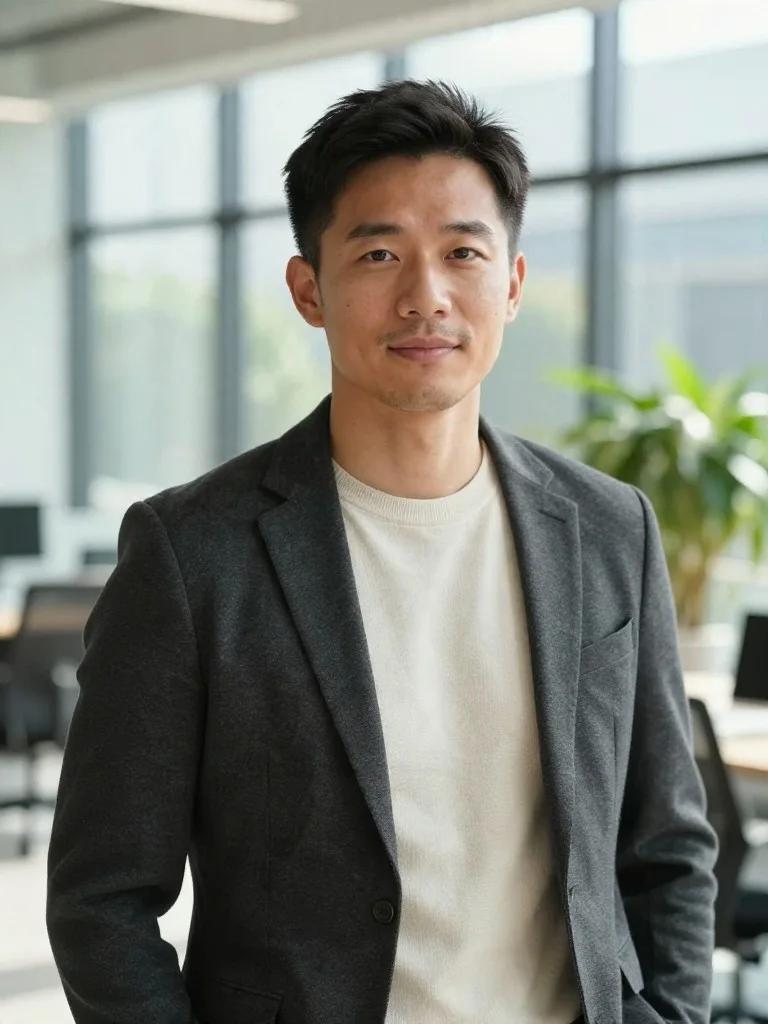
Modern Tech Founder Portrait
FounderPopular AI Photoshoot Themes
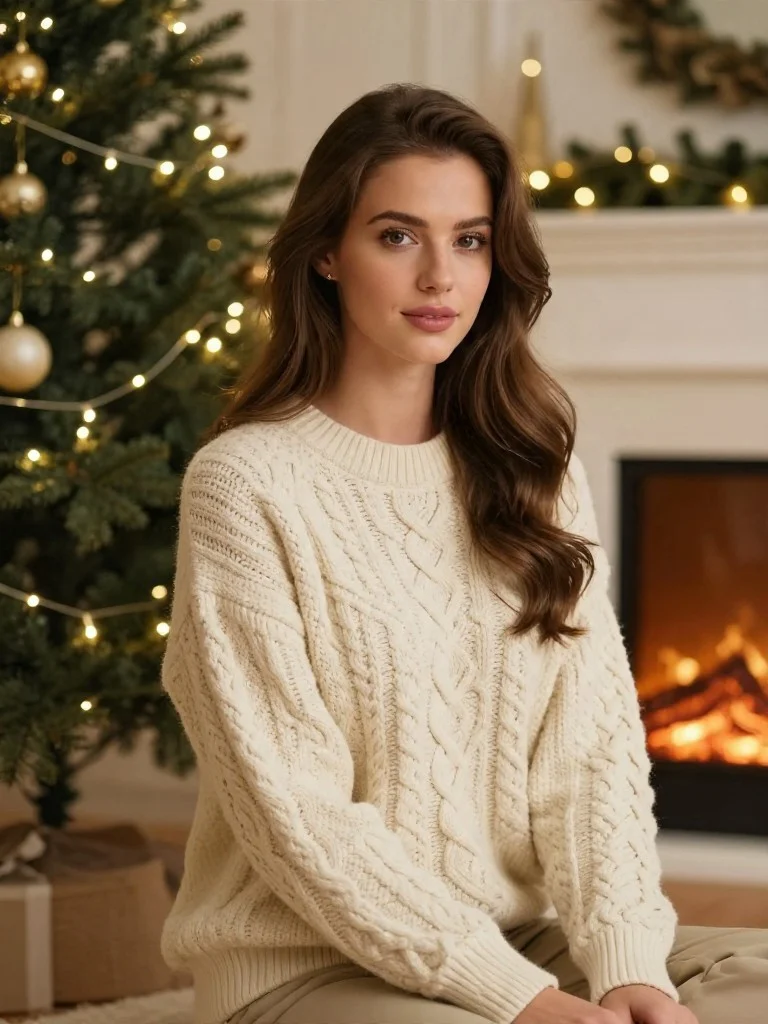
AI Christmas Photoshoot
Turn any selfie into a cozy fireplace portrait, snowy winter shoot, or family holiday card in seconds.
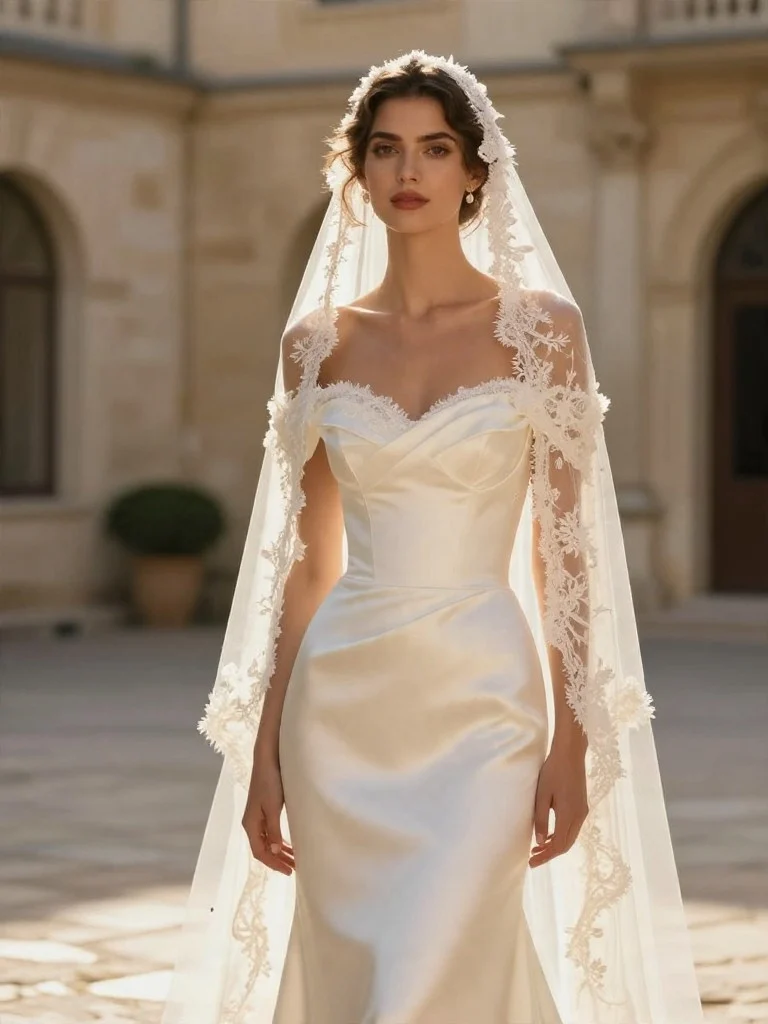
AI Wedding & Bridal Photoshoot
Preview bridal gowns, tailored tuxedos, European chateau settings, and golden-hour veil portraits from your selfies.
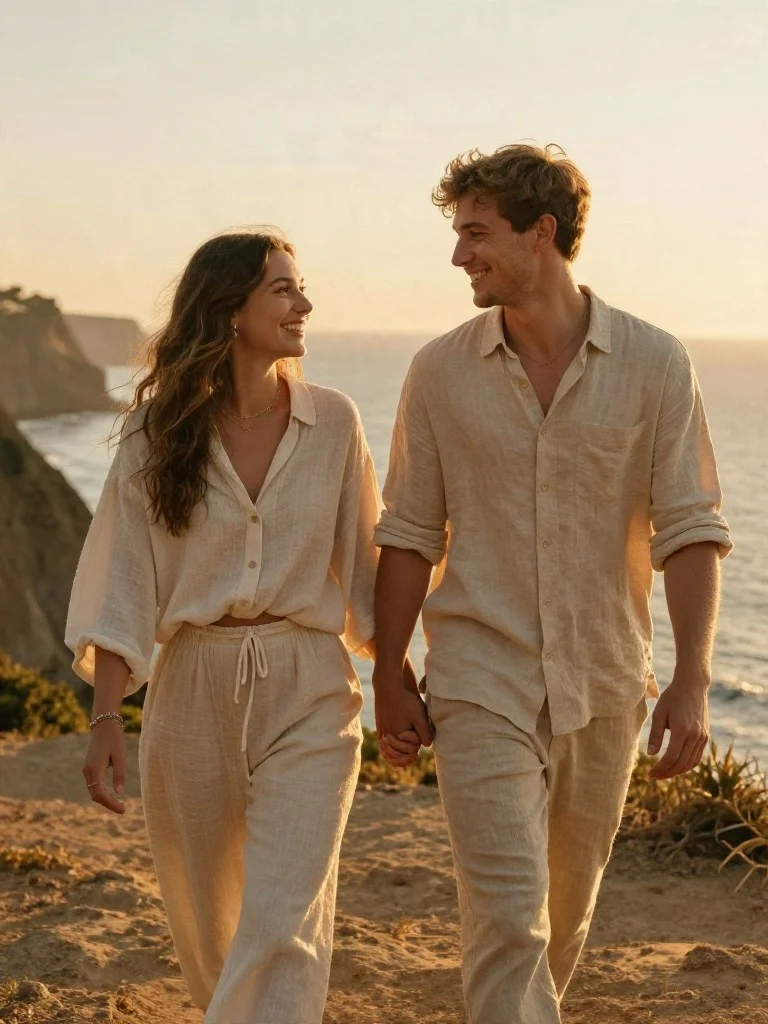
AI Couple Photoshoot
Turn two individual selfies or a casual snapshot into romantic sunset, Parisian cafe, and engagement portraits.
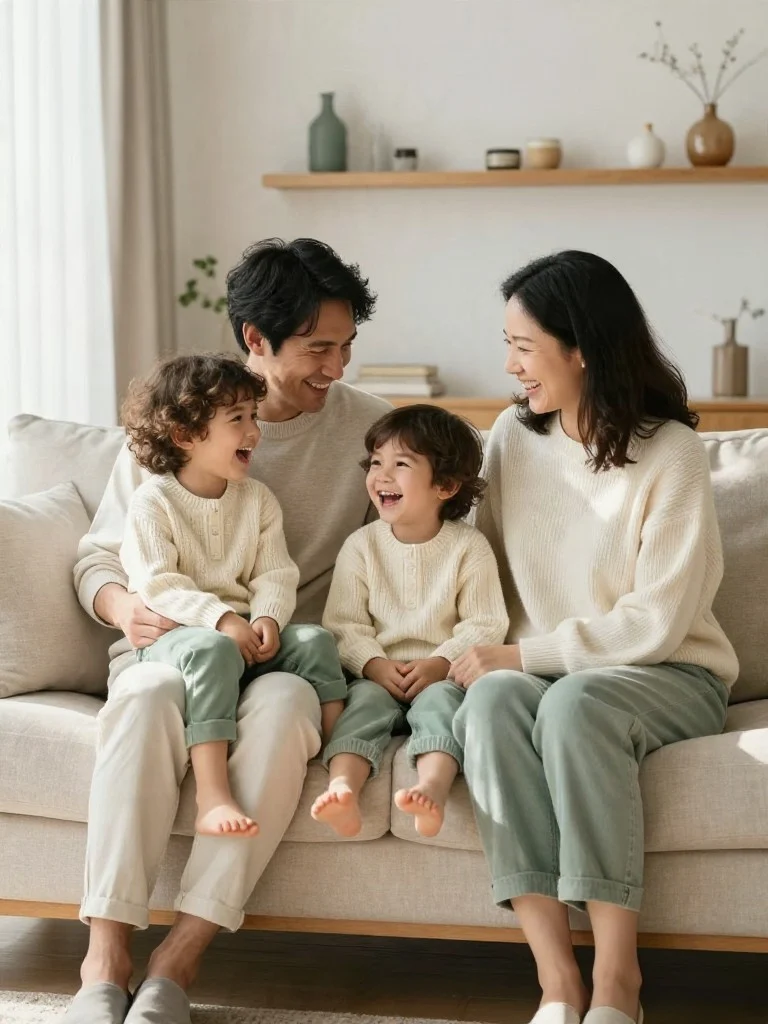
AI Family Portrait Photoshoot
Create warm studio family portraits, coordinated holiday card photos, and multi-generational keepsakes at home.
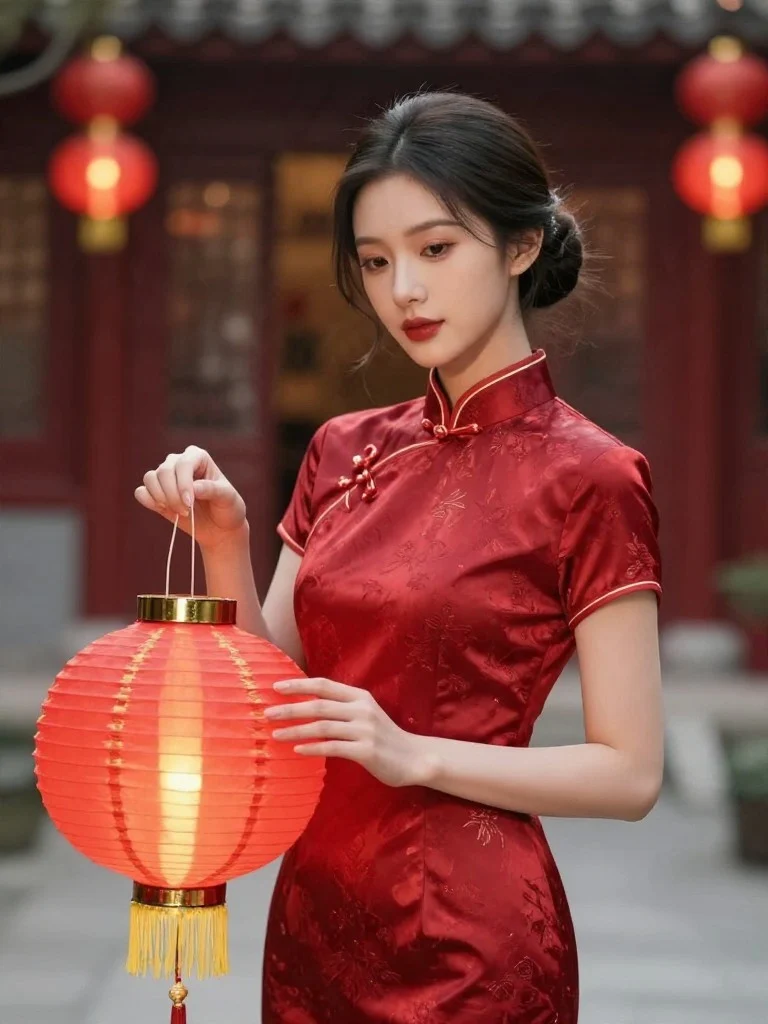
AI Chinese New Year Photoshoot
Celebrate Lunar New Year in crimson silk qipao, Tang-style couture, and glowing palace lantern sets.
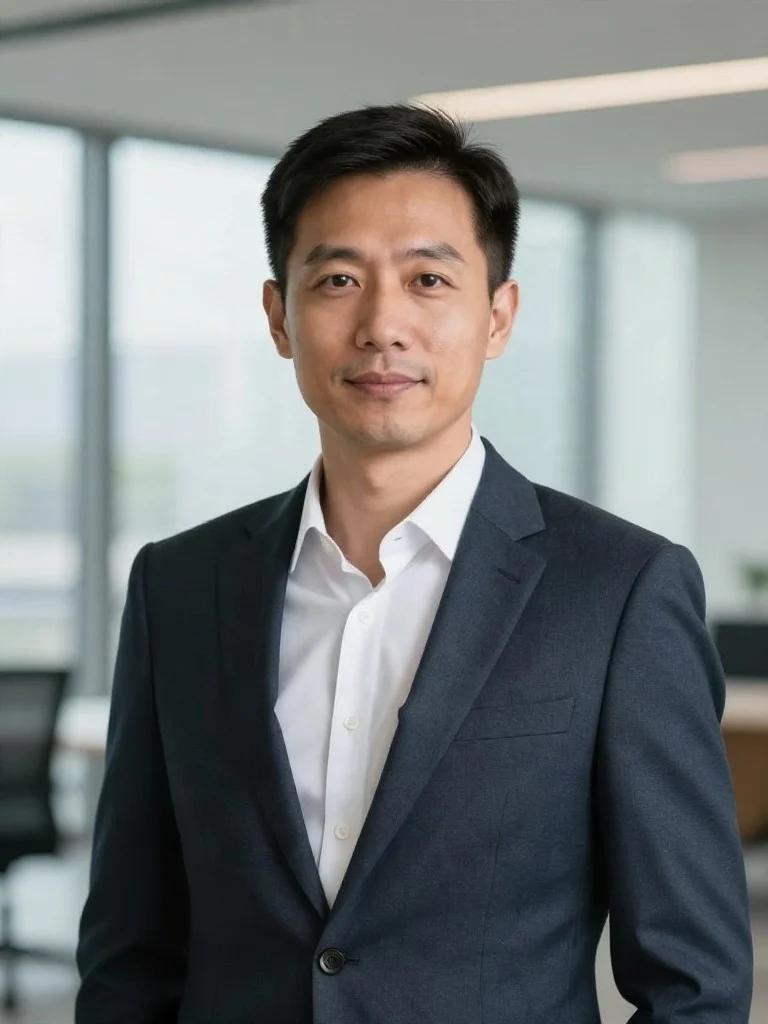
AI LinkedIn Profile Photo
Upgrade your LinkedIn profile photo with a studio-lit portrait in tailored business attire from one casual selfie.
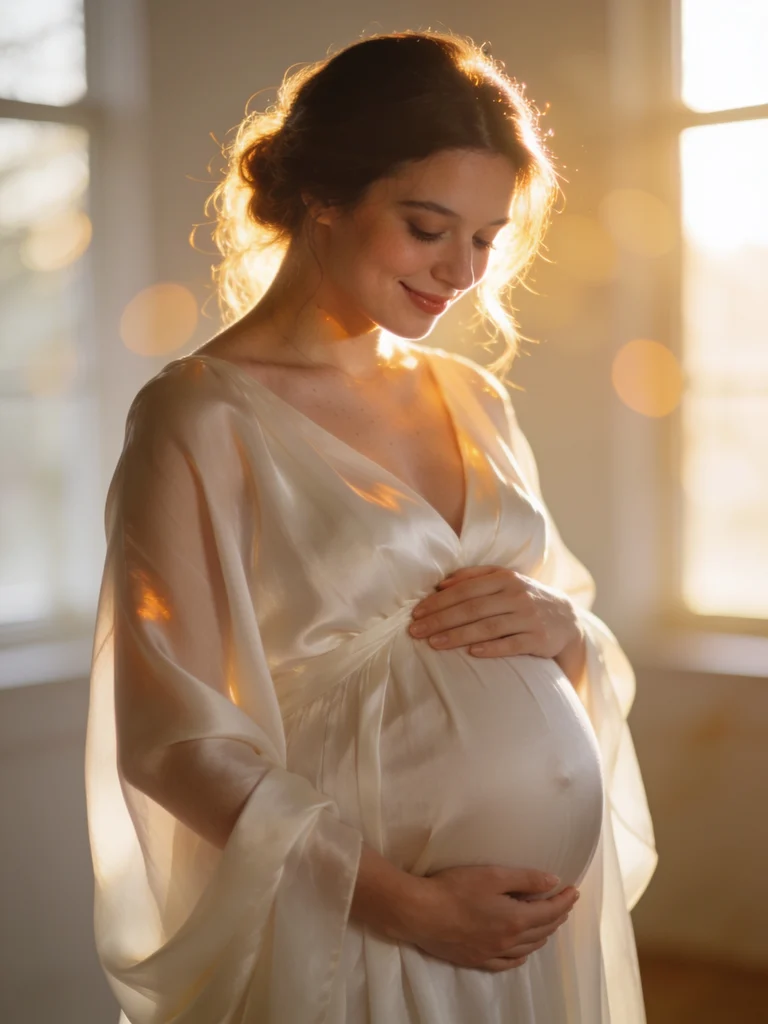
AI Maternity Photoshoot
Capture your pregnancy glow in flowing silk gowns, sunlit floral gardens, and minimalist fine art studio lighting.
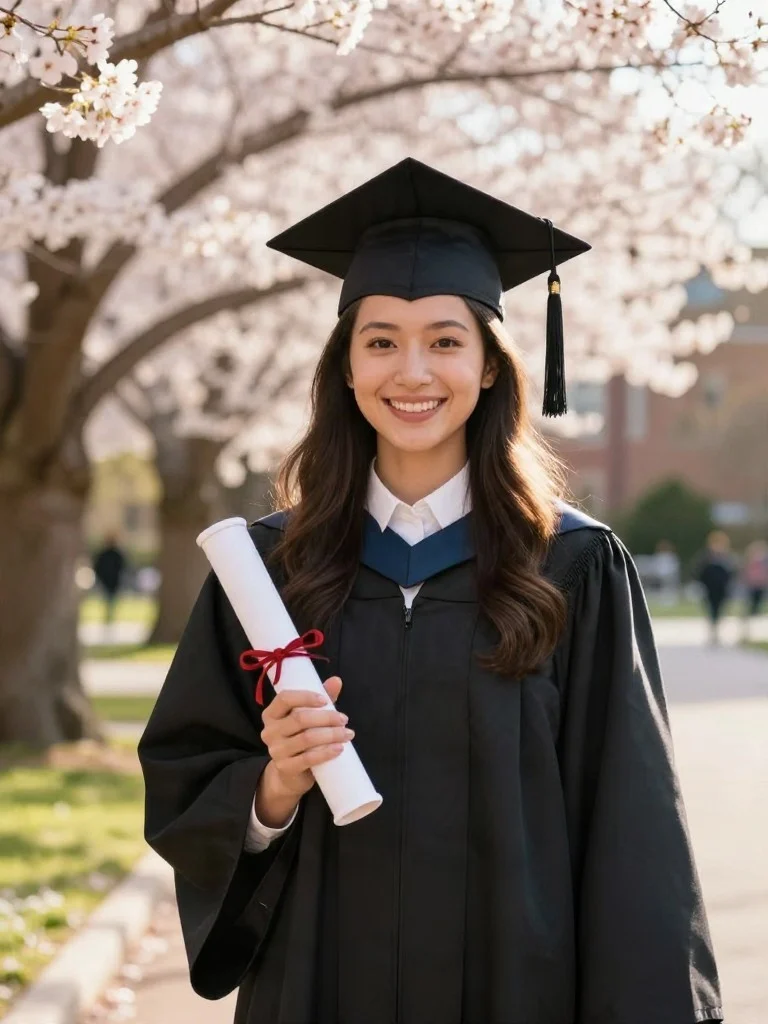
AI Graduation Photoshoot
Celebrate your milestone in academic regalia, cap and gown, and classic university library or campus settings.
All-in-One AI Photo Editor & Portrait Generator Tools
AI Photoshoot Generator
Run a complete AI photoshoot from a phone selfie — including AI Christmas photos, AI wedding photos, and AI couple photoshoots.
AI Headshot Generator
Create studio-lit LinkedIn headshots, executive bios, and resume portraits with our AI headshot generator in seconds.
AI Portrait Generator
Use our AI portrait generator to turn photos into fine-art oil paintings, 35mm film portraits, and editorial close-ups.
AI Style Filter: Anime & Sketch
Apply an AI style filter to convert any photo to anime, turn a photo into a painting, pencil sketch, or 3D figure box.
AI Photo Editor & Outfit Changer
Edit photos in plain English with our AI photo editor: swap outfits, test hairstyles, clean up backgrounds, or relight portraits.
Image to Prompt Generator
Upload any reference photo to extract its lighting, lens, pose, and style prompt for your next AI photoshoot.
Real Before-and-After Results
Every pair below starts with an ordinary phone photo and uses our AI photo editor and AI photoshoot generator to change lighting, wardrobe, and backdrop while keeping the person's real face.
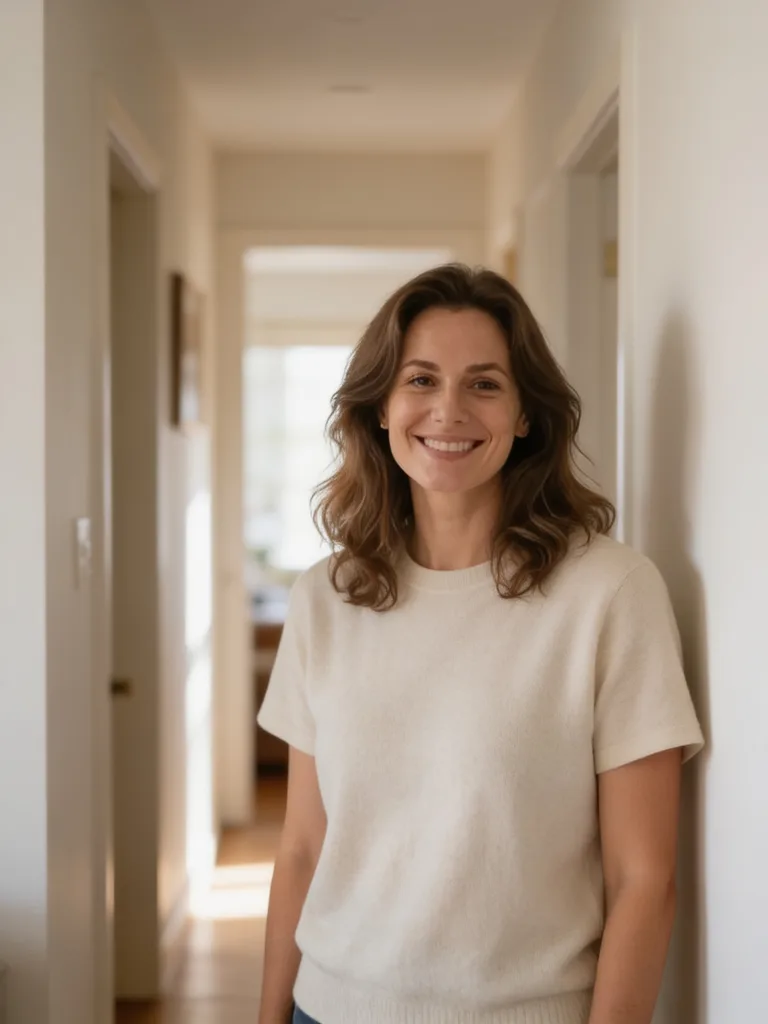
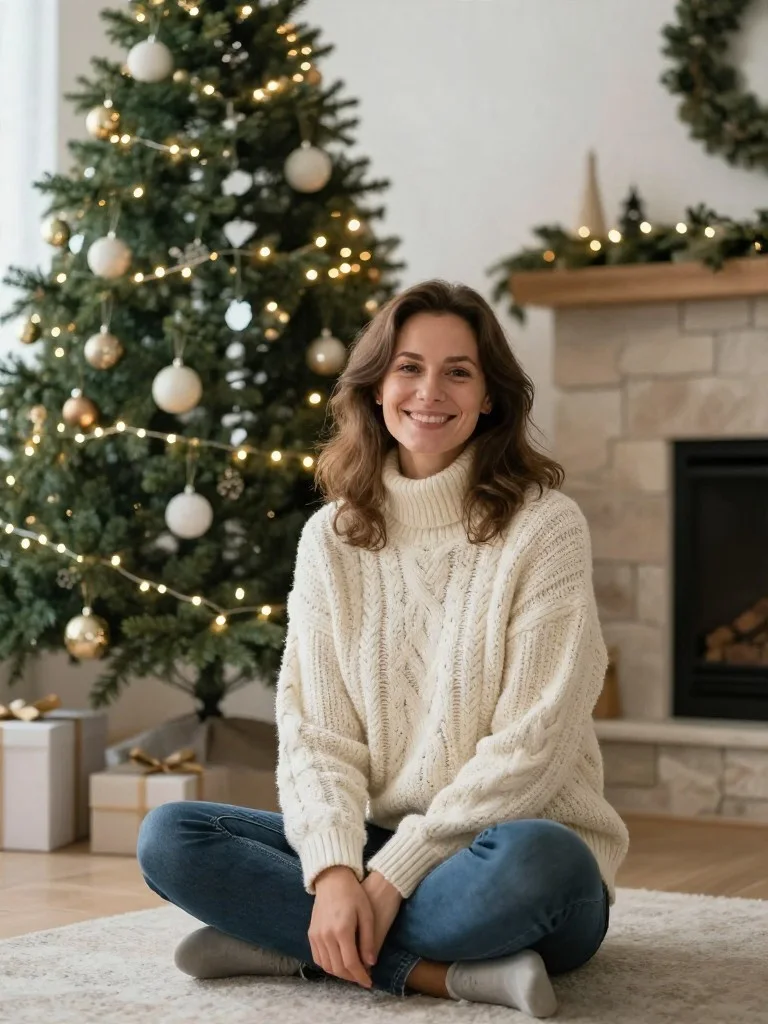
Christmas Studio Photoshoot
Warm holiday card portrait with golden bokeh, realistic knitwear texture, and true-to-life facial identity.
Executive LinkedIn Headshot
Polished, boardroom-ready LinkedIn profile portrait that looks shot by a corporate photographer.
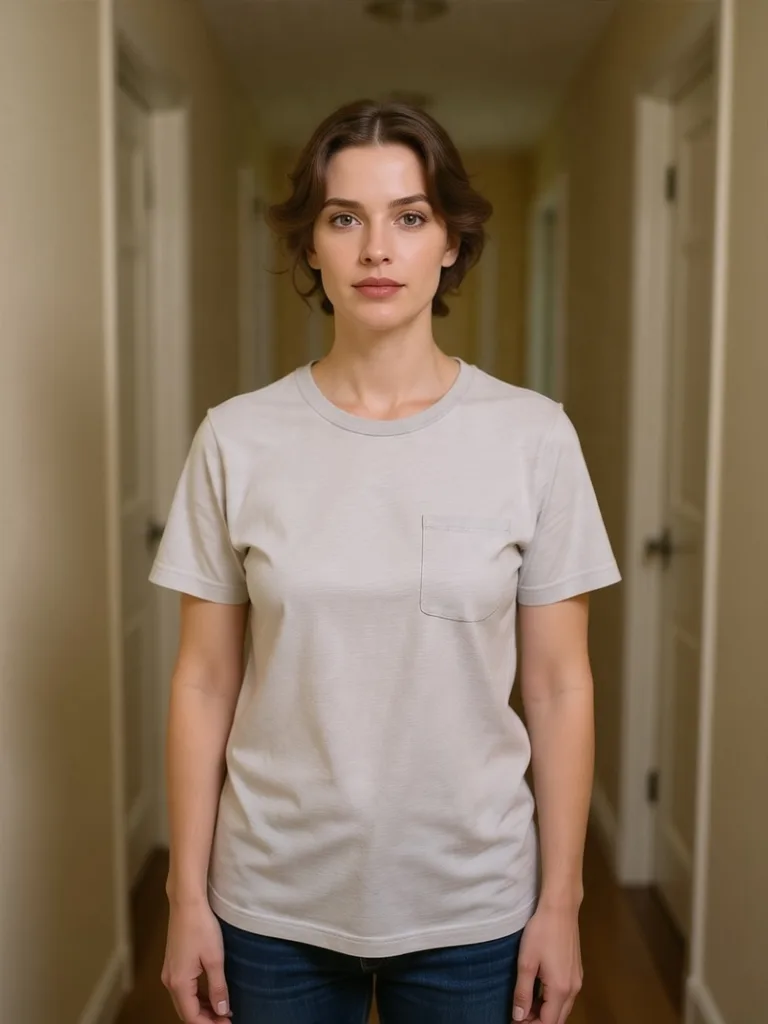
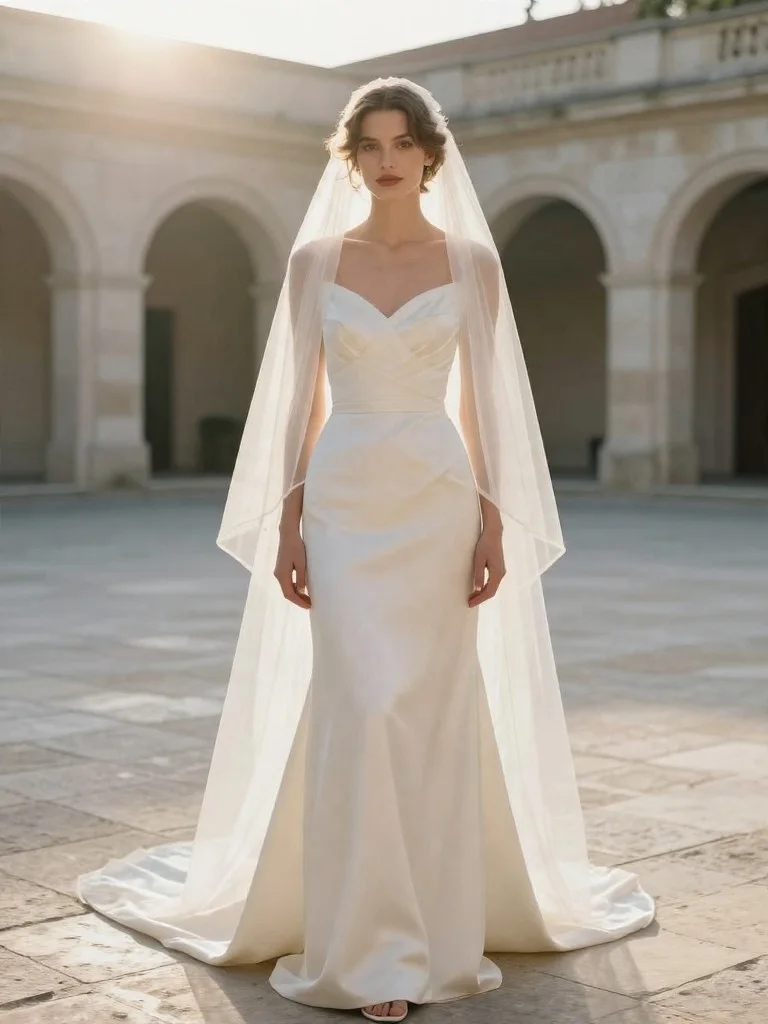
Luxury Bridal & Gown Photoshoot
Vogue-worthy bridal portrait with delicate fabric detail and graceful studio lighting.
Old Photo Restore & Colorize
Crystal-clear, naturally colorized heirloom portrait with every scratch seamlessly removed.
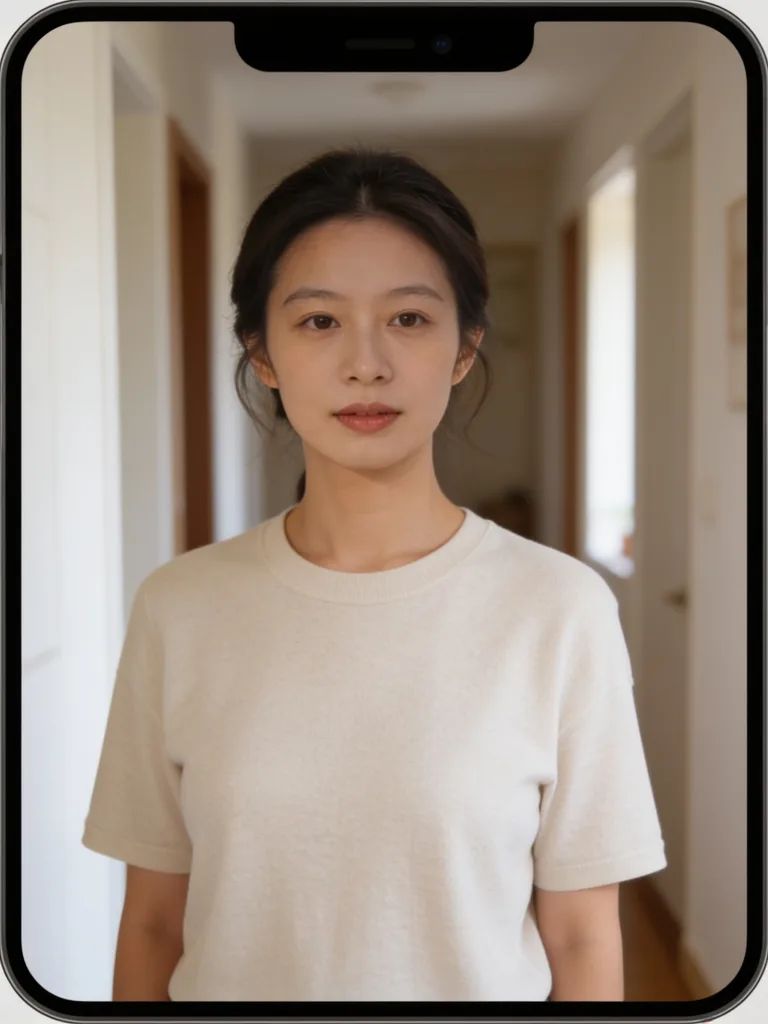
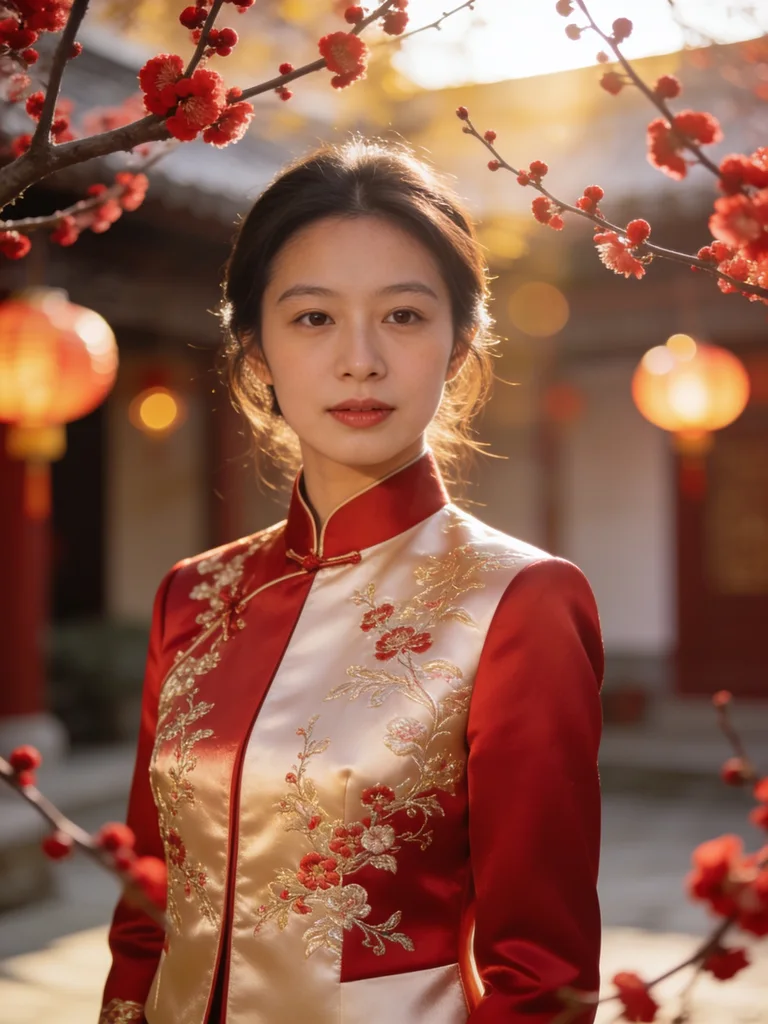
Oriental Lunar New Year Couture
Festive Oriental editorial portrait with rich silk brocade texture and warm lantern glow.
3D Collectible Figure Box
Adorable studio-lit 3D designer figure with matching display packaging and miniature props.
How the AI Photo Editor Works
Upload 1–5 Photos to the AI Photo Editor
Drop in a clear phone selfie or half-body snapshot (JPG, PNG, WebP). Uploading 2–3 angles helps the AI photoshoot generator lock your exact facial structure.
Choose an AI Photoshoot Style or Type Your Edit
Click any preset from the gallery or tell the AI photo editor what to change — such as a tailored blazer, bridal veil, fireplace glow, or oil painting texture.
Download Your 1K–4K Portrait
Your finished AI photoshoot or portrait edit renders in 10–25 seconds with natural skin texture, zero watermarks, and a one-click option to continue editing.
What You Can Do with Beautyface
Most portrait apps either slap a plastic beauty filter over your selfie or make you wait an hour to train a model on twenty photos. Beautyface is a practical AI photo editor and AI photoshoot generator built for people who want their photos to actually look like them. Powered by Nano Banana 2.1, GPT Image 2.6, and Z Image Turbo, our online AI photo editor lets you upload 1 to 5 everyday photos, keep your natural jawline, eye shape, and skin pores, and run a realistic AI photoshoot from your browser. You can start with our free AI photo editor credits to test LinkedIn headshots, AI wedding photos, AI Christmas photos, or AI couple photos before spending a dime on a traditional camera studio.
Themed AI Photoshoot Generator at Home
- Skip $300 studio bookings and run an AI photoshoot for AI Christmas photos, AI wedding photos, AI couple photos, and AI family portraits from a couch selfie
- Generate crisp LinkedIn headshots, maternity portraits, and graduation cap-and-gown portraits with our AI headshot generator and AI portrait generator
- Lock facial identity across 1 to 5 reference photos so friends, colleagues, and family immediately recognize you
Prompt-Based AI Photo Editor & Retouching
- Use the AI photo editor as an AI outfit changer and AI hairstyle changer by typing the exact suit, dress, or haircut you want to try
- Clean up messy bedrooms, remove background tourists, and relight harsh indoor snapshots with soft window or golden-hour studio light
- Fix blurry vintage prints, remove creases, and colorize black-and-white family photos without losing grain or character
AI Style Filter, Anime & Fine Art Portraits
- Use our AI style filter and AI portrait generator to turn a photo into a painting, convert a photo to anime, or draw a charcoal photo to sketch
- Turn any portrait into a boxed 3D collectible figure, chibi capsule toy, claymation character, or retro pixel avatar
- Bring 2D anime characters, digital illustrations, and marble statues to life as realistic human portraits
Multi-Model Reliability & Print-Ready Export
- Routes every AI photo editor and AI photoshoot task across Nano Banana 2.1, GPT Image 2.6, and Z Image Turbo with automatic fallback
- Export unwatermarked 1K, 2K, and 4K portraits in 1:1, 3:4, 4:3, 16:9, or 9:16 aspect ratios
- Keep every generation organized in your private History and Vault with one-click re-editing
Beautyface vs Photo Studios & Filter Apps
See how an identity-locked AI photo editor and AI photoshoot generator compares to booking a photographer or using old-school LoRA apps.
| Feature | Beautyface AI | Traditional Photo Studio | Generic AI Photo Apps |
|---|---|---|---|
| Turnaround Time | ~5–15 seconds per portrait | Days of booking + retouching | 30–60 min training queue |
| Reference Photos | 1–5 photos (instant lock) | In-person studio session | Requires 10–20 selfies |
| Facial Likeness | True facial bone structure & skin | Real camera capture | Plastic skin or altered face |
| Capabilities | Photoshoot, Headshot, Outfit, Painting & Anime | 1–2 physical outfits & backdrops | Fixed filters only |
What Is Beautyface?
Beautyface (beautyface.app) is a browser-based AI photo editor and AI photoshoot generator web application. Instead of booking an expensive photography studio or learning complex desktop retouching software, you can upload 1 to 5 everyday selfies and generate realistic studio portraits, professional LinkedIn headshots, wedding & holiday photoshoots, vintage photo restorations, and creative styles in about 20 seconds.
1. Upload 1–5 Reference Photos
Add a front-facing phone selfie, couple snapshot, or family photo into the Beautyface workspace. Multi-reference identity lock preserves your real facial bone structure and skin tone.
2. Pick a Photoshoot Style or Prompt
Click any curated Before/After presets—from LinkedIn executive headshots and Christmas cards to couture bridal gowns—or type your own natural-language photo editing instructions.
3. Generate & Save to Your Private History
Download unwatermarked 1K, 2K, or print-ready 4K portraits with full commercial rights, or re-open them anytime from your private My Creations vault.
How Beautyface Protects Your Photos & Account Data
When you sign in with Google, Beautyface accesses only your basic profile (name, email address, and avatar) to authenticate your account, manage your credit balance, and store your private creation history. Your uploaded photos are processed over encrypted HTTPS connections strictly to generate your requested images and are never sold or used to train third-party AI models.
Choose Your Plan
Start free with 20 credits, then pick a Pro plan or a pay-as-you-go credit pack for the Beautyface AI photo editor and photoshoot generator.
Pay-As-You-Go Credit Packs
No subscription required. Buy once and generate AI photoshoots anytime — credits never expire.
Glimmer Pack
Emerald Reserve
Royal Collection
AI Photo Editor FAQ
Straight answers about how our AI photo editor and AI photoshoot generator handle your photos, credits, and privacy.
Can I try the AI photo editor and AI photoshoot generator for free?
What is the difference between the AI photo editor and the AI photoshoot generator?
How many reference photos should I upload for a realistic AI photoshoot?
Will the AI photo editor make my face look plastic or unrecognizable?
What resolutions and aspect ratios does the AI photoshoot generator support?
Are my uploaded photos and AI photoshoot results kept private?
Do I get commercial rights to portraits made with the AI photo editor?
Turn Your Next Selfie into a Studio Portrait
Upload a selfie to run your first AI photoshoot, LinkedIn headshot, or AI photo editor retouch in under 20 seconds.
Open AI Photo Editor Free