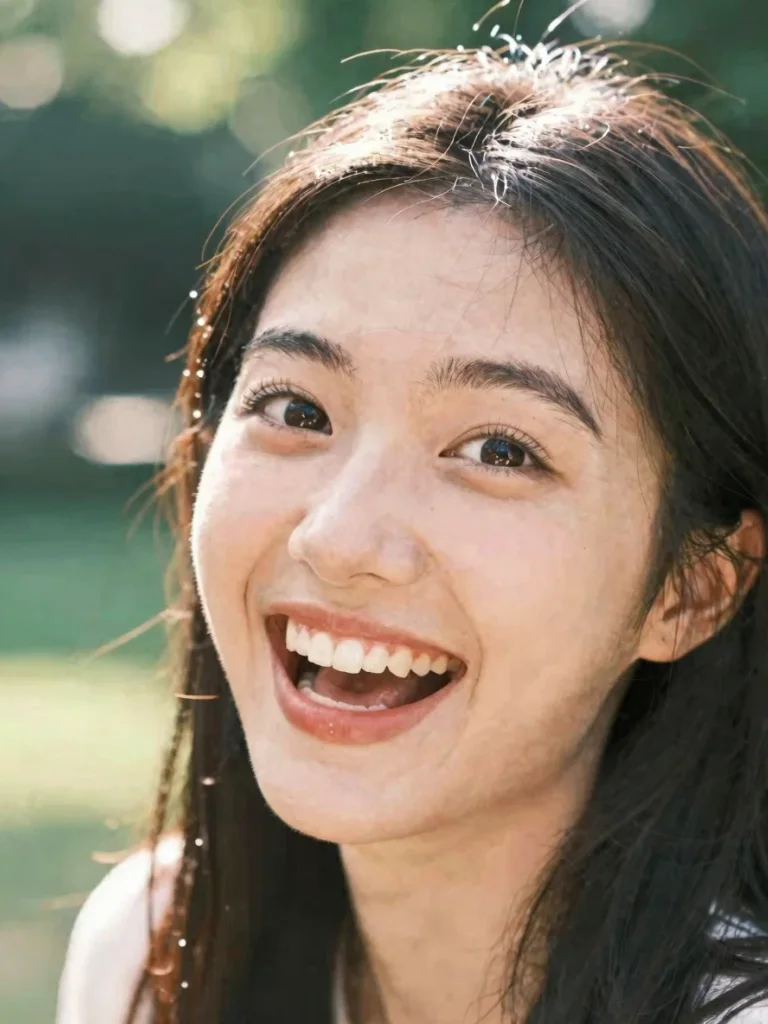
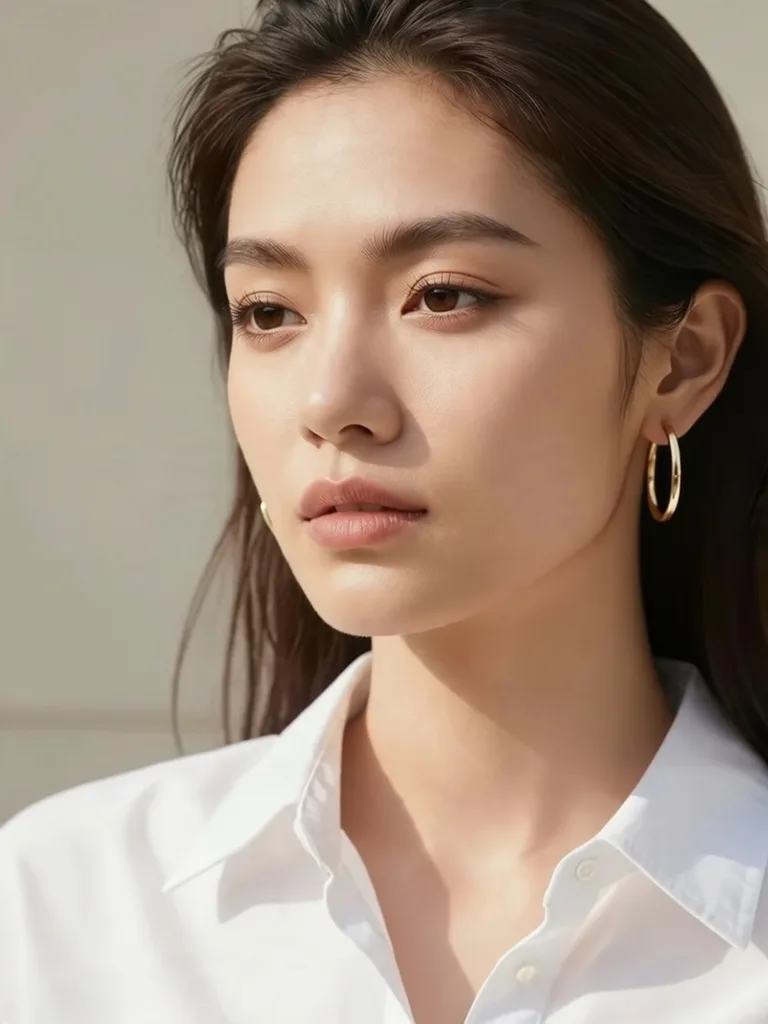
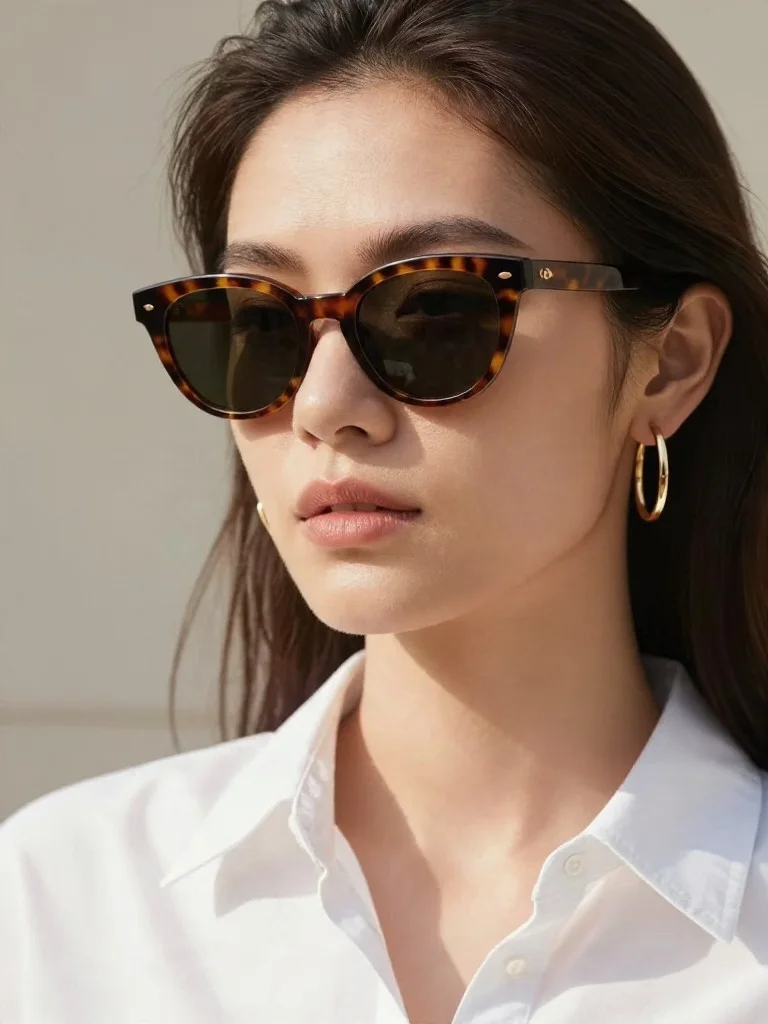
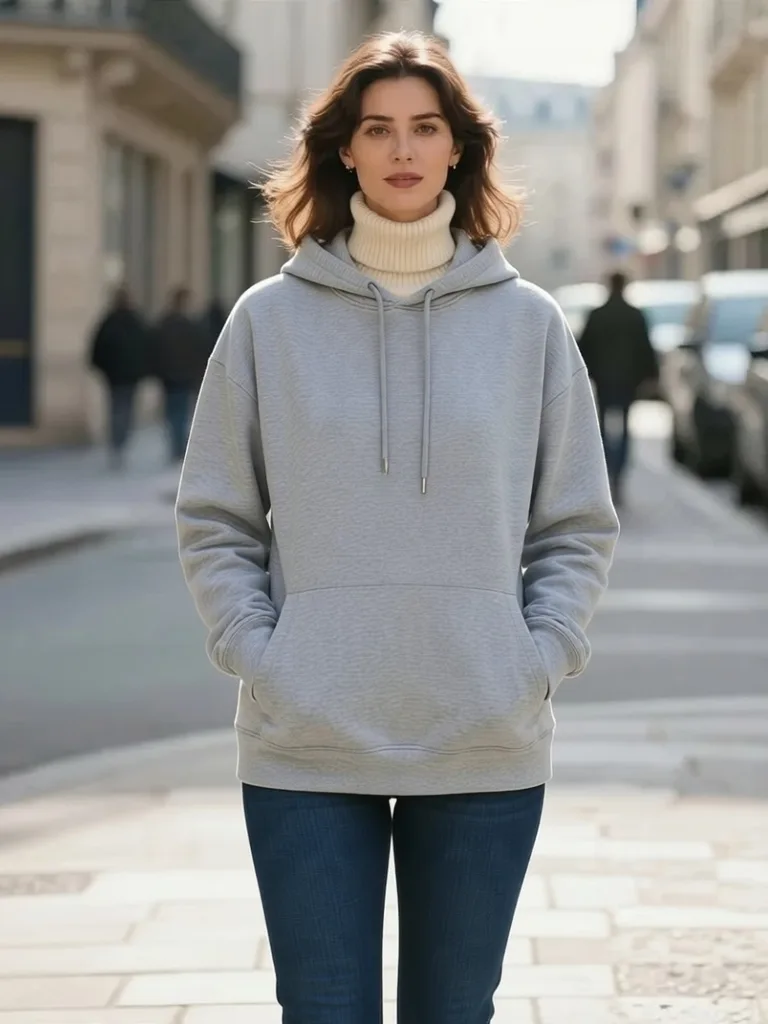
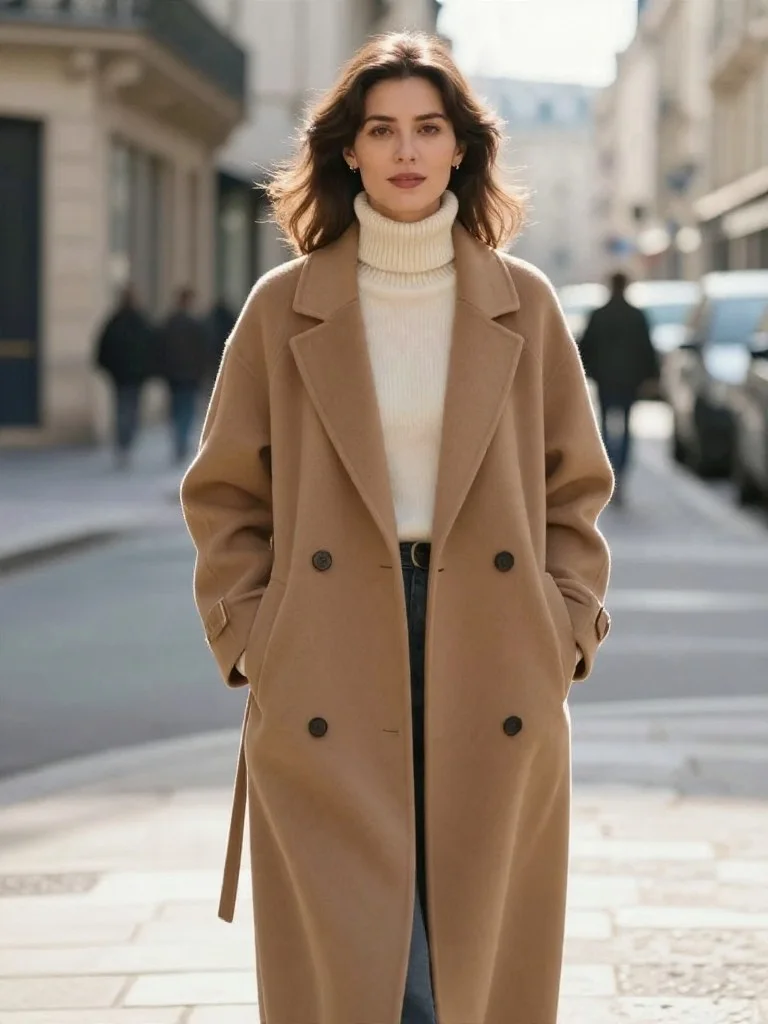
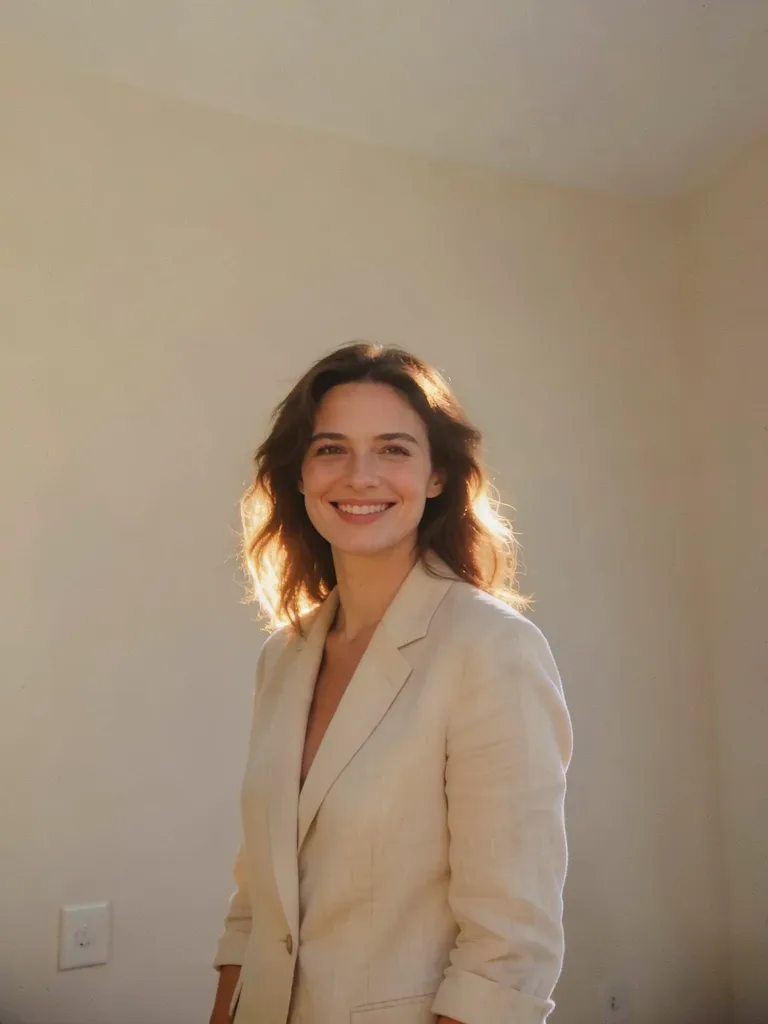
免费在线 AI 照片编辑器

通过自然语言指令在线 AI 修图:保留真实五官与自然肤质,一键更换服装、背景、发型与影棚光线,免费在线体验。

AI Photo Editing Examples & One-Click Prompts

点击任意前后对比卡片即可将对应的 AI 写真或 AI 修图提示词一键填入上方工作台。
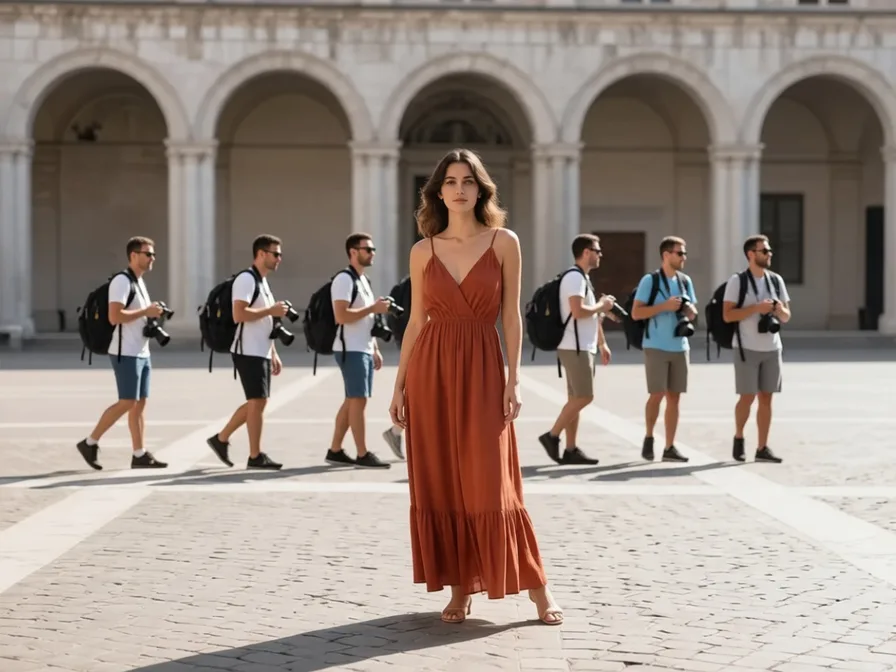
Before: 智能消除路人与背景杂物 (路人消除) — original reference photo
After: 智能消除路人与背景杂物 — 路人消除 portrait example

智能消除路人与背景杂物

路人消除
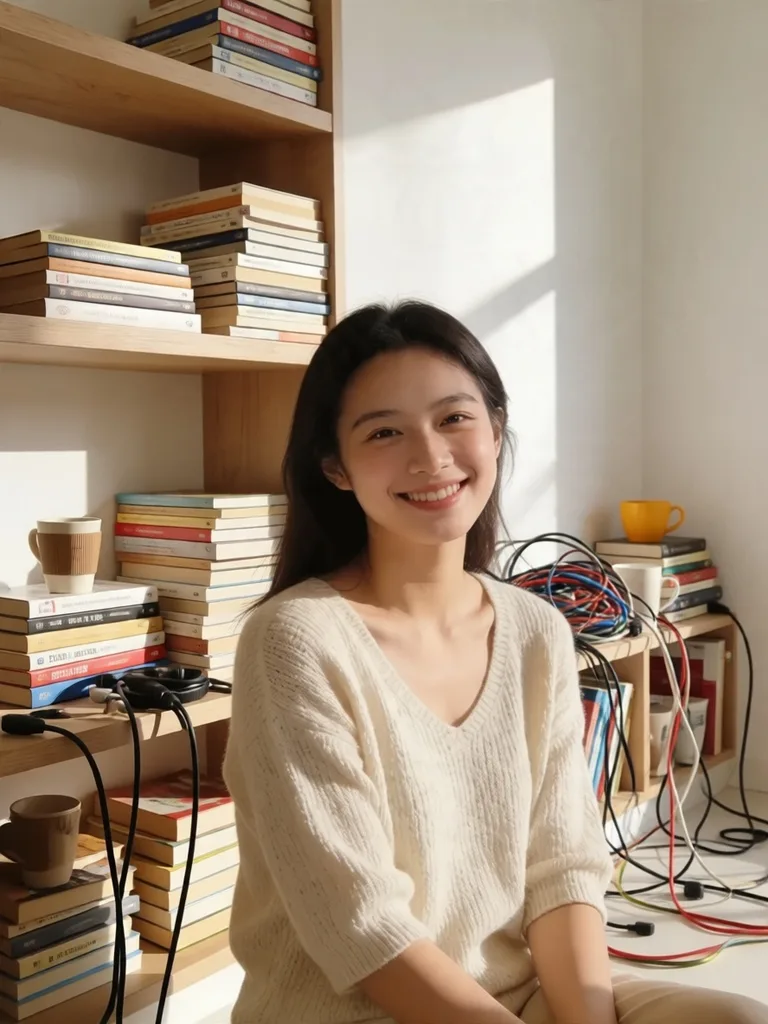
Before: 居家背景杂物一键净空 (杂物清理) — original reference photo
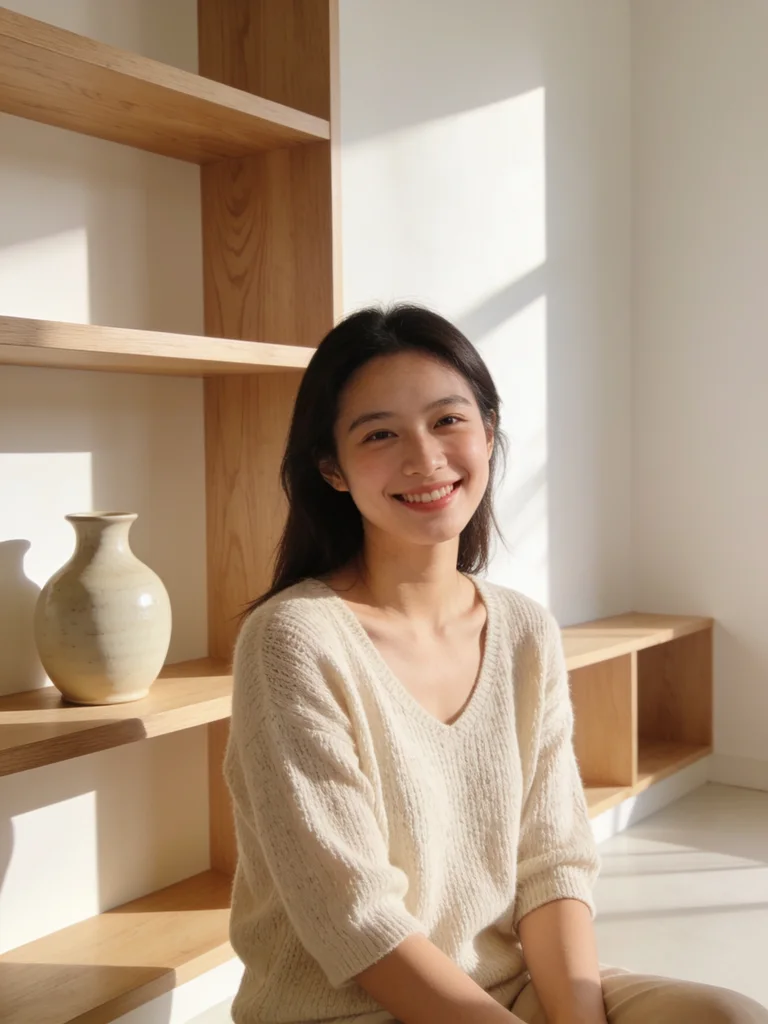
After: 居家背景杂物一键净空 — 杂物清理 portrait example

居家背景杂物一键净空

杂物清理
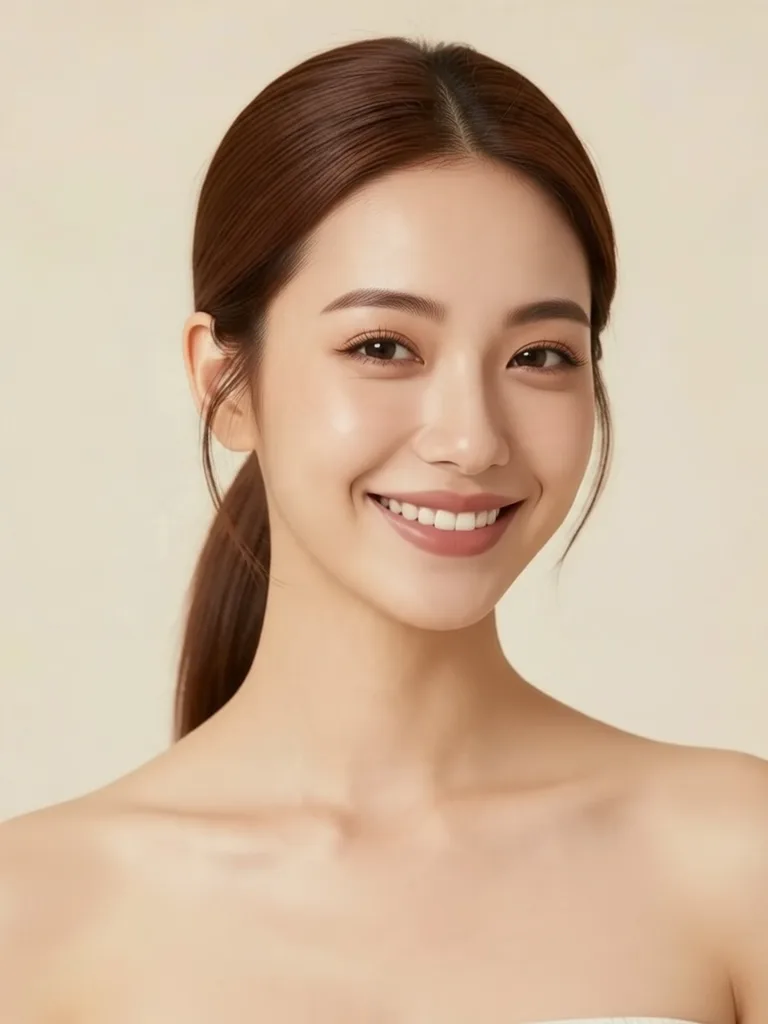
Before: AI 沙龙发型与发色试戴 (发型试戴) — original reference photo
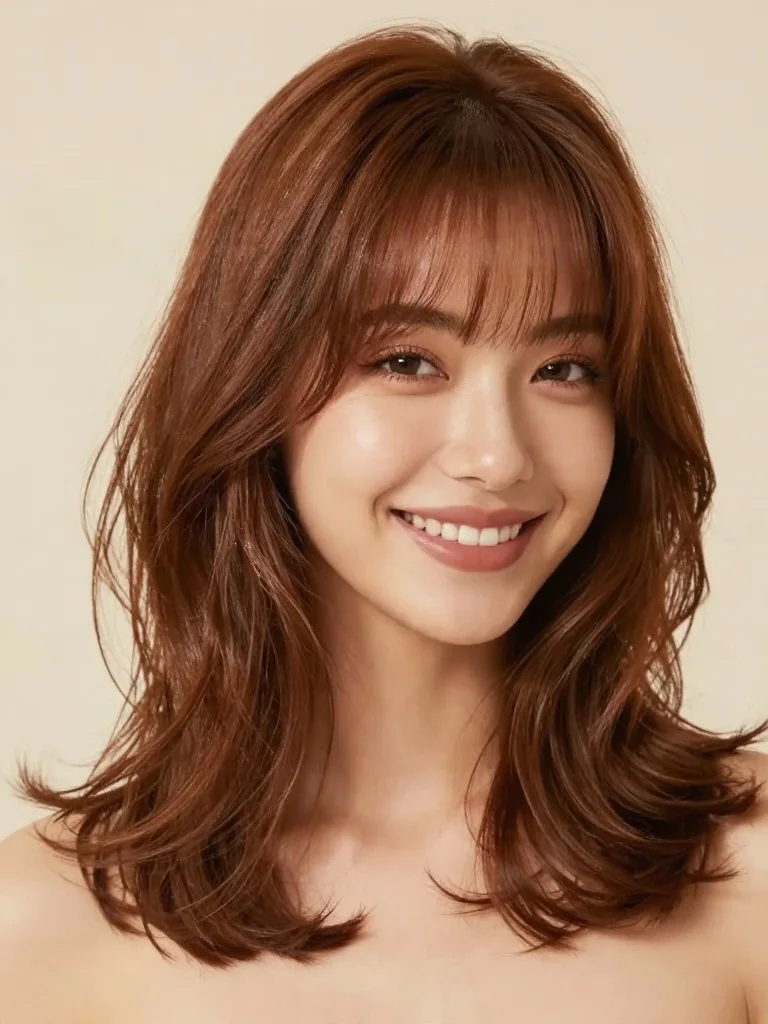
After: AI 沙龙发型与发色试戴 — 发型试戴 portrait example

AI 沙龙发型与发色试戴

发型试戴
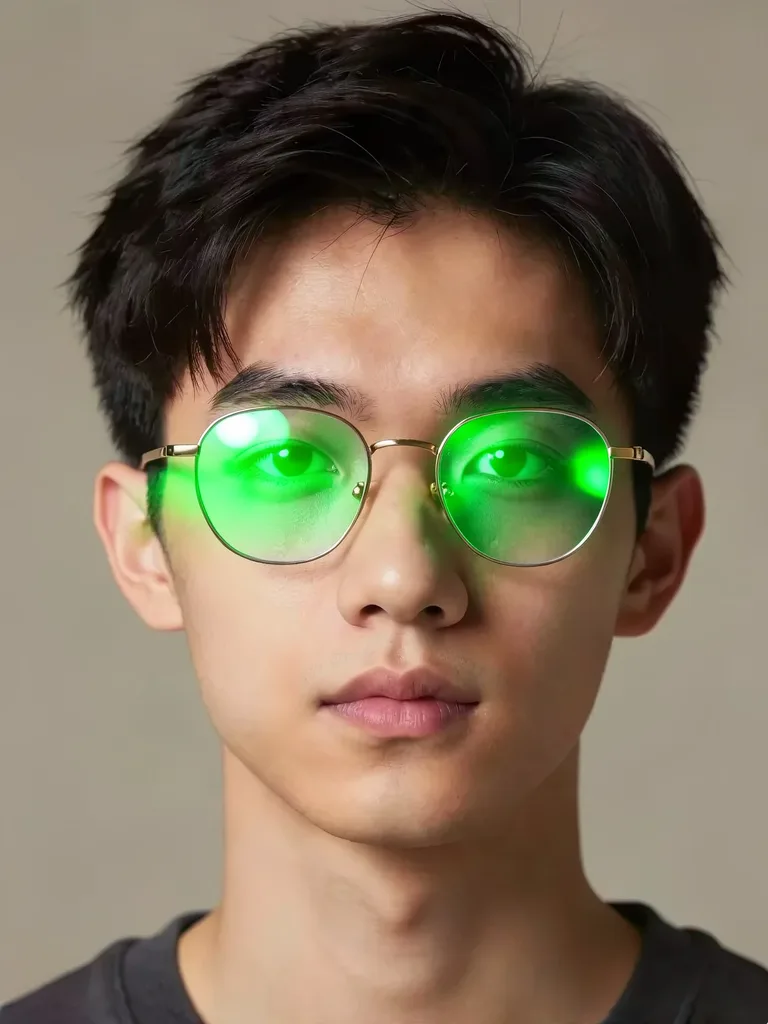
Before: 消除眼镜反光与无痕摘镜 (消除反光) — original reference photo
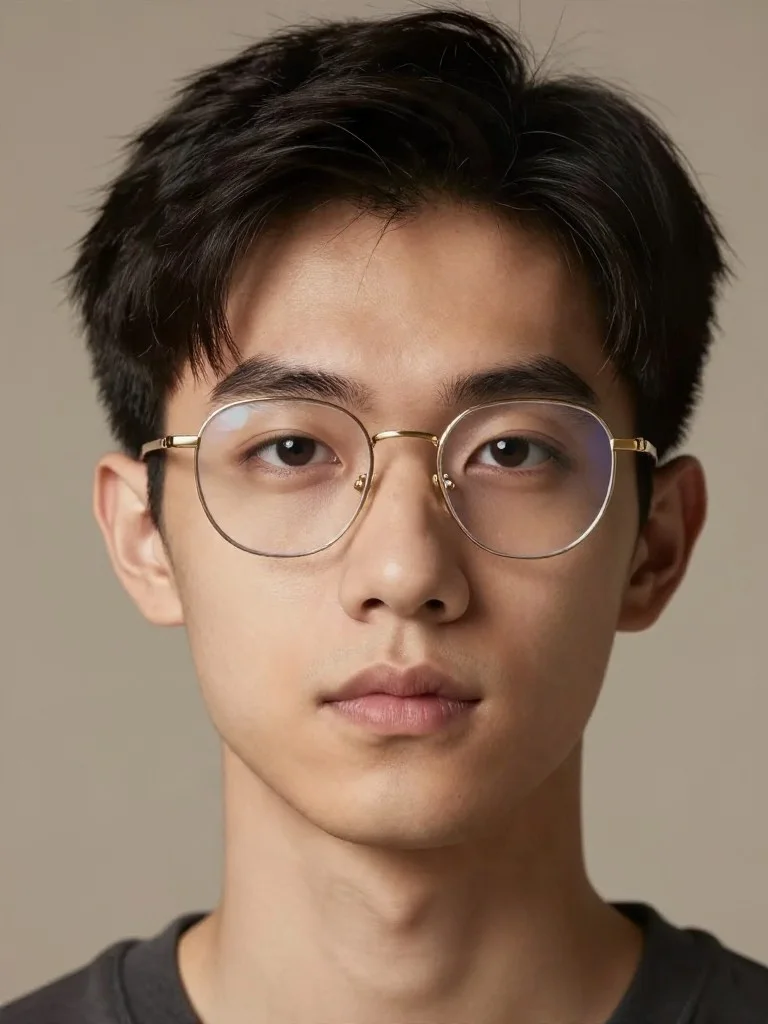
After: 消除眼镜反光与无痕摘镜 — 消除反光 portrait example

消除眼镜反光与无痕摘镜

消除反光
Before: 闭眼废片自然睁眼拯救 (闭眼修复) — original reference photo
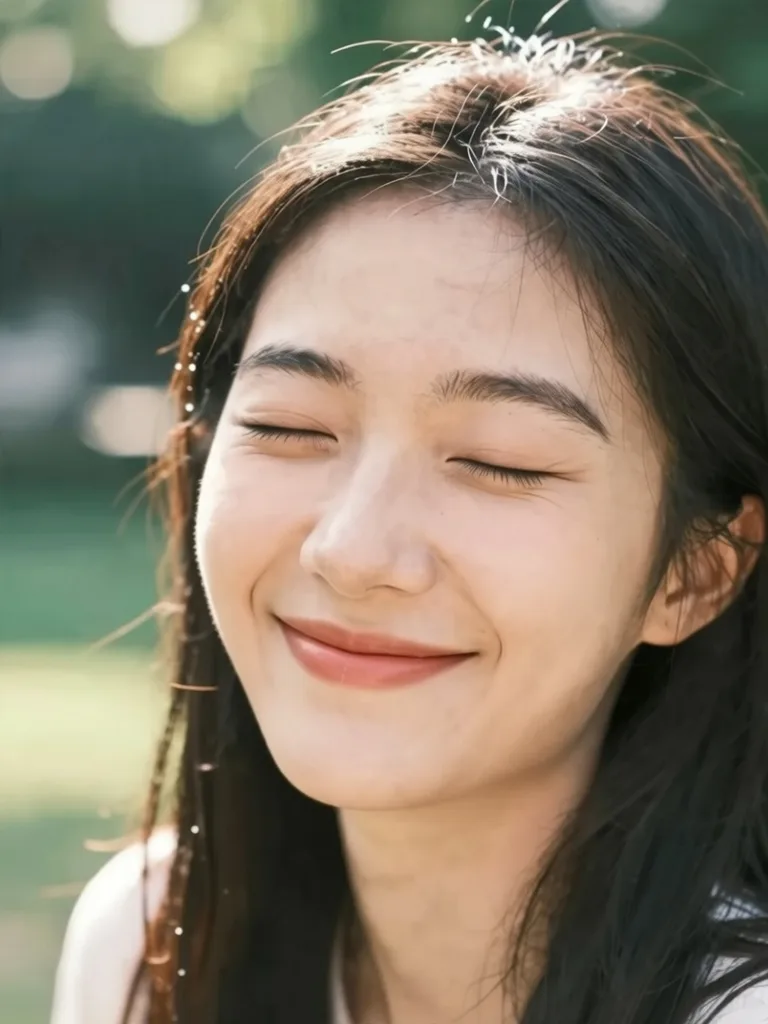
After: 闭眼废片自然睁眼拯救 — 闭眼修复 portrait example

闭眼废片自然睁眼拯救

闭眼修复
Before: 时尚墨镜与高定配饰试戴 (配饰试戴) — original reference photo
After: 时尚墨镜与高定配饰试戴 — 配饰试戴 portrait example

时尚墨镜与高定配饰试戴

配饰试戴
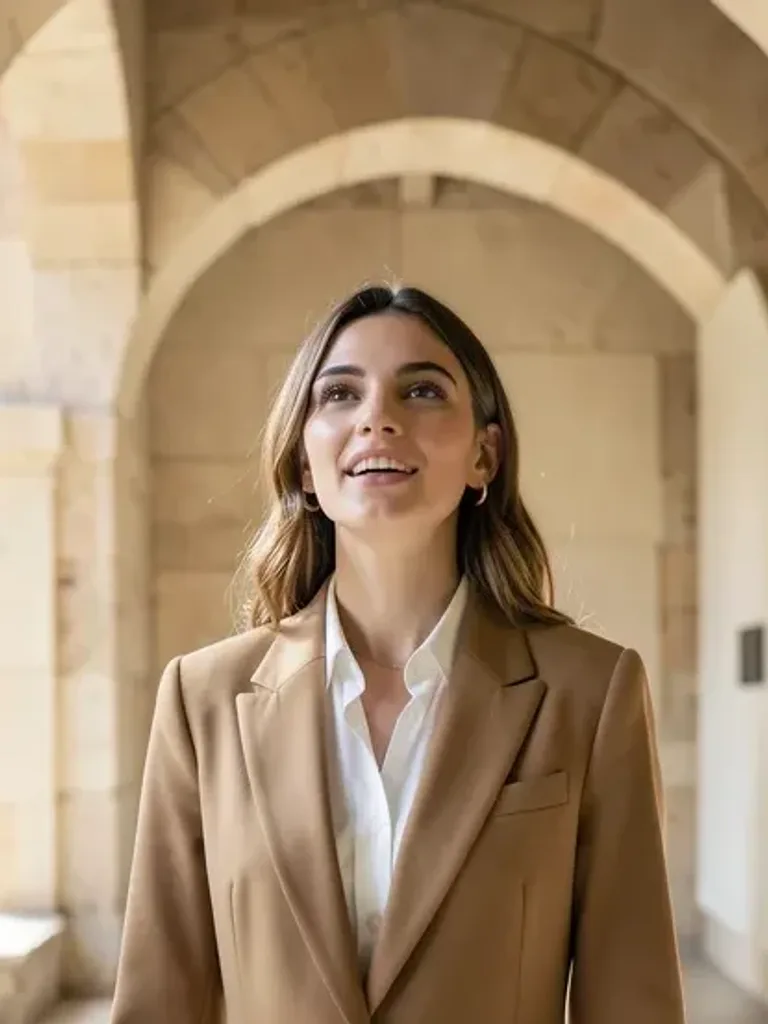
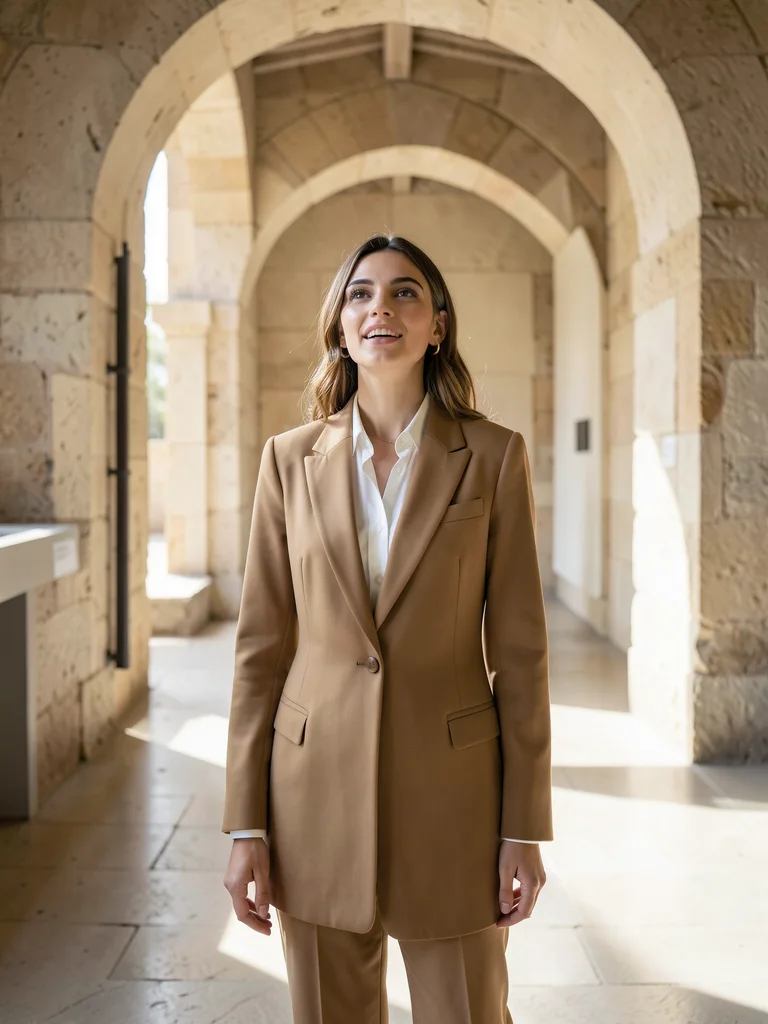
Before: AI 智能自然换装定制 (一键换装) — original reference photo
After: AI 智能自然换装定制 — 一键换装 portrait example

AI 智能自然换装定制

一键换装
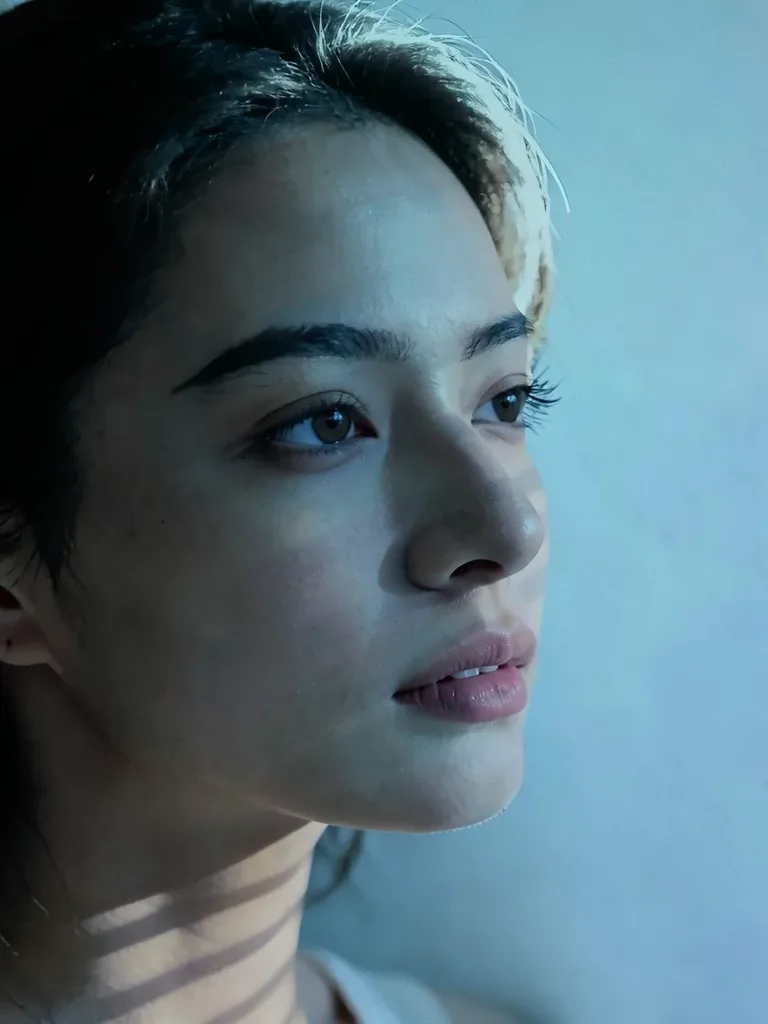
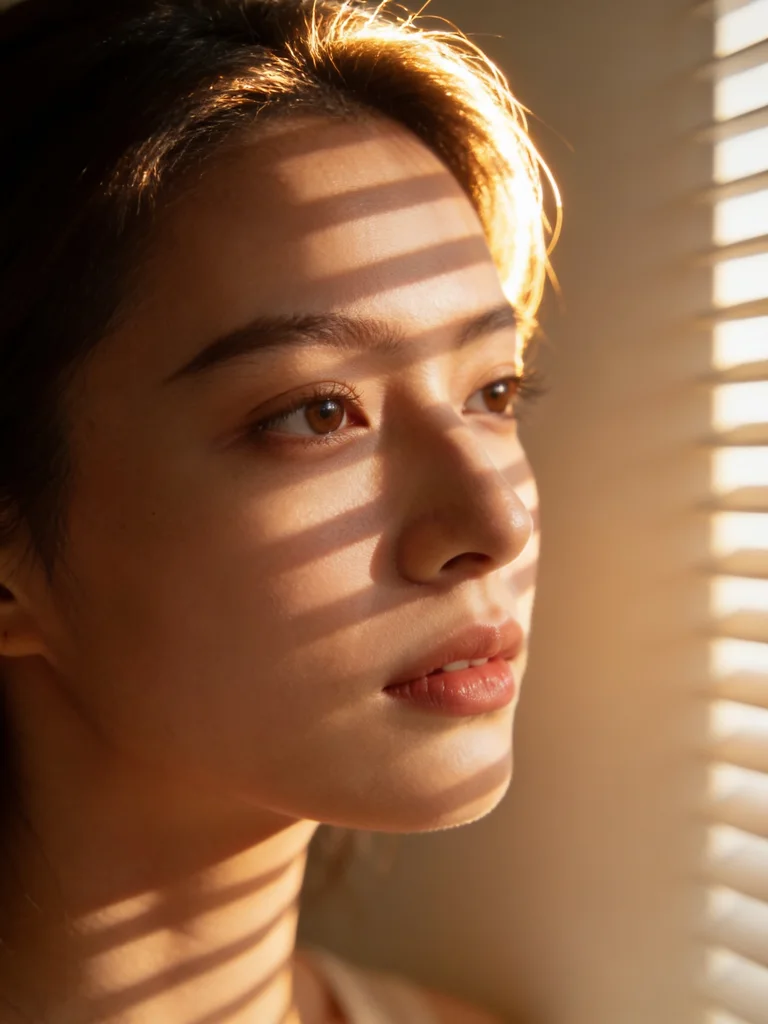
Before: AI 电影级光影重塑 (光影重打) — original reference photo
After: AI 电影级光影重塑 — 光影重打 portrait example

AI 电影级光影重塑

光影重打
Before: 自然环境背景无缝替换 (背景替换) — original reference photo
After: 自然环境背景无缝替换 — 背景替换 portrait example

自然环境背景无缝替换

背景替换
Before: 人像姿态自然微调优化 (姿态优化) — original reference photo
After: 人像姿态自然微调优化 — 姿态优化 portrait example

人像姿态自然微调优化

姿态优化
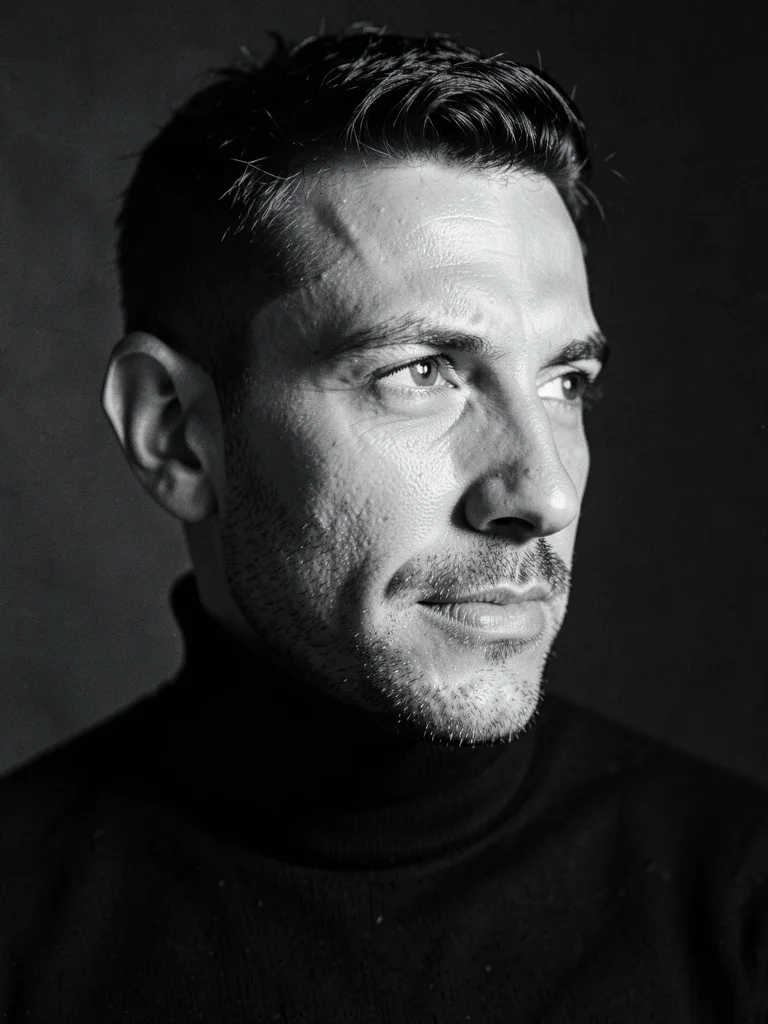
Before: 大师级黑白银盐人像影调 (黑白影调) — original reference photo
After: 大师级黑白银盐人像影调 — 黑白影调 portrait example

大师级黑白银盐人像影调

黑白影调
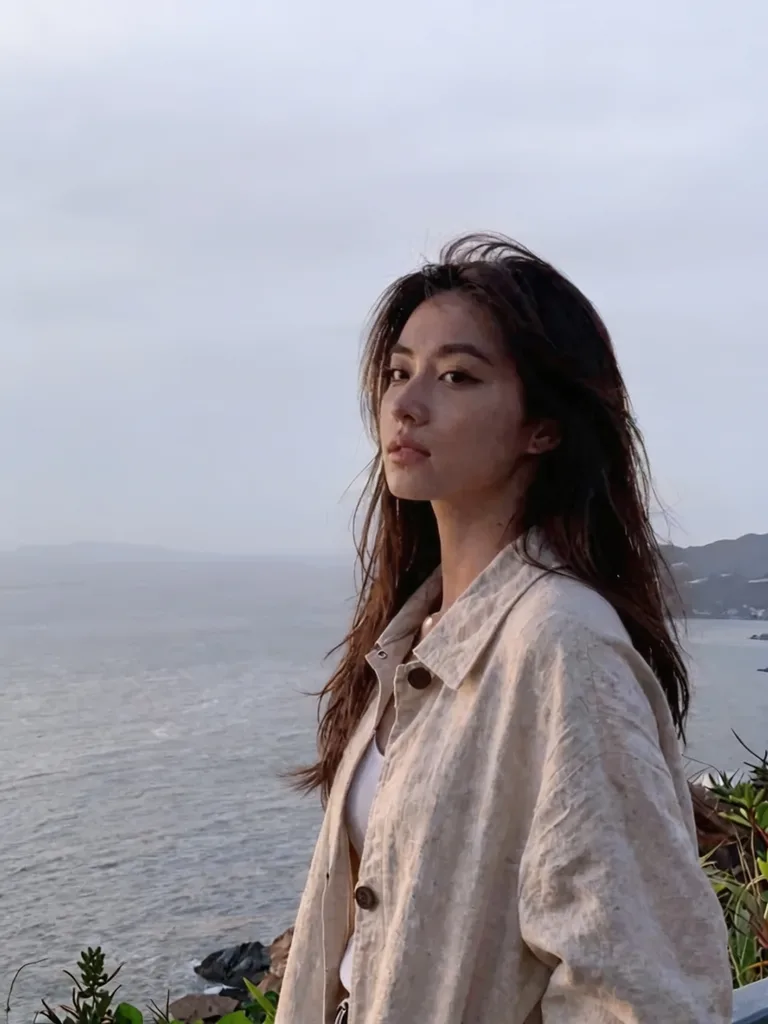
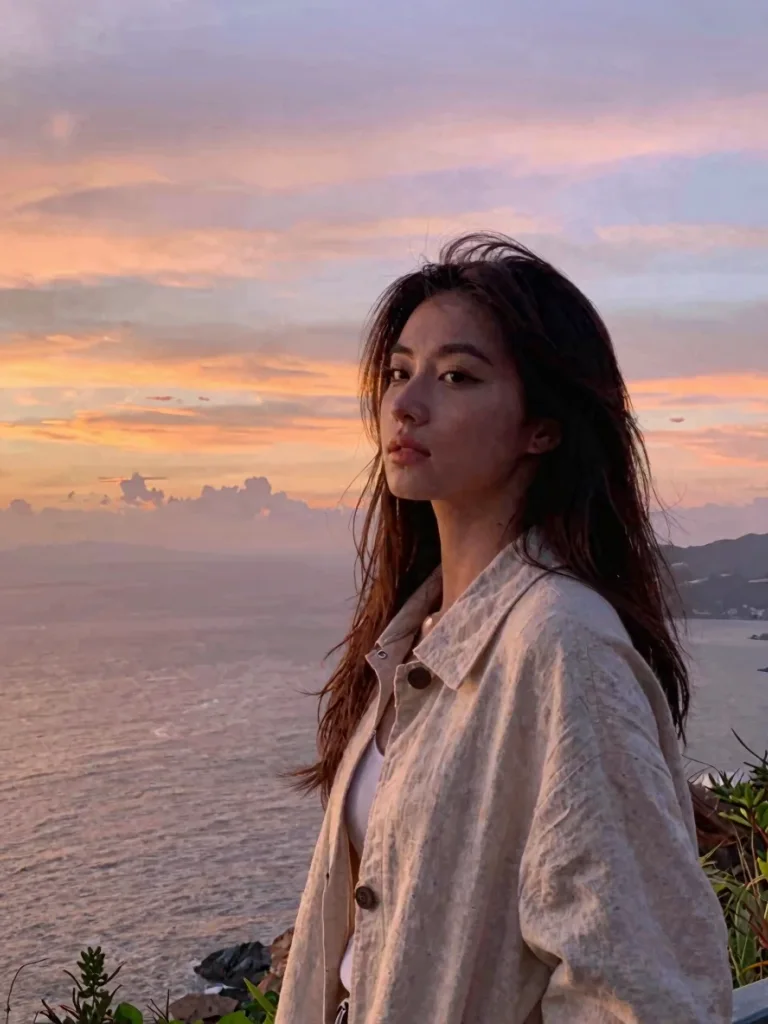
Before: 阴天灰暗天空转绝美晚霞 (晚霞置换) — original reference photo
After: 阴天灰暗天空转绝美晚霞 — 晚霞置换 portrait example

阴天灰暗天空转绝美晚霞

晚霞置换
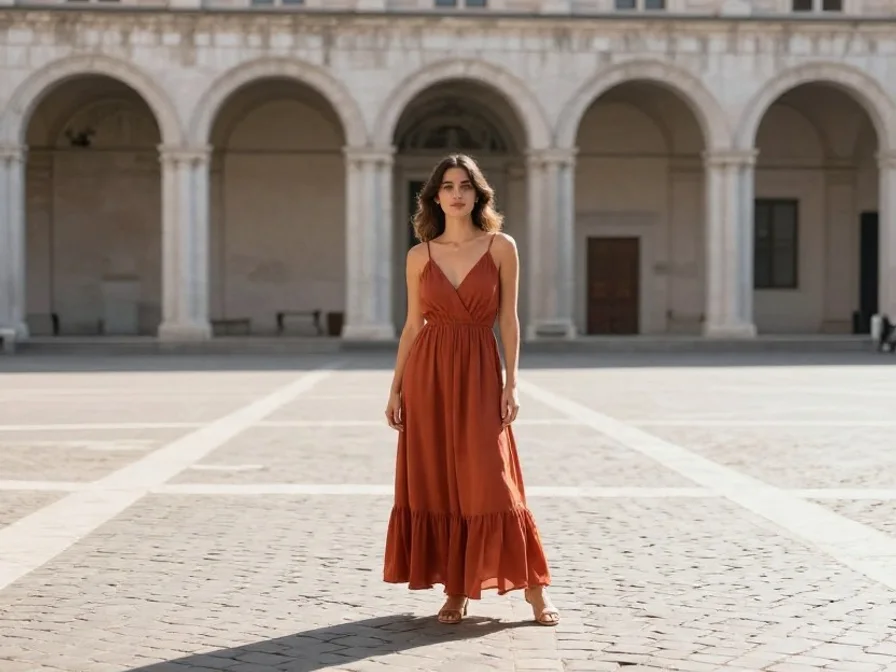
Before: 近景自拍智能扩图全身照 (智能扩图) — original reference photo
After: 近景自拍智能扩图全身照 — 智能扩图 portrait example

近景自拍智能扩图全身照

智能扩图

Edit Photos with Natural Text Prompts — No Layers or Masks

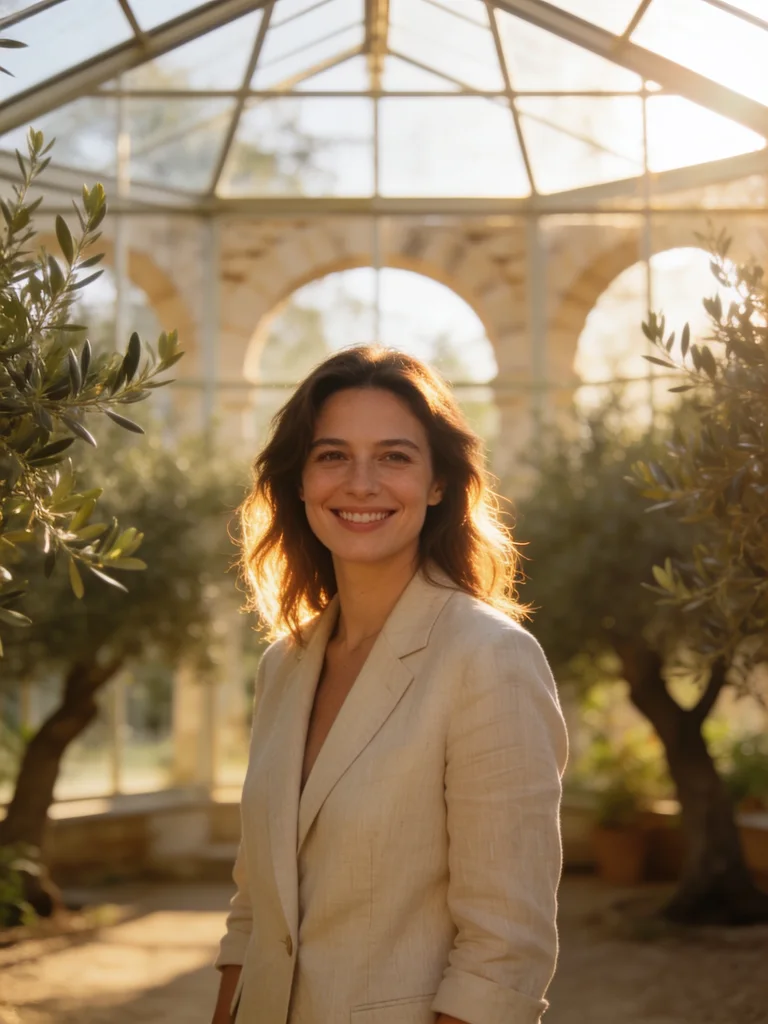
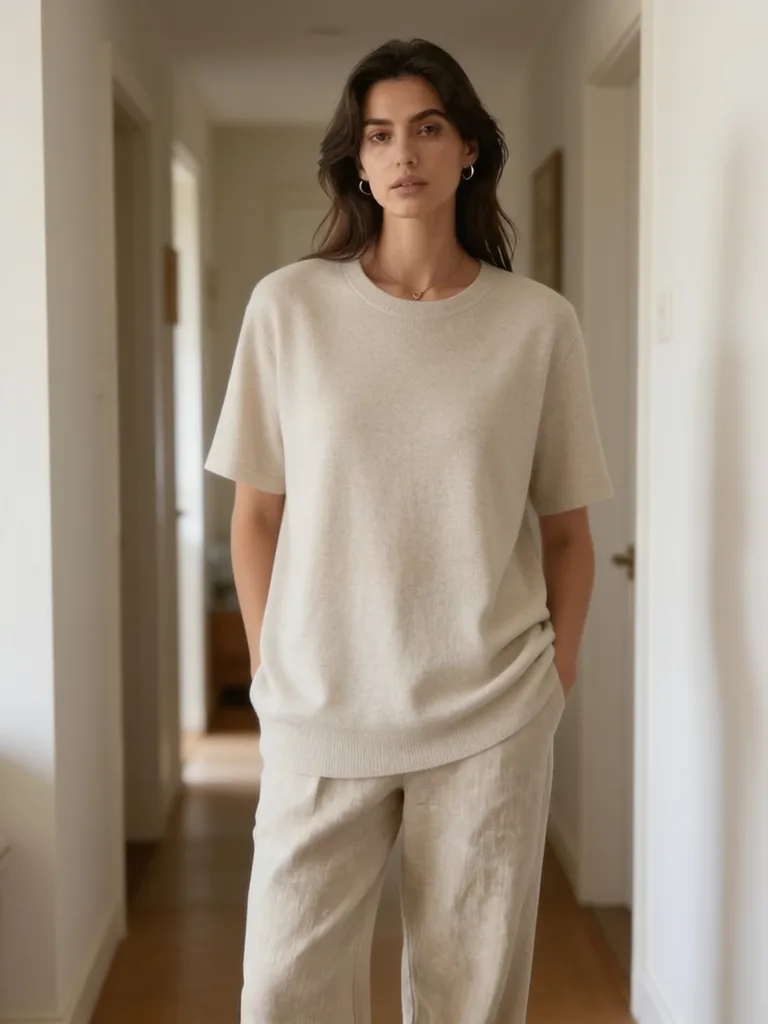
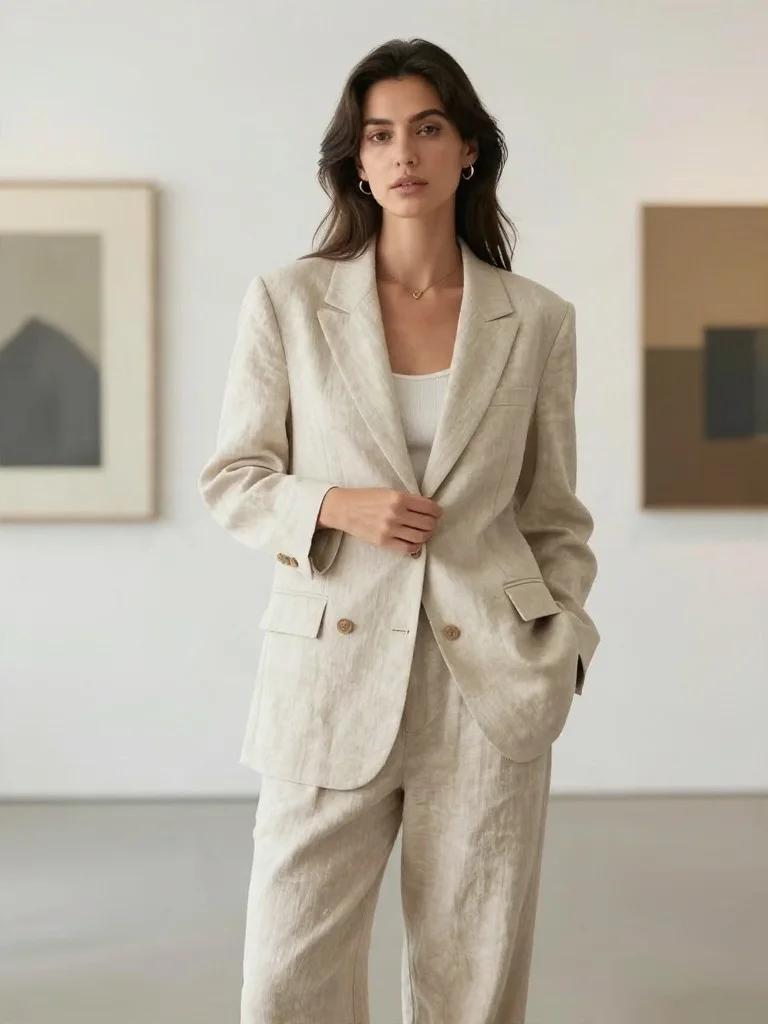
Traditional photo editing software forces you to spend hours drawing lasso masks, cloning blemishes, and adjusting curves by hand. The Beautyface Free AI Photo Editor replaces complex layer workflows with conversational text instructions. Upload 1 to 5 photos, describe the exact change you want—such as "change jacket to a tailored charcoal blazer, keep facial features identical, add warm window rim lighting"—and render a realistic edit in seconds.

Looking to generate full multi-outfit studio sessions from a selfie? Visit our AI Photoshoot Generator or explore AI Photoshoot Ideas & Templates.

Core AI Photo Editing Capabilities

  • Micro-Pore Skin Retouching & Relighting: Smooth harsh shadows, remove temporary blemishes, and recover natural skin texture without the plastic "beauty filter" look.
  • AI Outfit & Hairstyle Swaps: Try business attire, evening gowns, casual streetwear, or new hairstyles and hair colors while keeping your face and posture intact.
  • Clean Background Replacement & Object Removal: Remove photobombers, tourists, or messy room clutter and replace them with studio backdrops, cafés, or outdoor scenery.
  • Old Photo Restoration & Colorization: Repair creases, scratches, and motion blur in vintage family photographs and colorize black-and-white prints with realistic skin tones.

Why Use Our Online AI Photo Editor Instead of Mobile Filter Apps?

Most mobile filter apps overwrite your facial bone structure with a generic template. Beautyface uses identity-locked reference conditioning and automatic aspect-ratio snapping (Auto mode) so your edited photo keeps your exact framing, proportions, and natural expression at up to 4K resolution.

AI Photo Editor FAQ

How do I edit a photo with AI on Beautyface?
Upload your photo into the editor above, type a short instruction describing what you want to change (such as outfit, background, lighting, or skin retouching), or click any preset card below, then press Generate.
Is the online AI photo editor free to use?
Yes. New users receive 20 free credits on sign-up, allowing you to edit 2 high-resolution photos online for free with no watermark.
Will the AI photo editor change my face when editing backgrounds or clothes?
No. Our identity-lock engine preserves your facial geometry, eyes, smile, and skin tone while modifying only the elements you specify in your prompt.
Does the AI photo editor keep my original photo's dimensions?
Yes. The default Auto aspect ratio setting reads your uploaded photo's width and height and automatically snaps to the closest studio aspect ratio so your composition stays intact.
Can I edit multiple reference photos together?
Yes. You can upload up to 5 reference photos in a single edit to combine subjects, match a reference outfit, or blend lighting styles.