
AI Photo Style Filter Inspirations
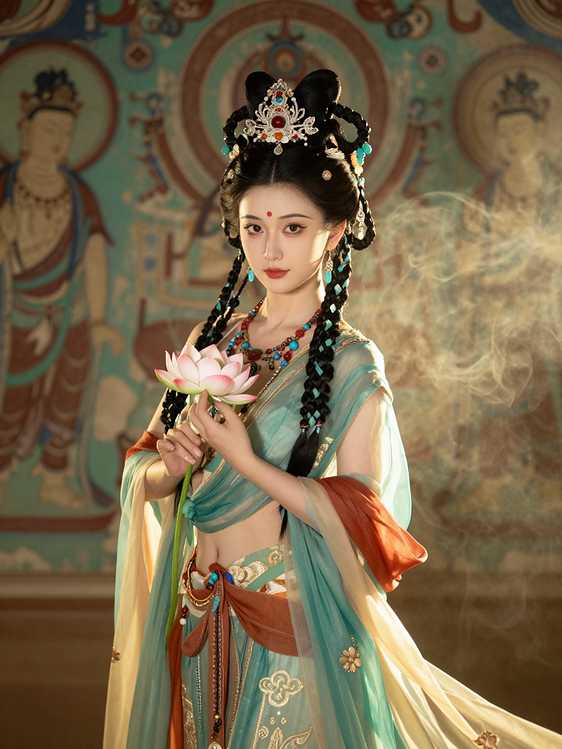
Dunhuang style
Transform the uploaded photo into a traditional Dunhuang style portrait. Keep the person's REAL face, skin tone, and features exactly the same. Drape them in elegant Dunhuang-style Bodhisattva attire with semi-transparent flowing silk and intricate ornaments, against an ancient Mogao cave mural background with mystical warm lighting.
Click to use >
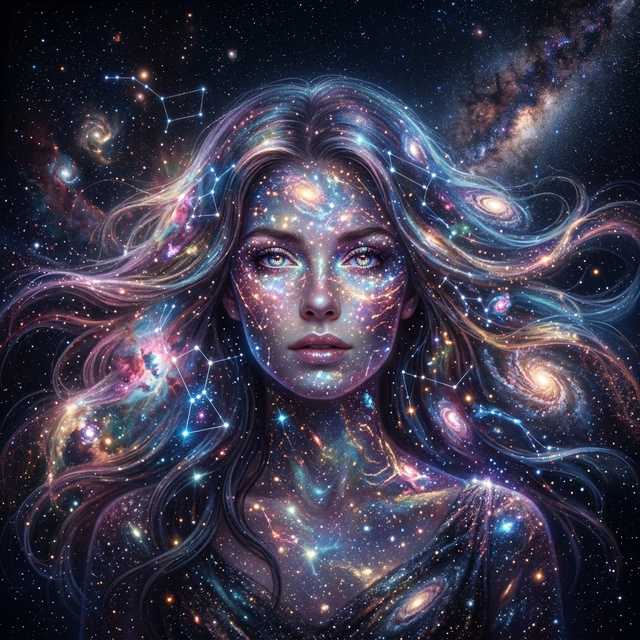
Celestial Stardust
Transform the uploaded photo into a celestial stardust portrait. Keep the person's REAL face and features perfectly intact. Infuse their hair and the surrounding background with galaxies, colorful nebulae, and shimmering star clusters against a dark cosmic void, creating an ethereal space-age aesthetic.
Click to use >
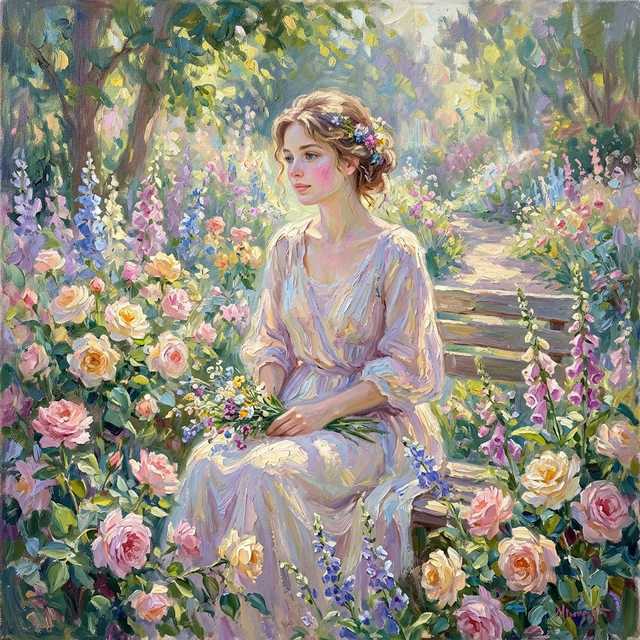
Impressionist Garden
Transform the uploaded photo into an impressionist oil painting in the style of Claude Monet. Keep the person's REAL facial structure. Use thick visible brushstrokes (impasto) and dappled sunlight filtering through a lush flower garden. The final image should have soft pastel colors and a dreamy atmospheric blur.
Click to use >
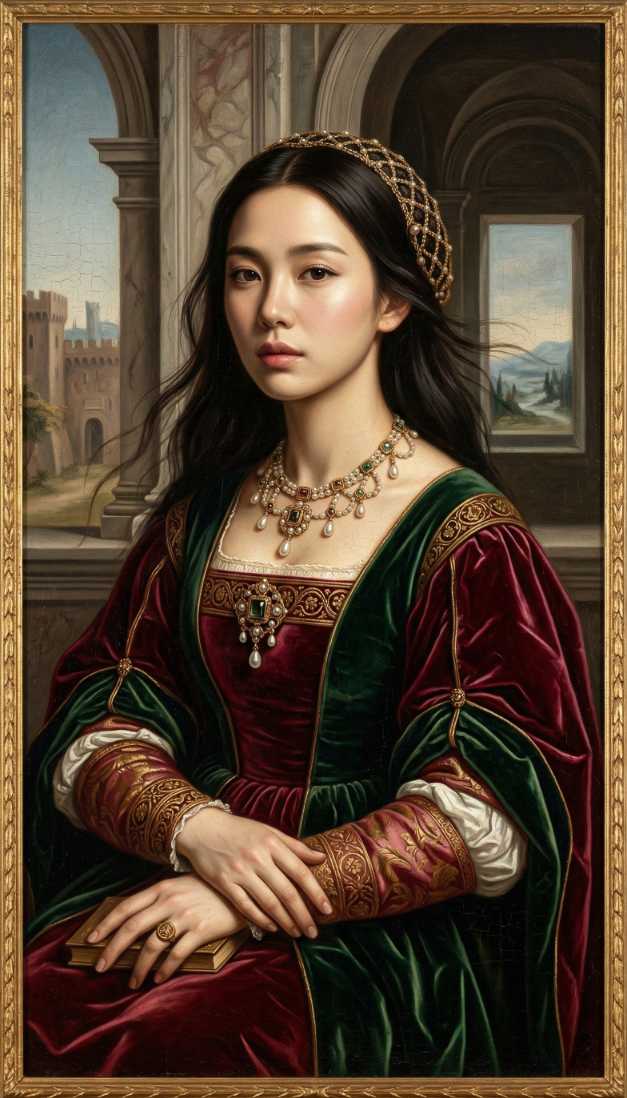
High Renaissance portrait
Transform the uploaded photo into a High Renaissance masterpiece in the style of Leonardo da Vinci. Keep the person's REAL face, skin tone, and features exactly the same. Apply the sfumato technique and dramatic chiaroscuro lighting, placing them in a luxurious setting with marble architecture and rich vibrant oil colors.
Click to use >
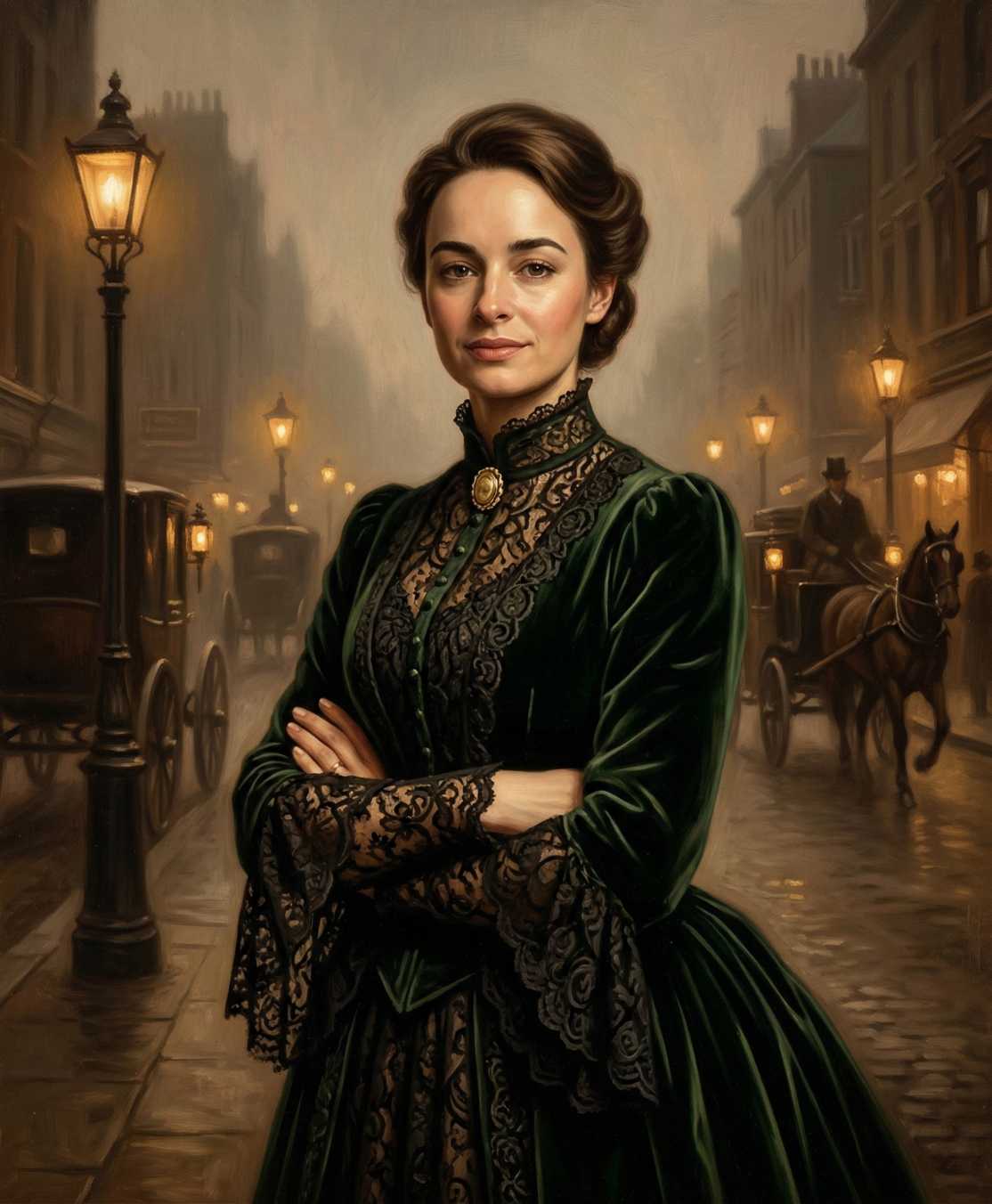
Victorian era portrait
Transform the uploaded photo into a Victorian era portrait. Keep the person's REAL face, skin tone, and features exactly the same. Restyle them with 1870s-1890s aesthetic elements, such as intricate lace and velvet clothing, against a moody background with dramatic gaslamp lighting and sepia undertones.
Click to use >
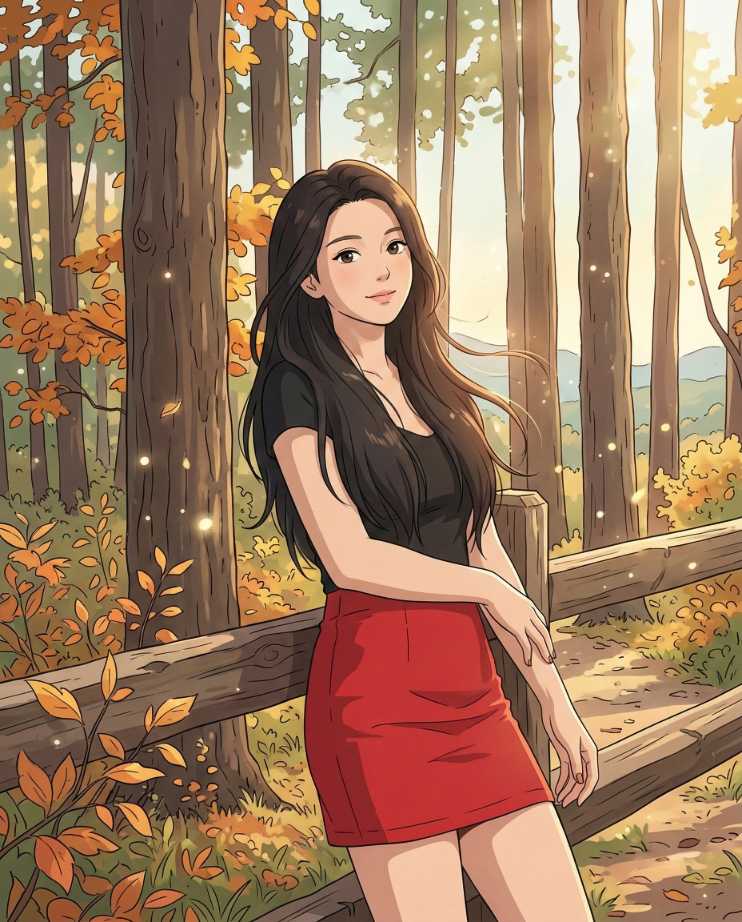
Studio Ghibli style
Transform the uploaded photo into a Studio Ghibli anime style, as if directed by Hayao Miyazaki. Keep the person's REAL facial structure and expression. Use a soft pastel color palette and place them in a whimsical hand-drawn background with lush nature and floating particles. The final image should be a masterpiece of anime key visual art.
Click to use >
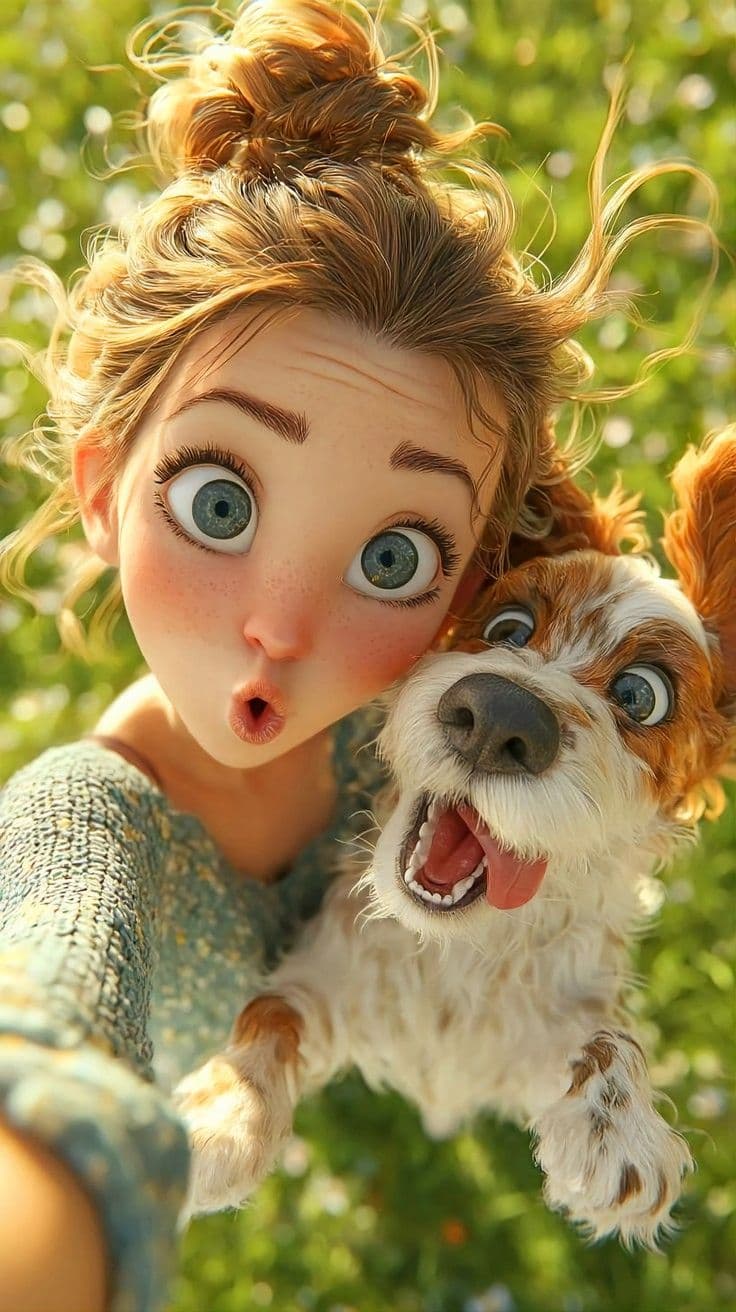
Pixar Style Selfie
Transform the uploaded photo into a 3D animated character in the style of Pixar and Disney. Maintain the person's REAL facial features and structure, but render them with soft rosy skin, big expressive eyes, and bright natural sunlight. The final image should be a wholesome, joyful 3D animated version of the person.
Click to use >
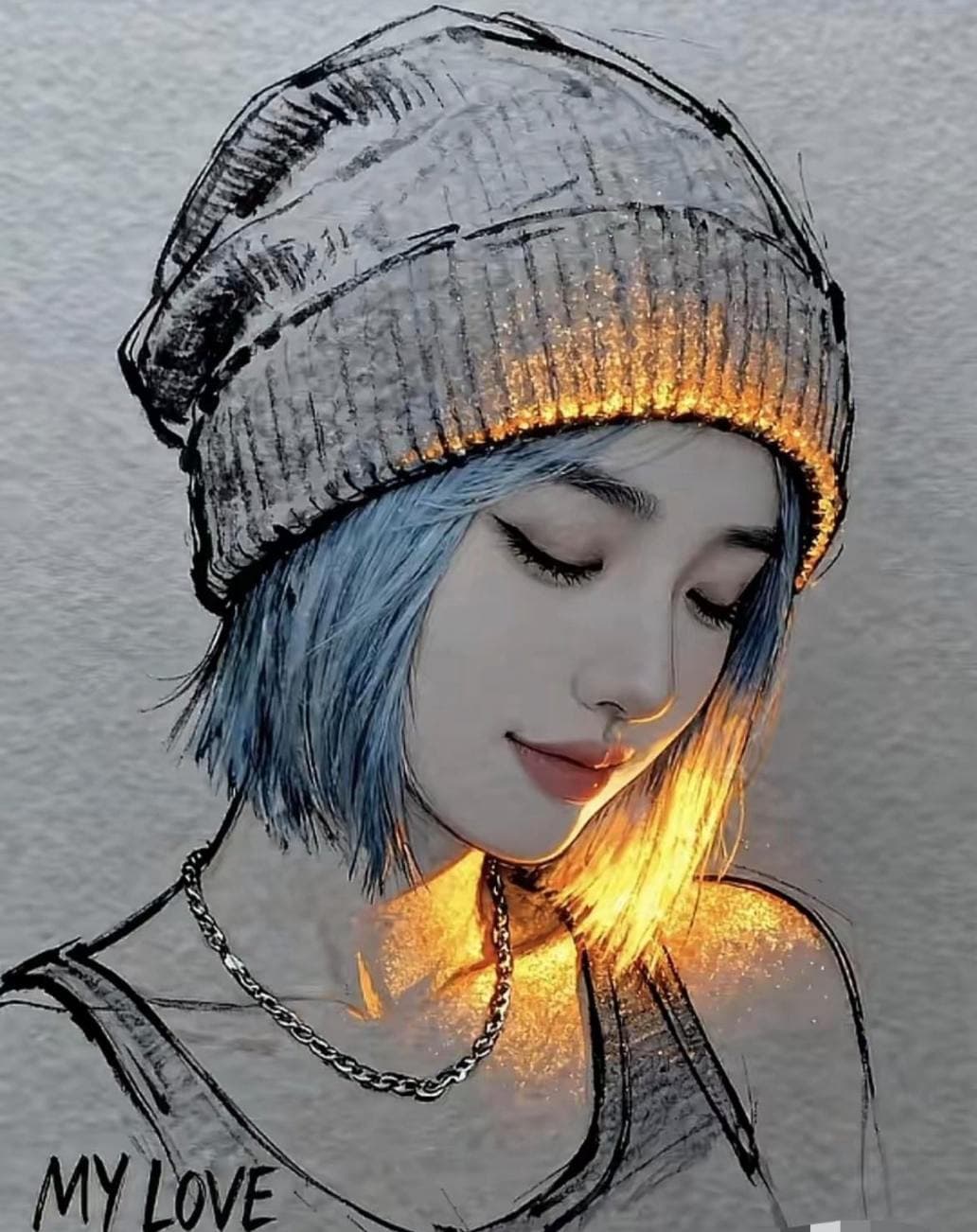
Pencil Sketch With Orange Radiance
Transform the uploaded photo into a creative mixed-media art piece. Keep the person's REAL face and features from the uploaded photo exactly the same. Blend the portrait photography with expressive charcoal sketch lines and a vibrant, glowing golden light effect. The background should be a neutral, textured grey paper-like surface, creating an artistic concept art mood.
Click to use >
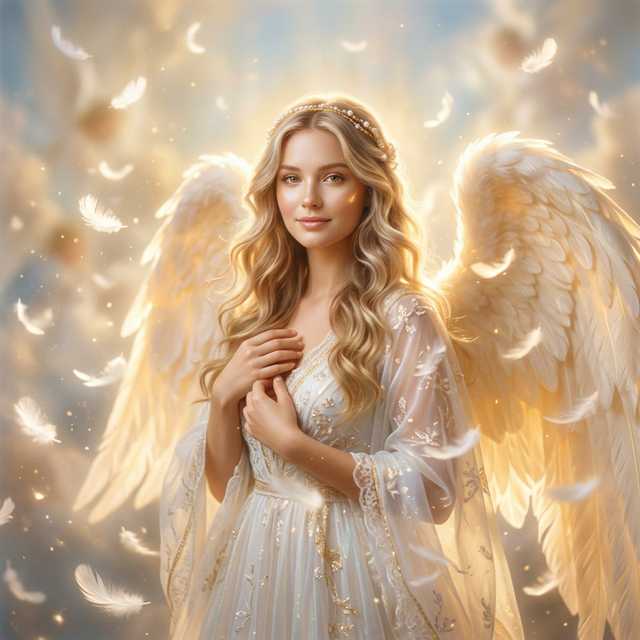
Ethereal Angelic Glow
Transform the uploaded photo into an ethereal angelic portrait. Keep the person's REAL face, skin tone, expression, and features exactly the same. Restyle them in soft divine golden lighting with a glowing aura and white feathers floating in the air. The final image should radiate celestial beauty and peace.
Click to use >
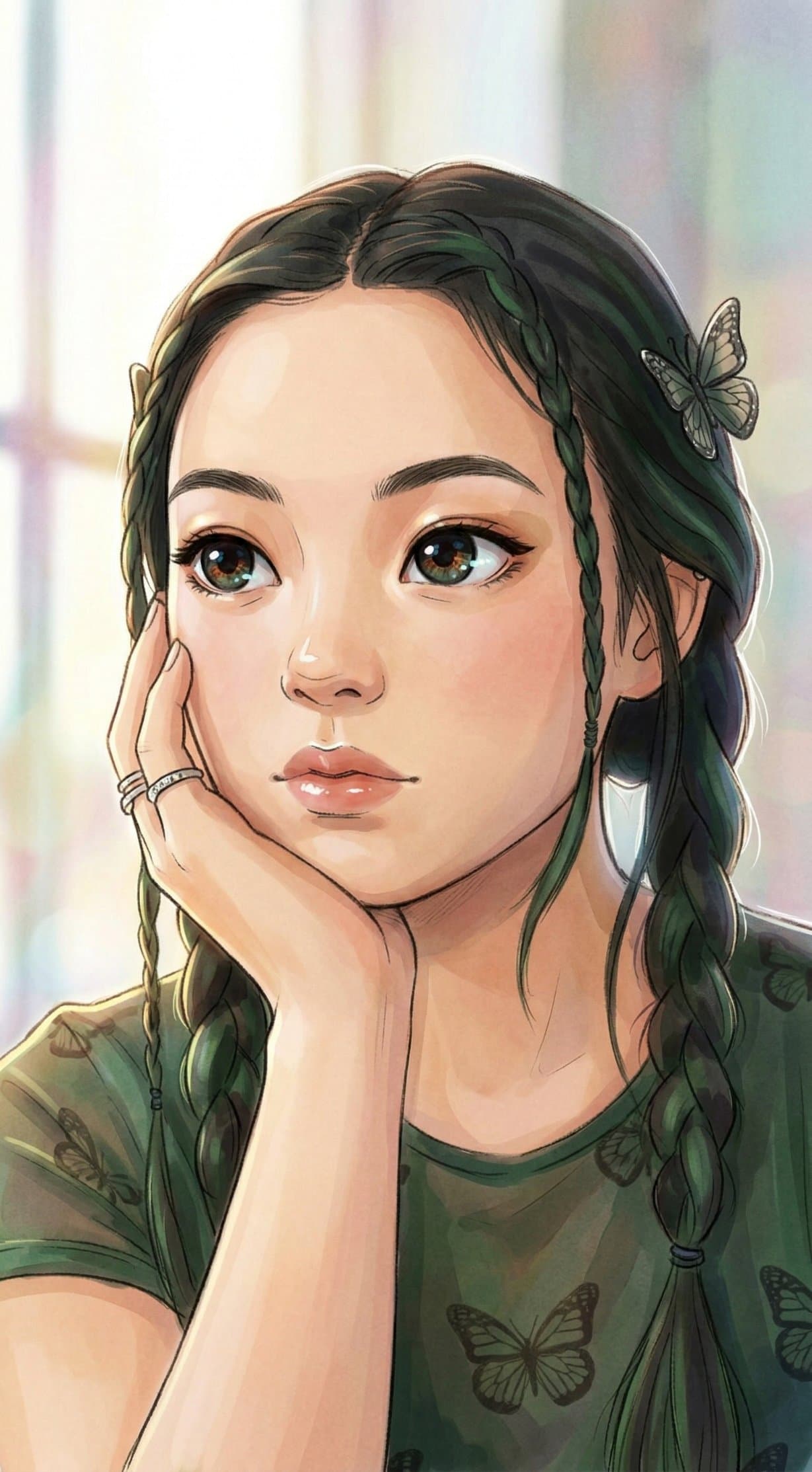
Anime Artdraw
Transform the uploaded photo into an artistic anime style. Keep the person's REAL facial structure, expression, and likeness from the uploaded photo exactly the same. Redraw them in a modern animation concept art style with Studio Ghibli dreamy color tones, soft digital pencil lineart, and semi-transparent digital watercolor layering. The final image should feel ethereal and magical.
Click to use >
Welcome to our AI Style Filter generator. Choose from various styles to transform your selfies seamlessly. Step into a new realm and transform yourself into a sci-fi cyberpunk warrior, a majestic fantasy hero, or an enchanting anime character.