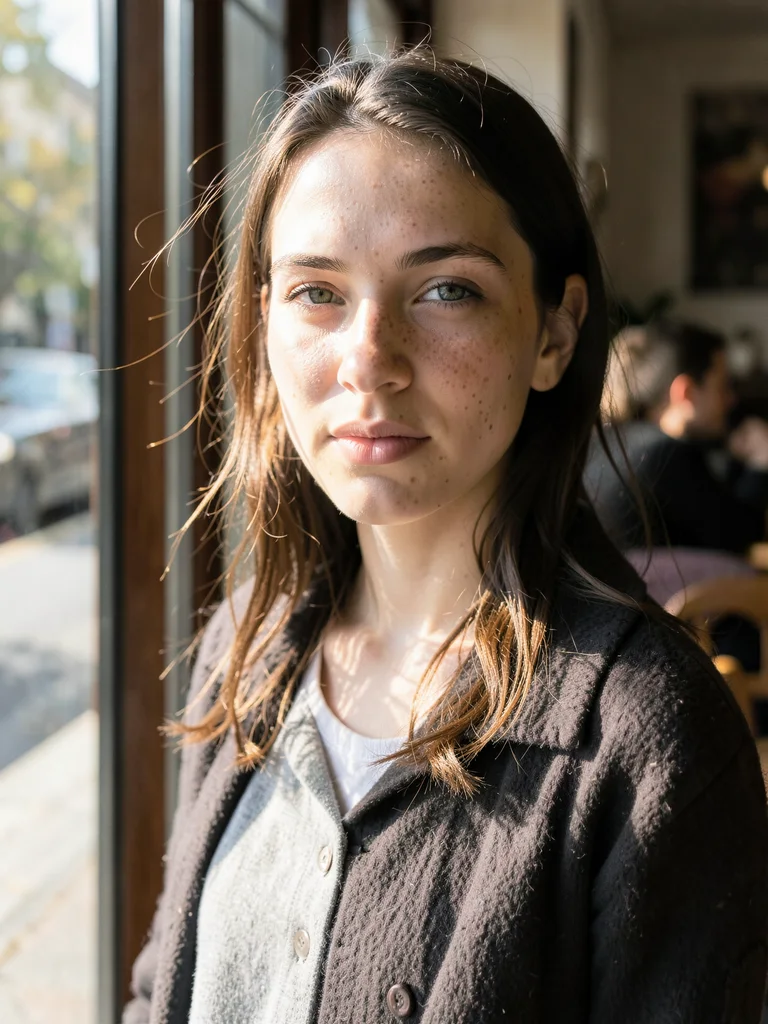
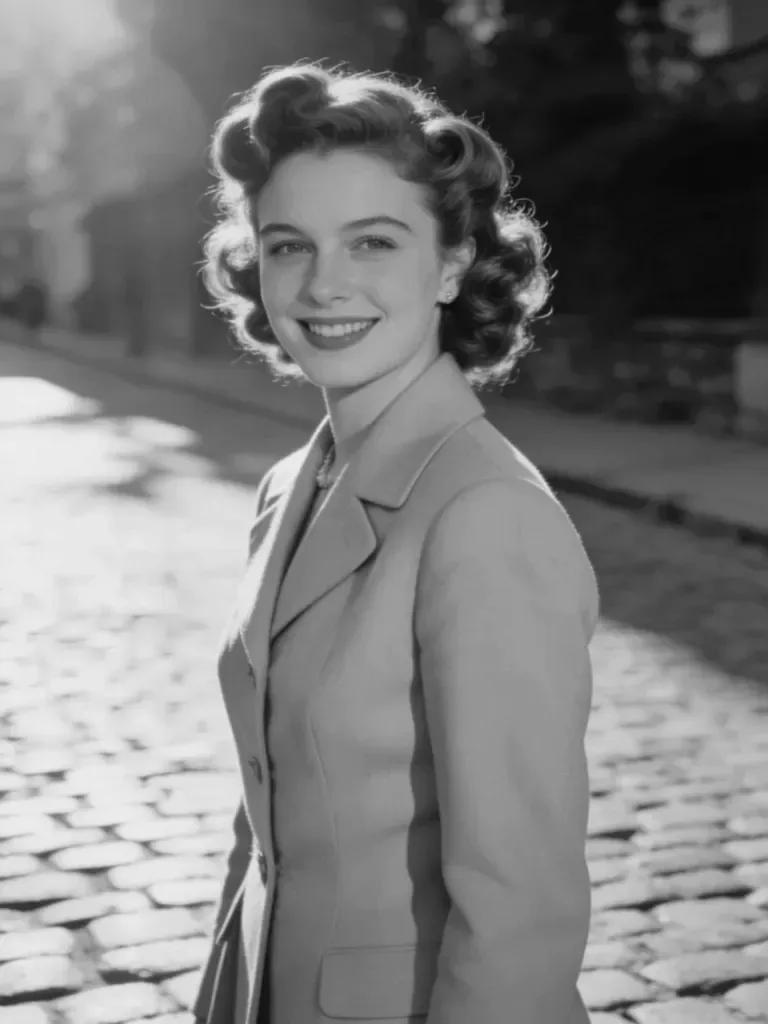
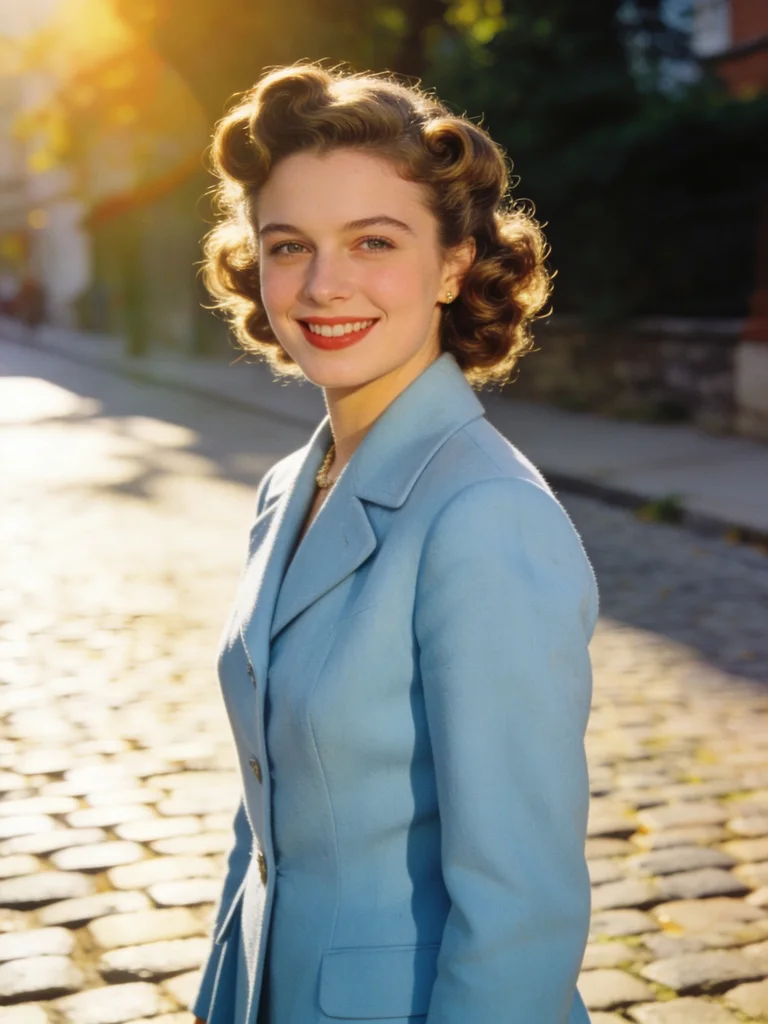
AI Image Generator — Create & Edit Images in 4K

Create images from text or edit up to 5 reference photos. Choose Nano Banana 2.1, GPT Image 2.6 or Z Image Turbo and export in 1K to 4K.

Text-to-Image and Photo Editing Prompts

Click any template to load its lighting and camera setup directly into the AI photoshoot generator above.
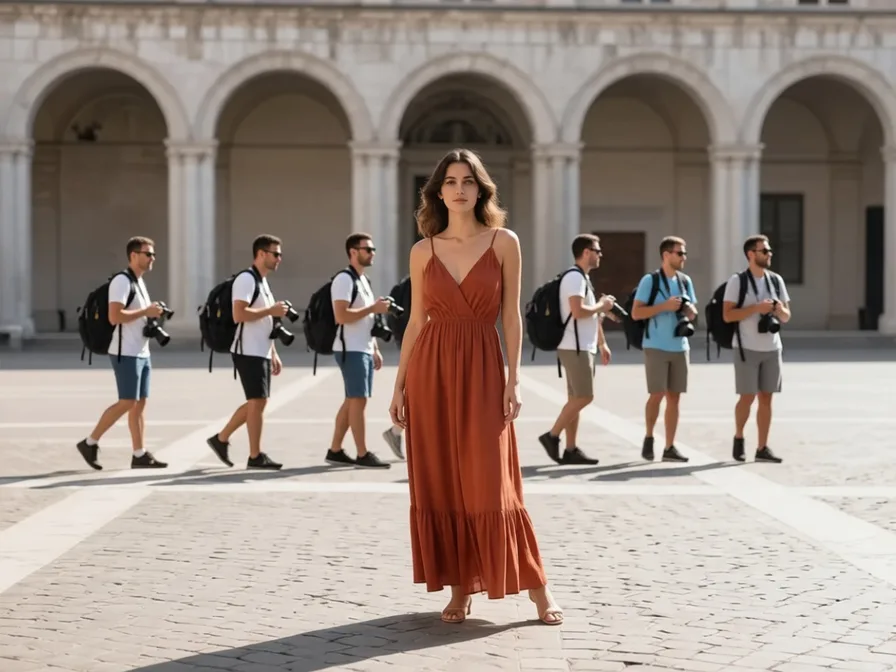
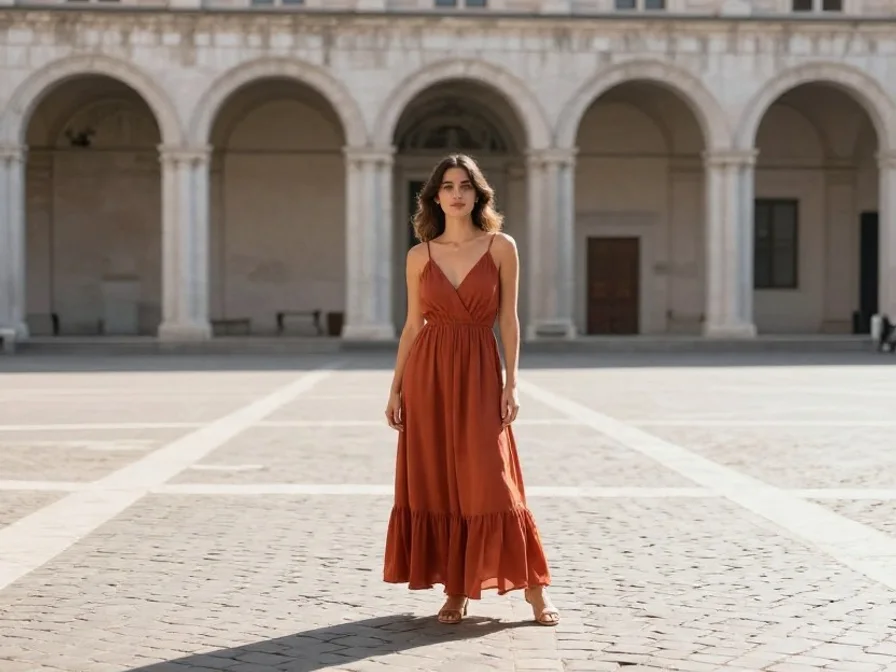
Before: Remove Tourists & Photobombers (Clean Scene) — original reference photo
After: Remove Tourists & Photobombers — Clean Scene portrait example

Remove Tourists & Photobombers

Clean Scene
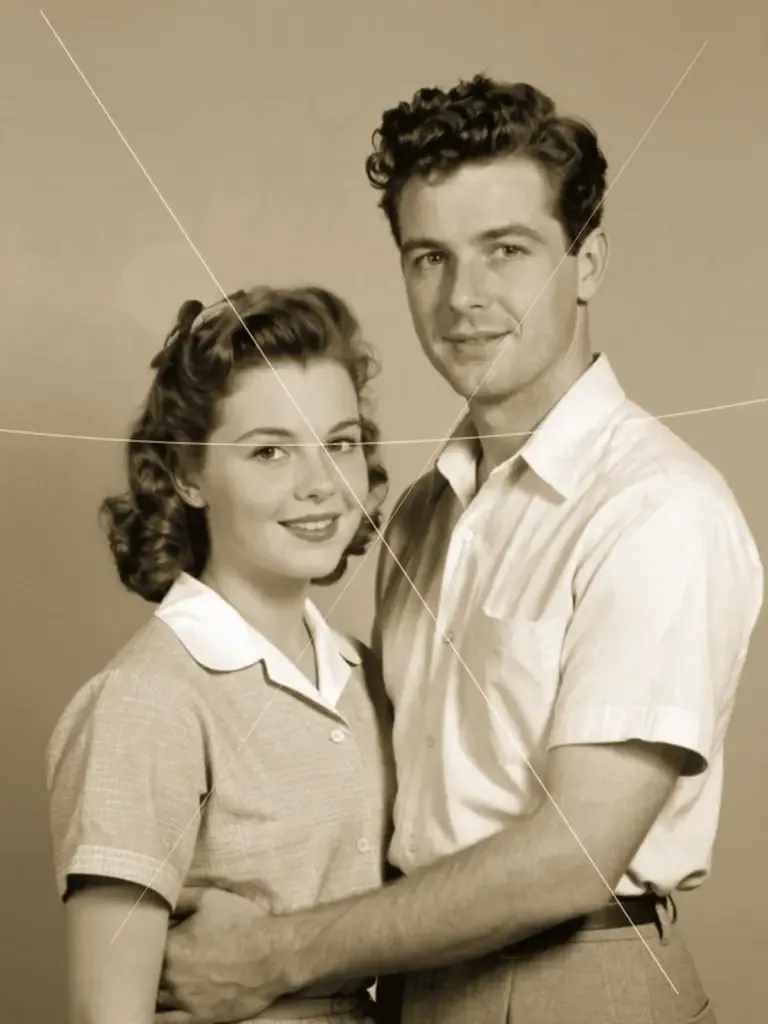
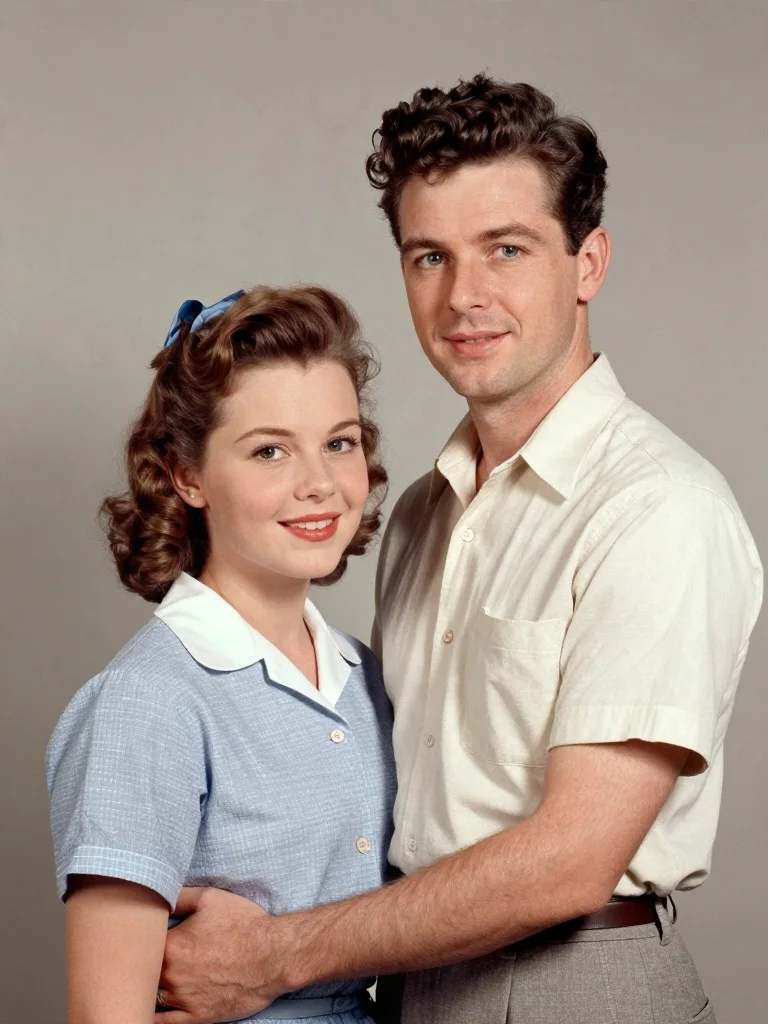
Before: Restore Scratched & Torn Family Photo (Scratch Repair) — original reference photo
After: Restore Scratched & Torn Family Photo — Scratch Repair portrait example

Restore Scratched & Torn Family Photo

Scratch Repair
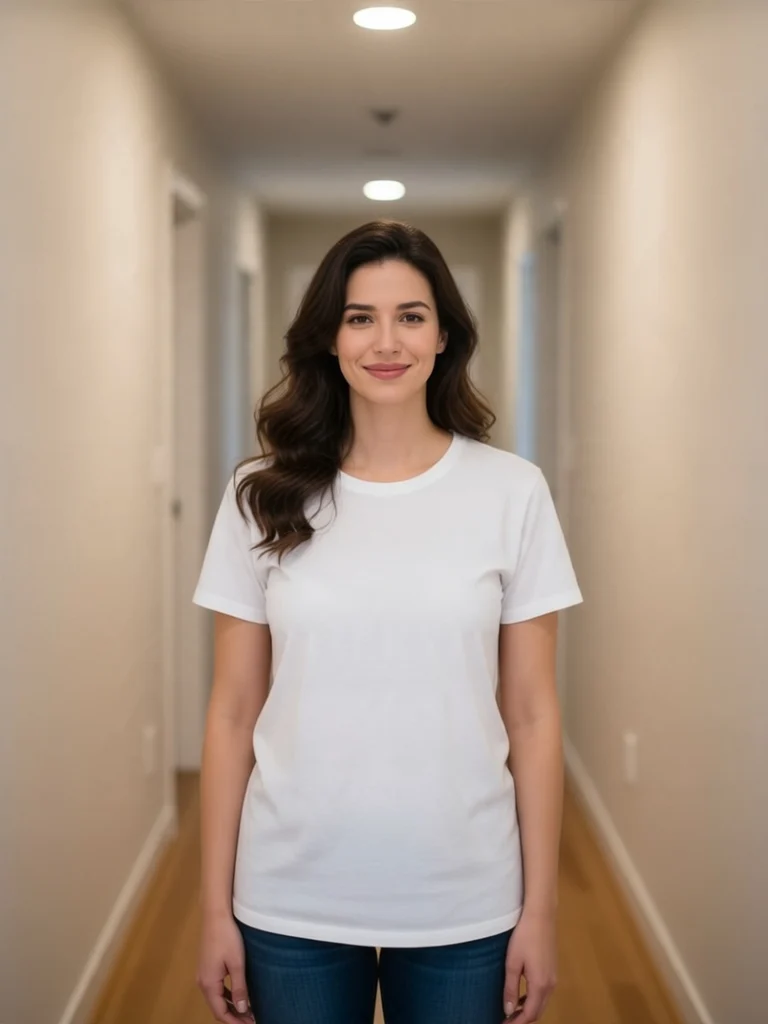
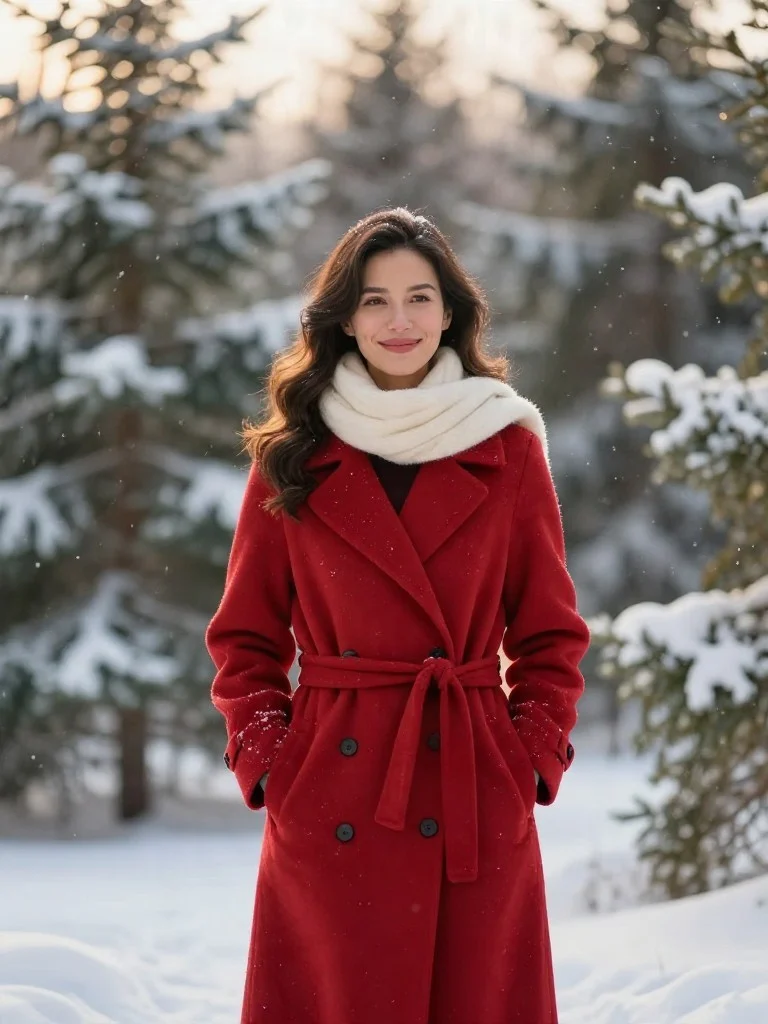
Before: Snowy Pine Forest Crimson Coat Portrait (Winter Forest) — original reference photo
After: Snowy Pine Forest Crimson Coat Portrait — Winter Forest portrait example

Snowy Pine Forest Crimson Coat Portrait

Winter Forest
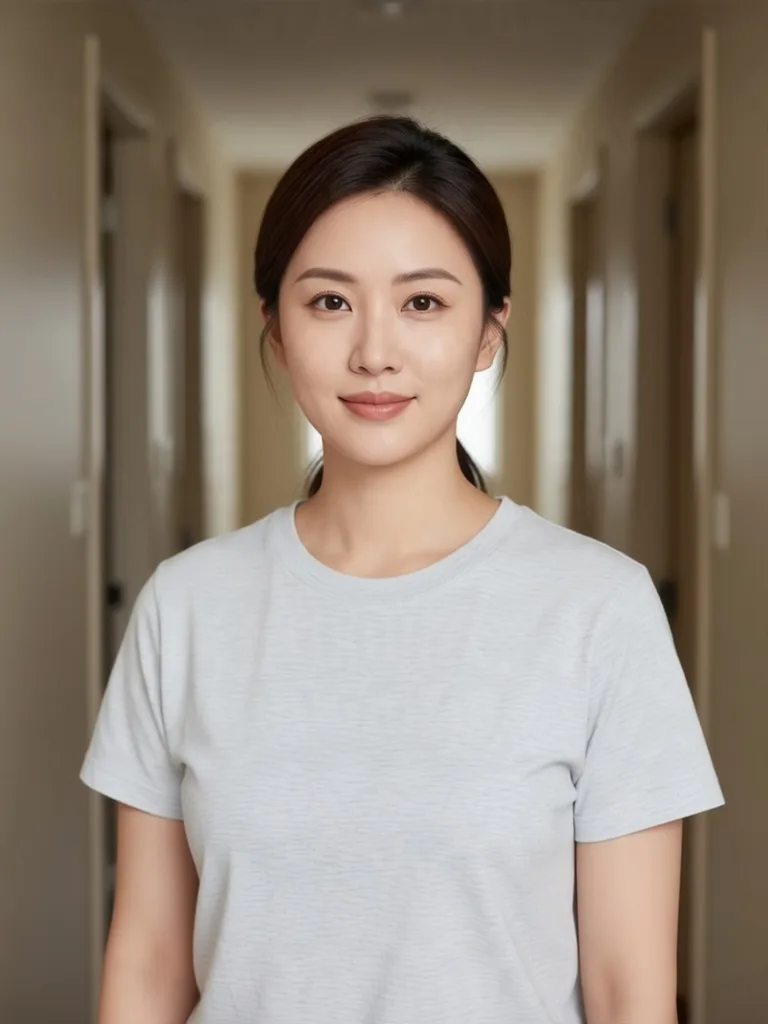
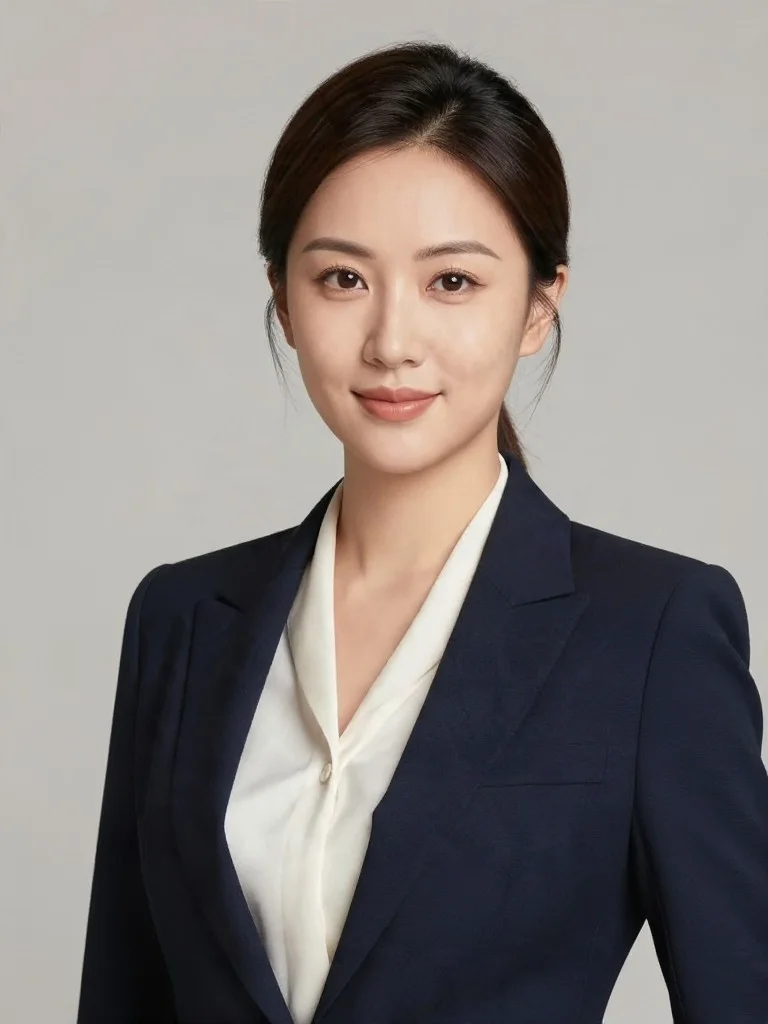
Before: Executive Studio Headshot (Corporate) — original reference photo
After: Executive Studio Headshot — Corporate portrait example

Executive Studio Headshot

Corporate
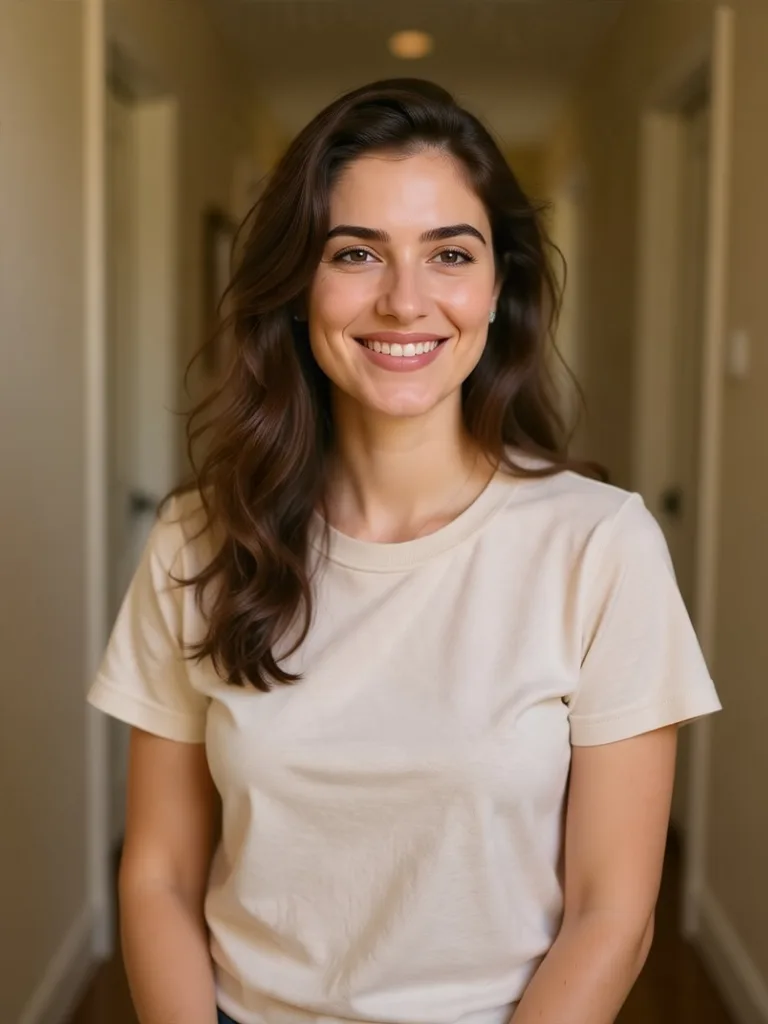
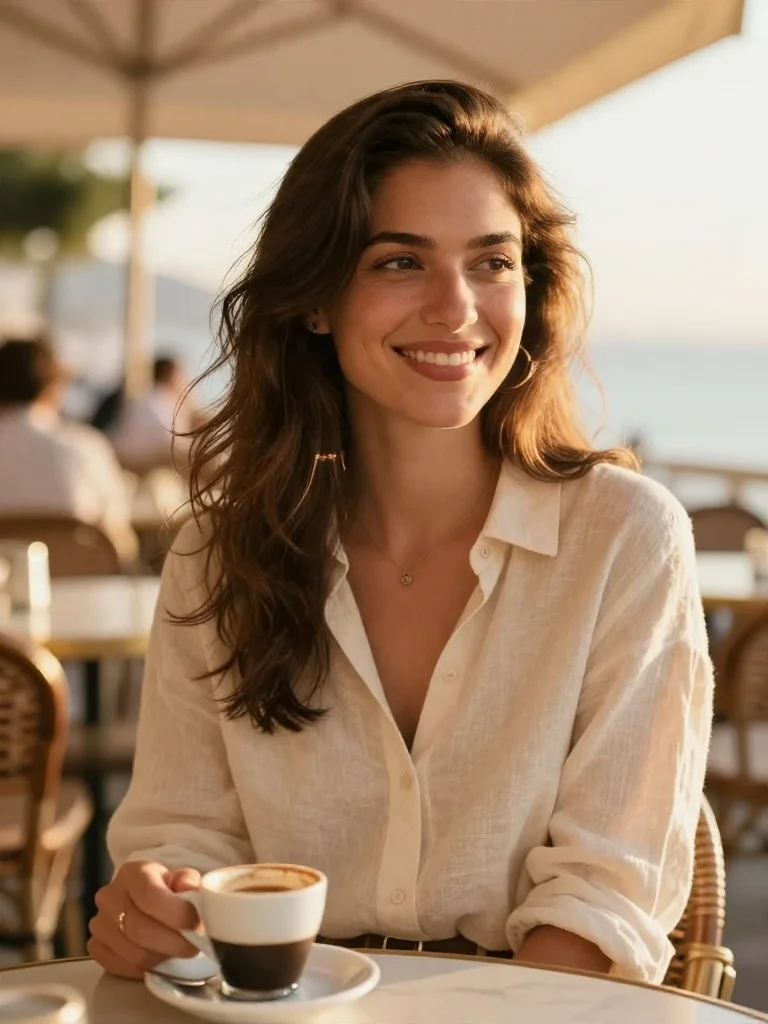
Before: Golden-Hour Dating Profile Photo (Dating Profile) — original reference photo
After: Golden-Hour Dating Profile Photo — Dating Profile portrait example

Golden-Hour Dating Profile Photo

Dating Profile
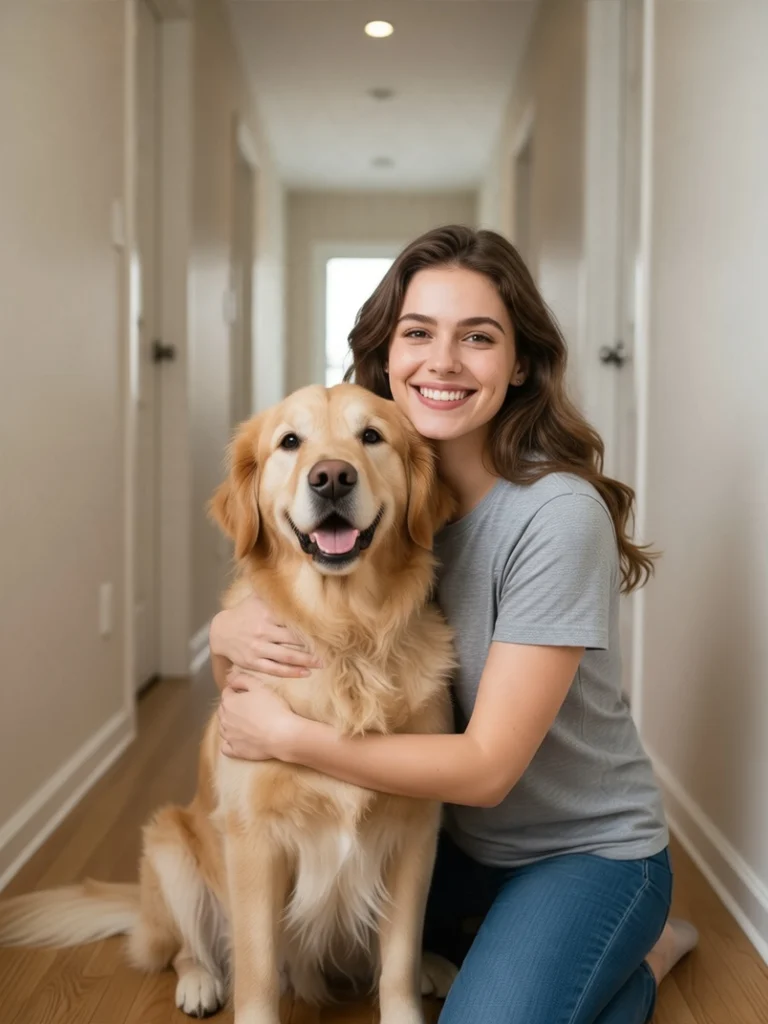
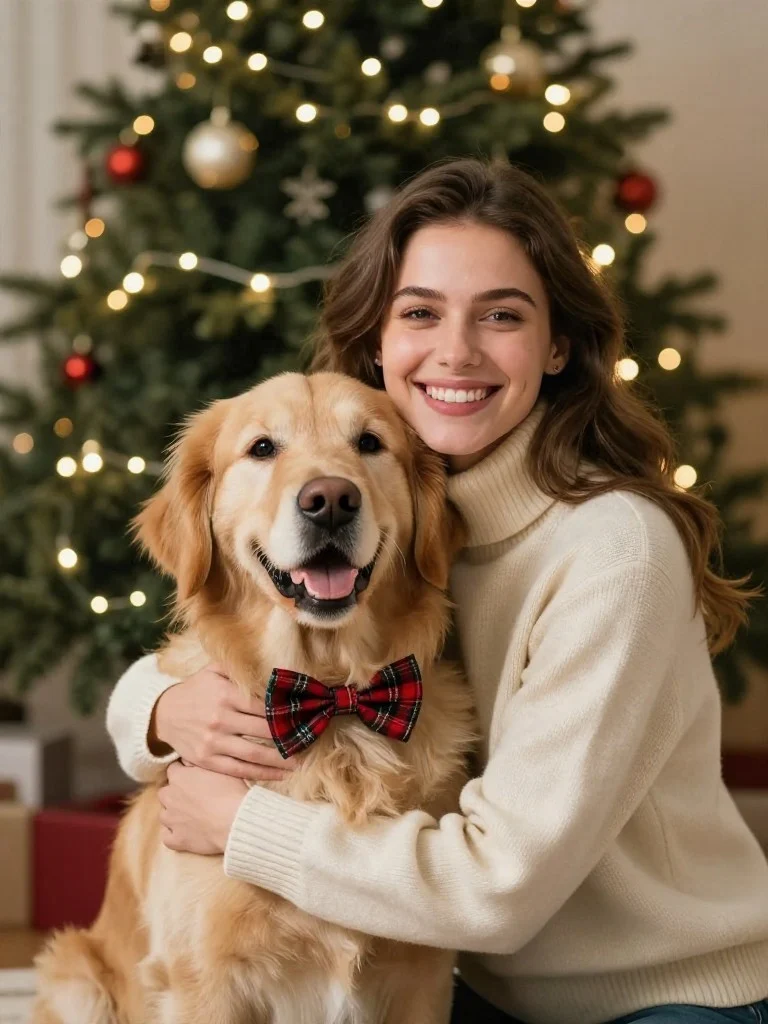
Before: Golden Retriever Tartan Bow-Tie Holiday Card (Pet Christmas) — original reference photo
After: Golden Retriever Tartan Bow-Tie Holiday Card — Pet Christmas portrait example

Golden Retriever Tartan Bow-Tie Holiday Card

Pet Christmas
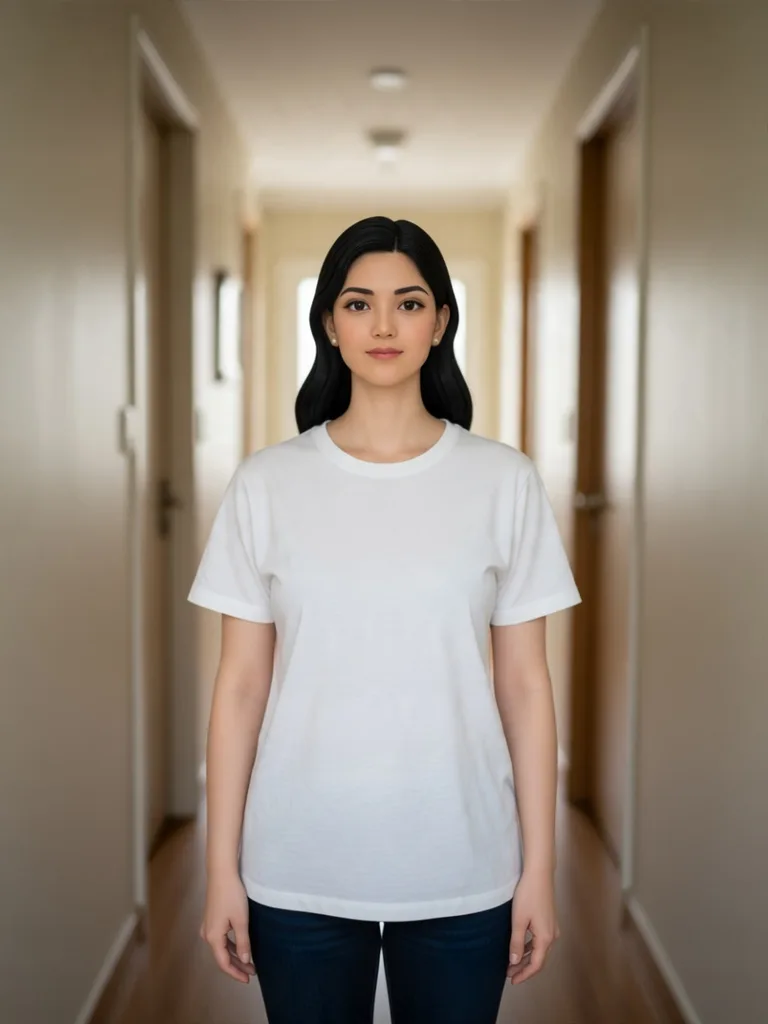
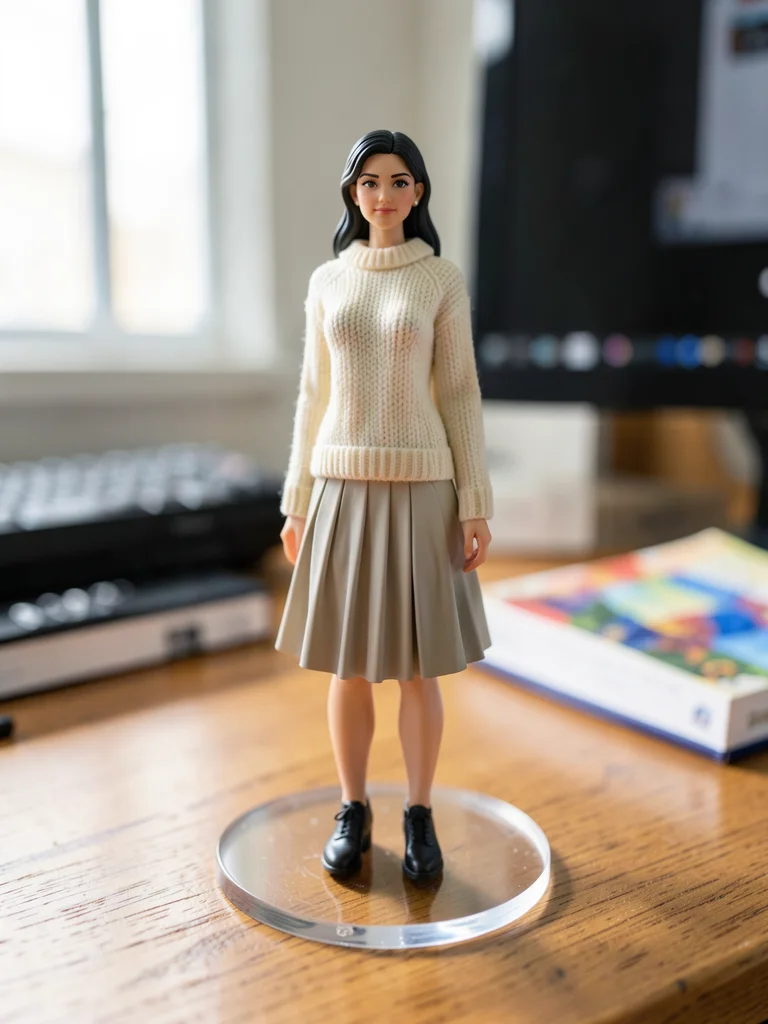
Before: Collectible Desk Figurine (3D Figurine) — original reference photo
After: Collectible Desk Figurine — 3D Figurine portrait example

Collectible Desk Figurine

3D Figurine
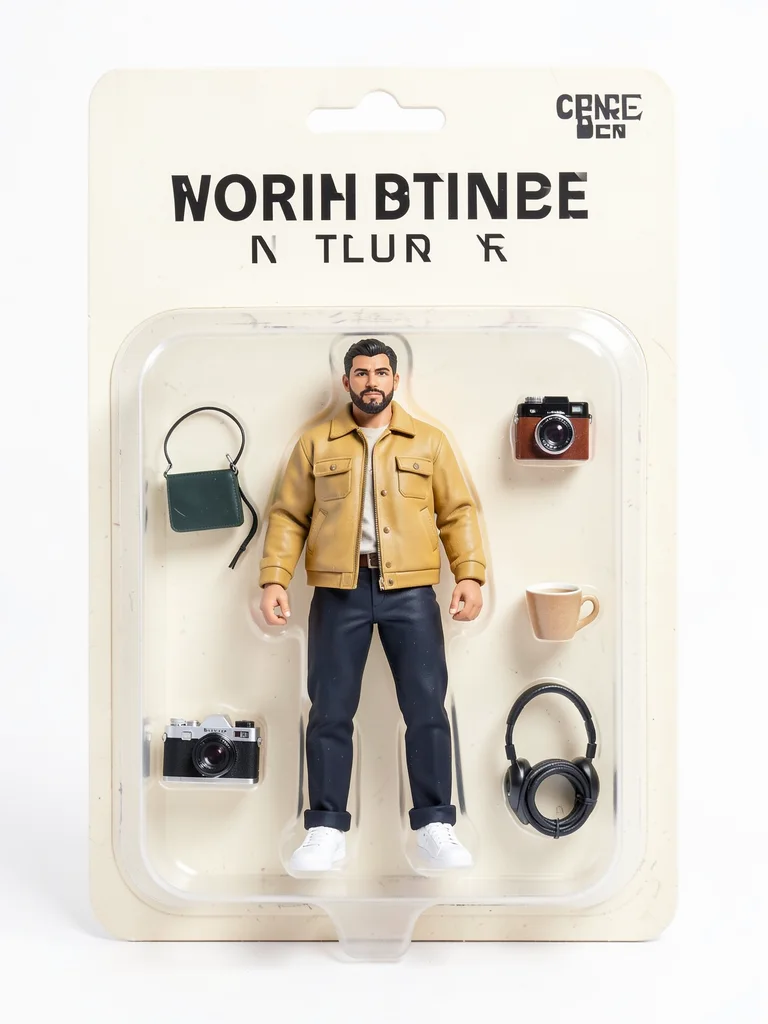
Before: Blister-Pack Action Figure (Toy Box) — original reference photo
After: Blister-Pack Action Figure — Toy Box portrait example

Blister-Pack Action Figure

Toy Box
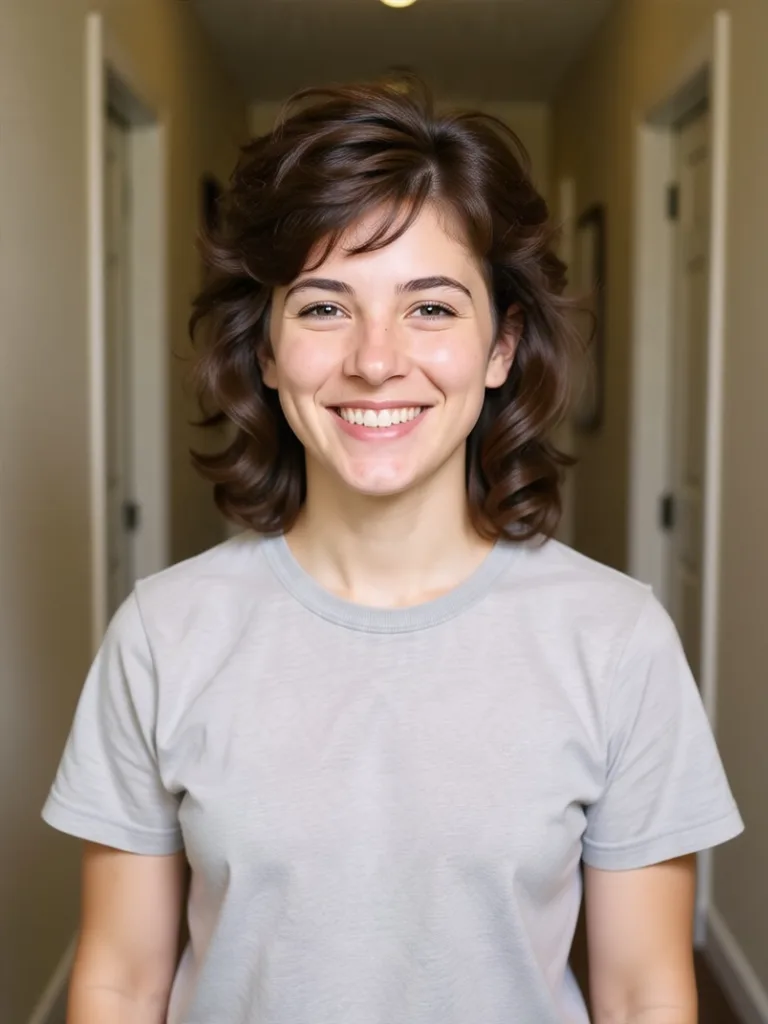
Before: 90s High School Yearbook (90s Retro) — original reference photo
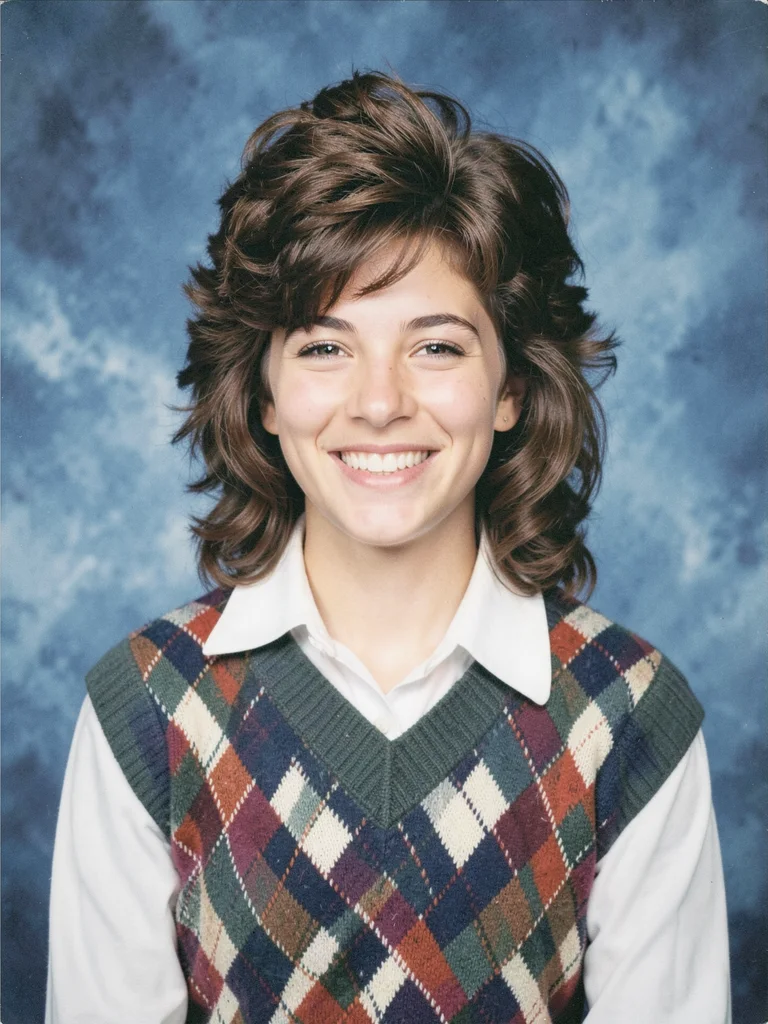
After: 90s High School Yearbook — 90s Retro portrait example

90s High School Yearbook

90s Retro
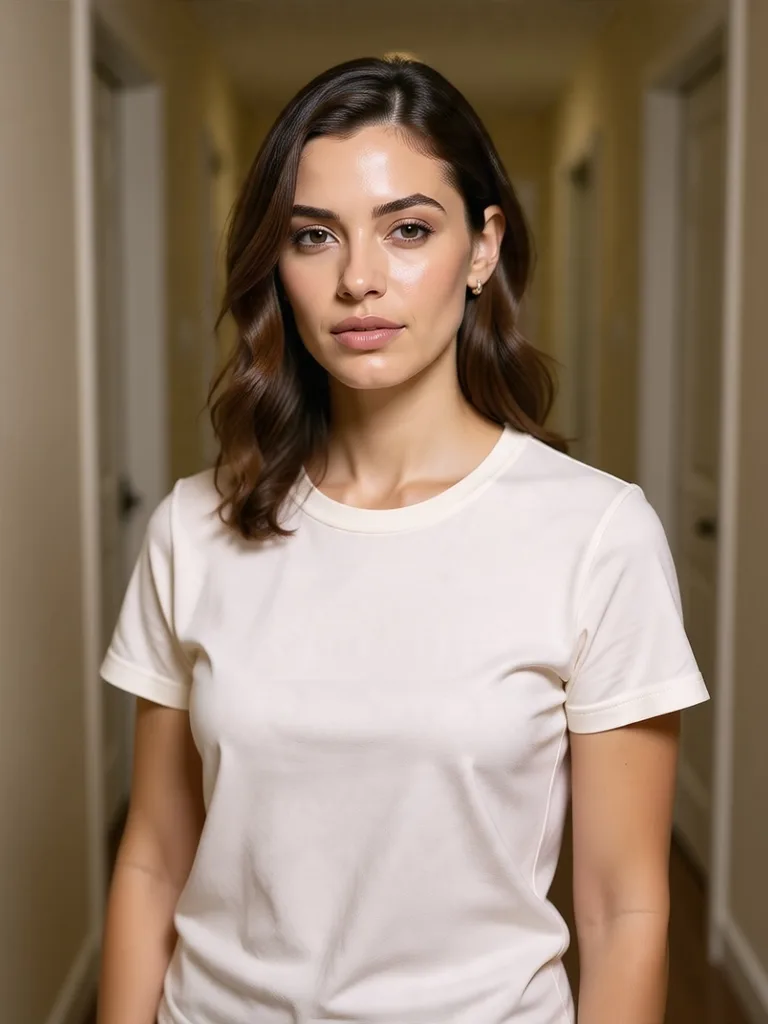
Before: High-Fashion Editorial Cover (Editorial) — original reference photo
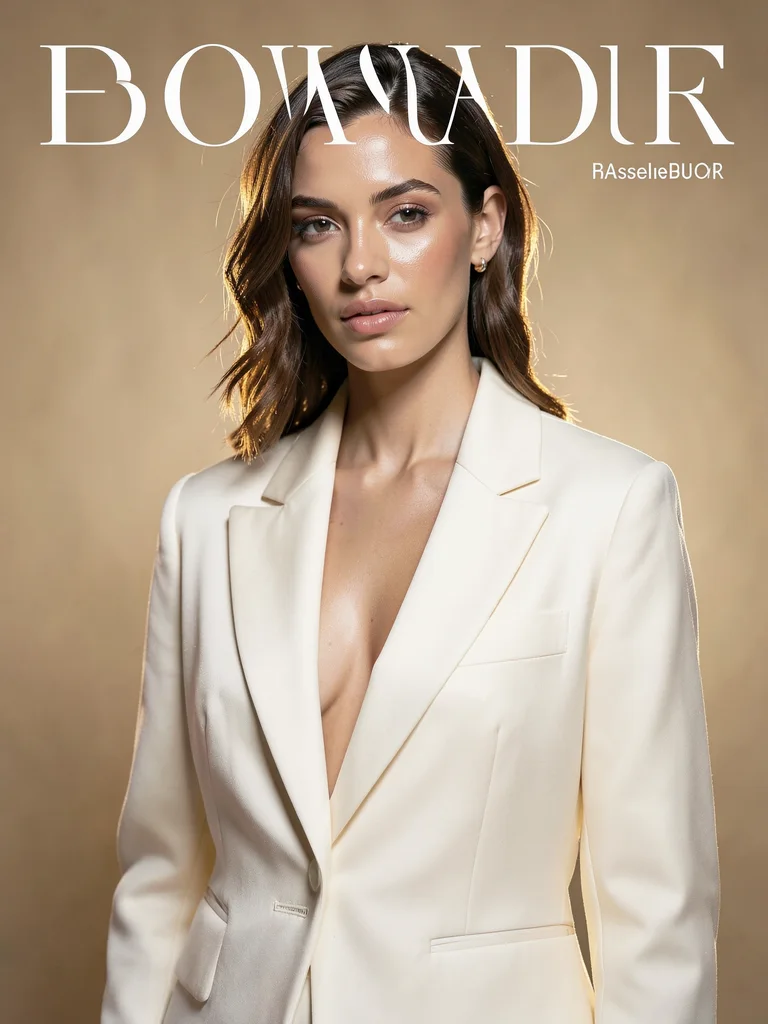
After: High-Fashion Editorial Cover — Editorial portrait example

High-Fashion Editorial Cover

Editorial
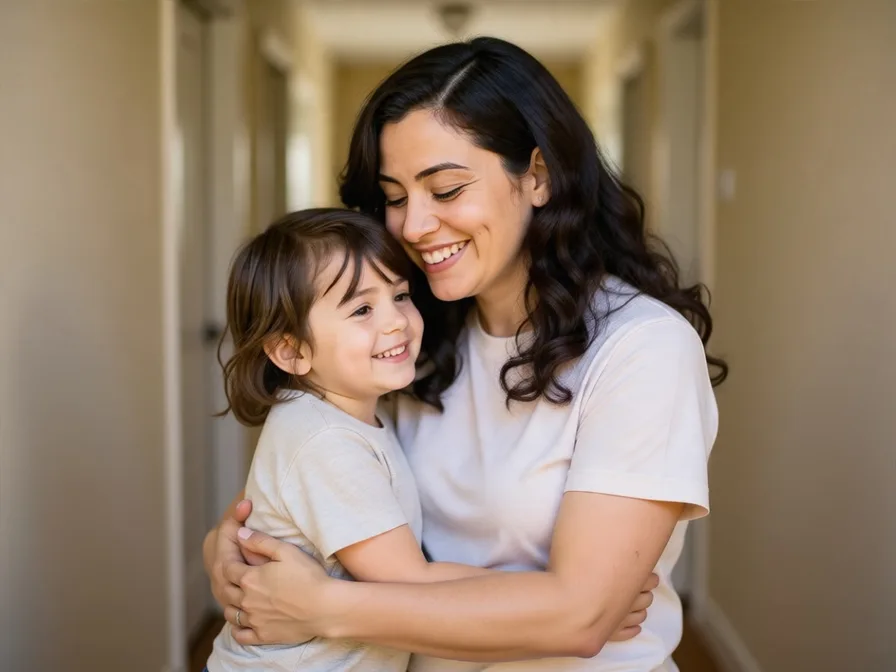
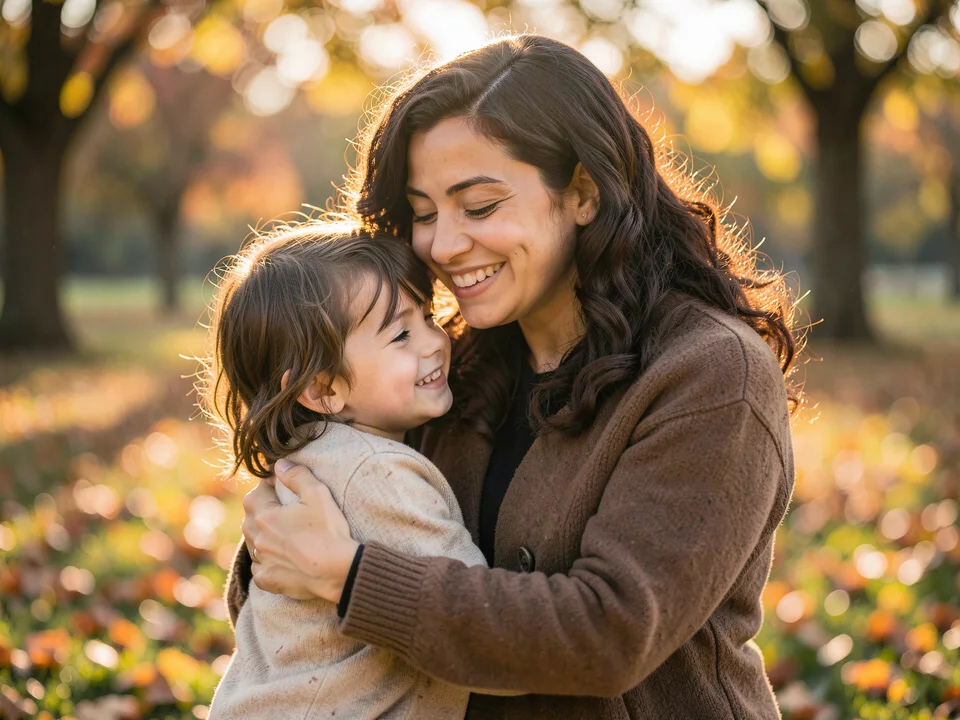
Before: Reunion With Younger Self (Emotional) — original reference photo
After: Reunion With Younger Self — Emotional portrait example

Reunion With Younger Self

Emotional
Before: AI Portrait to Real Camera Photo (De-Plasticize) — original reference photo
After: AI Portrait to Real Camera Photo — De-Plasticize portrait example

AI Portrait to Real Camera Photo

De-Plasticize
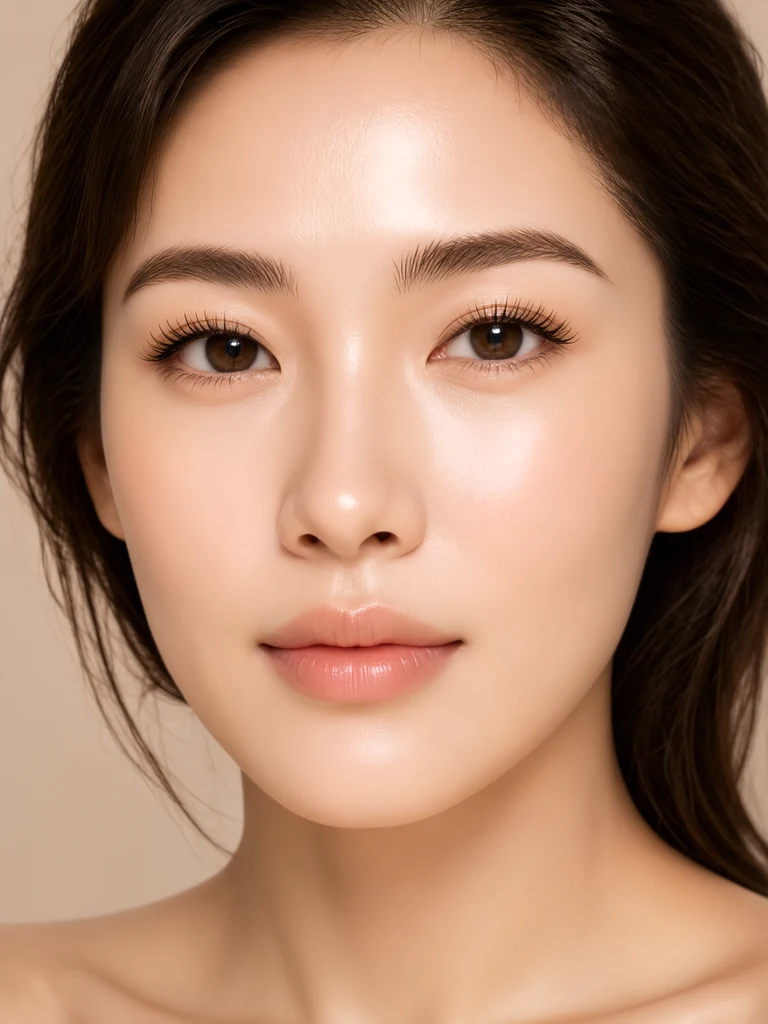
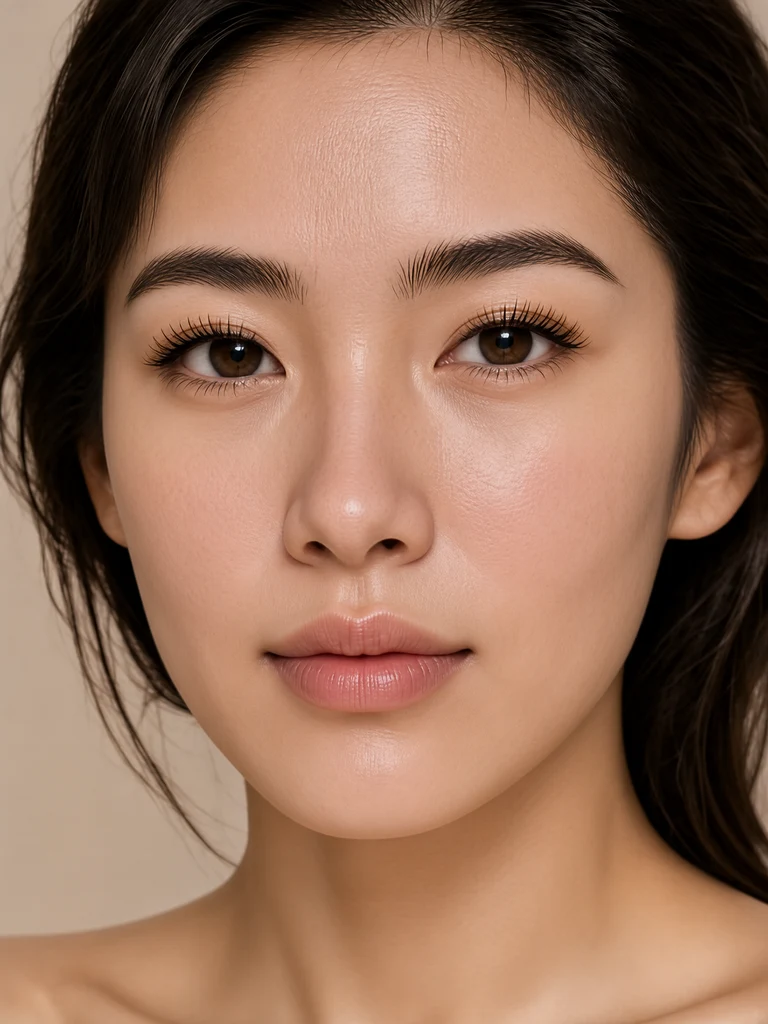
Before: Micro-Pore Skin Texture Recovery (Skin Realism) — original reference photo
After: Micro-Pore Skin Texture Recovery — Skin Realism portrait example

Micro-Pore Skin Texture Recovery

Skin Realism
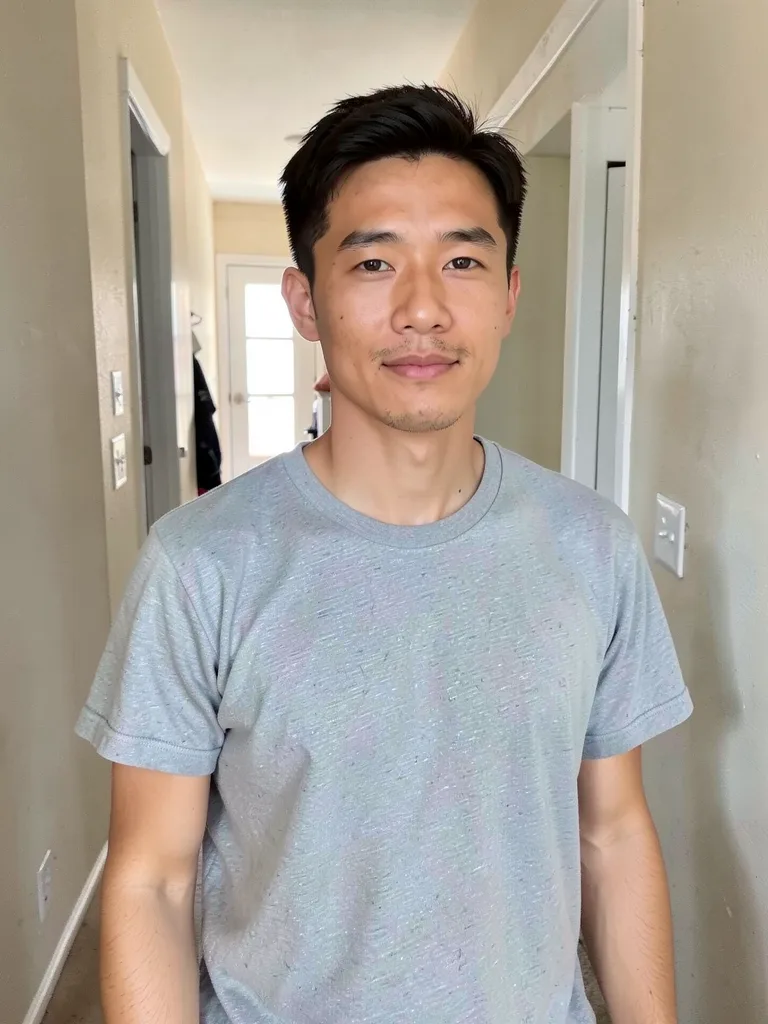
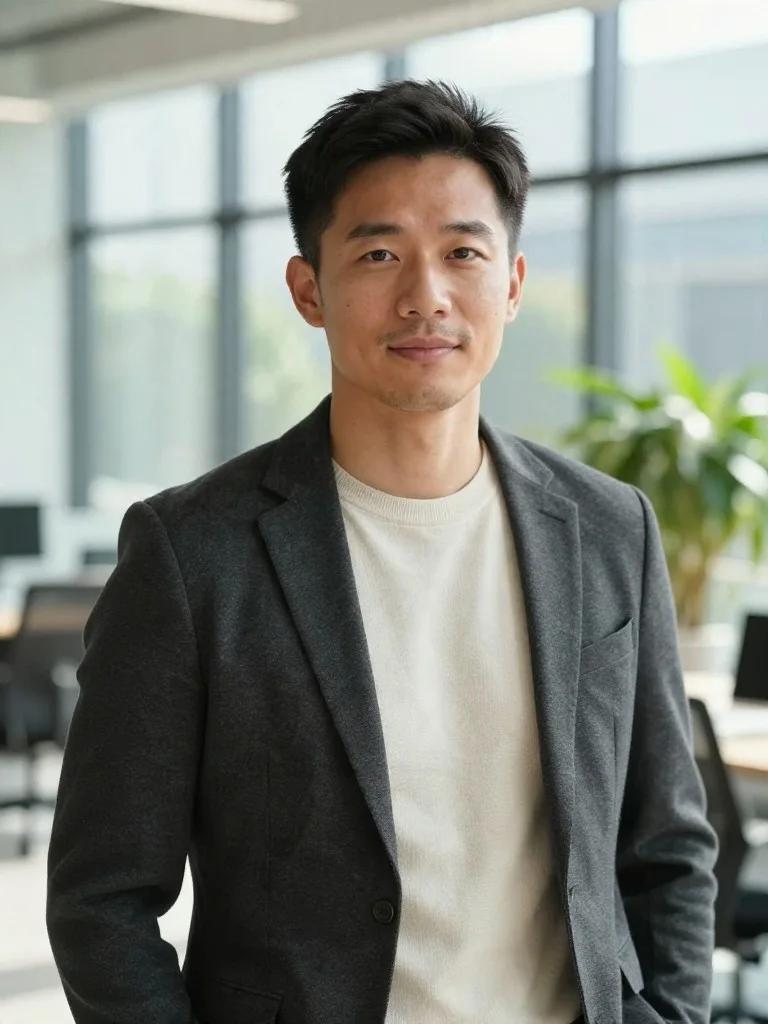
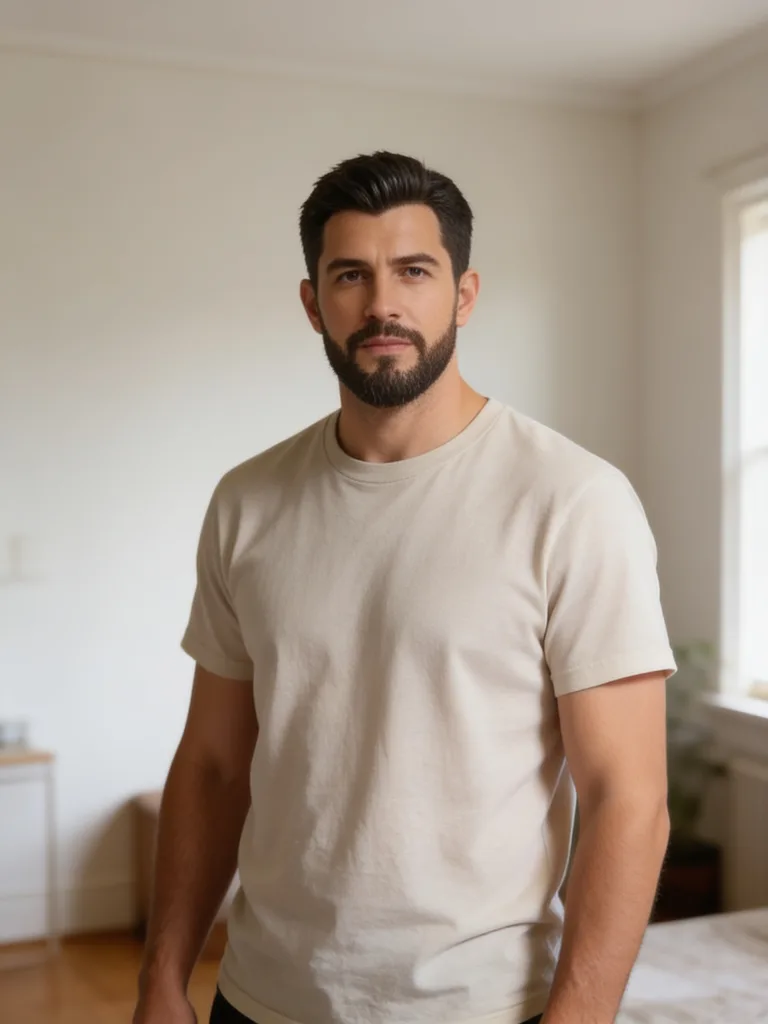
Before: Modern Tech Founder Portrait (Founder) — original reference photo
After: Modern Tech Founder Portrait — Founder portrait example

Modern Tech Founder Portrait

Founder
Before: Natural Historical Photo Colorization (Colorize) — original reference photo
After: Natural Historical Photo Colorization — Colorize portrait example

Natural Historical Photo Colorization

Colorize
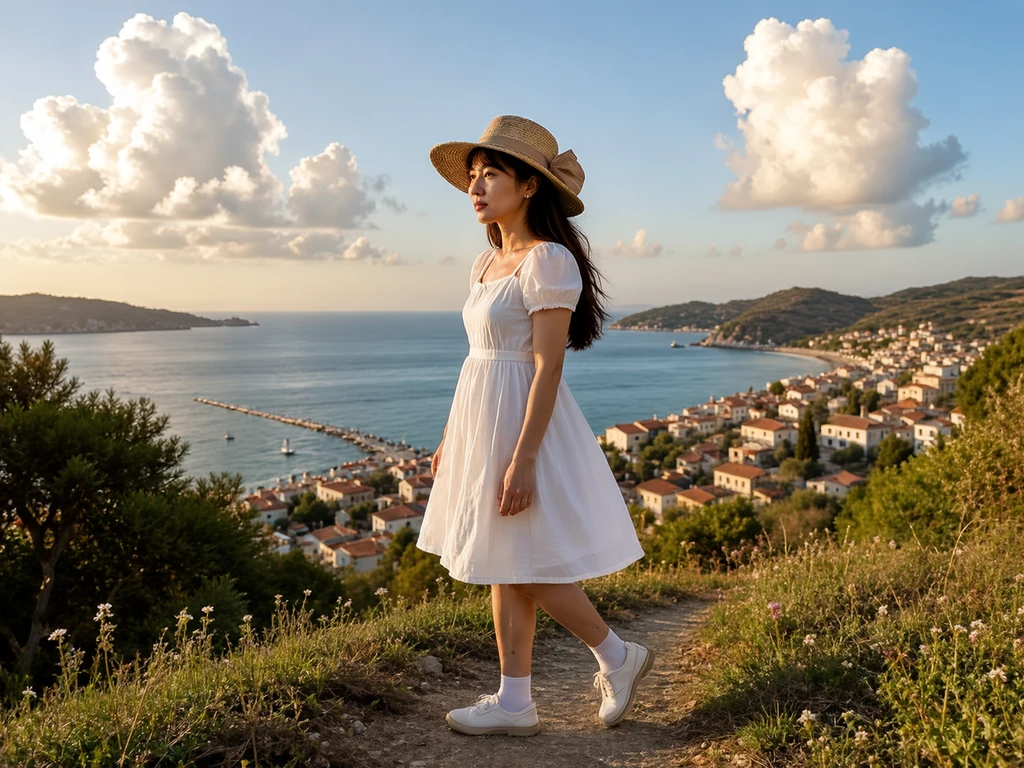
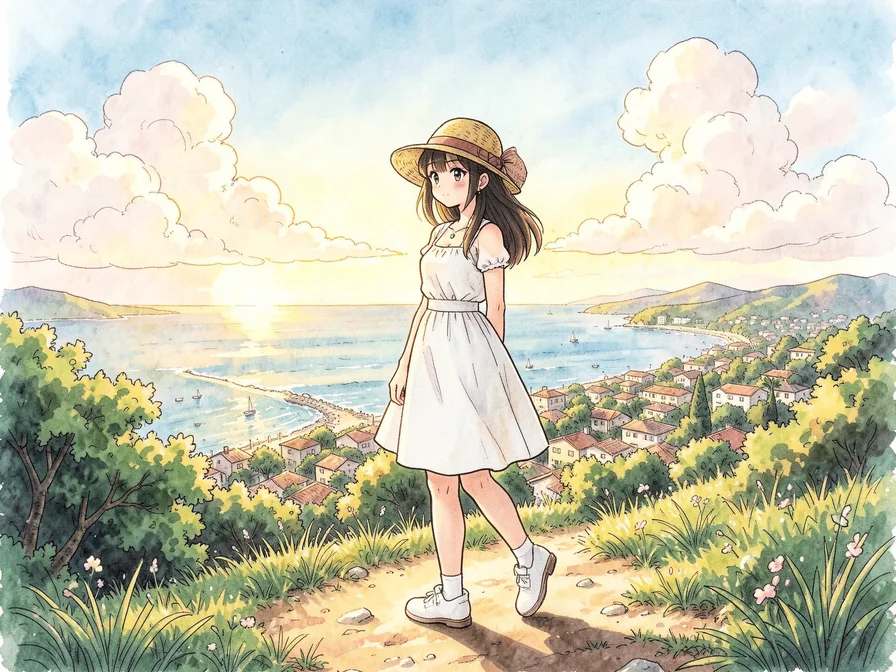
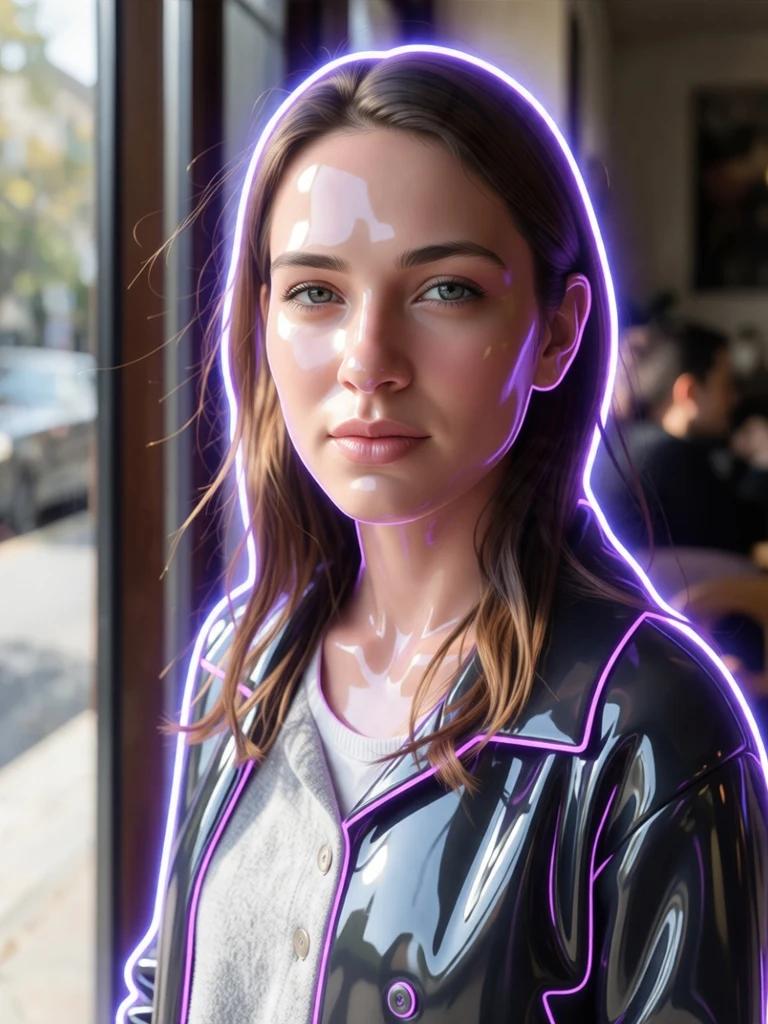
Before: Hand-Painted Lush Anime Film Style (Anime Film) — original reference photo
After: Hand-Painted Lush Anime Film Style — Anime Film portrait example

Hand-Painted Lush Anime Film Style

Anime Film
[object Object]

AI Image Generator FAQ

Does the AI image generator support both text to image and image to image?
Yes. Leave the photo bar empty to use it as a pure text to image AI image generator, or upload 1 to 5 reference photos for identity-locked image to image editing and AI photoshoots.
Which models power the Beautyface AI image generator?
Our AI image generator uses Nano Banana 2.1, GPT Image 2.6, and Z Image Turbo, with automatic dual-model fallback so a busy upstream model never ruins your generation.
What aspect ratios and resolutions can the AI image generator produce?
The AI image generator supports Auto, 1:1, 3:4, 4:3, 16:9, 9:16, 3:2, and 2:3 aspect ratios in 1K, 2K, and 4K resolution.
Can I edit an image right after the AI image generator creates it?
Yes. Click 'Continue Edit' on any output from the AI image generator to load it as Reference Photo #1 and refine clothing, lighting, or background details.
Are images from the AI image generator watermark-free and commercial-ready?
Yes. Every image generated on free or paid credits is downloaded without watermarks and includes commercial usage rights.